 kage
kage
open.cx
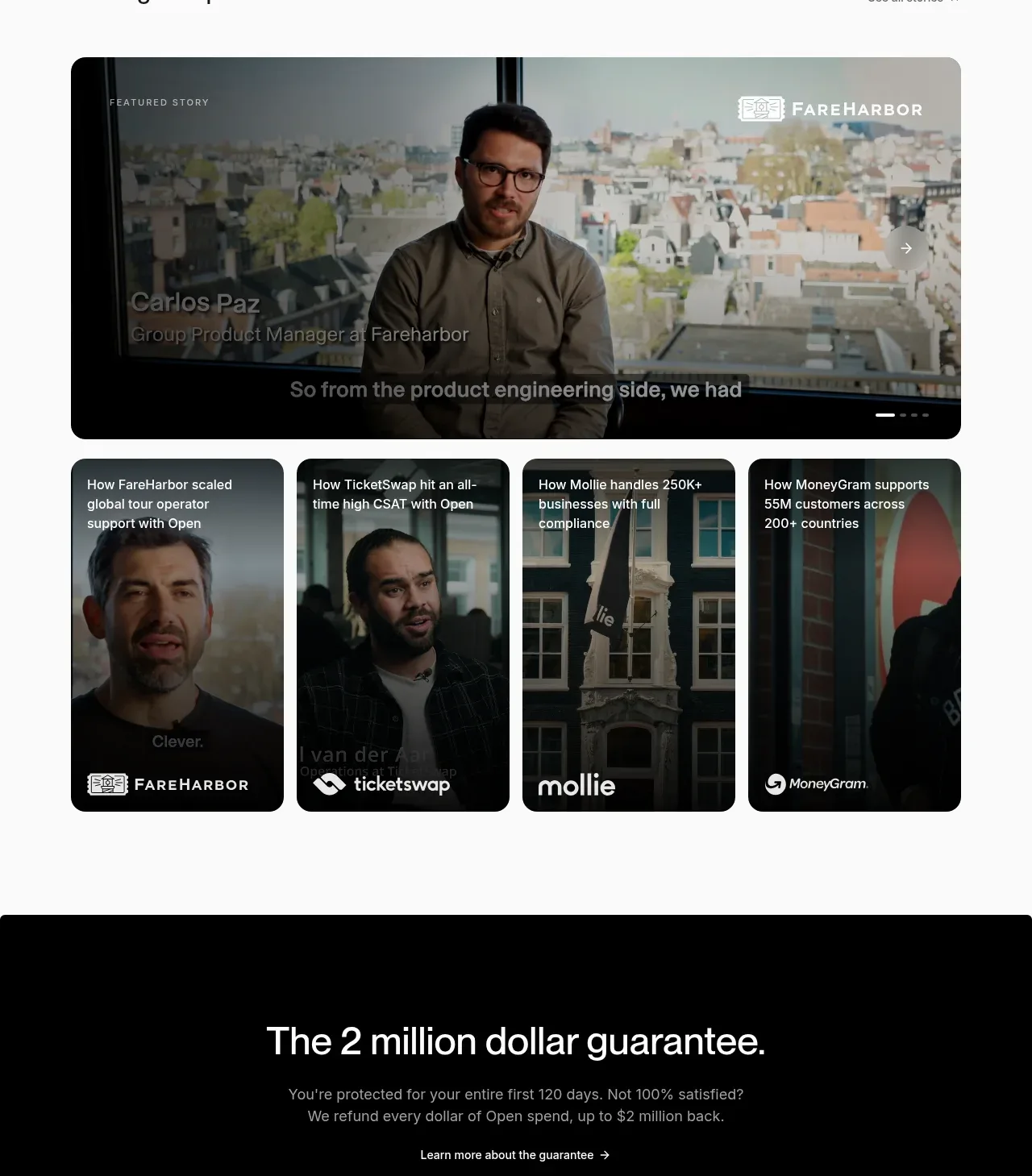
Design analysis
A featured customer story dominates the section, with four smaller story cards below that create an editorial, browsable testimonial collection.
Prompt preview
## Reference images

Study these alongside the description below: hierarchy, rhythm, spacing, colour. Build for the product you are asked about, using this design language.

- Component: https://kage-design-assets.t3.tigrisfiles.io/components/open-for-sales/9a311215-a6aa-4eac-b69d-0b0434feabcf-1793253813-5.webp
- Full page it was cut from: https://kage-design-assets.t3.tigrisfiles.io/screenshots/open-for-sales/9a311215-a6aa-4eac-b69d-0b0434feabcf-1793253735957-full.webp
- Component on Kage: https://kage.design/component/open-for-sales-testimonials

## Before you start
Ask which customer stories are approved, what evidence can be shared, and whether the product needs video, quotes, or metrics. Use the following structure with the user's real content.

Build an editorial testimonial section on a light #fafafa background. Use a heading on the left and a discreet “see all” link on the right. Make the primary story a large rounded media card, roughly 2.4:1, with a dark image/video overlay, a small eyebrow, customer attribution, quote or subtitle, and visible carousel progress or arrow controls. Below it, place four smaller portrait-oriented story cards in a horizontal row; each uses a darkened image background, white title text, and a customer mark or label anchored near the bottom. Use 14–18px radius, overflow hidden, subtle gradient overlays for text contrast, and 12–14px gaps. Make the row horizontally scrollable on mobile and ensure keyboard-accessible carousel controls.

Never: use the reference customers, faces, logos, footage, exact testimonials, product name, or imagery.
More components
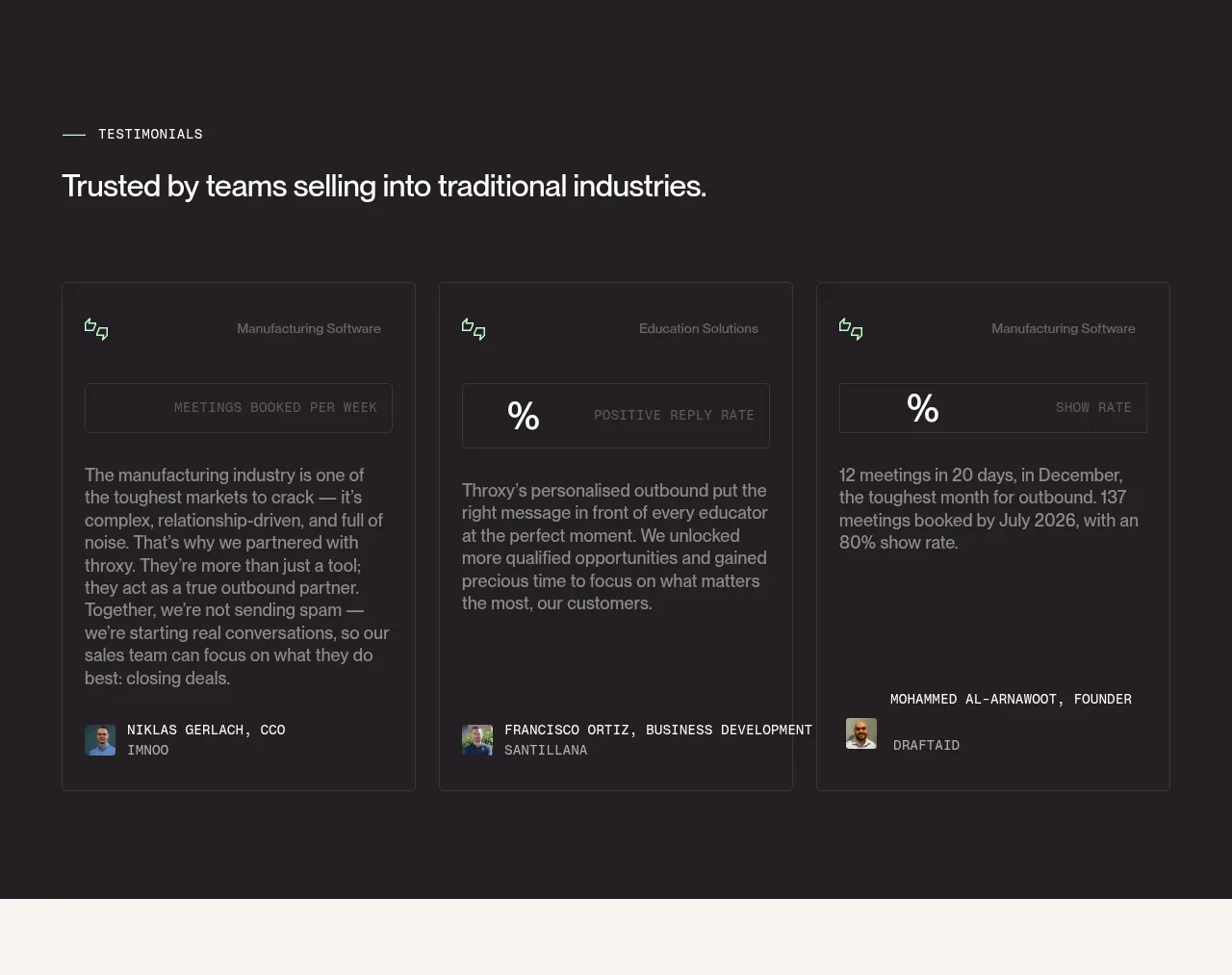
 Industry trust testimonials
throxy · Testimonials
Industry trust testimonials
throxy · Testimonials
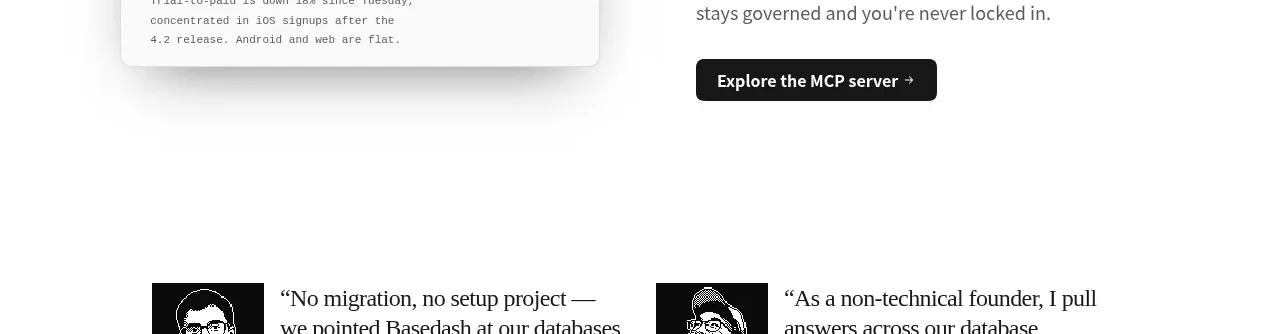
 Additional customer stories
Basedash View-only members · Testimonials
Additional customer stories
Basedash View-only members · Testimonials
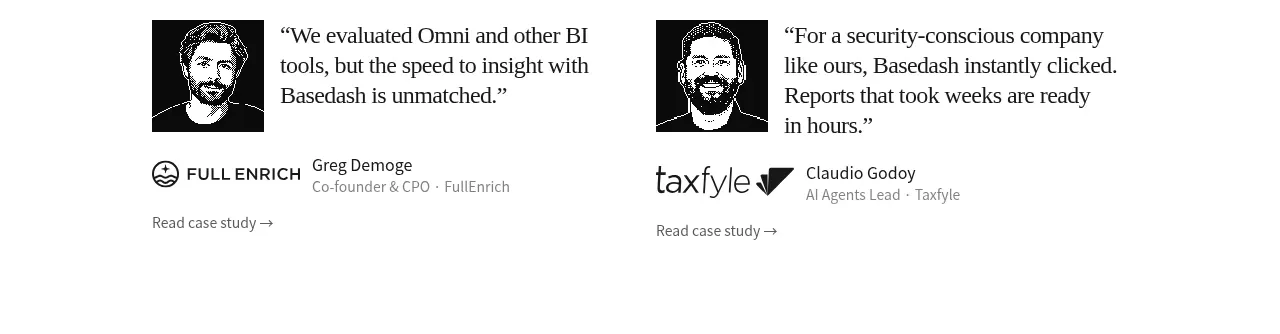 Early customer proof
Basedash View-only members · Testimonials
Early customer proof
Basedash View-only members · Testimonials
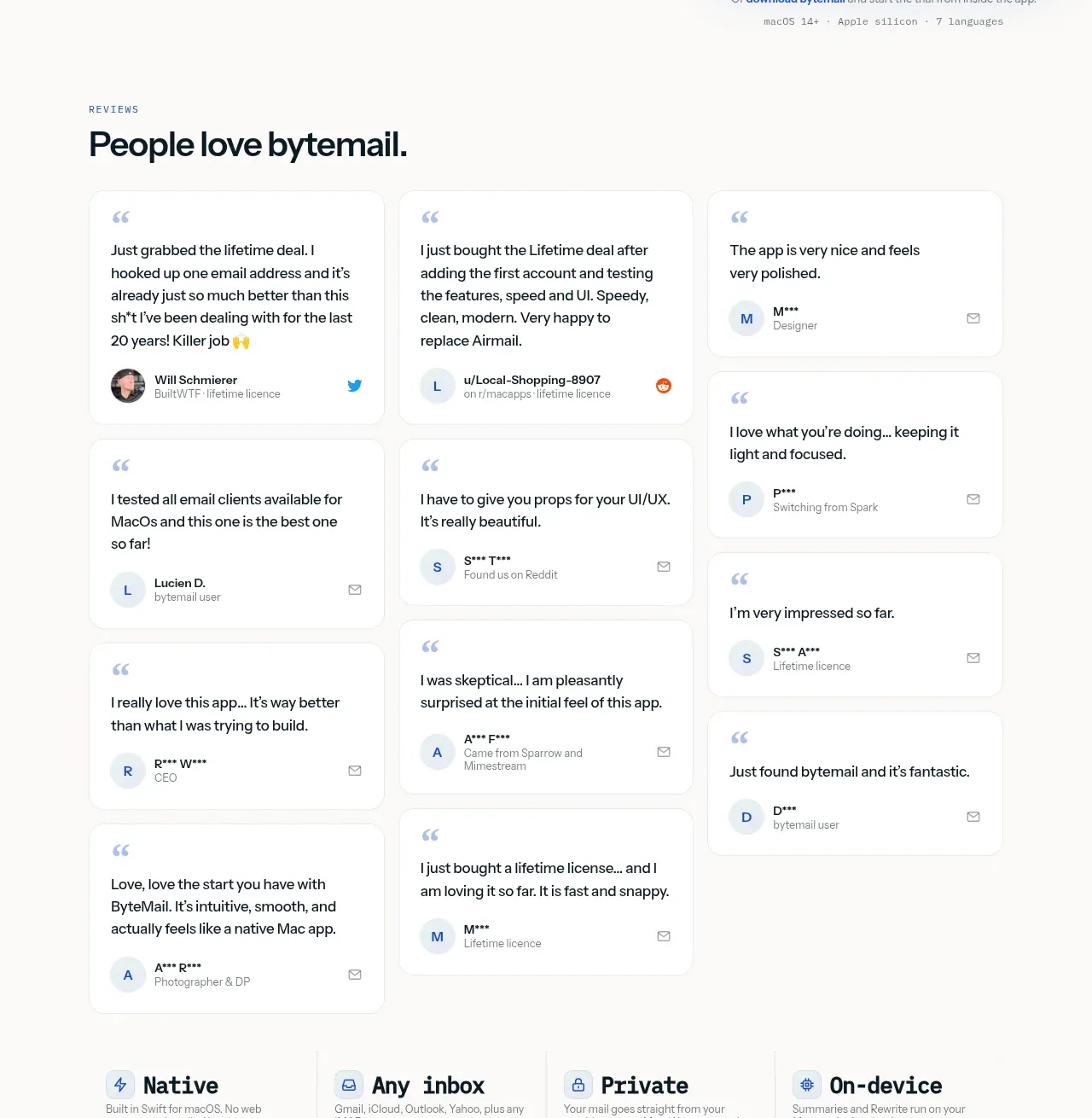
 Customer love masonry testimonials
bytemail · Testimonials
Customer love masonry testimonials
bytemail · Testimonials
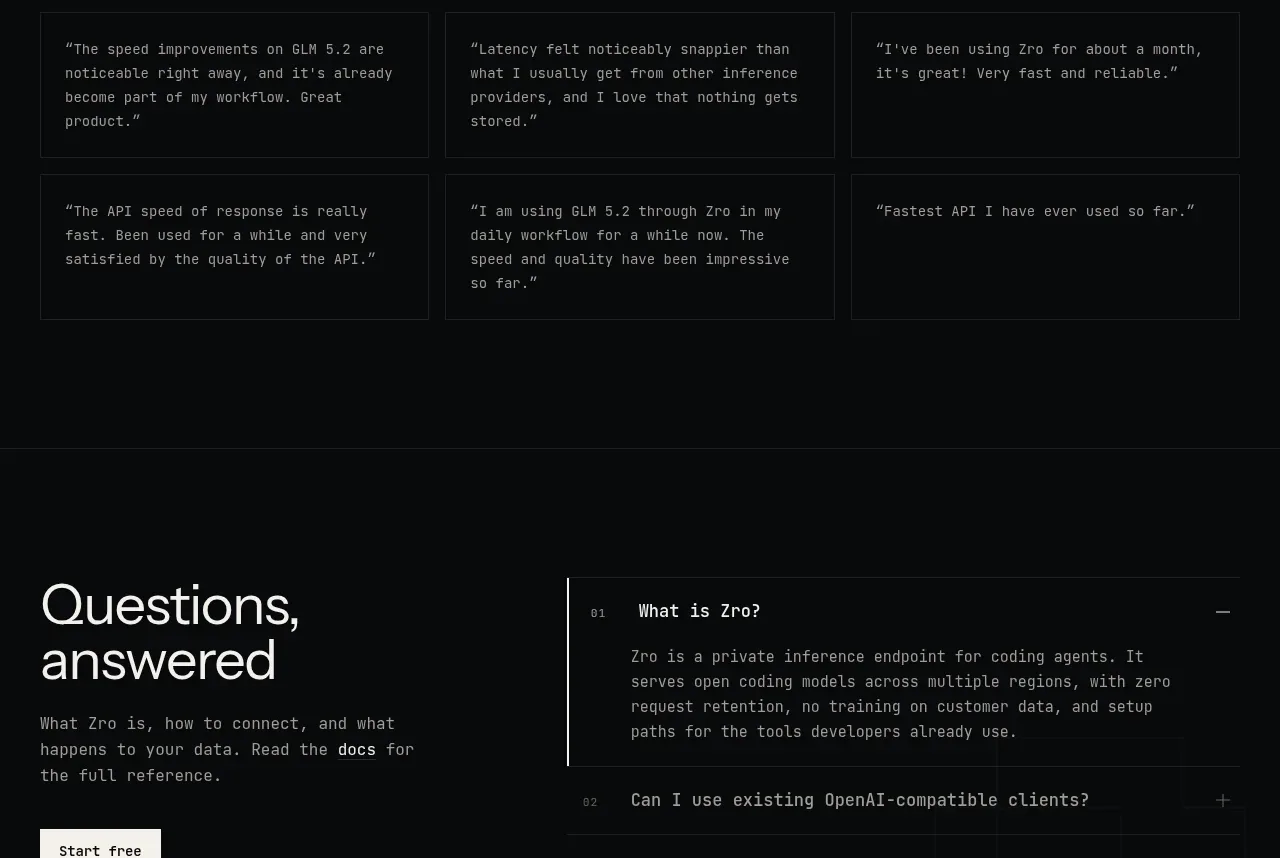
 Developer testimonials
Zro: Uncensored Security Models · Testimonials
Developer testimonials
Zro: Uncensored Security Models · Testimonials
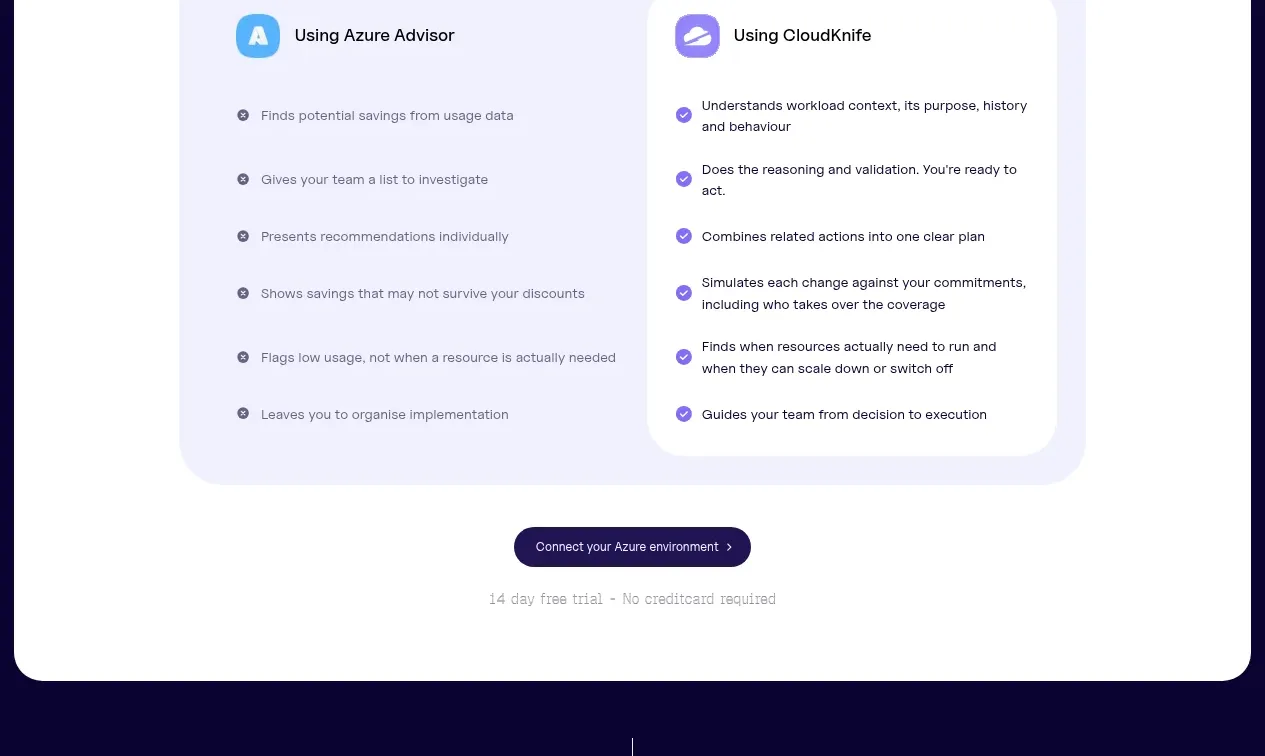
 Customer proof carousel
CloudKnife · Testimonials
Customer proof carousel
CloudKnife · Testimonials