 kage
kage
loquime.com
Design analysis
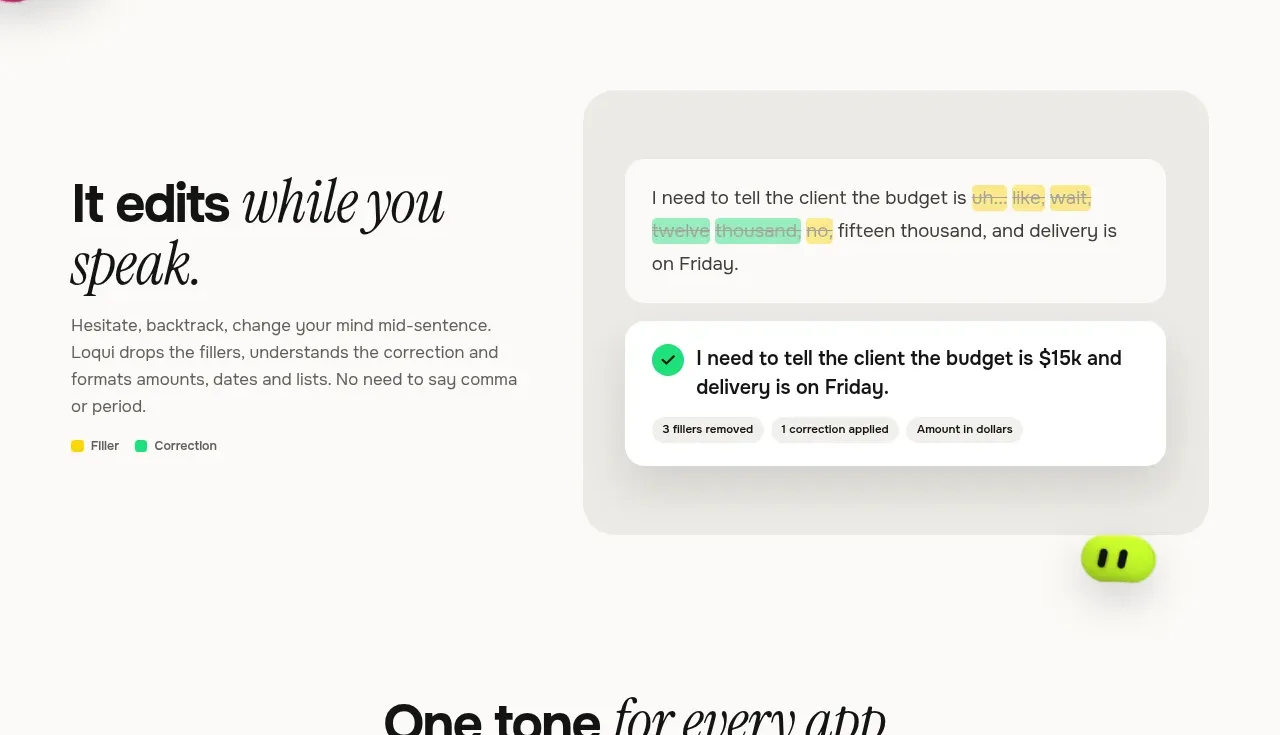
A concise split layout pairs a benefit-led heading and explanatory copy with a large before/after correction mockup. Highlighted filler and corrected text make the product's value immediately legible.
Prompt preview
## Reference images

Study these alongside the description below: hierarchy, rhythm, spacing, colour. Build for the product you are asked about, using this design language.

- Component: https://kage-design-assets.t3.tigrisfiles.io/components/loqui/a3dfb9eb-3572-4db1-a73a-a6d0266fe180-1793081141-4.webp
- Full page it was cut from: https://kage-design-assets.t3.tigrisfiles.io/screenshots/loqui/a3dfb9eb-3572-4db1-a73a-a6d0266fe180-1793080985787-full.webp
- Component on Kage: https://kage.design/component/loqui-feature-grid-3

## Before you start
Ask what transformation the user's product performs and what input/output contrast best proves it. Build an original comparison around that transformation.

Create a two-column feature section: an editorial heading and short explanation on the left, and a large product demonstration card on the right. Show an imperfect input state above a clean corrected result below, using highlight colours and a compact legend.

Design rules:
- Align both columns to a shared top edge inside a max-width container with generous vertical padding.
- Use a bold sans-serif headline with one italic serif emphasis; body copy should be 14–16px with #6e6b66 text.
- Place the demo in a soft grey #eeece8 frame with 20–28px radius and inner white cards.
- Use yellow #f5d928 for removable filler and mint #7de4ae for corrections; ensure colour is not the only indicator.
- Add a small rounded status line or check icon to the final state.
- On mobile, stack copy above the demo and keep the demo horizontally contained.

Never:
- Never use logos, product names, copy, illustrations, or imagery from the reference.
- Never copy the exact correction example or annotation labels.
More components

 Rapid onboarding timeline
throxy · Feature grid
Rapid onboarding timeline
throxy · Feature grid
 Qualification workflow cards
throxy · Feature grid
Qualification workflow cards
throxy · Feature grid
 Why alternatives disappoint
throxy · Feature grid
Why alternatives disappoint
throxy · Feature grid
 Outbound partner benefits
throxy · Feature grid
Outbound partner benefits
throxy · Feature grid
 Cold-calling performance section
throxy · Feature grid
Cold-calling performance section
throxy · Feature grid
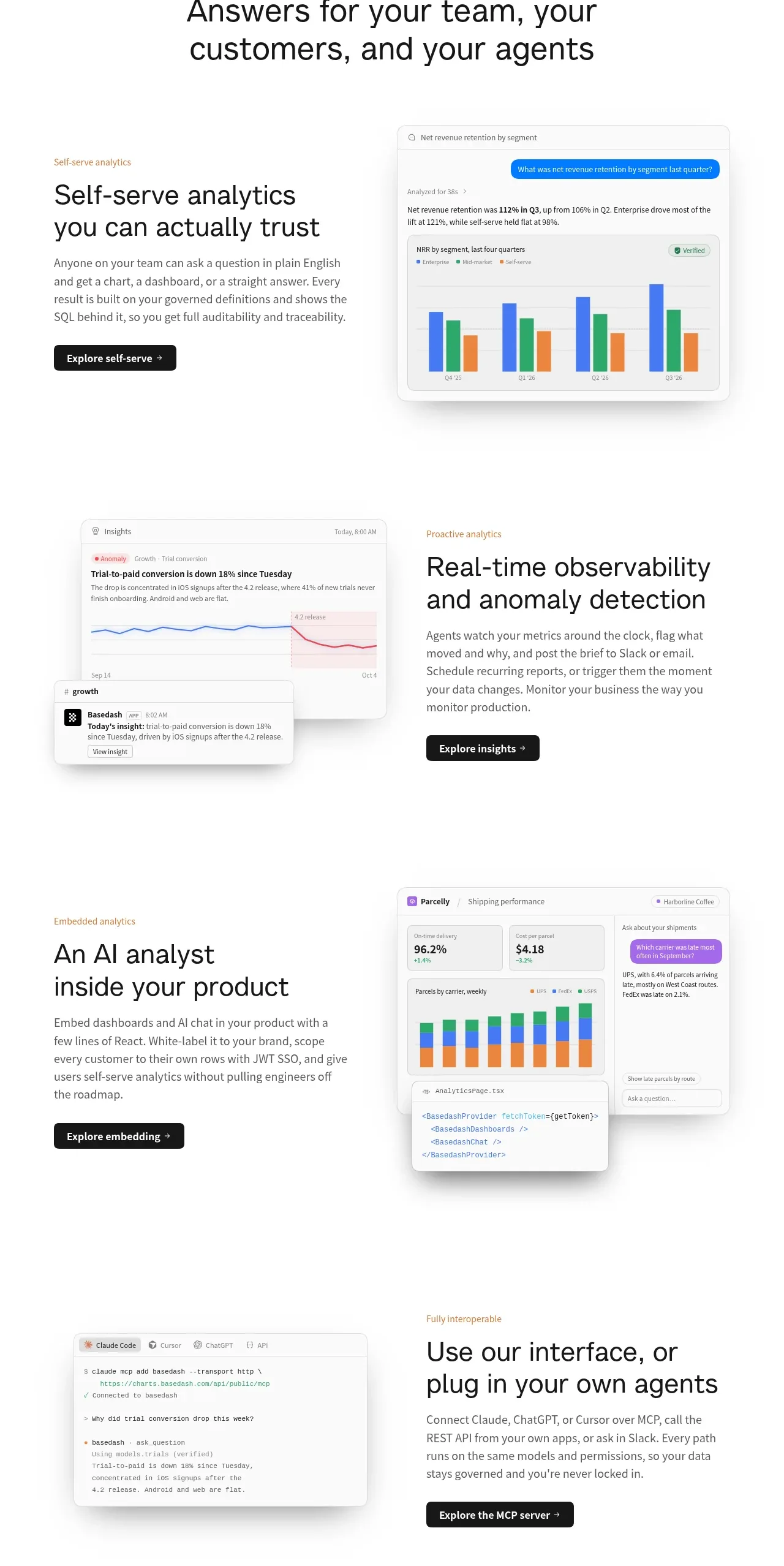
 Analytics capability showcase
Basedash View-only members · Feature grid
Analytics capability showcase
Basedash View-only members · Feature grid