 kage
kage
lorikeetcx.ai

Design analysis
A strong centered heading introduces a horizontally arranged testimonial carousel, with the middle card emphasized and coloured light trails adding motion and focus.
Prompt preview
## Reference images

Study these alongside the description below: hierarchy, rhythm, spacing, colour. Build for the product you are asked about, using this design language.

- Component: https://kage-design-assets.t3.tigrisfiles.io/components/lorikeetcx-ai/66a45b6c-3f5c-4089-bde2-7a0aa025402f-1789142171-10.webp
- Full page it was cut from: https://kage-design-assets.t3.tigrisfiles.io/screenshots/lorikeetcx-ai/66a45b6c-3f5c-4089-bde2-7a0aa025402f-1789141728989-full.webp
- Component on Kage: https://kage.design/component/lorikeetcx-testimonials-2

## Before you start
Ask what customer stories and verified outcomes the user's product can share, then build an original carousel from that material.

Create a testimonial carousel section with a centered serif heading and three visible story cards on desktop. Emphasize the active center card with greater scale, opacity, and visual prominence; allow adjacent cards to peek in at the edges to invite browsing.

Design rules:
- Layout: full-width carousel with a max-width around 900px; center card width 330–380px, side cards slightly narrower or partially clipped.
- Cards: white backgrounds, 12–16px radius, thin #DFDFDF border, soft shadow; image at top with consistent aspect ratio.
- Typography: story quote in 15–18px sans-serif, customer name and role at bottom in 12–14px; serif section heading 32–42px.
- Accent: subtle blurred colour trails or gradients behind active card using the user's palette; never reduce text contrast.
- Controls: dots and previous/next buttons, keyboard navigation, touch swipe, and visible active state.
- Responsive: show one card at a time on mobile with readable controls.

Never:
- Never reuse reference photos, quotes, names, logos, product name, or claims.
- Never autoplay rapidly or hide carousel controls.
- Never crop faces or important visual content.
More components
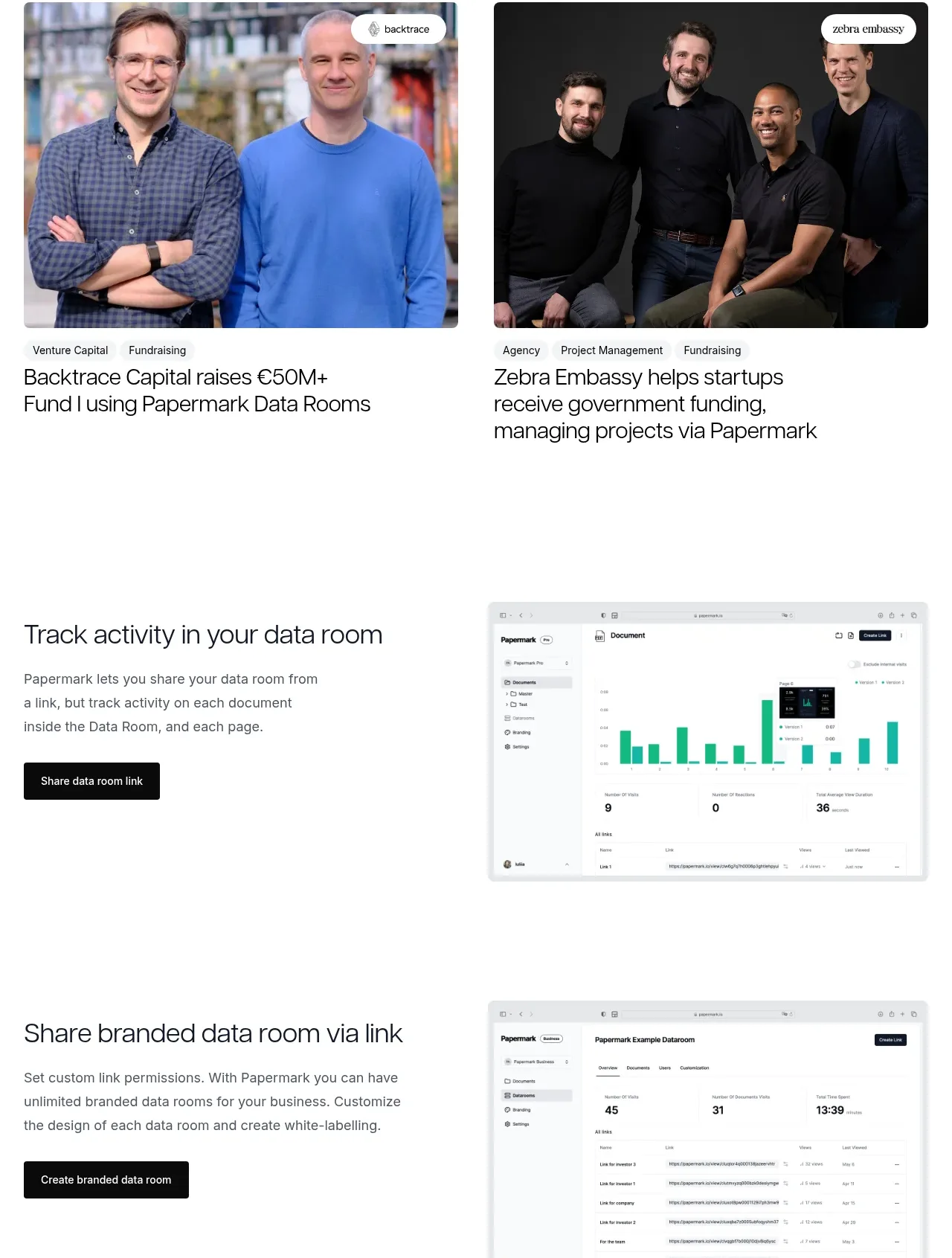
 Customer success stories
Papermark Data Rooms · Testimonials
Customer success stories
Papermark Data Rooms · Testimonials
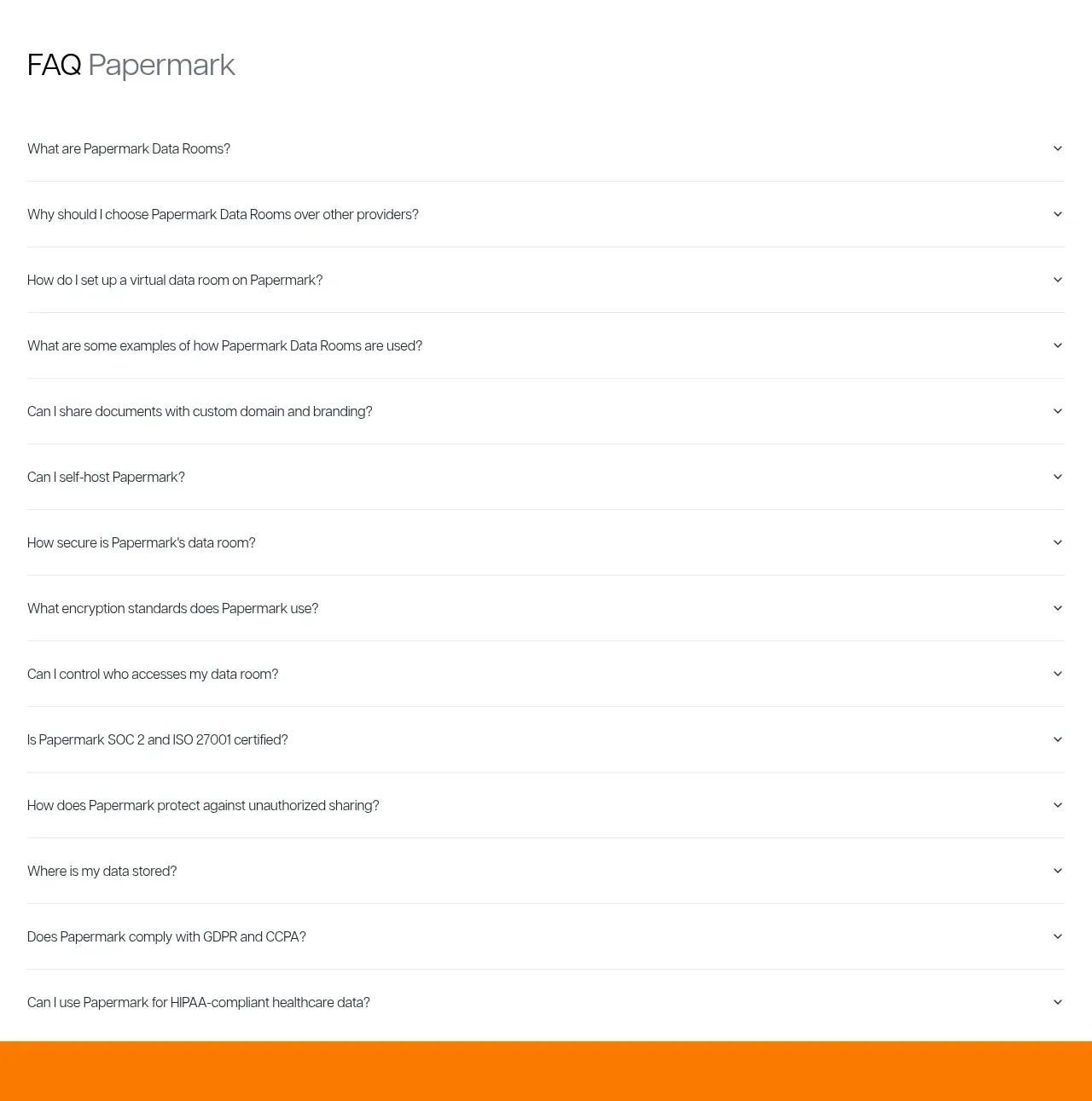 Employee and community testimonials
Papermark Data Rooms · Testimonials
Employee and community testimonials
Papermark Data Rooms · Testimonials
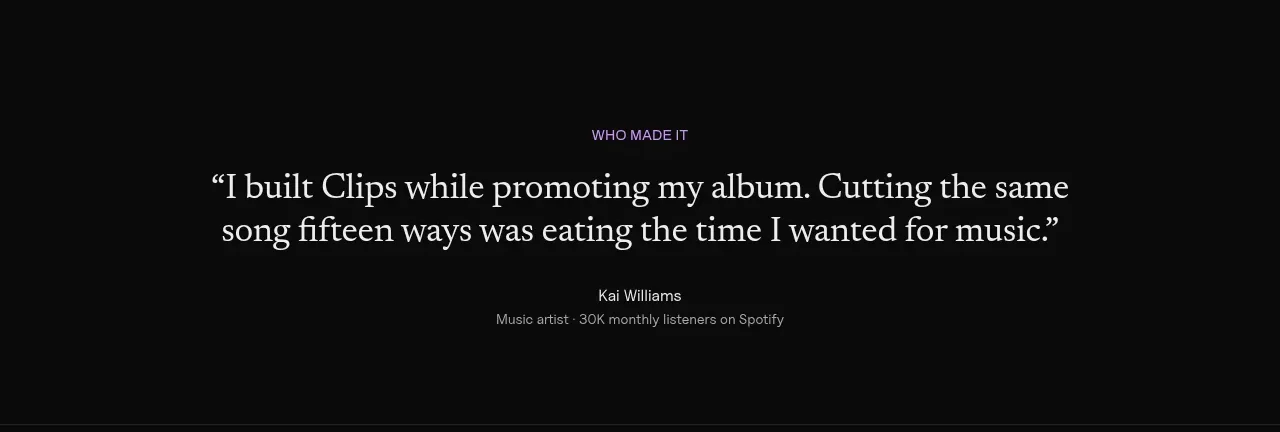
 Customer quote
Clips by Plastic · Testimonials
Customer quote
Clips by Plastic · Testimonials
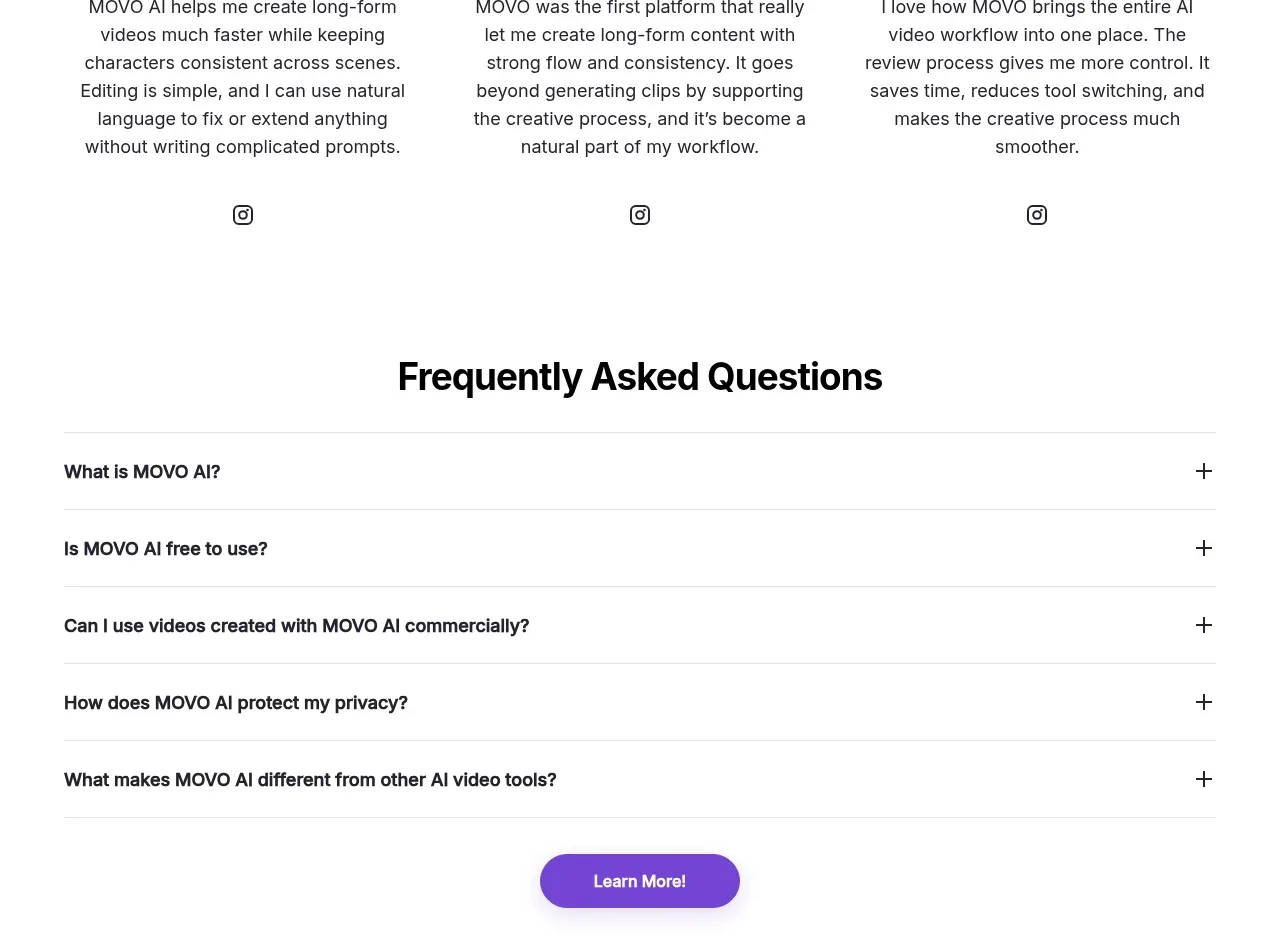
M
Creator testimonials
MOVO AI · Testimonials
 Founder and team testimonials
Fastlane 2.0 · Testimonials
Founder and team testimonials
Fastlane 2.0 · Testimonials
 Customer proof carousel
Koi · Testimonials
Customer proof carousel
Koi · Testimonials