 kage
kage
lullme.app
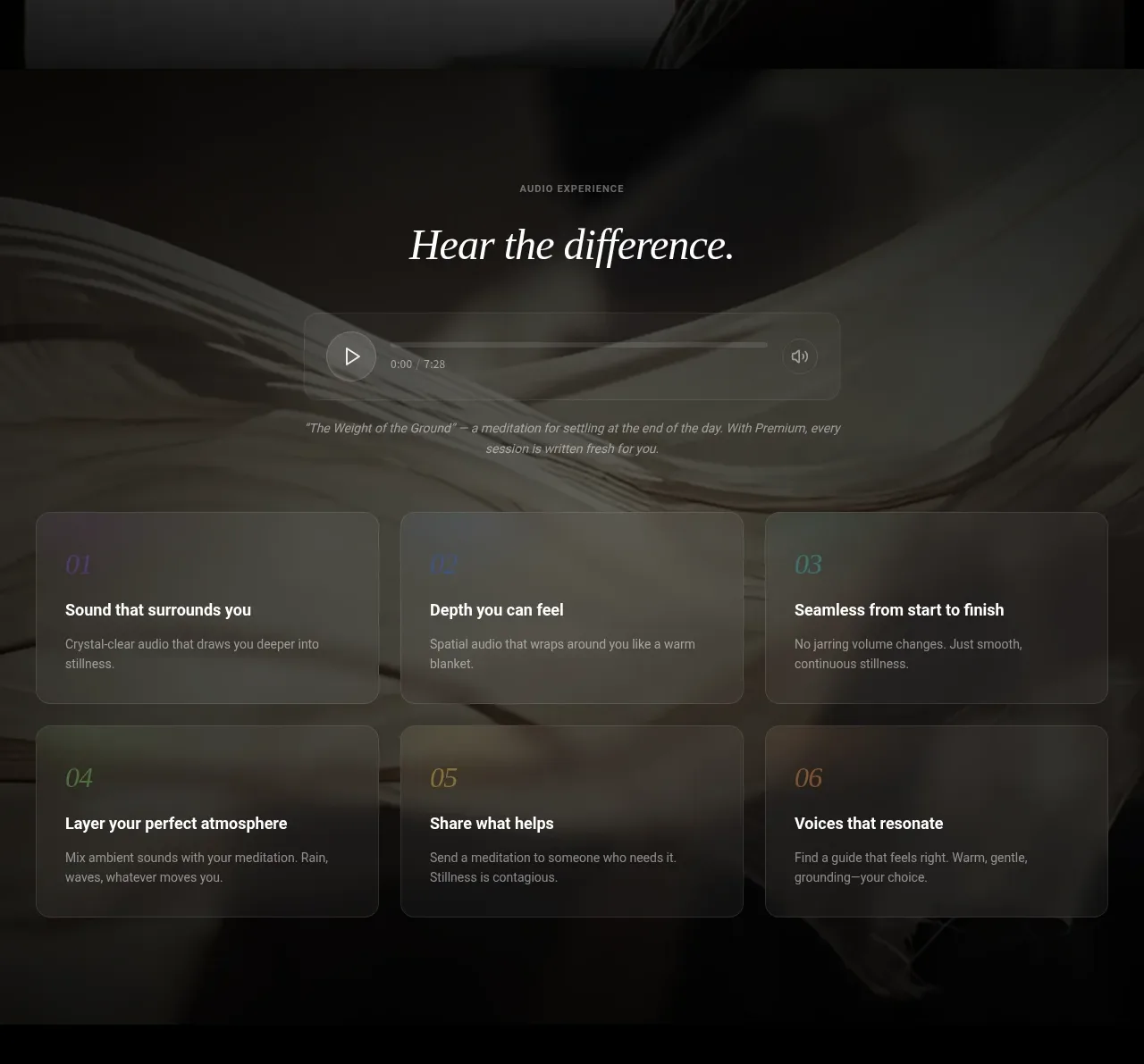
Design analysis
A sensory audio section demonstrates the core media experience with a prominent player followed by six concise benefit cards arranged in a two-row grid.
Prompt preview
## Reference images

Study these alongside the description below: hierarchy, rhythm, spacing, colour. Build for the product you are asked about, using this design language.

- Component: https://kage-design-assets.t3.tigrisfiles.io/components/lull/1eb36b3c-9a0d-499b-8ae4-8916c2d1f7b6-1789884098-6.webp
- Full page it was cut from: https://kage-design-assets.t3.tigrisfiles.io/screenshots/lull/1eb36b3c-9a0d-499b-8ae4-8916c2d1f7b6-1789884066726-full.webp
- Component on Kage: https://kage.design/component/lull-feature-grid-3

## Before you start
Ask what sensory or primary interaction defines the user's product and what users need to experience before converting. Build a showcase around that interaction.

Create a full-width dark media showcase. Use a centered eyebrow, a large editorial serif heading, and a compact audio/video player as the focal point. The player should include a play control, elapsed/total time, progress track, and one secondary control such as volume or captions; keep the chrome minimal and accessible. Under it, add a short caption or context line, then a six-item grid of concise benefits in two rows of three. Each card should have a small index, a strong title, and a one- or two-line description. Make playback controls keyboard accessible and include visible focus states; cards may softly brighten on hover.

Use a nearly black base with a subtle tactile background image or texture, warm white type, muted gray copy, player and cards in rgba(255,255,255,.07), 1px rgba(255,255,255,.14) borders, 14–18px radius. Keep the player max-width around 520px and the grid max-width around 840px. On mobile, switch to one column and preserve comfortable touch targets.

### Never
- Never reuse the reference audio title, transcript, imagery, product name, or logo.
- Never autoplay sound.
- Never fake a functional player without clear loading, pause, and error states.
More components

 Outbound partner benefits
throxy · Feature grid
Outbound partner benefits
throxy · Feature grid
 Rapid onboarding timeline
throxy · Feature grid
Rapid onboarding timeline
throxy · Feature grid
 Cold-calling performance section
throxy · Feature grid
Cold-calling performance section
throxy · Feature grid
 Why alternatives disappoint
throxy · Feature grid
Why alternatives disappoint
throxy · Feature grid
 Qualification workflow cards
throxy · Feature grid
Qualification workflow cards
throxy · Feature grid
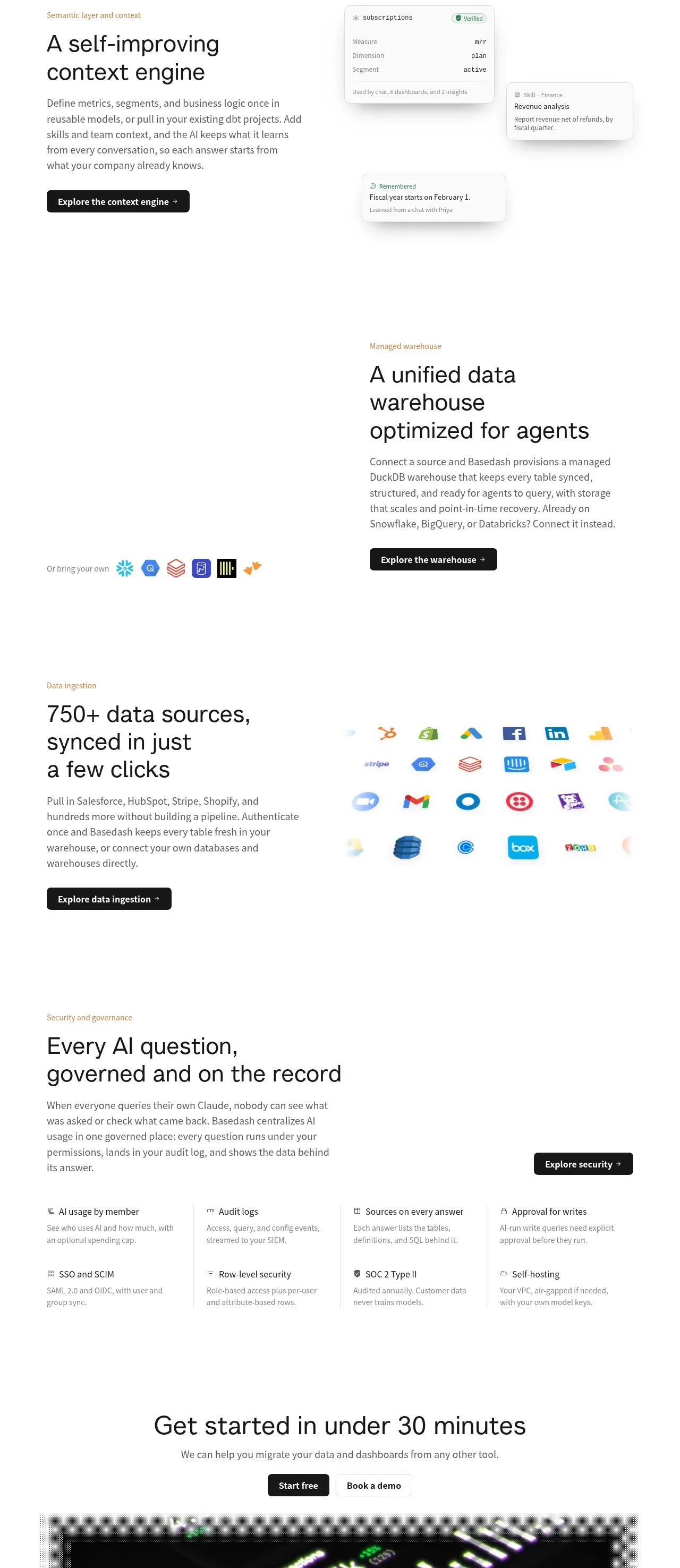
 Platform foundation features
Basedash View-only members · Feature grid
Platform foundation features
Basedash View-only members · Feature grid