 kage
kage
marqly.com
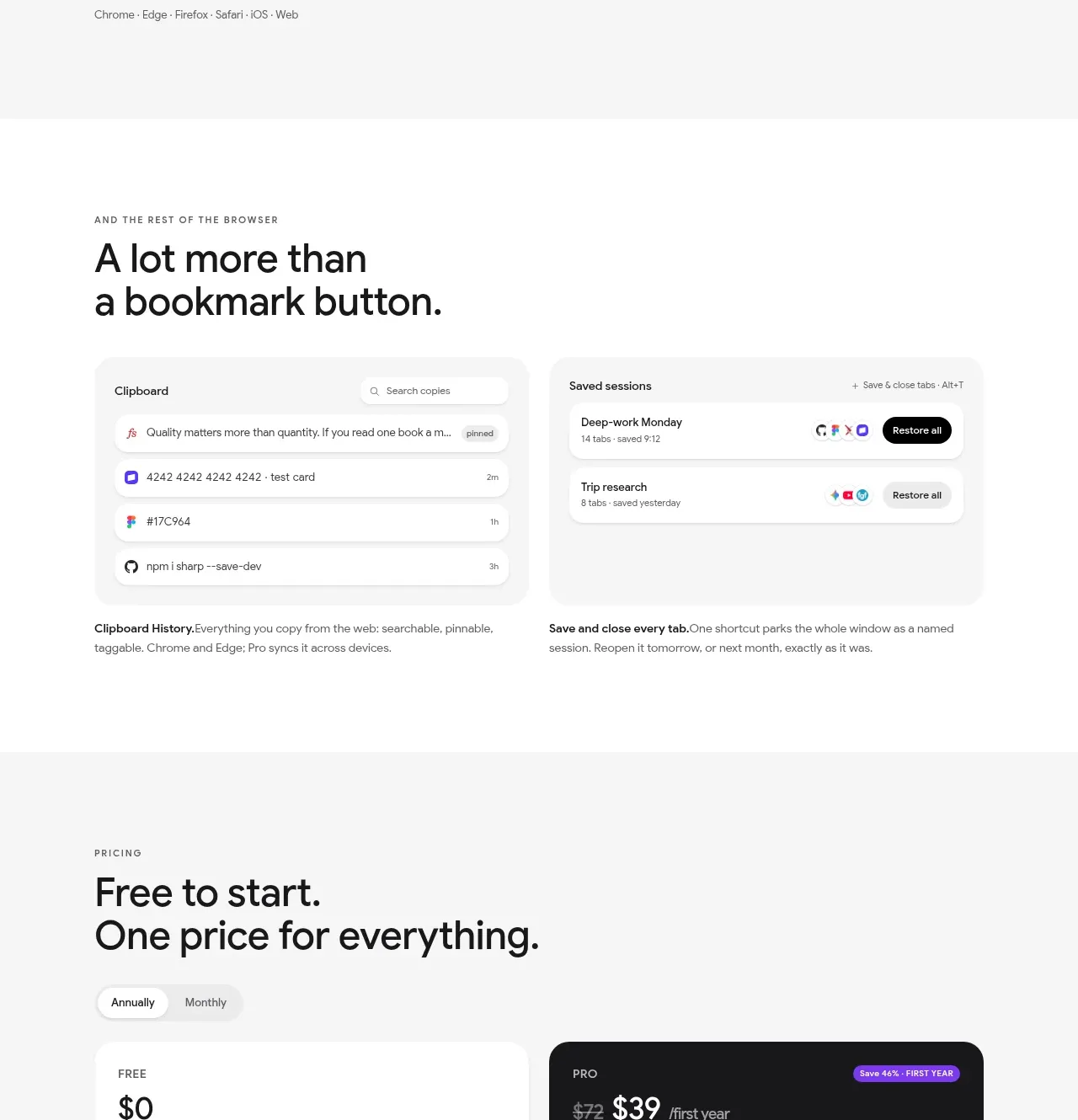
Design analysis
The AI chat section combines an explanation, a conversation preview, and three pastel example cards to show how saved context can be reused.
Prompt preview
## Reference images

Study these alongside the description below: hierarchy, rhythm, spacing, colour. Build for the product you are asked about, using this design language.

- Component: https://kage-design-assets.t3.tigrisfiles.io/components/marqly-6-0/c854bda3-2558-4a76-a0fe-ed0b4296df4d-1789452133-7.webp
- Full page it was cut from: https://kage-design-assets.t3.tigrisfiles.io/screenshots/marqly-6-0/c854bda3-2558-4a76-a0fe-ed0b4296df4d-1789452075868-full.webp
- Component on Kage: https://kage.design/component/marqly-6-0-feature-grid-5

## Before you start
Ask what the user's product is, who it serves, and what its brand personality should be. Apply the principles below to that product rather than copying the reference.

Build a feature section for reusable AI chat memory. Use a left-aligned eyebrow and a large two-line heading, followed by a short explanation. Show a wide conversation preview with small source/context metadata, then a three-column row of example prompt/result cards. Use a clean white background, near-black #171719 text, muted #747474 copy, and three quiet pastel card backgrounds such as #eaf5ff, #edf8ed, and #fff5e9. Use 38–46px heading typography, 14px body text, 12px metadata, 18px rounded corners, light #e7e7e5 borders, and restrained shadows. Give the conversation panel clear tab states and make the example cards clickable with hover elevation. Collapse to one column on mobile and maintain readable source attribution.

Never: use the reference logo, product name, copy, illustrations, imagery, or brand assets.
More components

 Rapid onboarding timeline
throxy · Feature grid
Rapid onboarding timeline
throxy · Feature grid
 Why alternatives disappoint
throxy · Feature grid
Why alternatives disappoint
throxy · Feature grid
 Cold-calling performance section
throxy · Feature grid
Cold-calling performance section
throxy · Feature grid
 Outbound partner benefits
throxy · Feature grid
Outbound partner benefits
throxy · Feature grid
 Qualification workflow cards
throxy · Feature grid
Qualification workflow cards
throxy · Feature grid
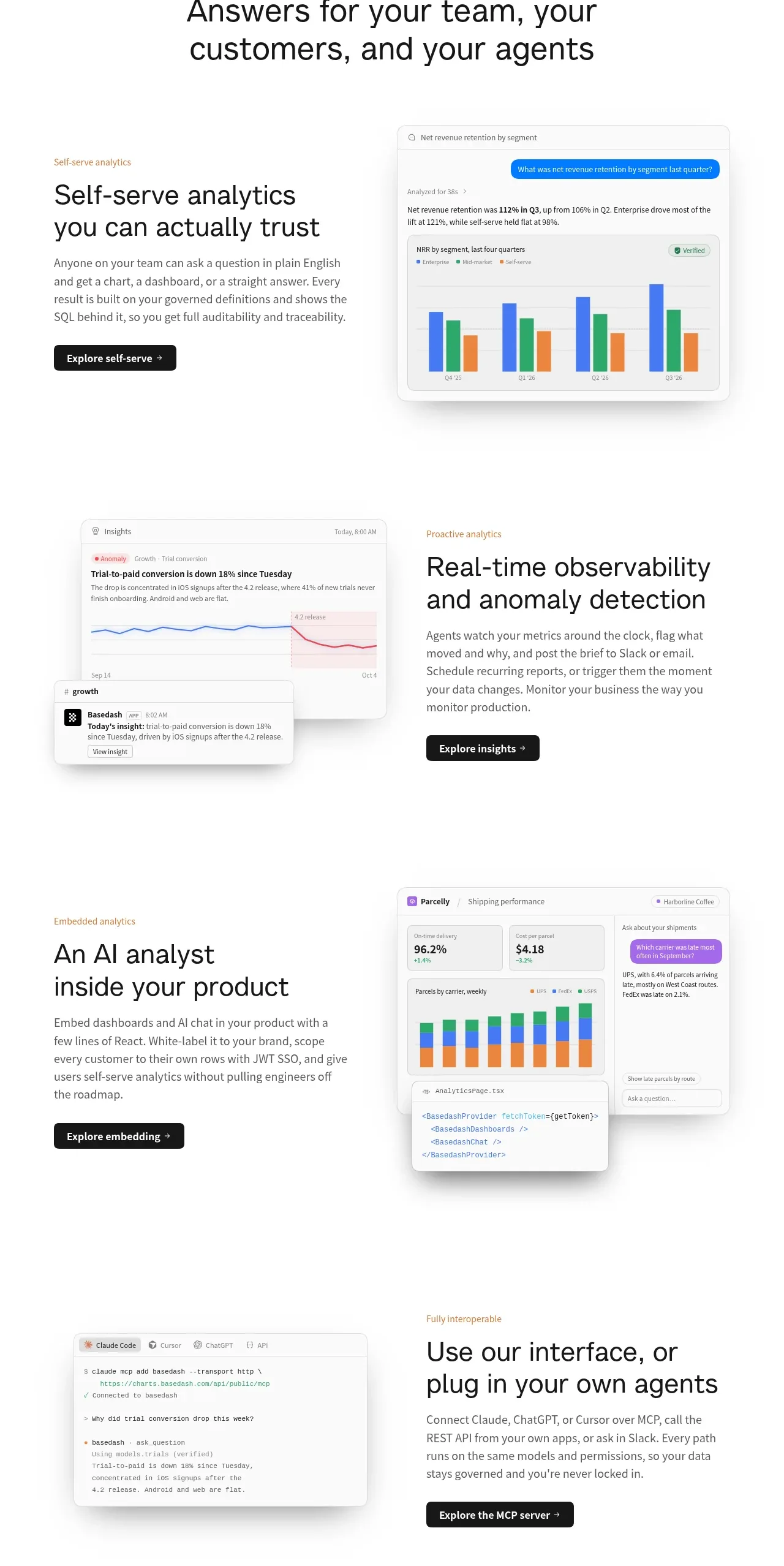
 Analytics capability showcase
Basedash View-only members · Feature grid
Analytics capability showcase
Basedash View-only members · Feature grid