kage
kage
masterclass.com

Design analysis
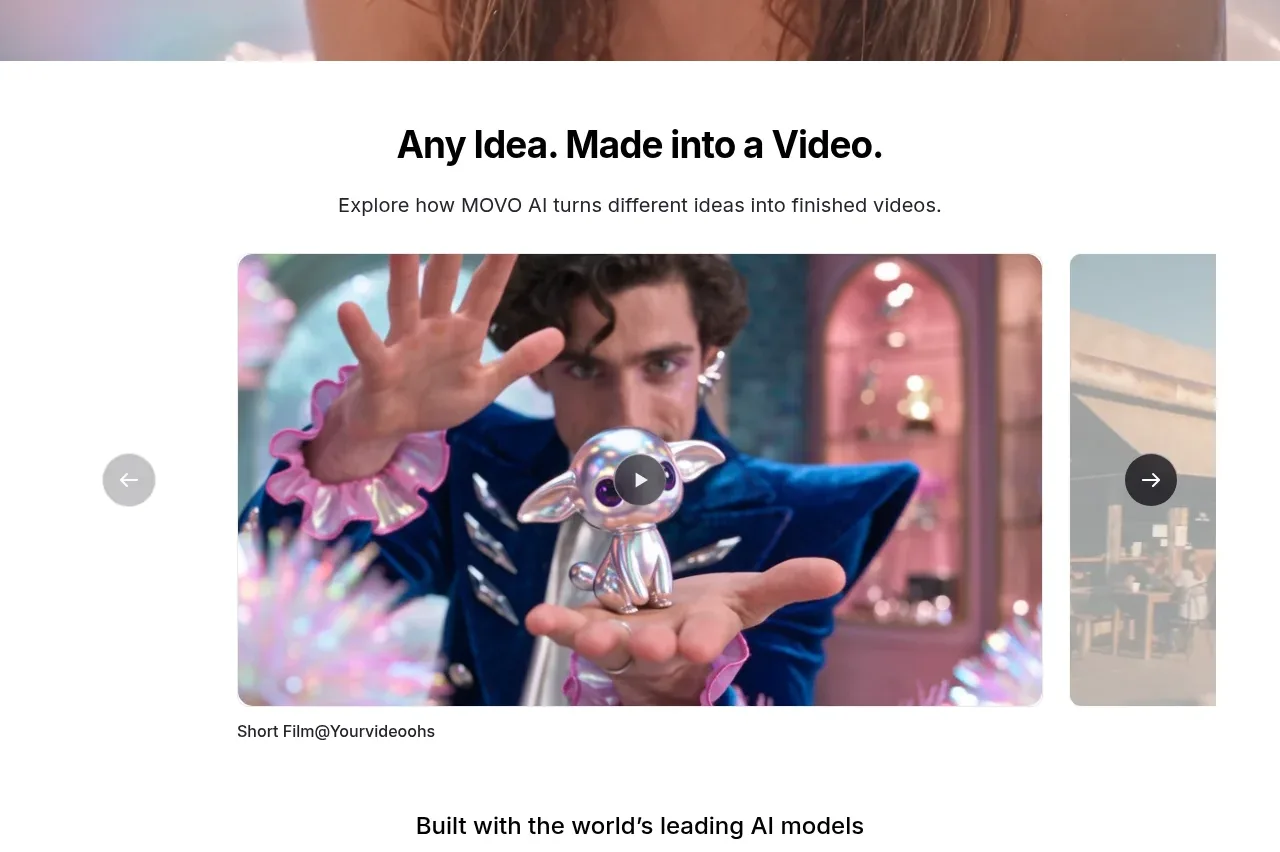
A centered editorial statement leads into one large cinematic class feature, with overlaid title metadata and a trailer action that lets the imagery carry the emotional weight.
Prompt preview
## Reference images

Study these alongside the description below: hierarchy, rhythm, spacing, colour. Build for the product you are asked about, using this design language.

- Component: https://kage-design-assets.t3.tigrisfiles.io/components/masterclass-com/5ec25cd5-decc-406e-8087-269a3e7b0a10-1789146210-3.webp
- Full page it was cut from: https://kage-design-assets.t3.tigrisfiles.io/screenshots/masterclass-com/5ec25cd5-decc-406e-8087-269a3e7b0a10-1789146173702-full.webp
- Component on Kage: https://kage.design/component/masterclass-gallery

## Before you start
Ask what the user's product, audience, and brand are, then create an equivalent editorial spotlight for it.

Design a dark editorial spotlight section. Begin with a generous centered headline over black, then place one wide, edge-to-edge or near-edge-to-edge feature image/video card below it. Use a dark gradient over the media so a refined serif or high-contrast display title, short descriptor, small badge, and outlined Watch Trailer button remain legible. Keep the media around a 16:8 to 16:9 ratio, use restrained 12px rounding, and preserve generous black space above and below. Typography should contrast a bold sans heading with an elegant display face for the feature title. Add a subtle hover scale and visible play control, with reduced motion support.

Never: use logos, product names, copy, illustrations, or imagery from the reference.