 kage
kage
monish.cc
Design analysis
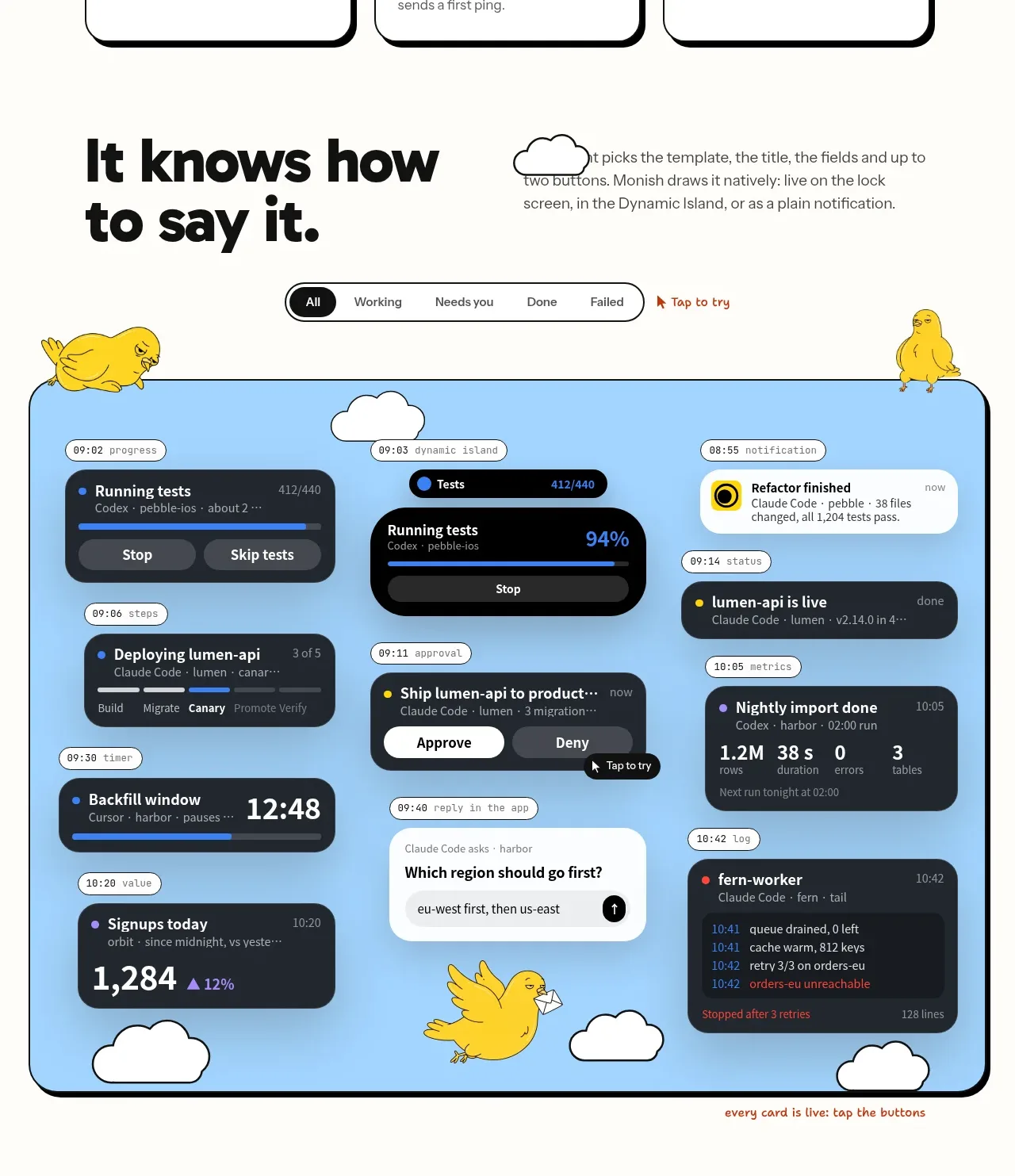
A large editorial section pairs a bold statement with a browser-like blue showcase containing many varied status cards and a small filter control.
Prompt preview
## Reference images

Study these alongside the description below: hierarchy, rhythm, spacing, colour. Build for the product you are asked about, using this design language.

- Component: https://kage-design-assets.t3.tigrisfiles.io/components/monish/5f3b5863-2239-4773-833d-591642a3d58f-1792821774-4.webp
- Full page it was cut from: https://kage-design-assets.t3.tigrisfiles.io/screenshots/monish/5f3b5863-2239-4773-833d-591642a3d58f-1792821722168-full.webp
- Component on Kage: https://kage.design/component/monish-gallery

## Before you start
Ask which live states, notifications, or product moments best demonstrate the user's value. Ask whether the showcase should be static or interactive, then apply the principles below.

Build an editorial showcase section with a two-part heading row: oversized black statement on the left and concise explanation on the right. Below it, place a large rounded sky-blue #9DD5F7 panel with a 2px black border and hard black offset shadow. Populate the panel with a deliberately varied but ordered arrangement of dark status cards: progress, approval, completion, metrics, question, and error states. Use black or charcoal #202327 cards, white text, small coloured status dots, blue #477FF0 progress bars, yellow #FFD91A highlights, and purple #9A84FF accents. Add a compact segmented filter above the panel and make filters update visible cards if implementing interaction. Keep the composition responsive: cards should become a grid or carousel rather than overflow on mobile.

Never use logos, product names, copy, illustrations, or imagery from the reference.
More components
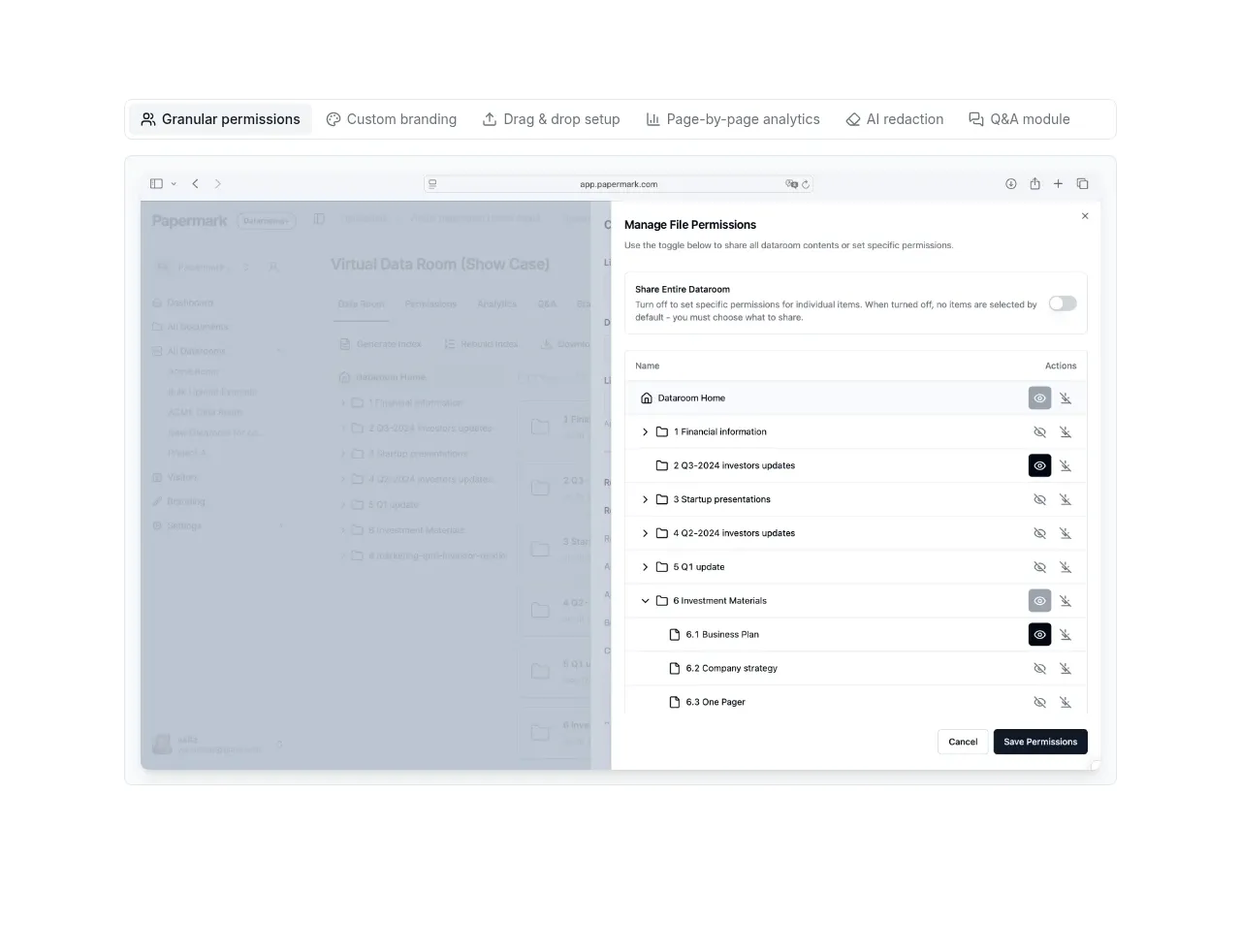
 Product interface showcase
Papermark Data Rooms · Gallery
Product interface showcase
Papermark Data Rooms · Gallery
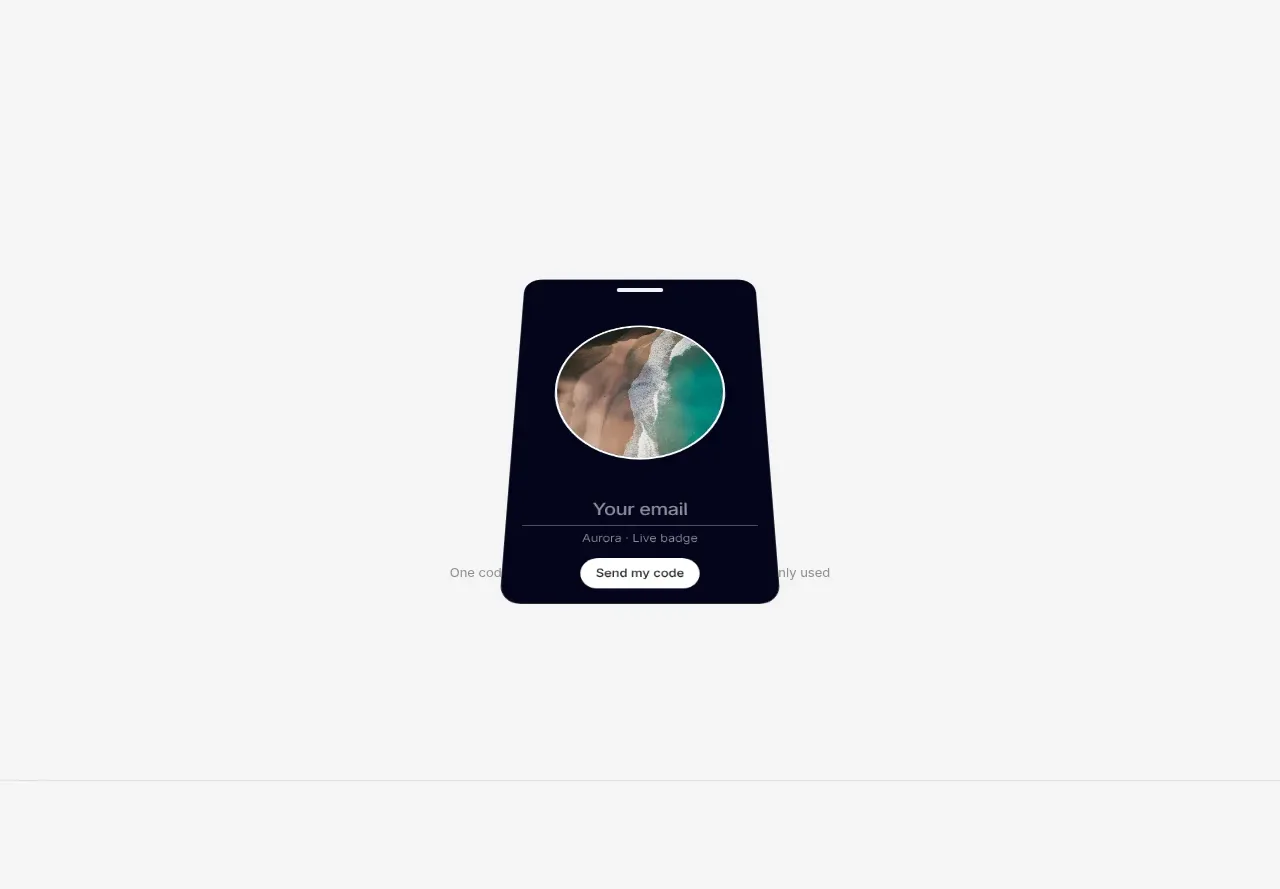
 Multiple badge designs gallery
Badgey · Gallery
Multiple badge designs gallery
Badgey · Gallery
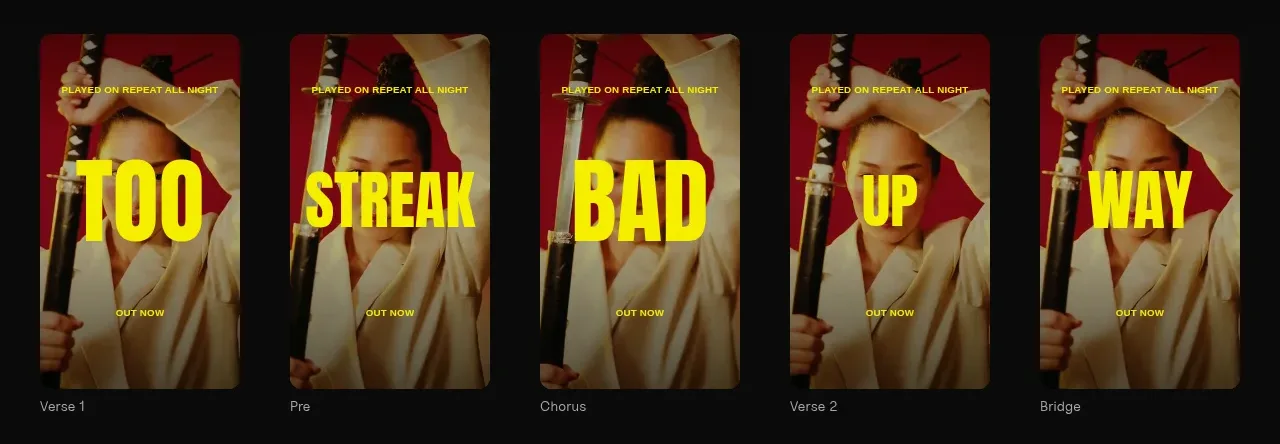
 Generated content gallery
Clips by Plastic · Gallery
Generated content gallery
Clips by Plastic · Gallery
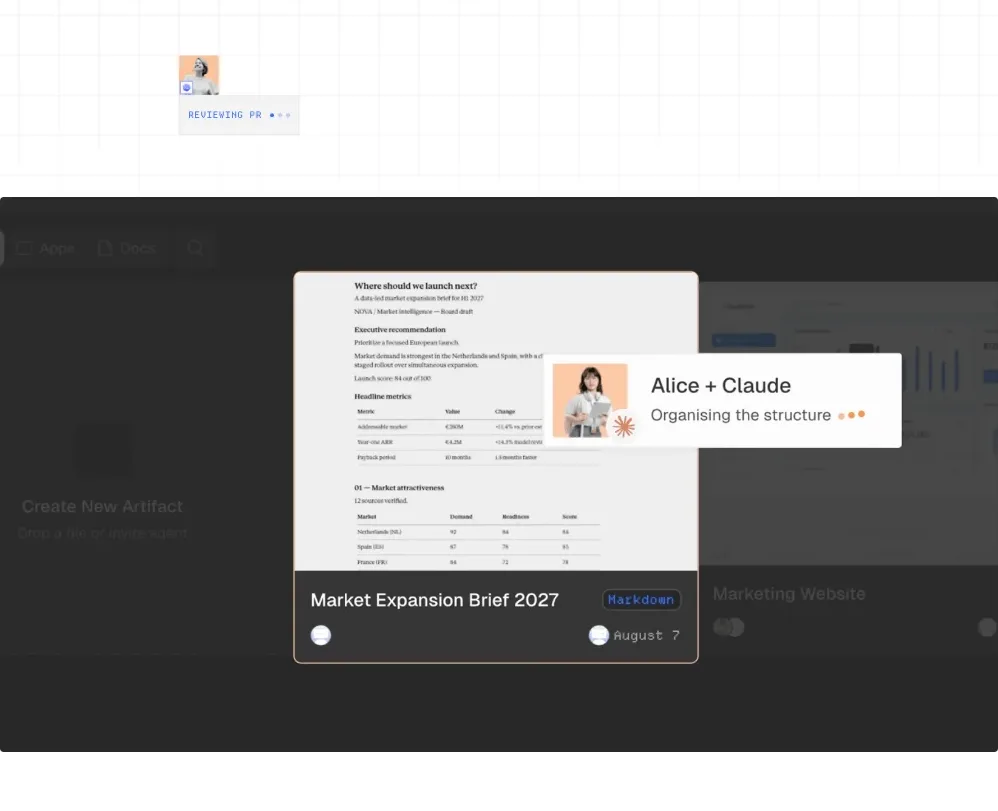
 Workspace product preview
AgentGrid.io · Gallery
Workspace product preview
AgentGrid.io · Gallery
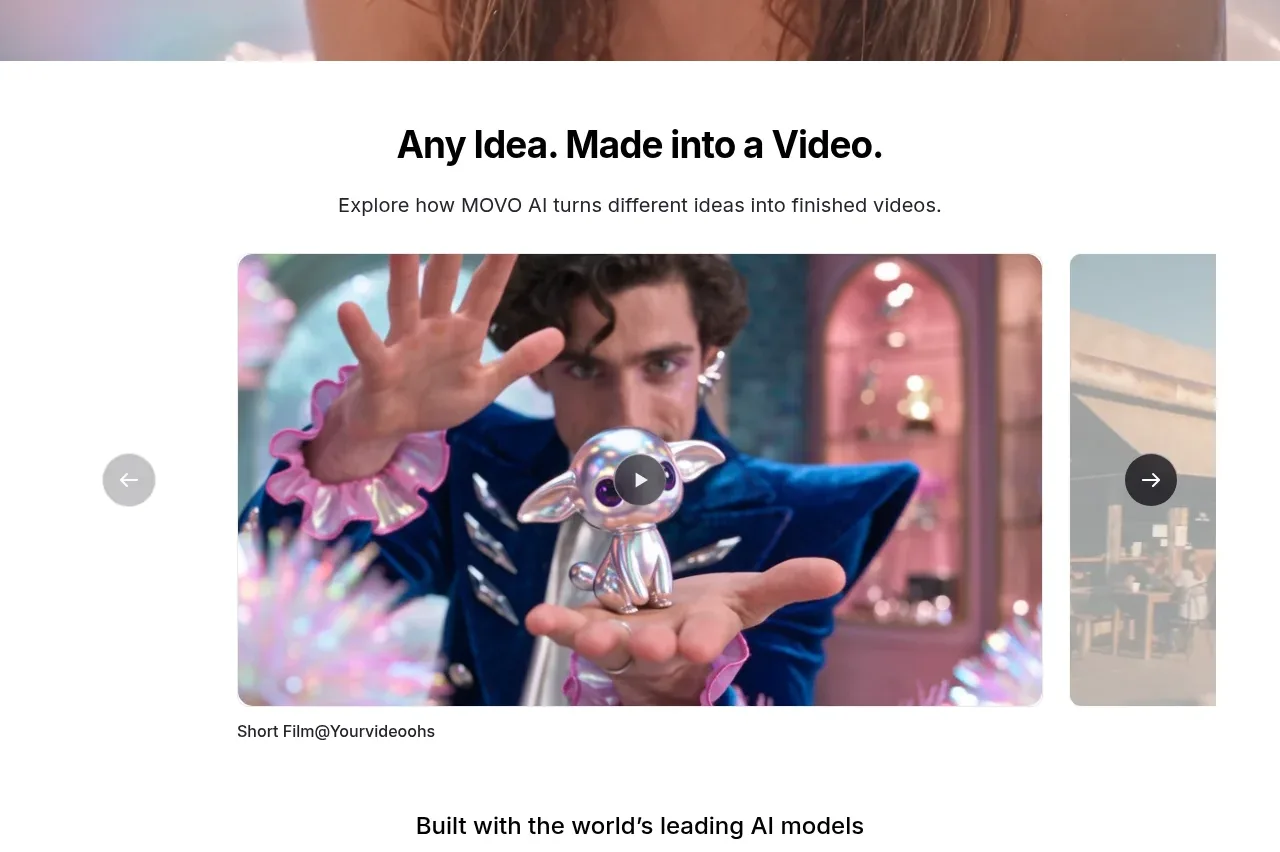
M
Idea showcase video gallery
MOVO AI · Gallery
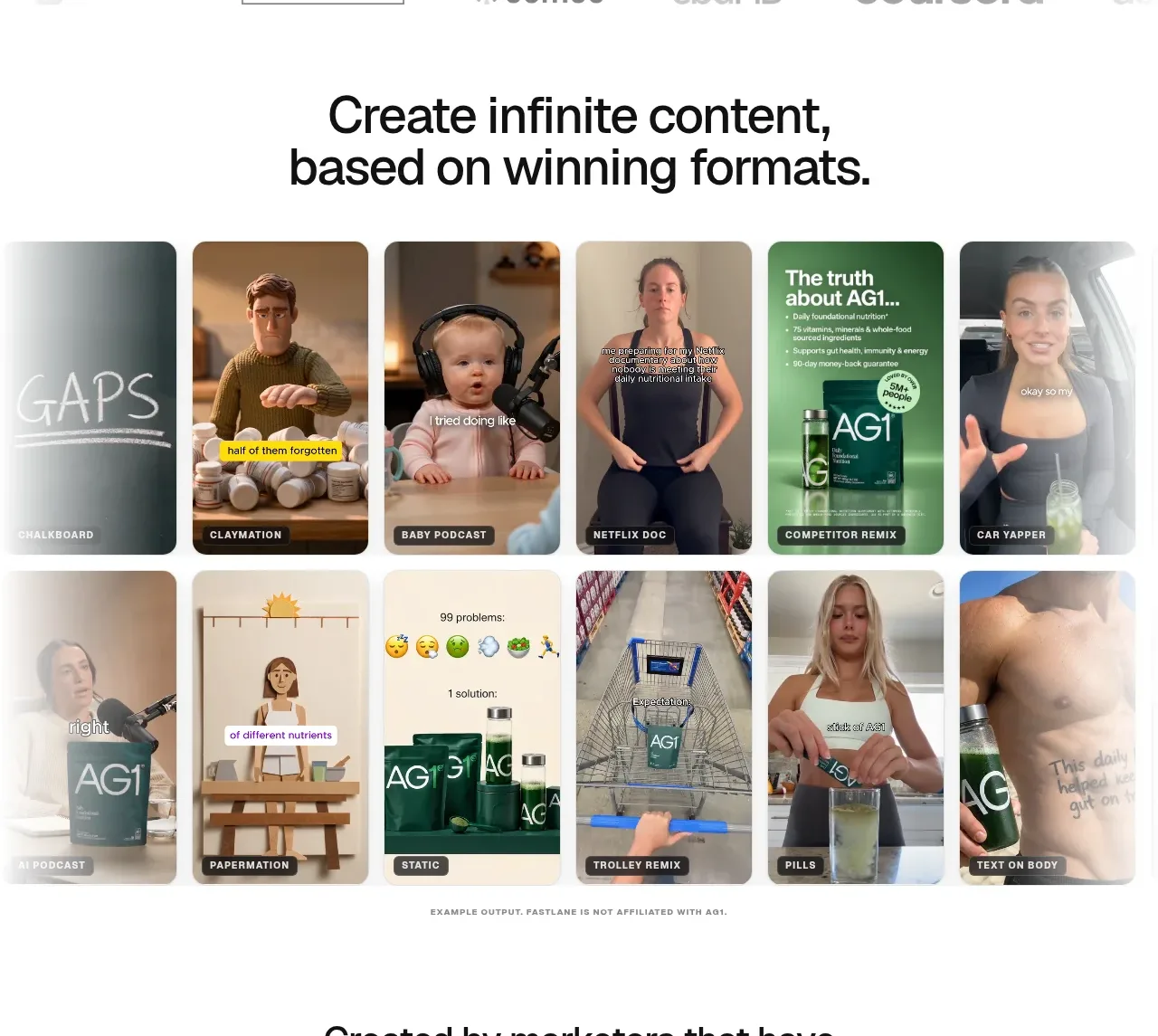
 Winning-format content gallery
Fastlane 2.0 · Gallery
Winning-format content gallery
Fastlane 2.0 · Gallery