 kage
kage
milliseconds.ai
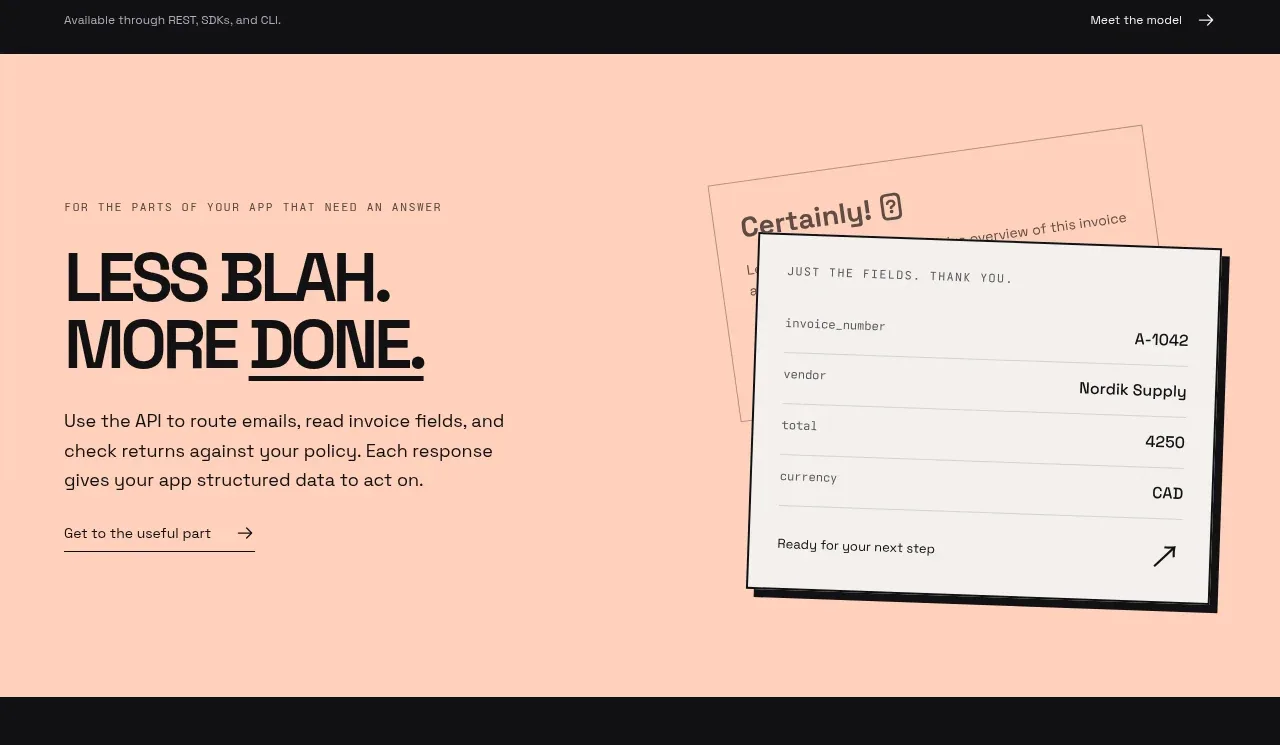
Design analysis
A warm peach band interrupts the dark page and reframes the product around a concrete workflow. The oversized two-line statement, concise paragraph, and tilted document/result cards create a memorable explanation without requiring a dense feature list.
Prompt preview
## Reference images

Study these alongside the description below: hierarchy, rhythm, spacing, colour. Build for the product you are asked about, using this design language.

- Component: https://kage-design-assets.t3.tigrisfiles.io/components/milliseconds-ai/6fac96f3-e489-4913-80bc-8c862b5f9e82-1790056992-2.webp
- Full page it was cut from: https://kage-design-assets.t3.tigrisfiles.io/screenshots/milliseconds-ai/6fac96f3-e489-4913-80bc-8c862b5f9e82-1790056904819-full.webp
- Component on Kage: https://kage.design/component/milliseconds-feature-grid

## Before you start
Ask what real workflow the user's product improves and what visual artifact best demonstrates the result. Adapt these rules to the user's brand.

Build a single horizontal feature section on a soft peach background (`#ffd1bf`) with 44px page gutters and approximately 100–120px vertical padding. Use a 2-column grid: the left column contains a small monospaced eyebrow, a large black headline of 42–48px with tightly packed lines, a 16px paragraph constrained to about 330px, and one underlined text link. The right column is an editorial product demonstration made from two overlapping off-white document cards (`#f5f1eb`) with 1px charcoal borders, 2px radius, a slight rotation, and a small offset shadow. Show structured fields and an outcome, using a single accent highlight if useful. Keep the visual lighter and more tactile than the dark sections.

Maintain strong alignment between the headline and visual center, use 24–32px internal gaps, and ensure the cards become static and full-width on mobile. Use hover only for a slight card lift; preserve readable contrast and focus indicators.

Never: copy the reference copy, product name, logo, document content, illustrations, imagery, or exact card arrangement.
More components
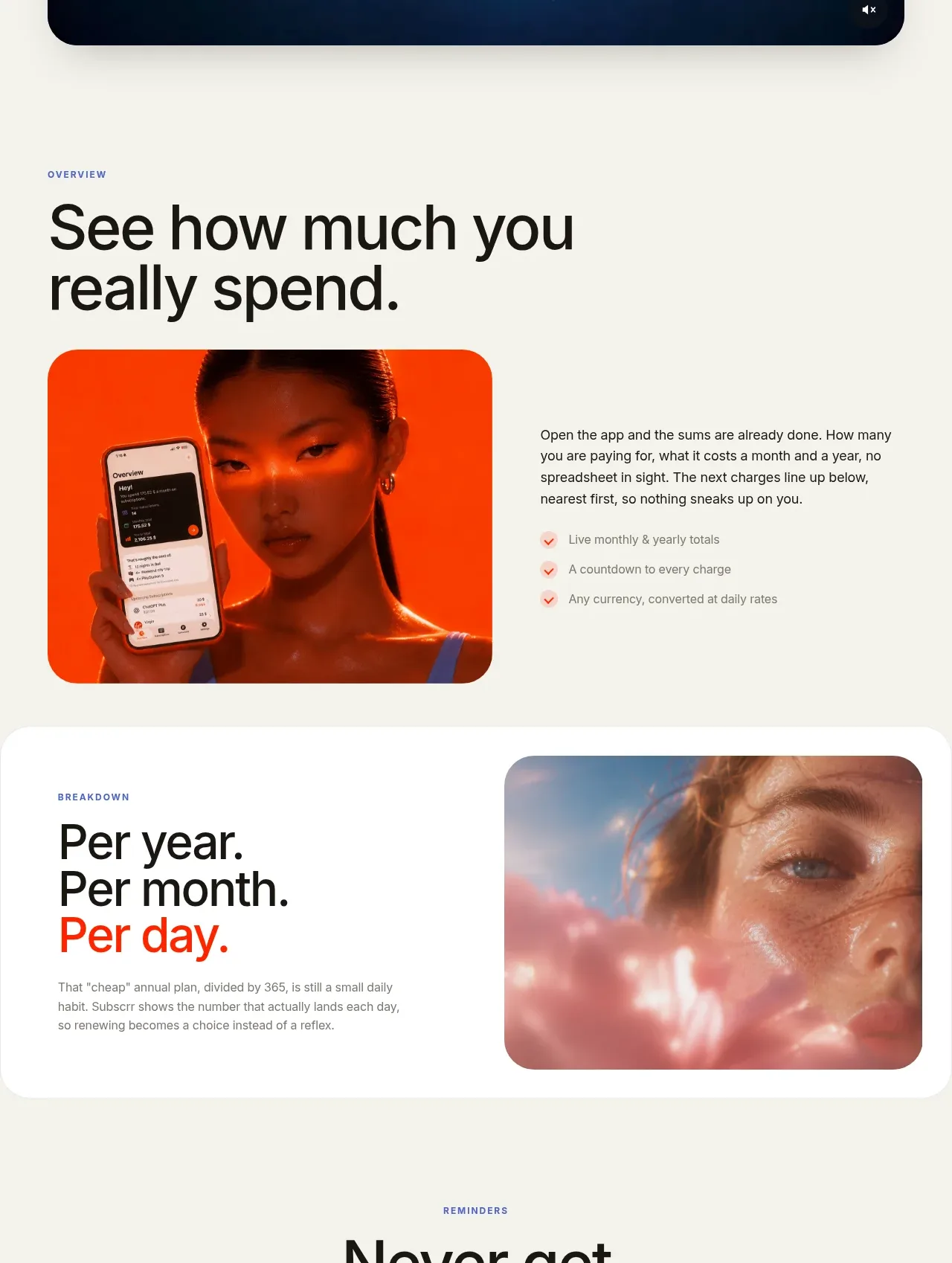
 Spend visibility and daily-cost breakdown
Subscrr · Feature grid
Spend visibility and daily-cost breakdown
Subscrr · Feature grid
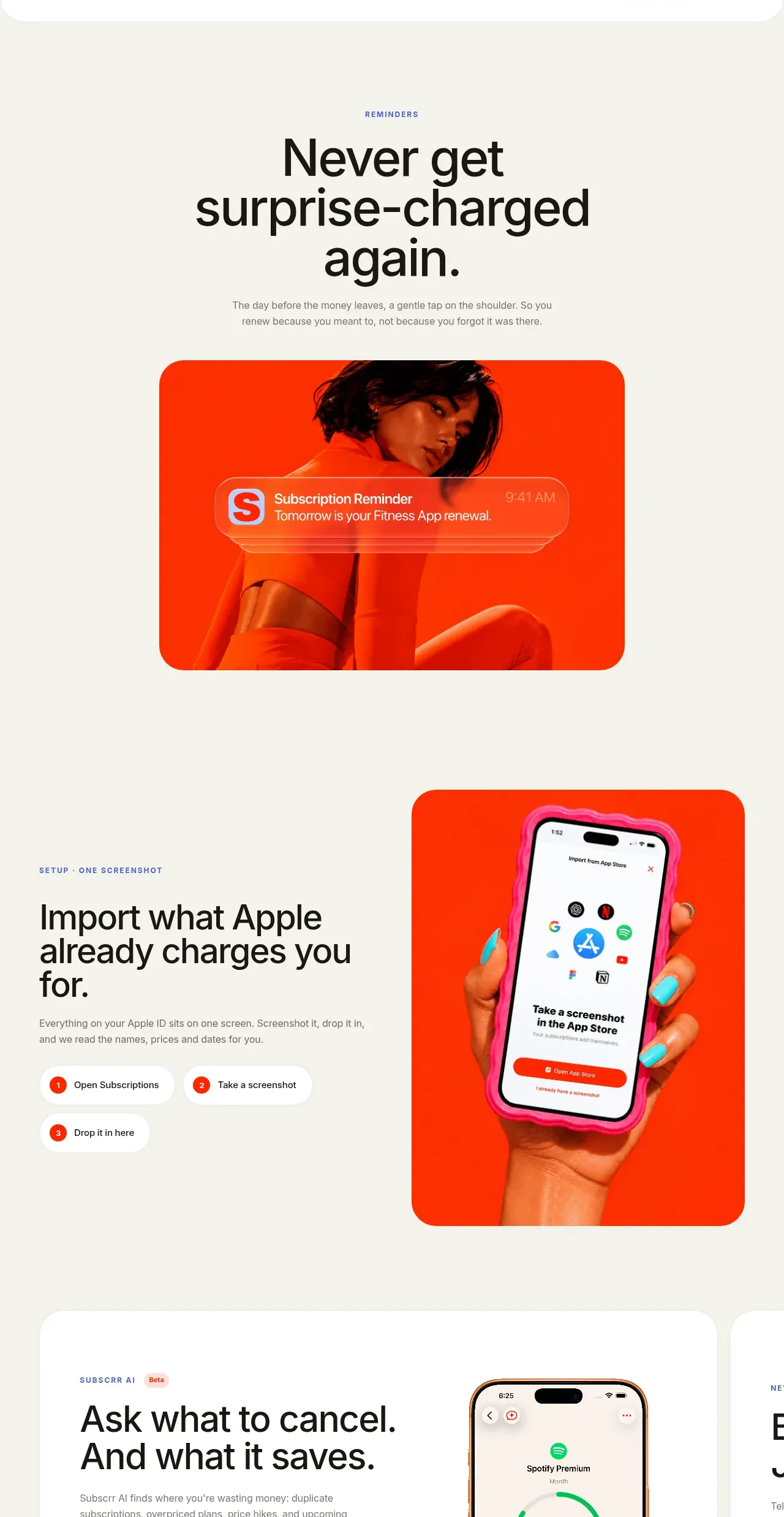 Reminders and simple setup flow
Subscrr · Feature grid
Reminders and simple setup flow
Subscrr · Feature grid

 Security and permissions cards
NotchPop · Feature grid
Security and permissions cards
NotchPop · Feature grid
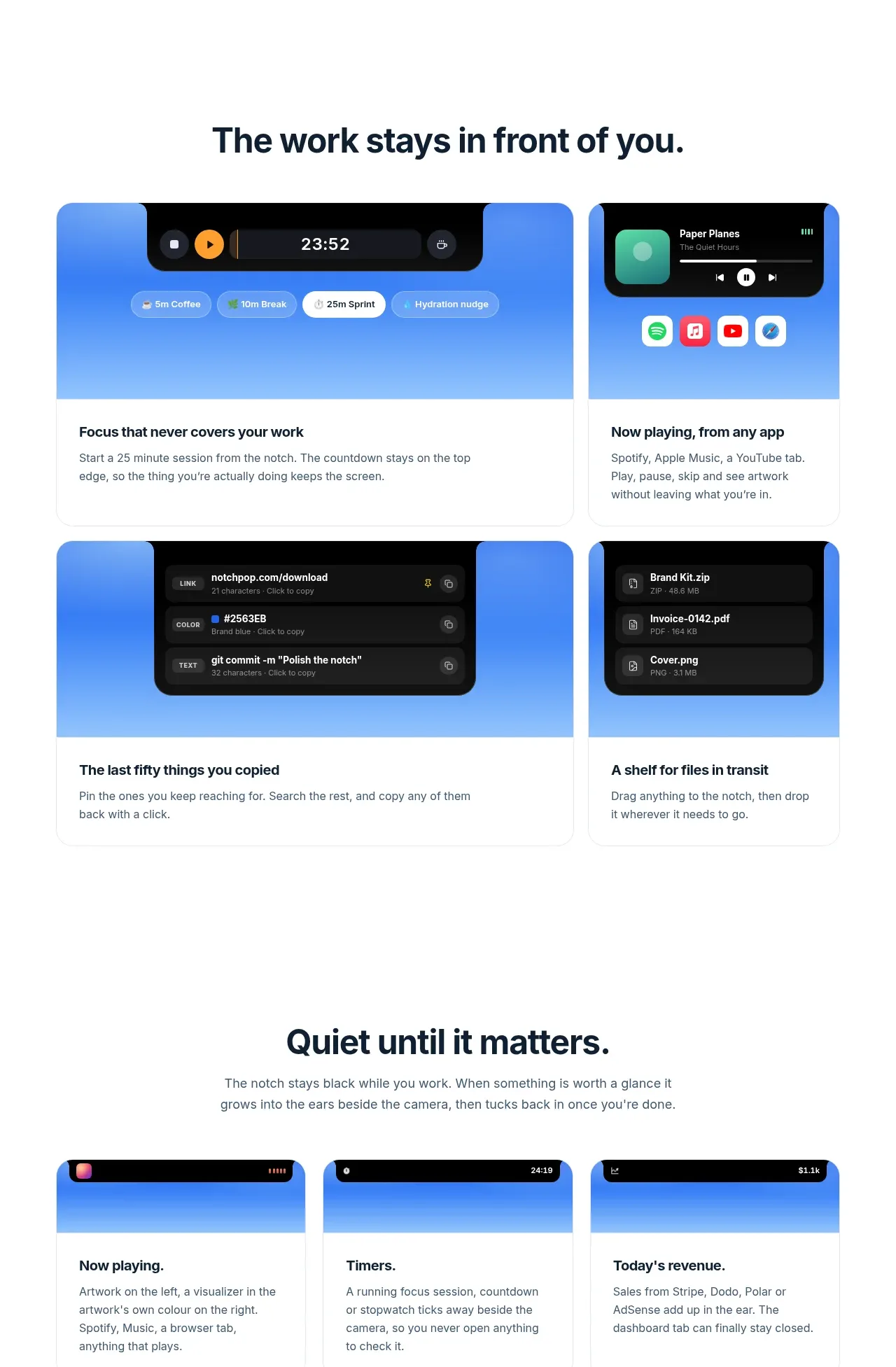 Focused feature cards
NotchPop · Feature grid
Focused feature cards
NotchPop · Feature grid
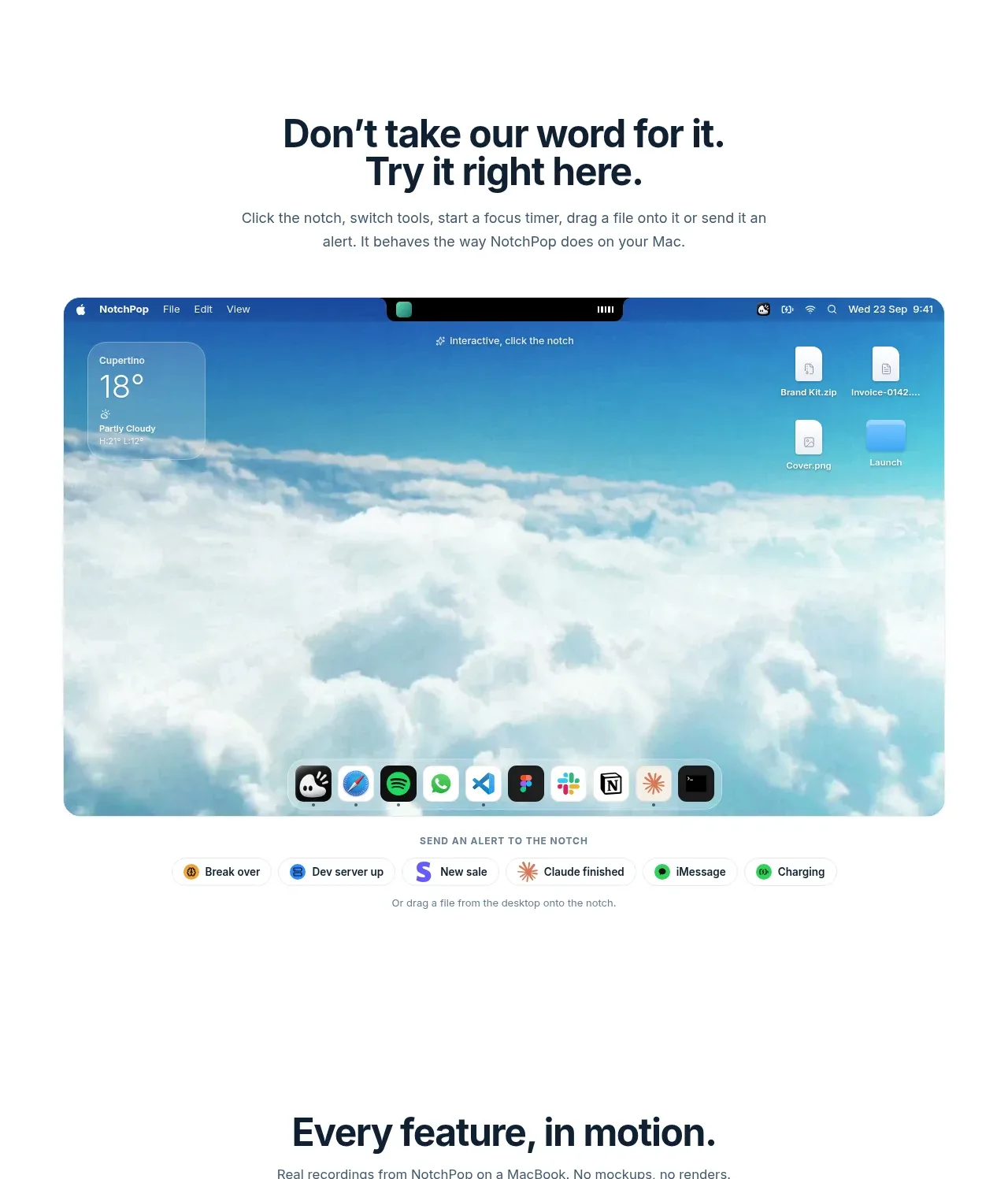 Interactive product demonstration
NotchPop · Feature grid
Interactive product demonstration
NotchPop · Feature grid
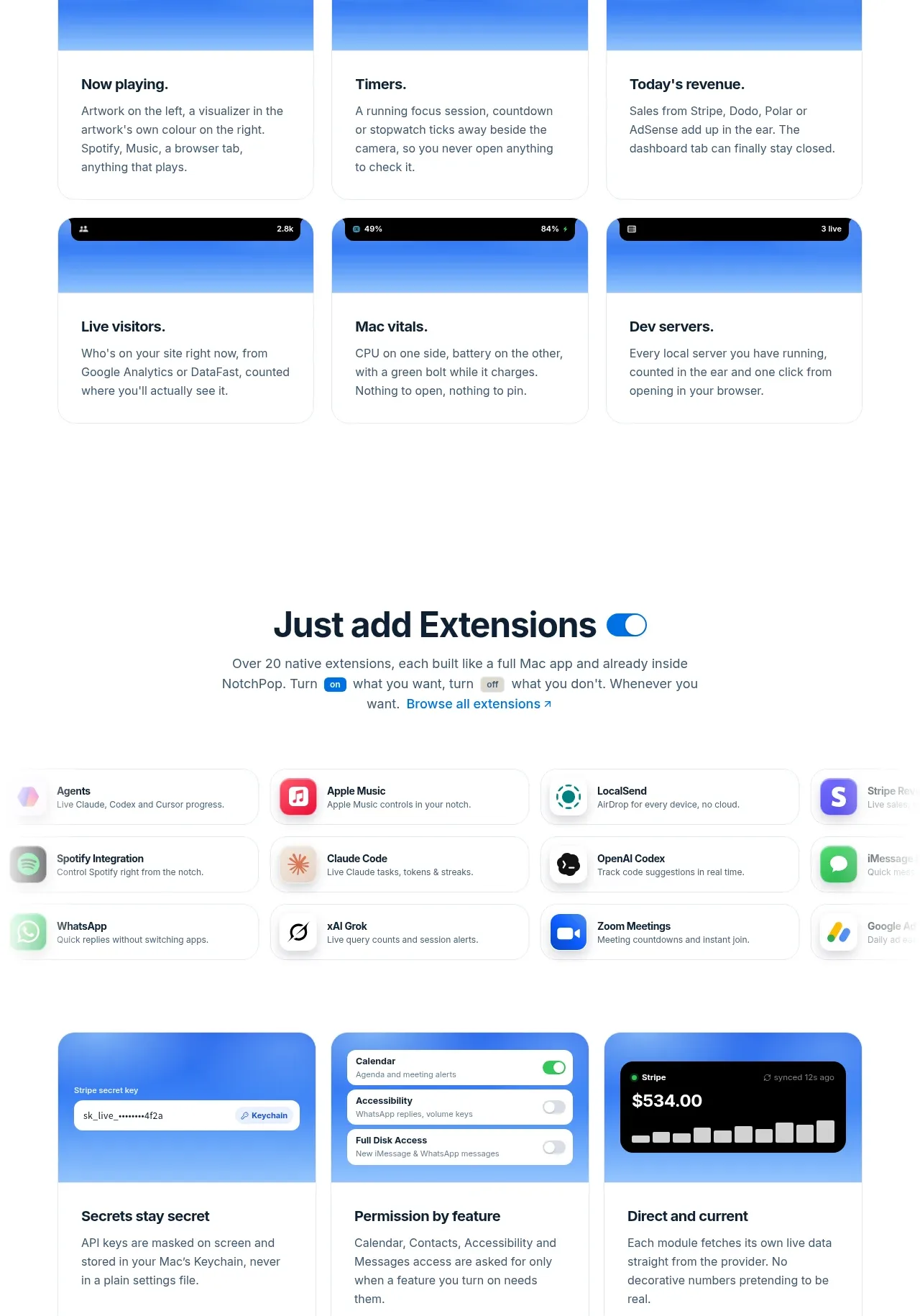 Quiet information cards
NotchPop · Feature grid
Quiet information cards
NotchPop · Feature grid