kage
kage
movoai.pro
Design analysis
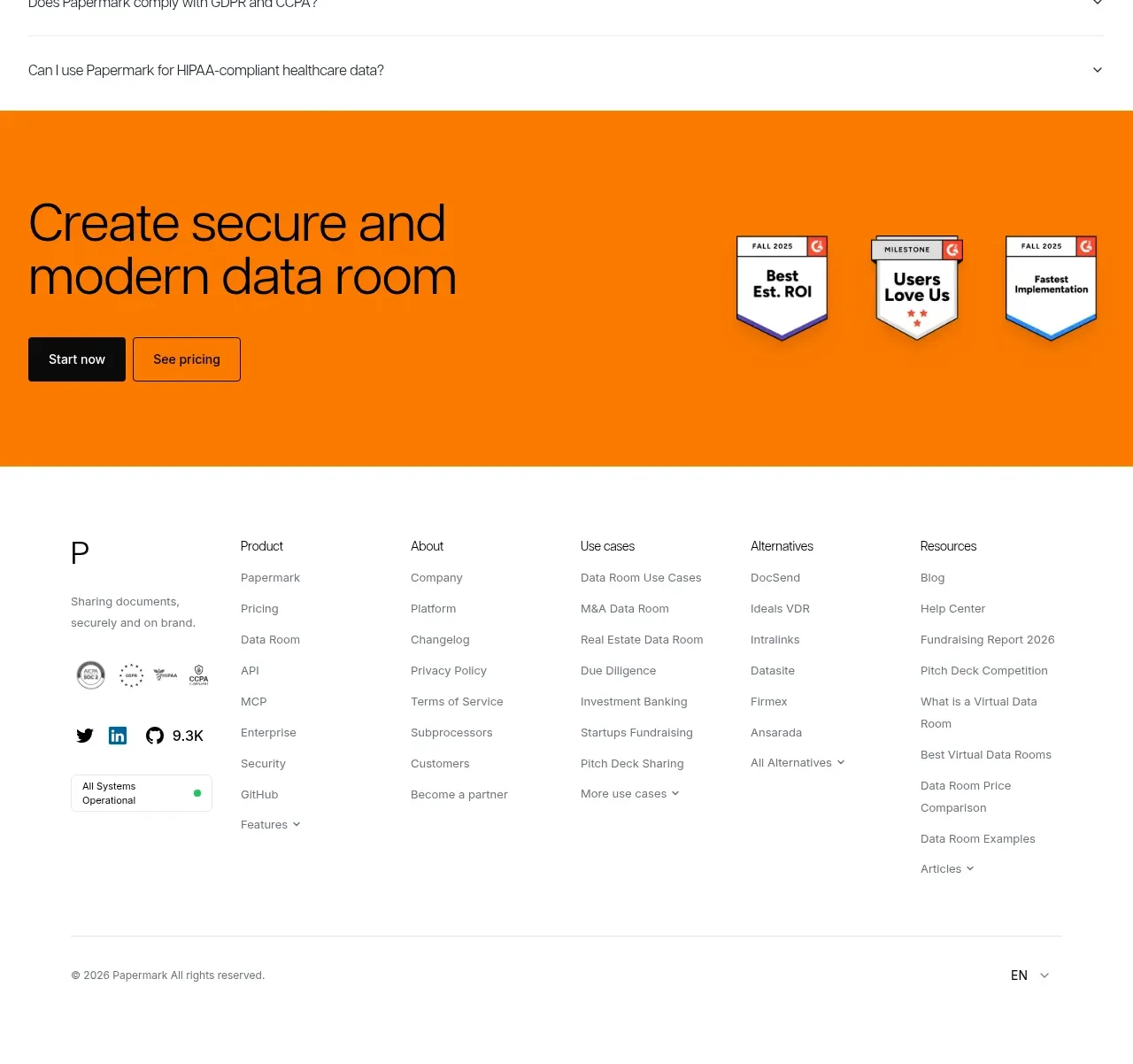
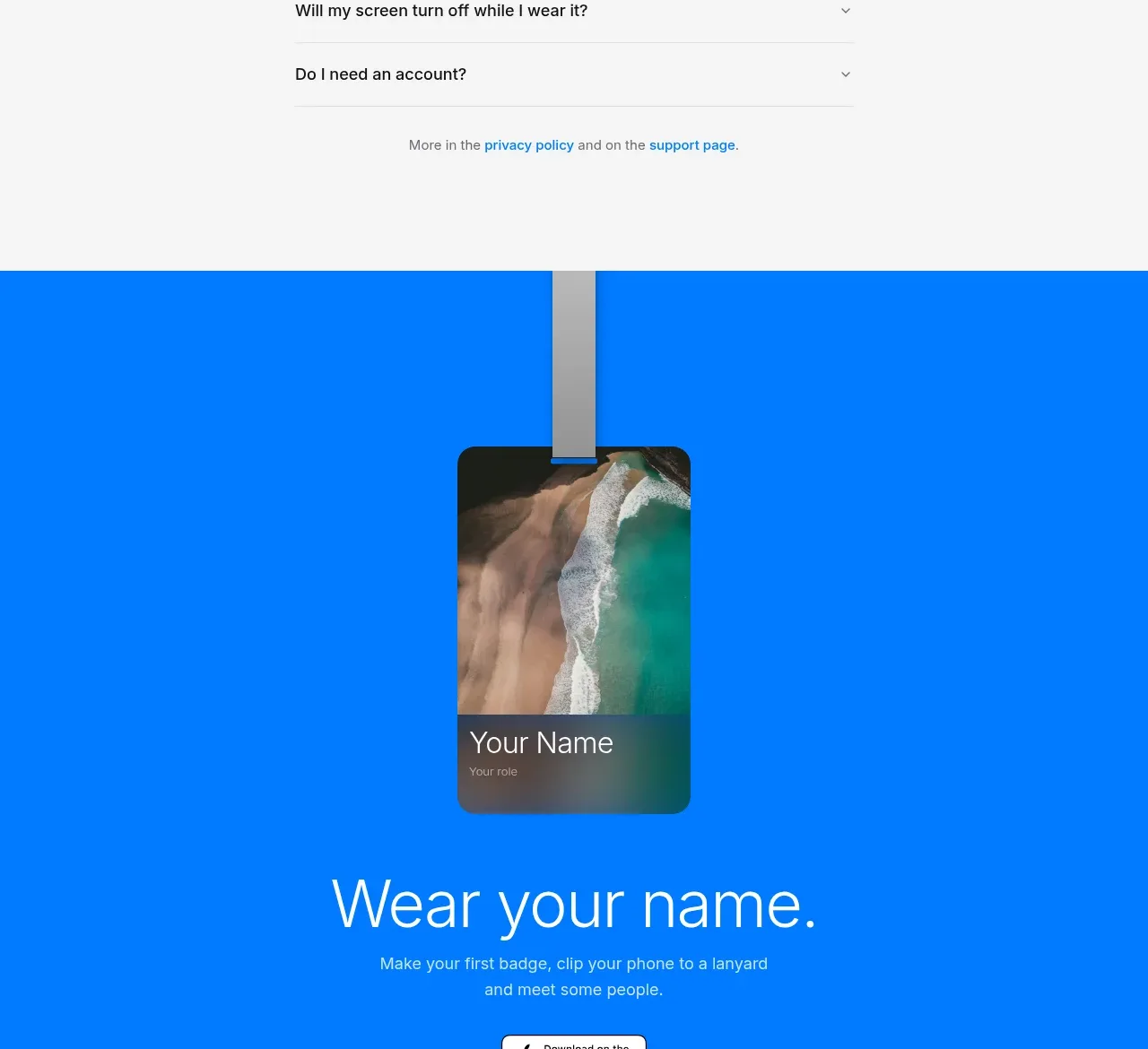
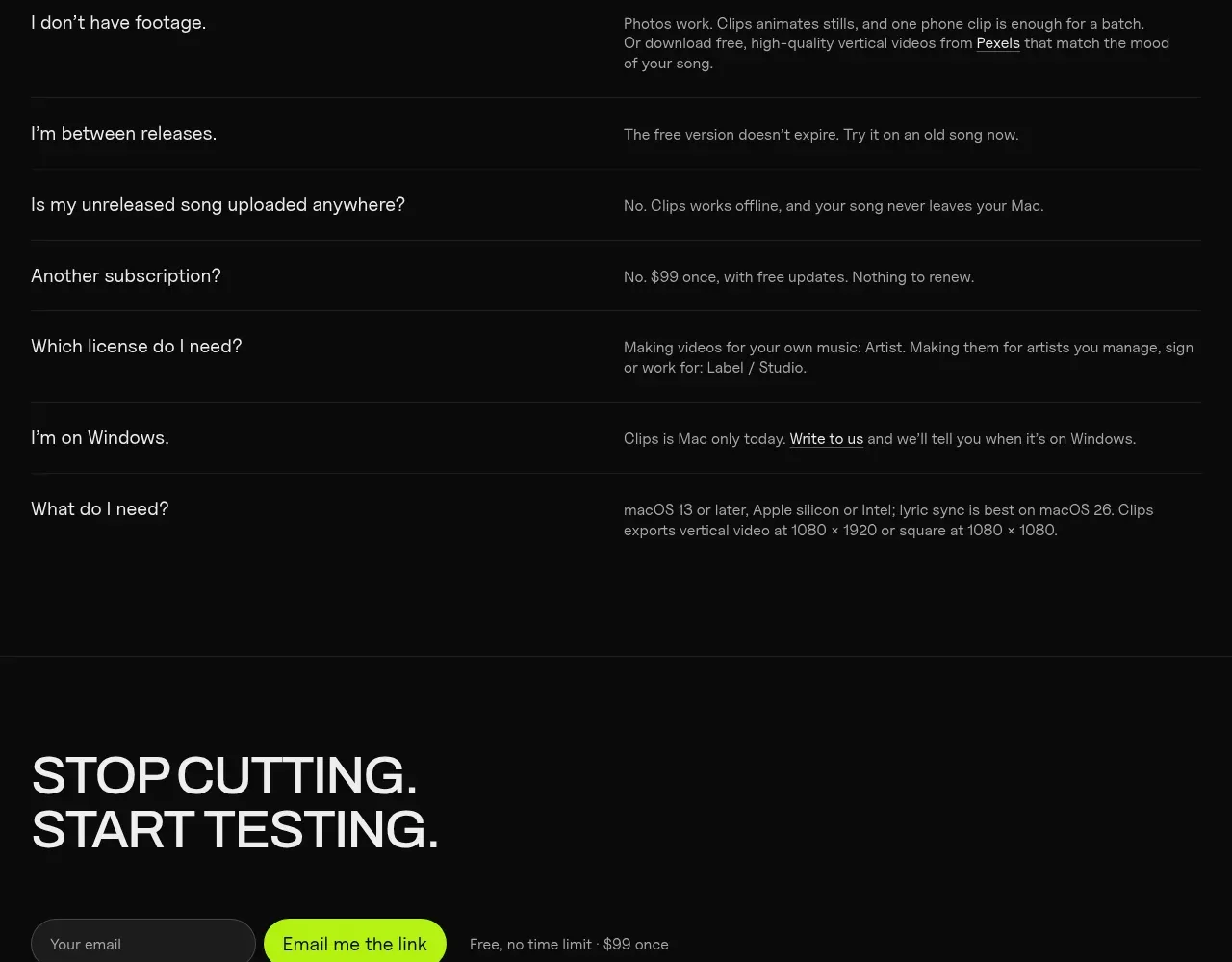
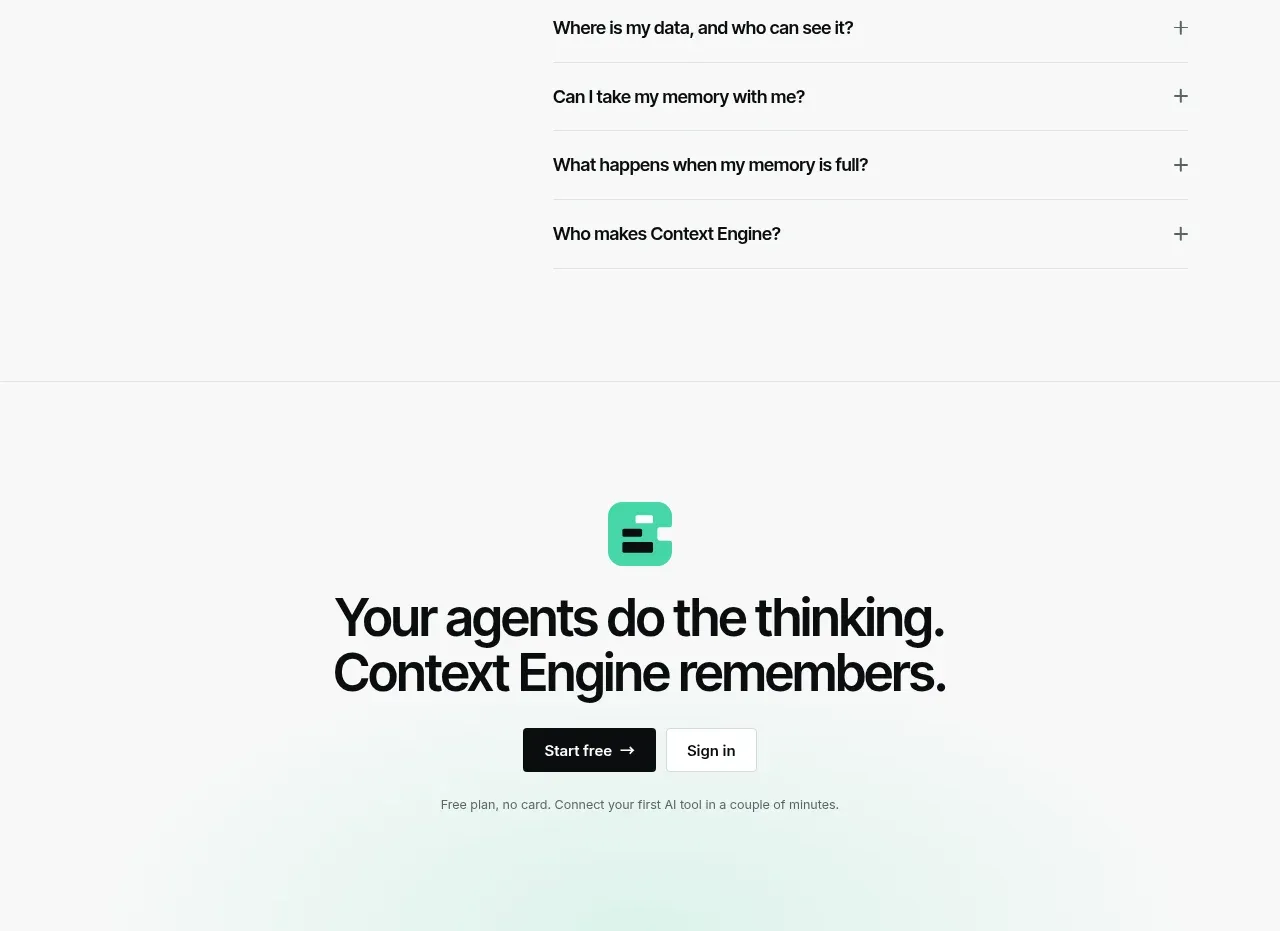
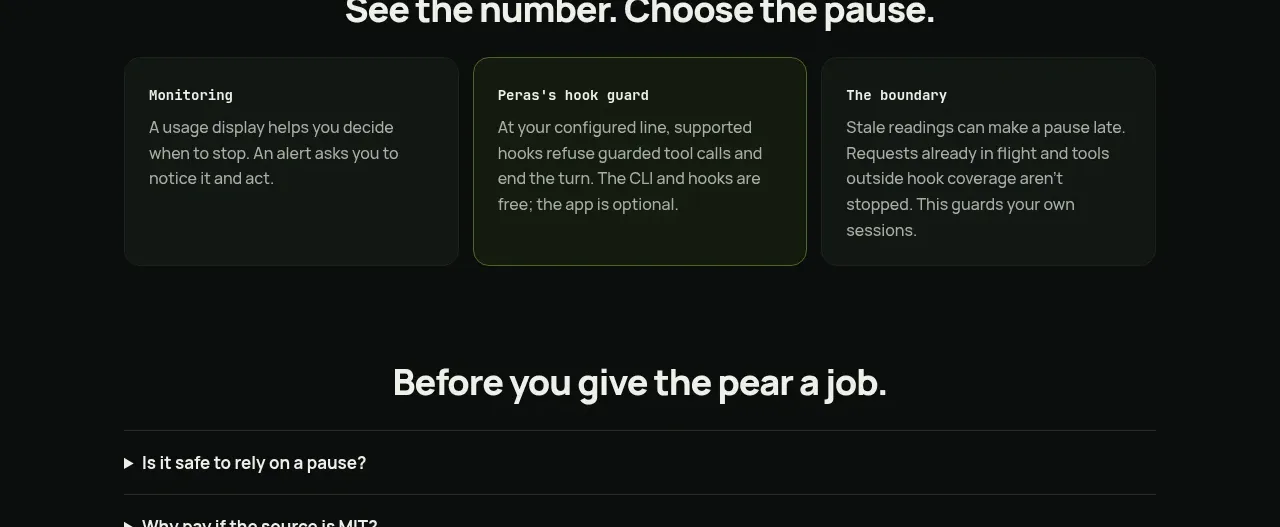
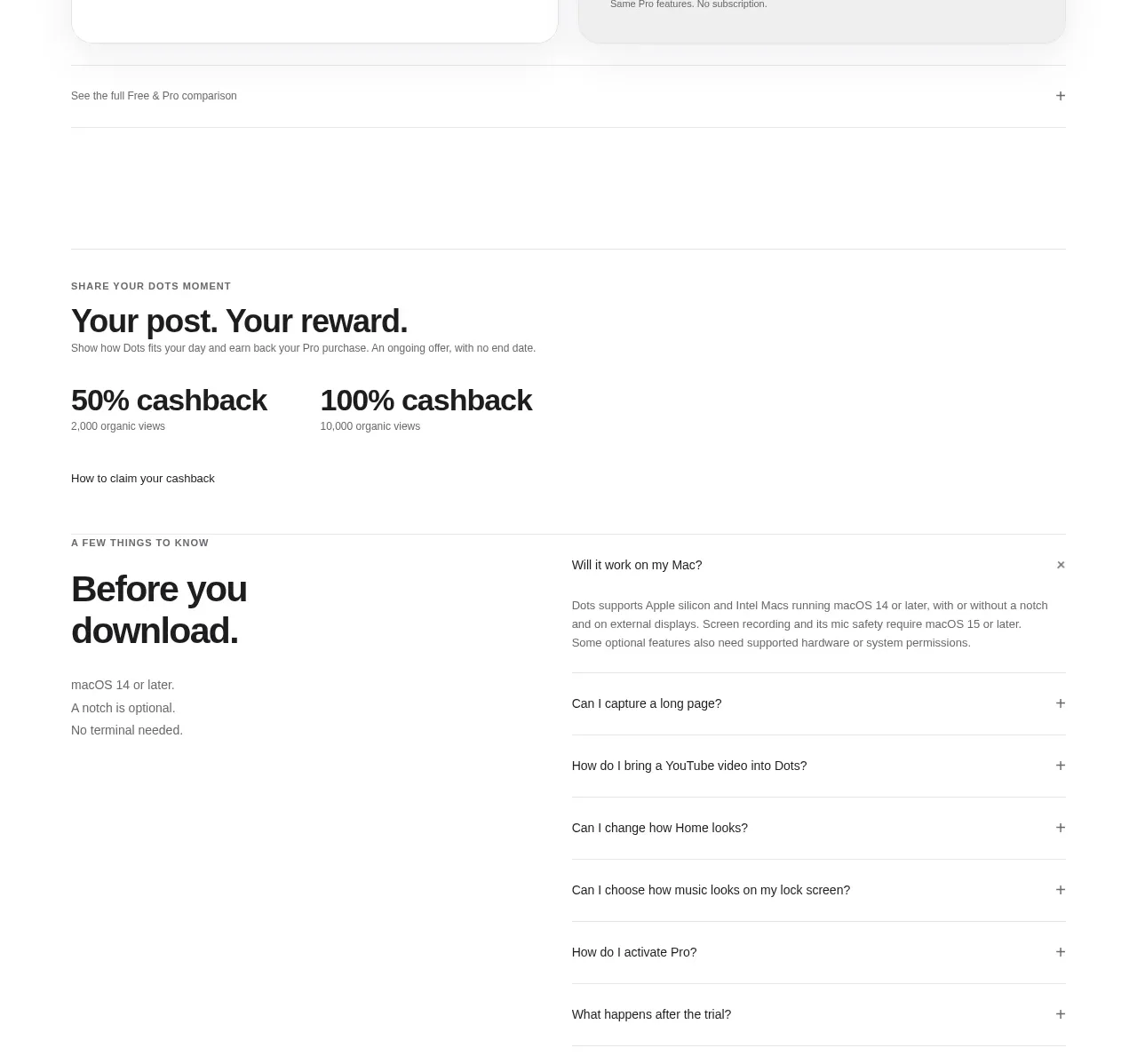
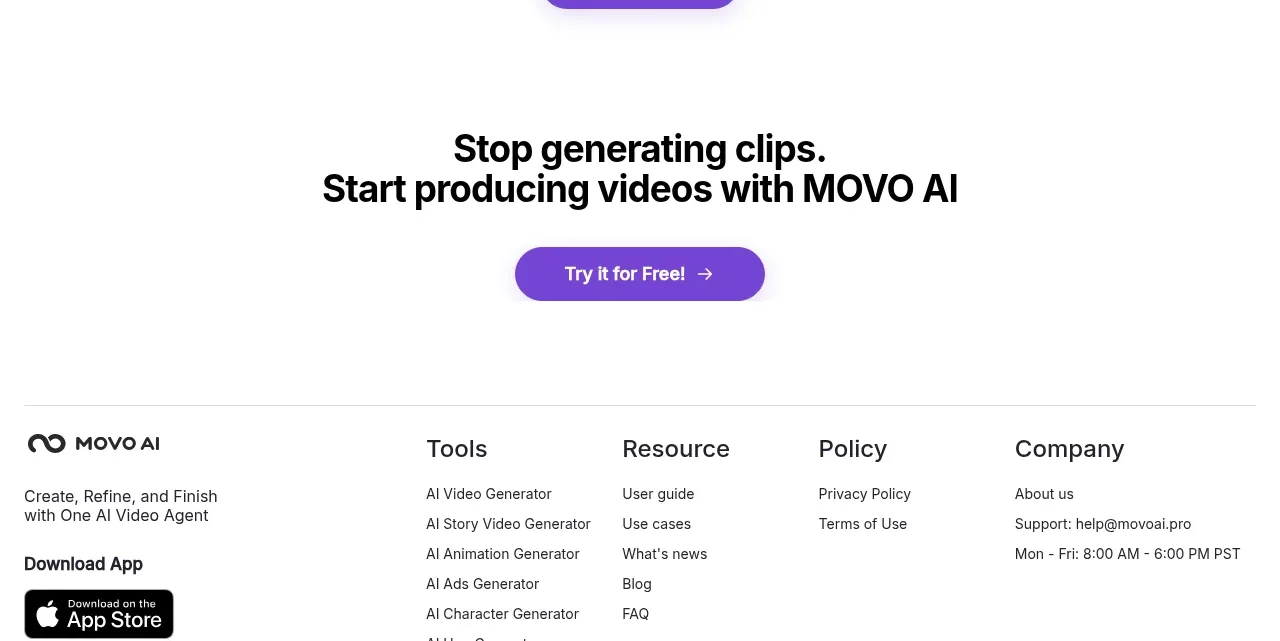
A simple accordion FAQ uses a centered heading and full-width ruled rows with clear question labels and plus controls, followed by a secondary help CTA.
Prompt preview
## Reference images

Study these alongside the description below: hierarchy, rhythm, spacing, colour. Build for the product you are asked about, using this design language.

- Component: https://kage-design-assets.t3.tigrisfiles.io/components/movo-ai/8c1aa91f-026c-4018-9b05-6044a1e6f3fb-1792821693-10.webp
- Full page it was cut from: https://kage-design-assets.t3.tigrisfiles.io/screenshots/movo-ai/8c1aa91f-026c-4018-9b05-6044a1e6f3fb-1792821641495-full.webp
- Component on Kage: https://kage.design/component/movo-faq

## Before you start
Ask which questions repeatedly block conversion for the user's product and what support destination should answer unresolved questions. Then build an original FAQ.

Create a centered FAQ section with a bold heading and a vertically stacked accordion list constrained to roughly 810px. Each row should have a question aligned left, a plus/minus control aligned right, and a thin divider. Keep the closed state compact and reveal answers with a smooth but reduced-motion-safe transition. Place a secondary rounded help button below the list.

Use 30–36px heading text, 14–16px semibold questions, 14–15px answer text, charcoal #181818, muted gray #777777, and dividers #E7E7E7. Use 80–110px top/bottom padding and ample row height. Ensure buttons are keyboard accessible, have aria-expanded and aria-controls, and only one or several items may be open according to the product's needs.

Never: use the reference's questions, exact answers, product name, copy, or icons.