 kage
kage
movoai.pro
Design analysis
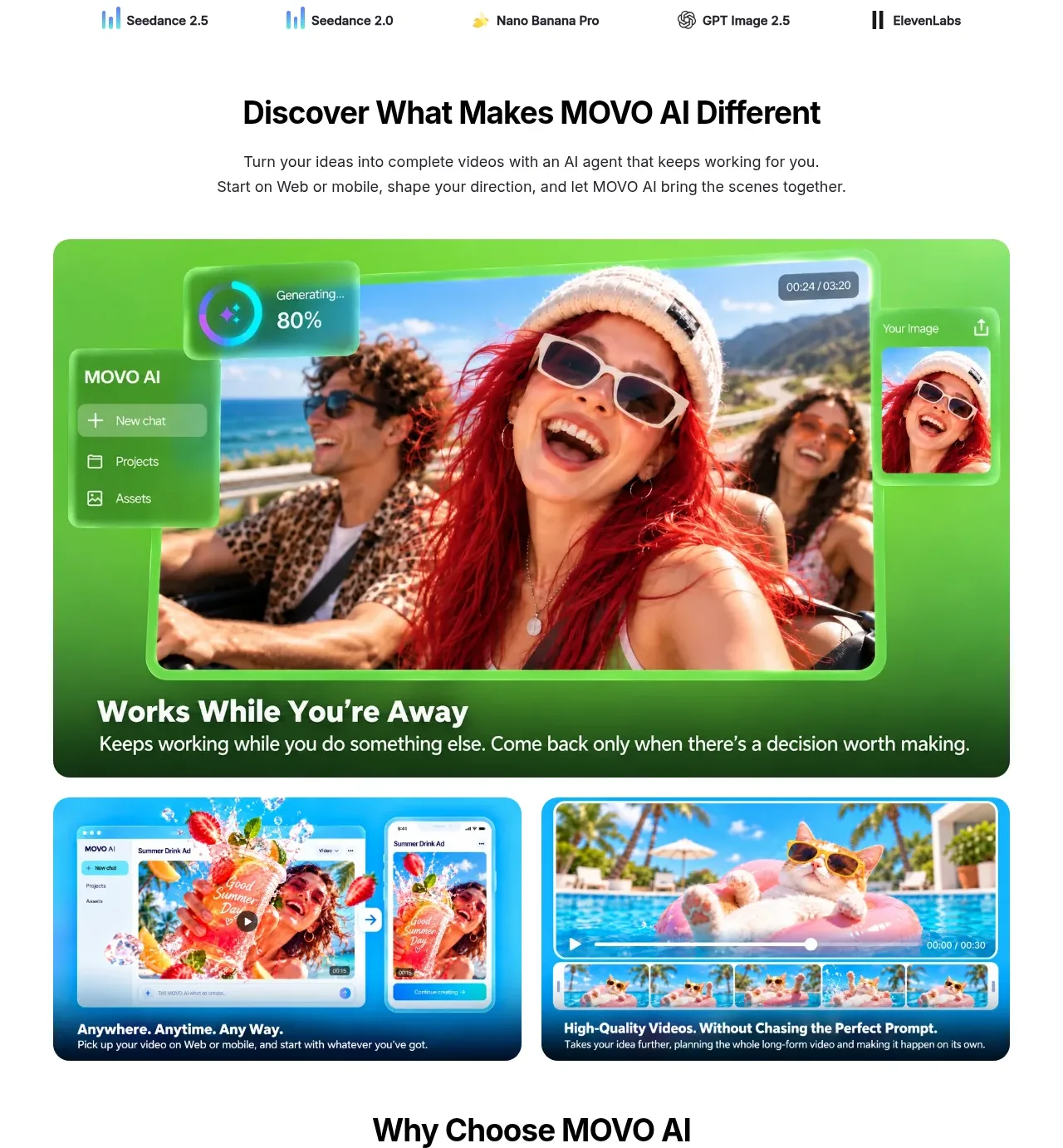
This section introduces the product difference and uses one large feature card plus two smaller media cards to turn abstract benefits into concrete visual outcomes.
Prompt preview
## Reference images

Study these alongside the description below: hierarchy, rhythm, spacing, colour. Build for the product you are asked about, using this design language.

- Component: https://kage-design-assets.t3.tigrisfiles.io/components/movo-ai/8c1aa91f-026c-4018-9b05-6044a1e6f3fb-1792821690-4.webp
- Full page it was cut from: https://kage-design-assets.t3.tigrisfiles.io/screenshots/movo-ai/8c1aa91f-026c-4018-9b05-6044a1e6f3fb-1792821641495-full.webp
- Component on Kage: https://kage.design/component/movo-feature-grid

## Before you start
Ask what the user's product's three to five strongest differentiators are and what examples or screenshots are available. Then create a distinct visual system for those benefits.

Build a feature showcase section with a centered title and supporting copy, followed by one large rounded feature card and two smaller cards beneath it. The primary card should use a saturated green or brand-colored background, a large embedded product/media visual, a short benefit headline, and one sentence of explanation. Secondary cards should use distinct media ratios and concise captions.

Use a centered max-width of 810px, 28–32px section heading, 15px body copy, 18–24px card radius, and 16–24px internal padding. Use a strong accent background such as #58D83F or adapt to the user's brand, deep navy #062D43 for secondary cards, white text on dark cards, and soft neutral page background #FFFFFF. On hover, lift cards subtly and reveal play affordances; keep media cropping intentional.

Make the grid responsive: one large card, then a two-column row on desktop; one column on mobile. Ensure text remains readable over media and provide descriptive alt text.

Never: use the reference's images, screenshots, exact benefit names, copy, product name, or illustrations.
More components

 Data-room education and security overview
Papermark Data Rooms · Feature grid
Data-room education and security overview
Papermark Data Rooms · Feature grid
 Advanced data-room features
Papermark Data Rooms · Feature grid
Advanced data-room features
Papermark Data Rooms · Feature grid
 Workflow demonstrations
Papermark Data Rooms · Feature grid
Workflow demonstrations
Papermark Data Rooms · Feature grid

 Lanyard use-case feature
Badgey · Feature grid
Lanyard use-case feature
Badgey · Feature grid

 Problem statement
Clips by Plastic · Feature grid
Problem statement
Clips by Plastic · Feature grid
 Effects and customization panel
Clips by Plastic · Feature grid
Effects and customization panel
Clips by Plastic · Feature grid