kage
kage
mylens.ai

Design analysis
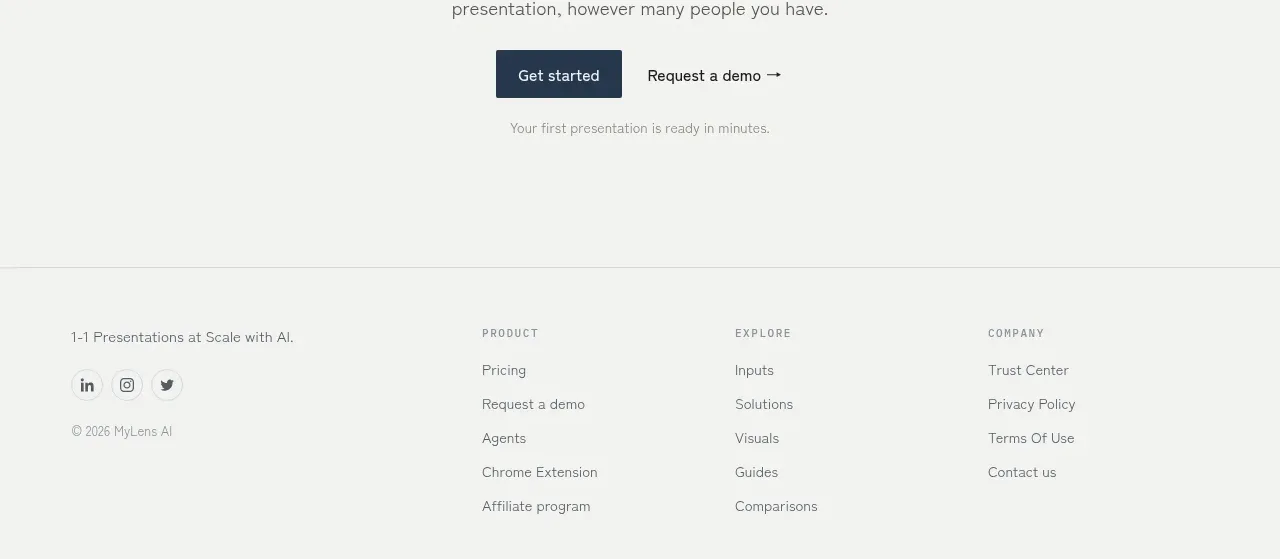
The page utilizes a clean, high-density layout dominated by whitespace. Content is presented in alternating full-width and asymmetric two-column sections, maintaining a strong vertical rhythm. Typographic hierarchy is established through large, impactful headlines contrasting against smaller, precise body text. The color scheme is neutral, relying on subtle accents for emphasis.
Prompt preview
## Reference images

Study these alongside the description below: hierarchy, rhythm, spacing, colour. Build for the product you are asked about, using this design language.

- Full page: https://kage-design-assets.t3.tigrisfiles.io/screenshots/mylens/1ccd9fd0-0589-4047-afdb-6c3bf2f362f8-1792389647544-full.webp
- Above the fold: https://kage-design-assets.t3.tigrisfiles.io/screenshots/mylens/1ccd9fd0-0589-4047-afdb-6c3bf2f362f8-1792389636444.webp
- Design on Kage: https://kage.design/designs/mylens-landing-page

## Before you start
Please ask the user what they are building, who it is for, and what brand assets (name, colours, type) they already have. Wait for the answers. All subsequent design instructions should be applied to that product.

## Page structure
1. **Hero Section:** A high-impact, centered area featuring a bold, short headline and a concise value proposition. This is followed by primary and secondary CTAs. The section often incorporates a large, illustrative graphic or video mock-up.
2. **Feature Showcase (Section 1):** A two-column layout where a large visual element or mockup occupies one side, and detailed text describing a key feature occupies the other. This pattern is used to immediately illustrate product functionality.
3. **Value Proposition/Use Case Section (Section 2):** A full-width section utilizing a slightly different background tone (e.g., light grey) to break the visual rhythm. It features smaller, digestible chunks of text (three or four columns) detailing distinct benefits or use cases.
4. **Deep Dive Feature Section (Section 3):** Another two-column split, similar to Section 1, focusing on a more complex feature. The layout maintains visual balance, pairing detailed feature text with a high-fidelity system screenshot or animation mock-up.
5. **Testimonial/Social Proof Section:** A centered section dedicated to customer validation, typically featuring quotes, small avatars, and branding from the associated companies.
6. **Final CTA Section:** A wide, distinct section, often featuring a bold background color, designed solely to prompt the final conversion (e.g., 'Start Free Trial').

## Design language
*   **Hierarchy:** Use large, high-contrast serif or sans-serif headings (H1/H2) to draw immediate attention to core value. Body copy should be highly legible with a modest line height.
*   **Layout Rhythm:** Alternately employ full-width, center-aligned sections and asymmetric two-column layouts. This movement creates a dynamic, engaging scroll flow.
*   **Density:** The overall density is moderate. Ample whitespace is used strategically around content blocks to ensure readability and a premium feel, but content sections are dense enough to convey value quickly.
*   **Color Palette:** The primary palette is monochromatic (white, various shades of gray/black). Use a single, professional accent color (e.g., deep blue or teal, approximating #007BFF) for CTAs and key icons.
*   **Form Elements:** All CTAs should be clearly delineated buttons with subtle rounded corners (4-8px radius) and a clean hover state. Inputs should be minimalist, bordered, and float inside the layout.
*   **Visuals:** Graphics and illustrations should be abstract, clean, and highly technical, aligning with the high-tech nature of the AI product.

## Never
Do not use any logos, specific wordmarks, product names, marketing copy, or visual assets from the reference page. Do not present the result as the referenced product.
Components from this page
All components
 Minimal top navigation
MyLens · Navigation
Minimal top navigation
MyLens · Navigation
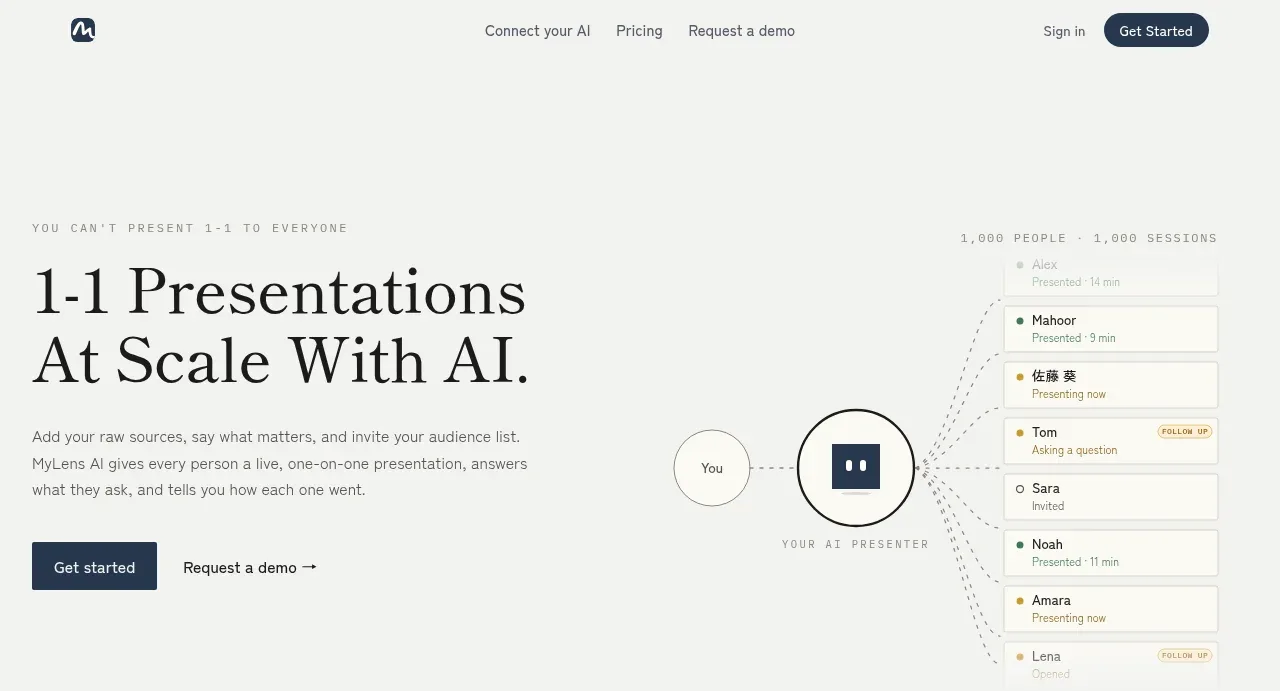 Personalized presentation hero
MyLens · Hero
Personalized presentation hero
MyLens · Hero
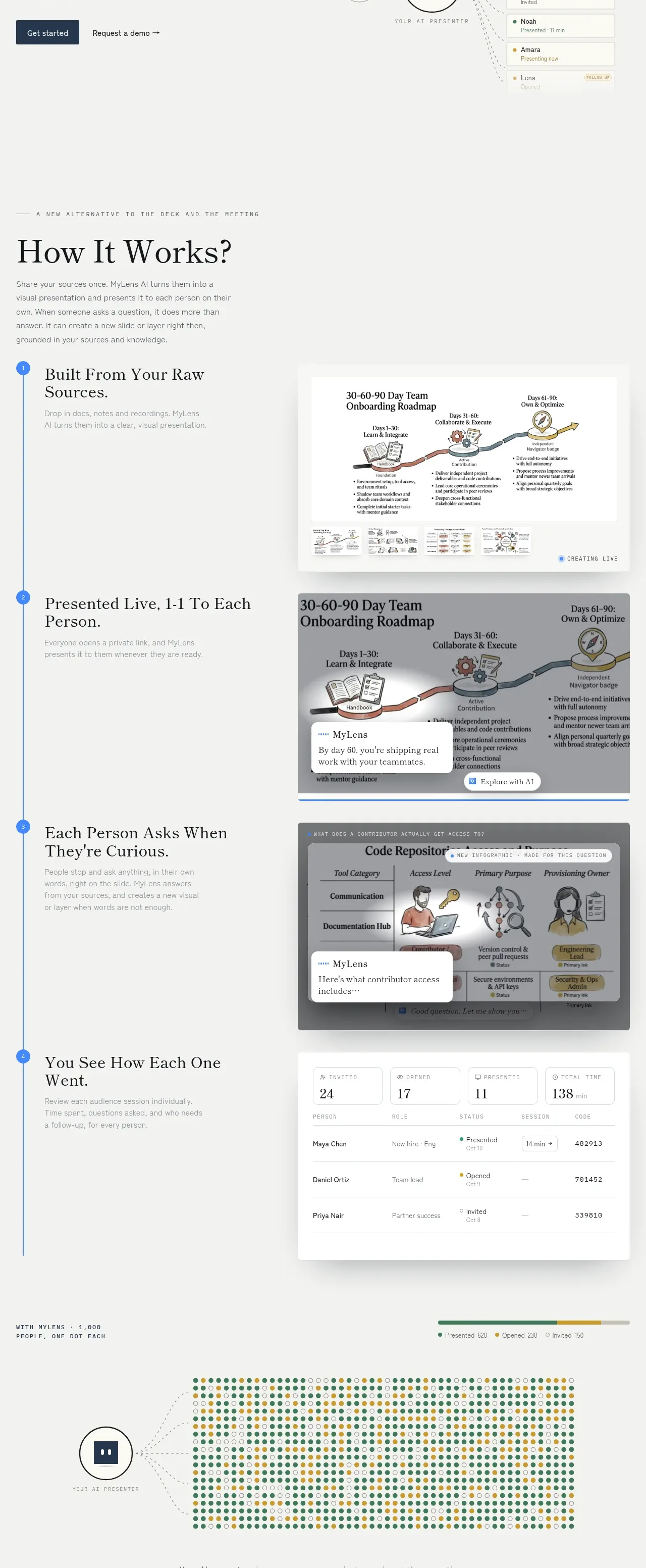 How the product works
MyLens · Feature grid
How the product works
MyLens · Feature grid
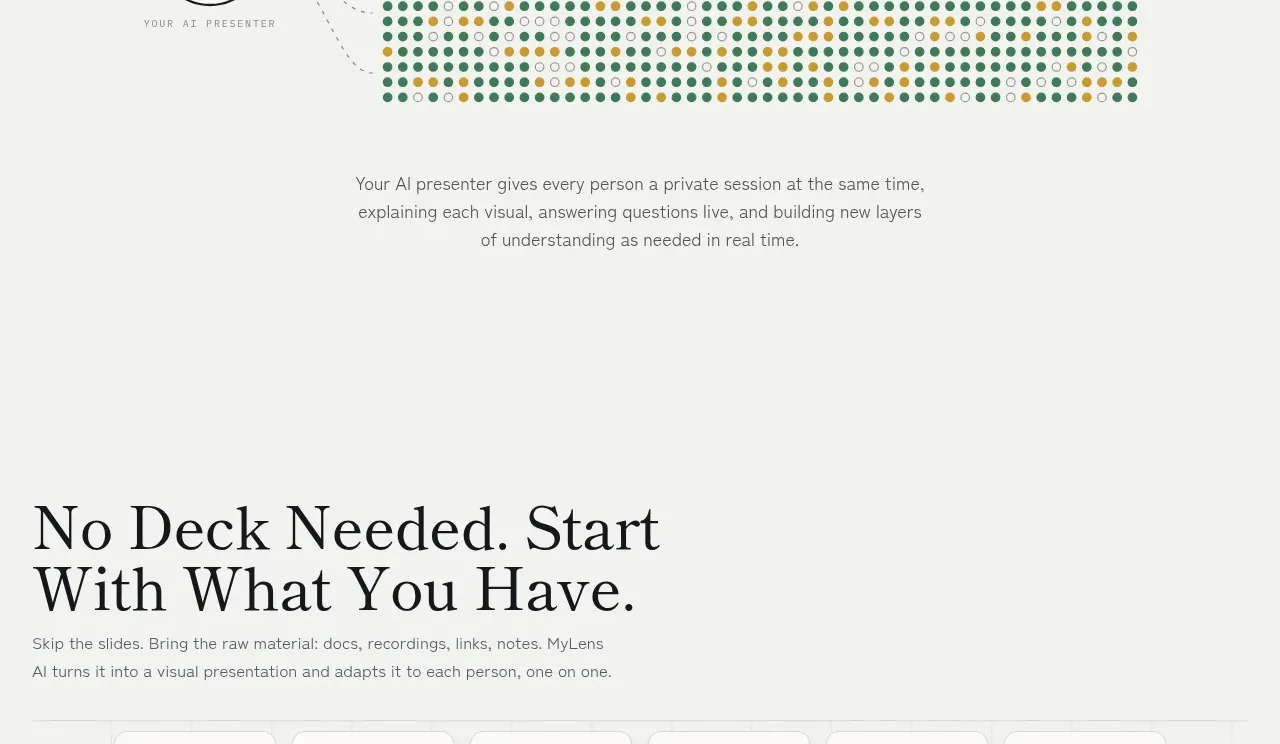 One-to-many scale visualization
MyLens · Stats
One-to-many scale visualization
MyLens · Stats
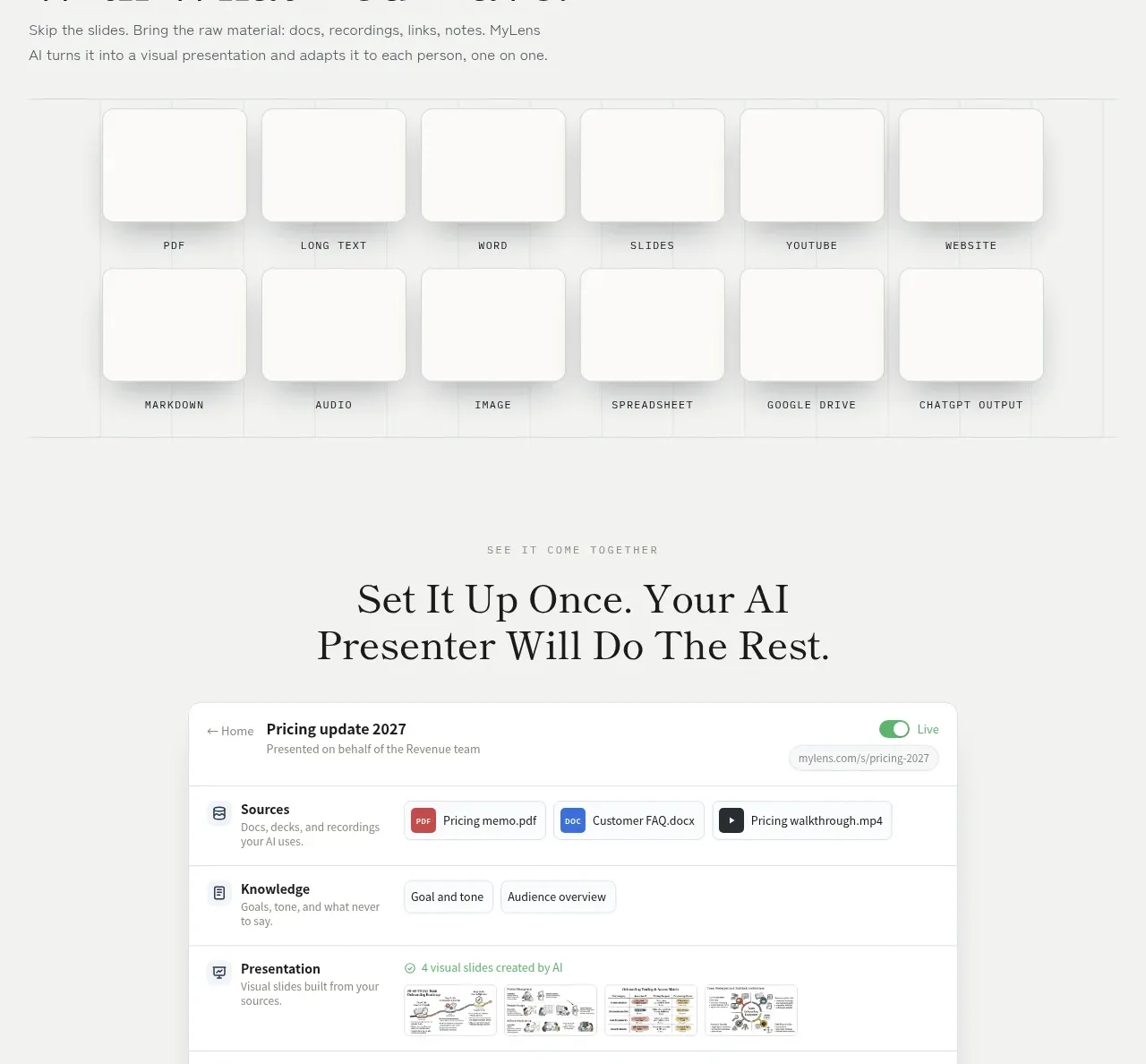 Bring any source material
MyLens · Feature grid
Bring any source material
MyLens · Feature grid
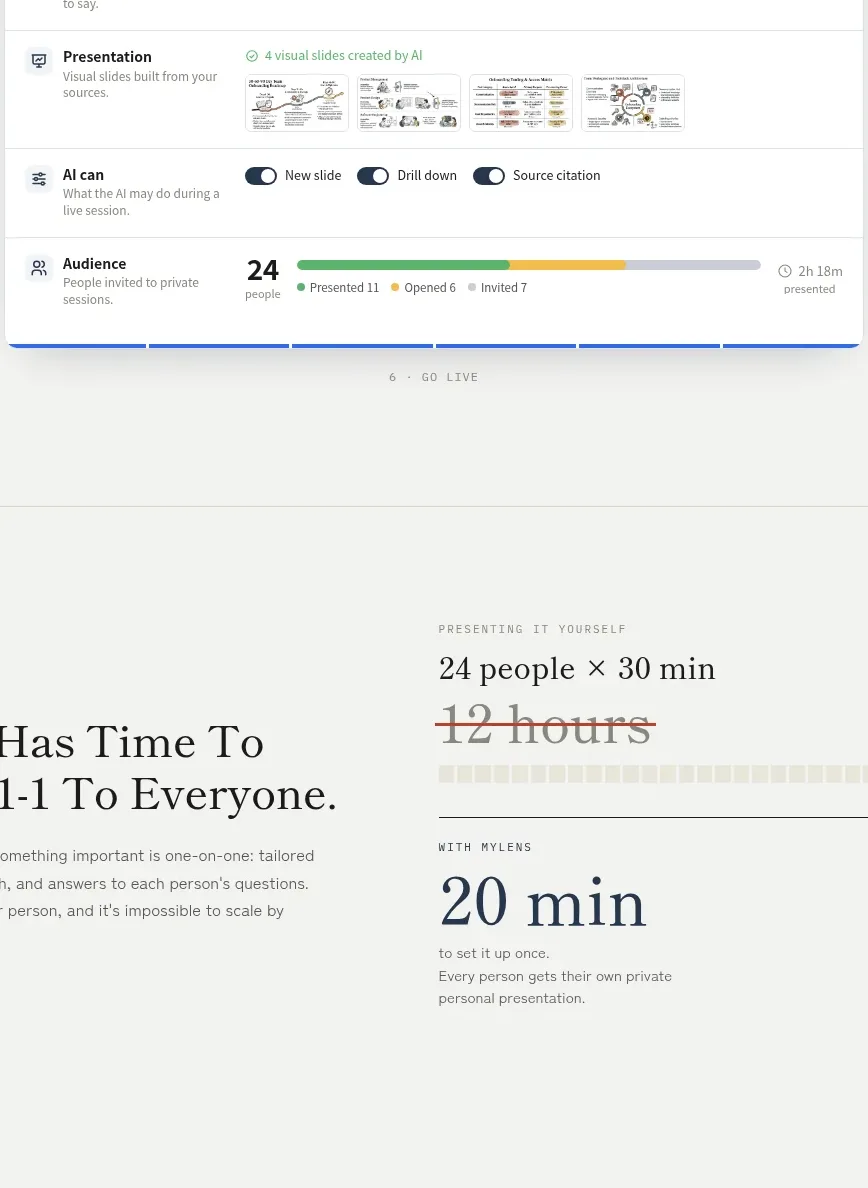 Setup workspace preview
MyLens · Card
Setup workspace preview
MyLens · Card
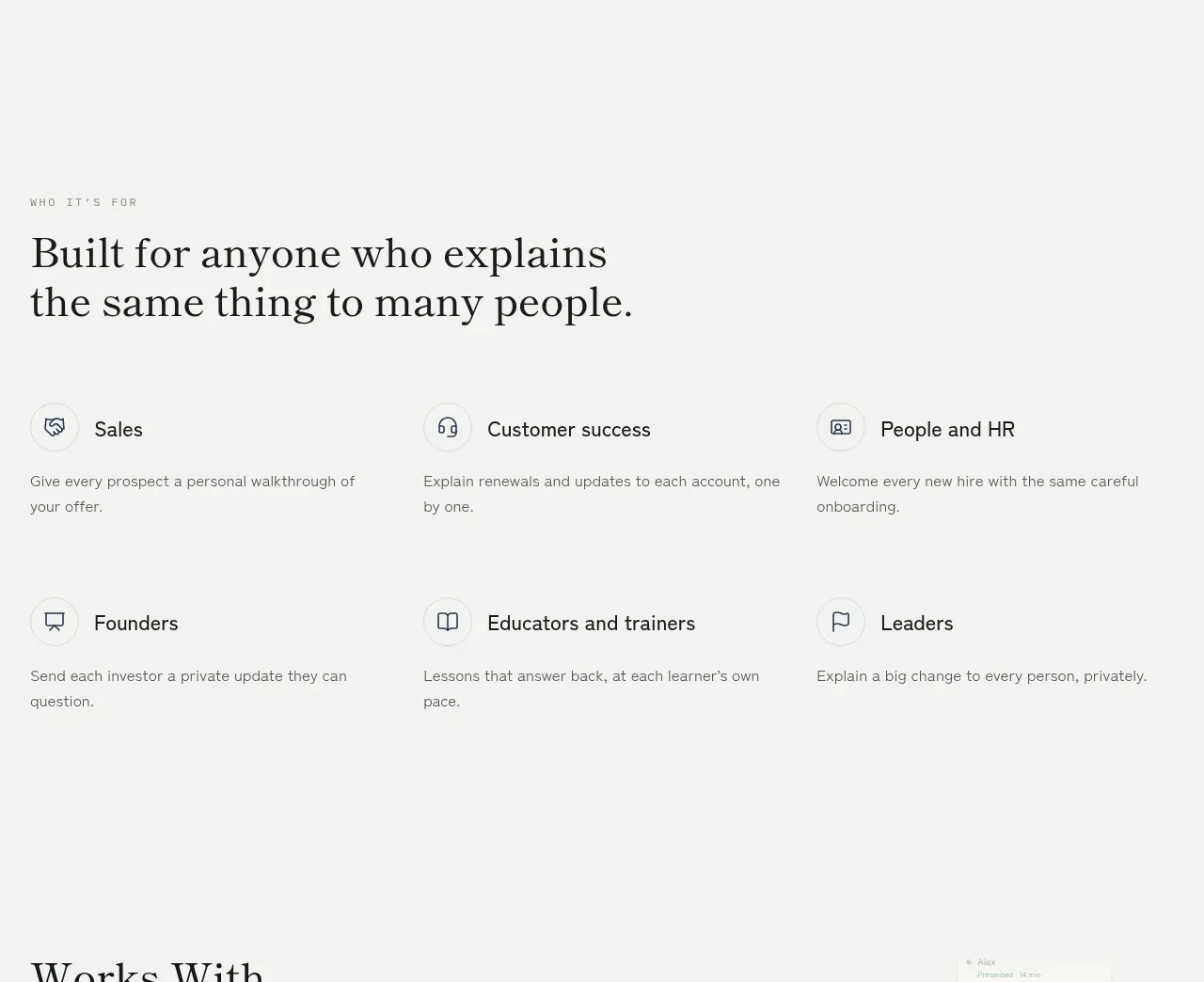 Time saved comparison
MyLens · Stats
Time saved comparison
MyLens · Stats
 Audience use cases
MyLens · Feature grid
Audience use cases
MyLens · Feature grid
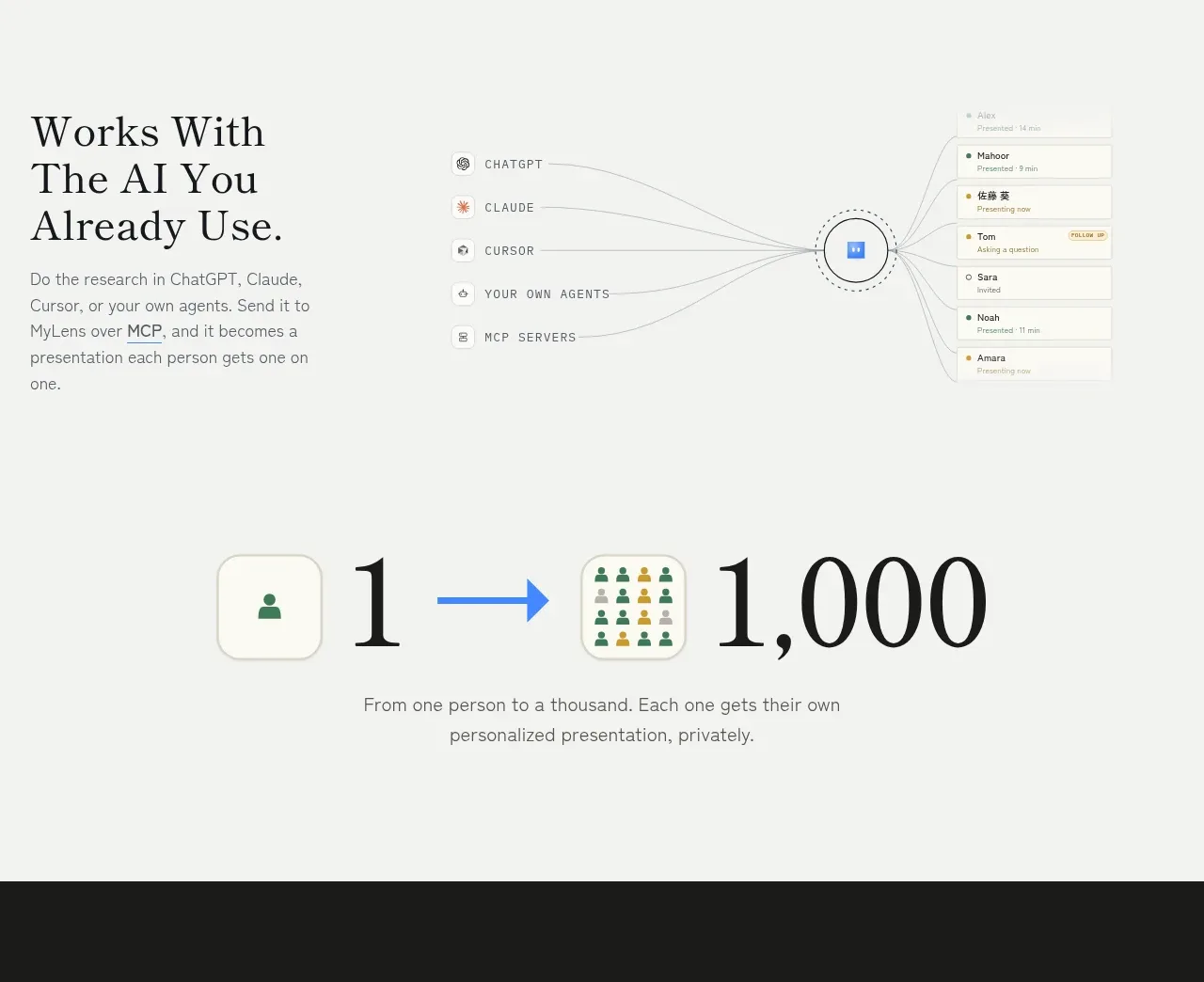
 Integrations and agent ecosystem
MyLens · Feature grid
Integrations and agent ecosystem
MyLens · Feature grid
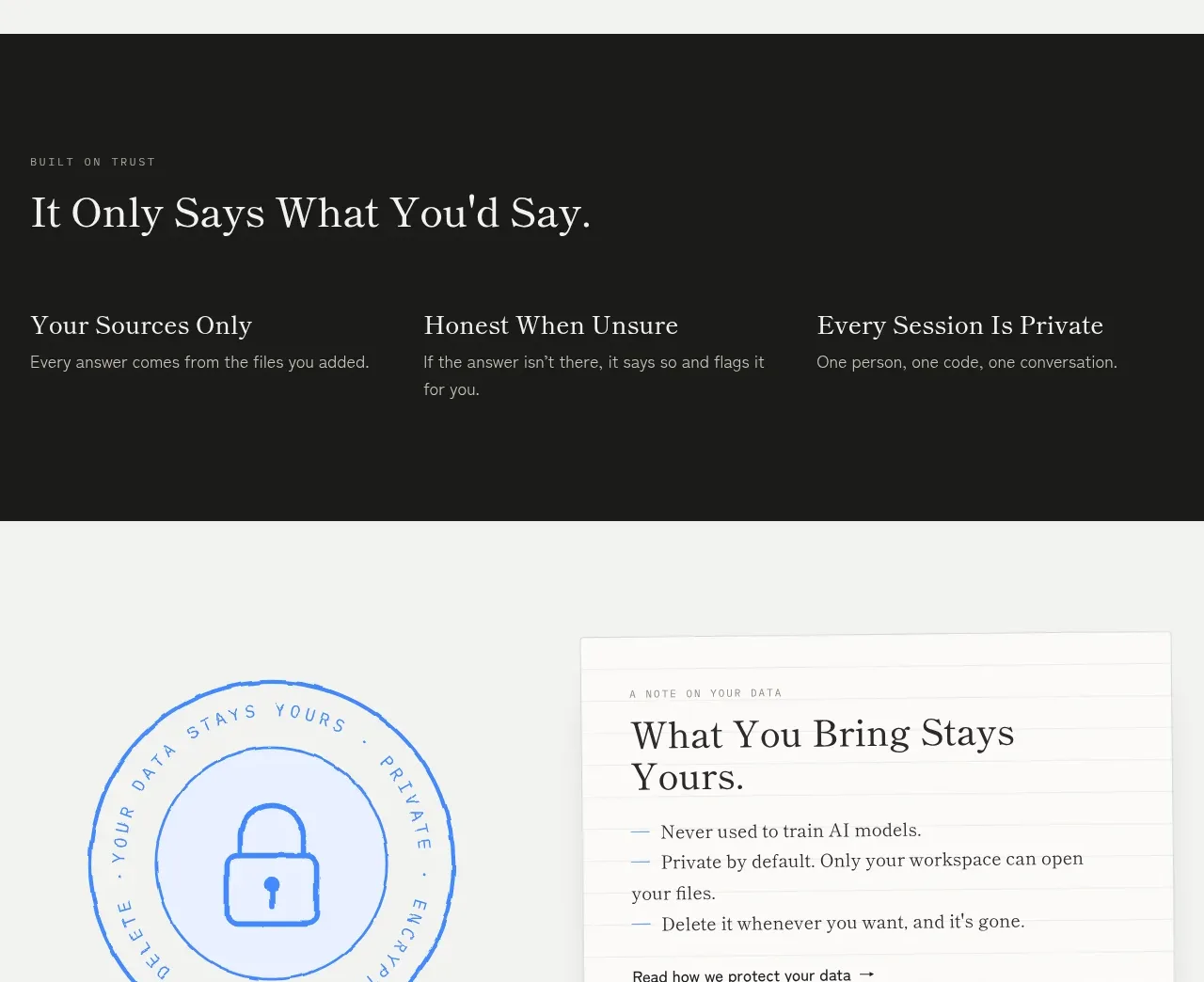
 One-to-thousand statement
MyLens · Stats
One-to-thousand statement
MyLens · Stats
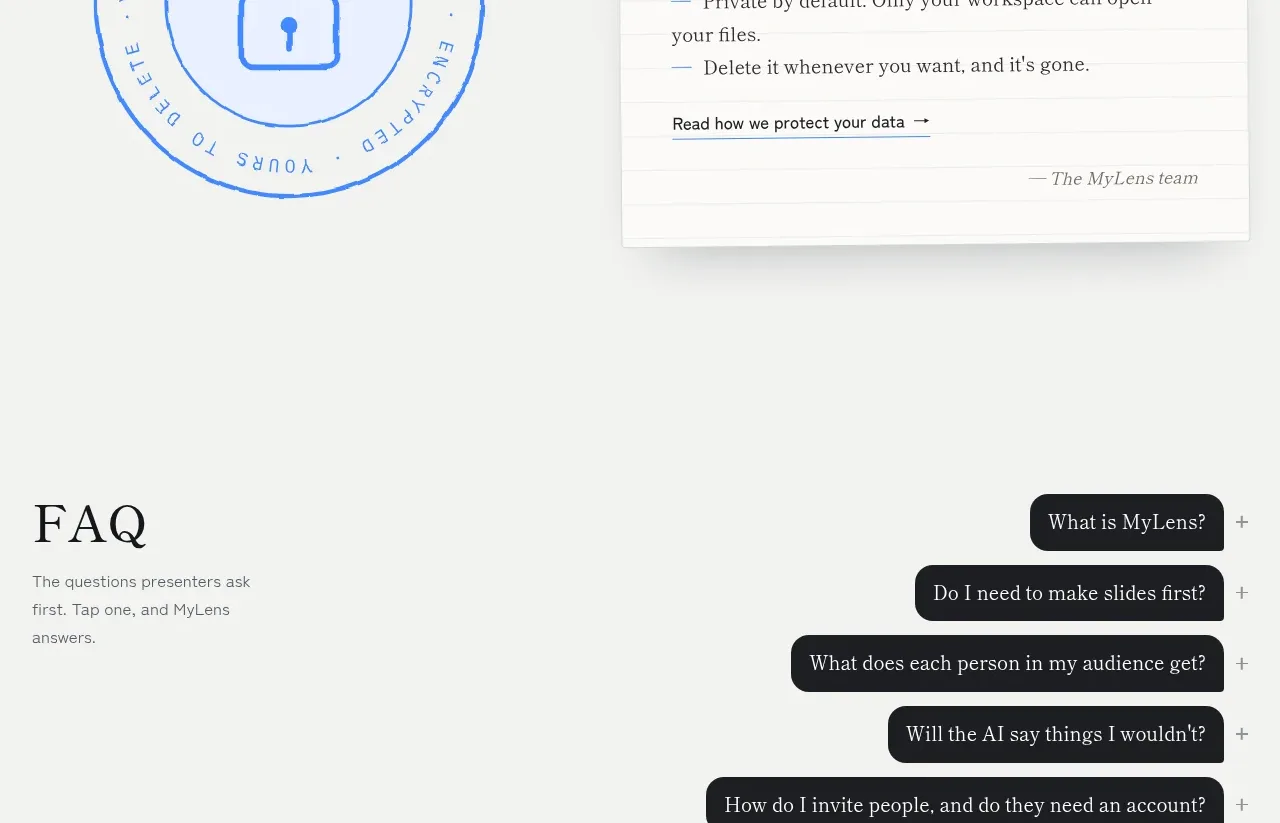
 Trust and privacy principles
MyLens · Feature grid
Trust and privacy principles
MyLens · Feature grid
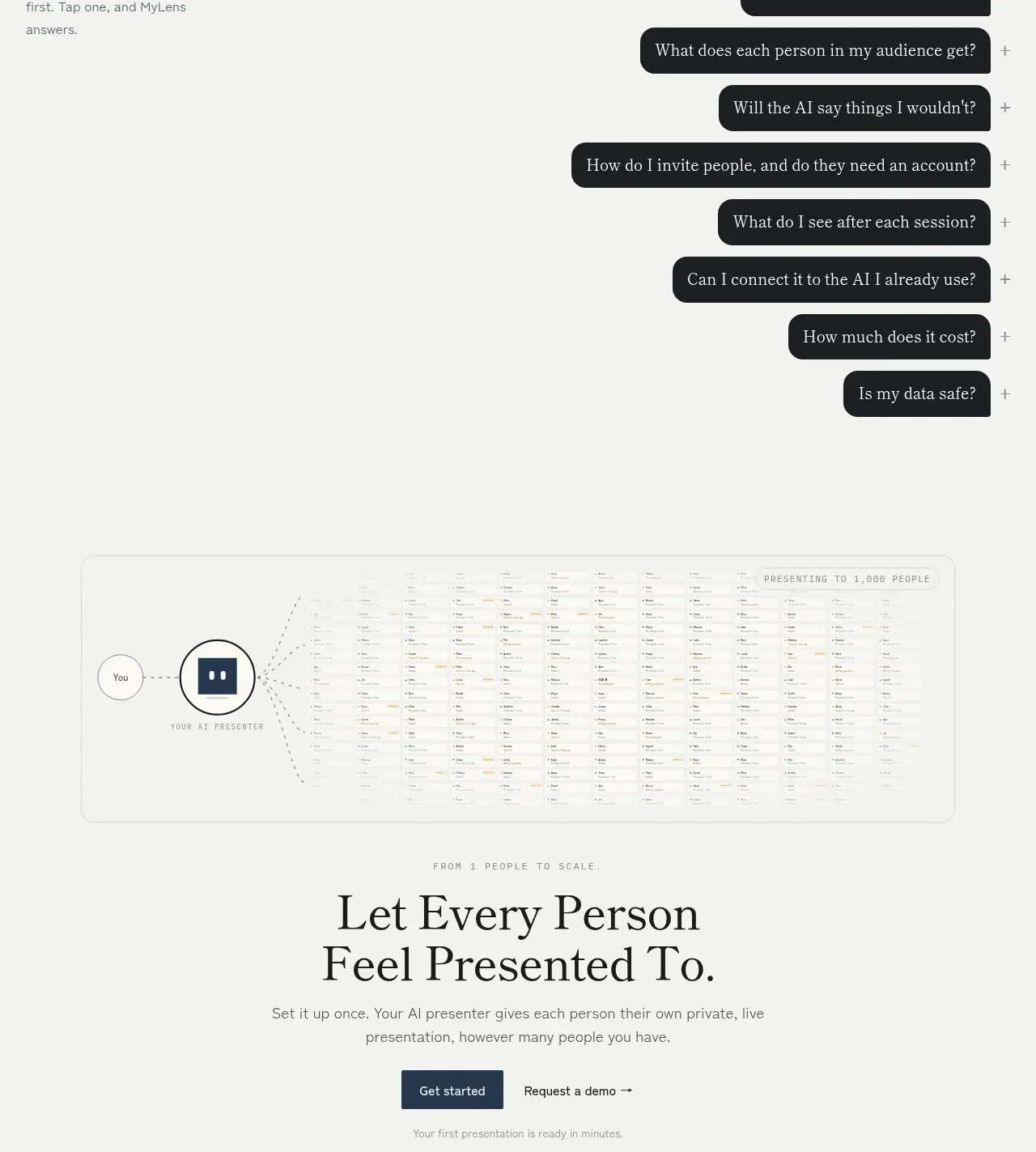
 Frequently asked questions
MyLens · FAQ
Frequently asked questions
MyLens · FAQ