 kage
kage
mylens.ai
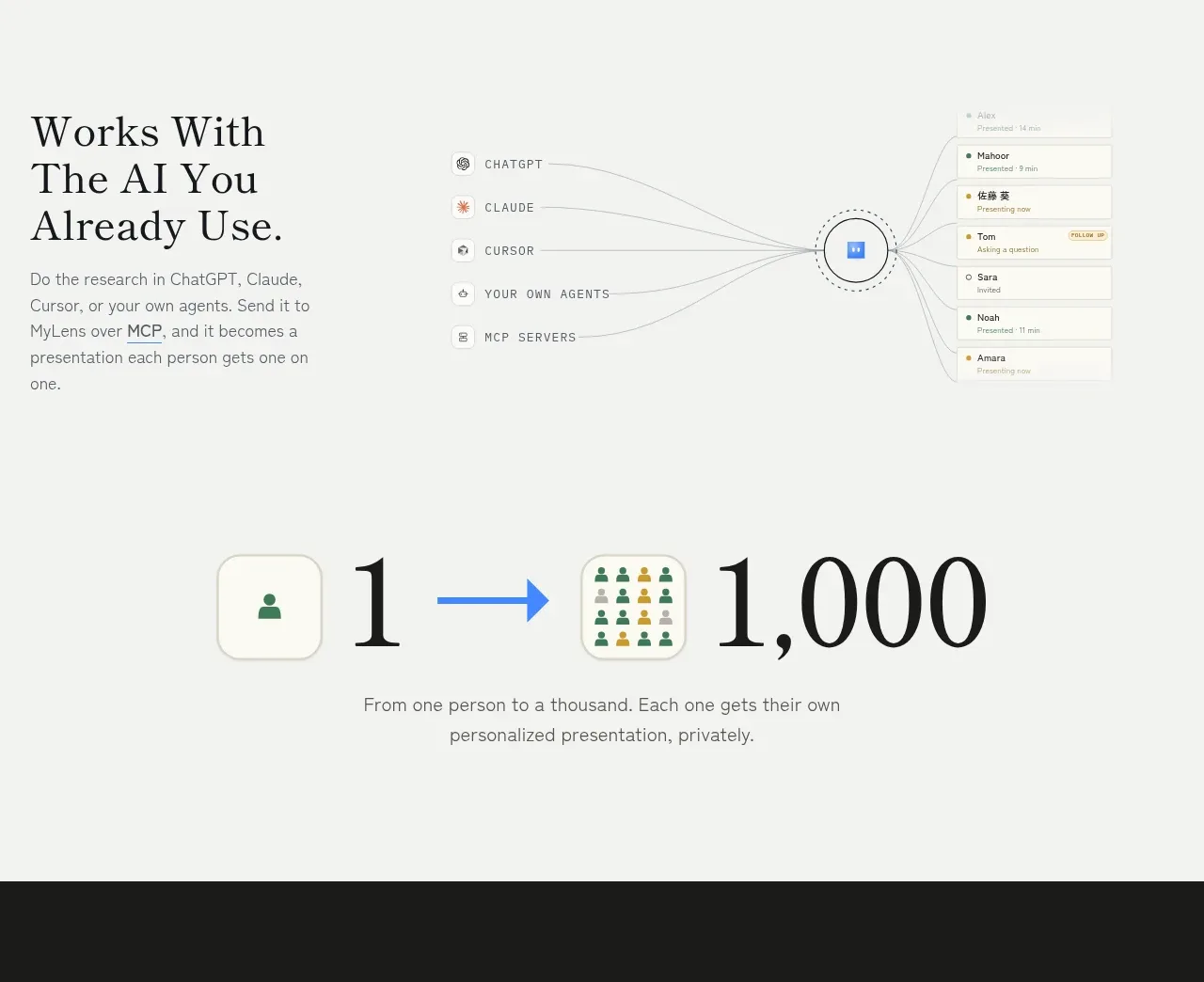
Design analysis
A broad “who it is for” section uses six evenly weighted use-case cells across two rows. Small icons, concise titles, and one-line explanations make the audience breadth easy to scan.
Prompt preview
## Reference images

Study these alongside the description below: hierarchy, rhythm, spacing, colour. Build for the product you are asked about, using this design language.

- Component: https://kage-design-assets.t3.tigrisfiles.io/components/mylens/1ccd9fd0-0589-4047-afdb-6c3bf2f362f8-1792389754-7.webp
- Full page it was cut from: https://kage-design-assets.t3.tigrisfiles.io/screenshots/mylens/1ccd9fd0-0589-4047-afdb-6c3bf2f362f8-1792389647544-full.webp
- Component on Kage: https://kage.design/component/mylens-feature-grid-3

## Before you start
Ask which audiences benefit most from the user's product and what distinct job each audience needs done. Turn those answers into original use cases.

Create a use-case section with an eyebrow and large editorial heading, followed by a responsive six-item grid. Each item has a small outlined icon, a concise title, and one or two lines describing the outcome for that audience. Use equal visual weight across the grid and generous row spacing.

Design rules:
- Use a warm off-white background with charcoal text and very subtle gray dividers or icon circles.
- Use a 48–56px serif heading, 16–18px sans-serif item titles, and 12–14px muted descriptions.
- Use three columns on desktop, two on tablet, and one on mobile; keep columns aligned to a consistent baseline.
- Icons should be simple 16–20px line icons inside 28–34px pale circular containers.
- Add a quiet hover state such as a border tint or slight icon colour change.

Never:
- Never use logos, product names, copy, illustrations, or imagery from the reference.
- Never copy the audience labels or exact six-item arrangement.
- Never add generic personas unless each maps to a real product use case.
More components

 Discover app directory
Composio Instant · Feature grid
Discover app directory
Composio Instant · Feature grid
 Connected apps workflow
Composio Instant · Feature grid
Connected apps workflow
Composio Instant · Feature grid
 Three-part product workflow
Composio Instant · Feature grid
Three-part product workflow
Composio Instant · Feature grid
 Spending controls
Composio Instant · Feature grid
Spending controls
Composio Instant · Feature grid

 Open hardware pathways
Asimov 1 · Feature grid
Open hardware pathways
Asimov 1 · Feature grid
 Capability overview and specification cards
Asimov 1 · Feature grid
Capability overview and specification cards
Asimov 1 · Feature grid