kage
kage
naise.ai
Design analysis
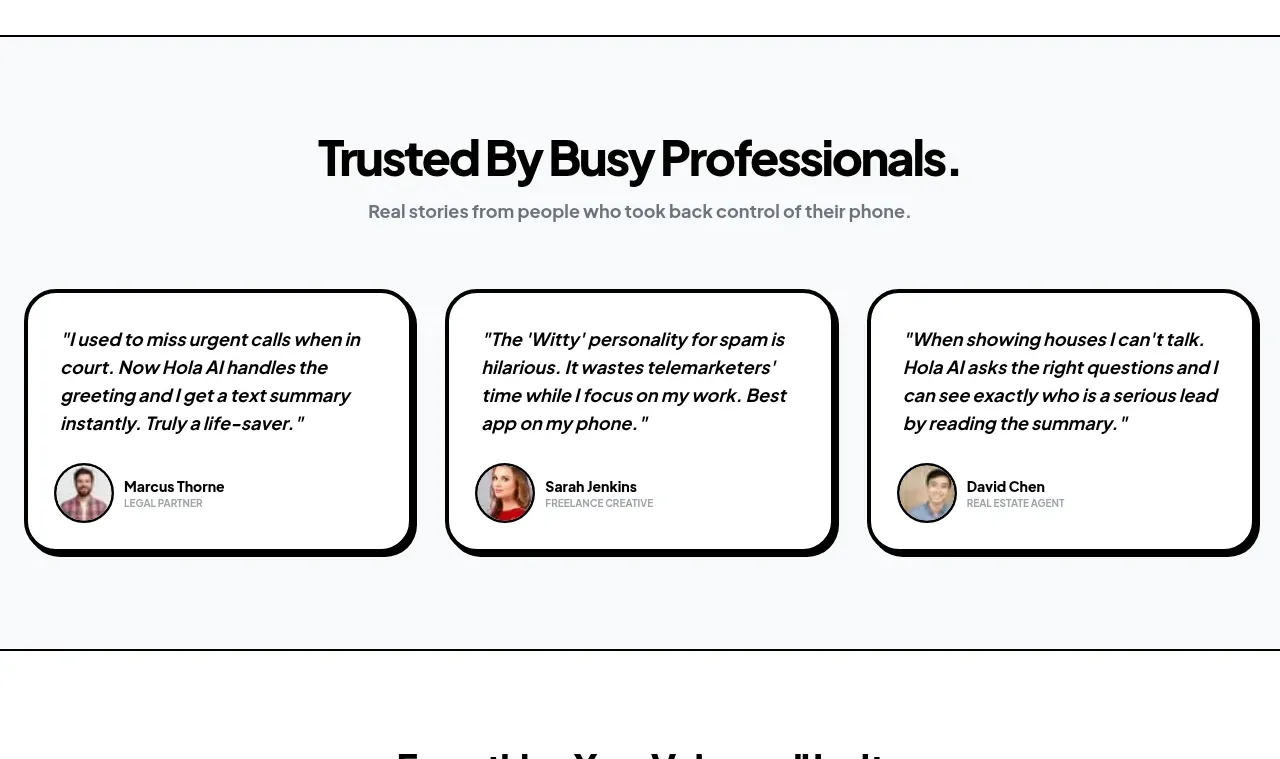
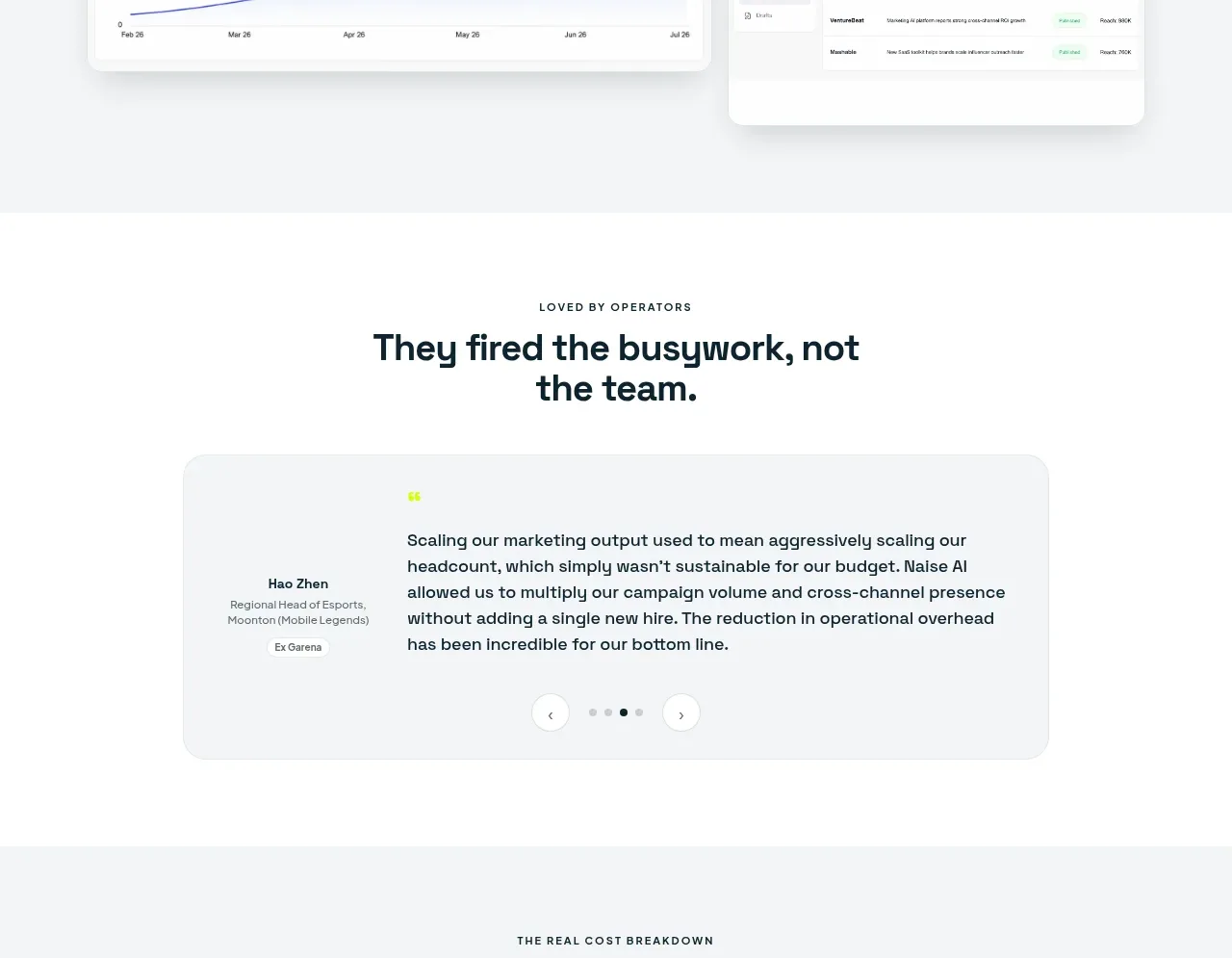
A spacious testimonial section puts the customer quote at the center of a soft rounded panel, with attribution and simple carousel controls.
Prompt preview
## Reference images

Study these alongside the description below: hierarchy, rhythm, spacing, colour. Build for the product you are asked about, using this design language.

- Component: https://kage-design-assets.t3.tigrisfiles.io/components/naise-ai/7a5a1374-ad41-4c97-8974-81f691da0cb9-1790229779-7.webp
- Full page it was cut from: https://kage-design-assets.t3.tigrisfiles.io/screenshots/naise-ai/7a5a1374-ad41-4c97-8974-81f691da0cb9-1790229706709-full.webp
- Component on Kage: https://kage.design/component/naise-testimonials

## Before you start
Ask what the user's product and brand are, then apply these principles to that product rather than reproducing this reference.

Create a testimonial section with a centered uppercase eyebrow and a strong two-line heading. Place one large rounded light-gray testimonial panel below, using a narrow attribution column and a wider quote column. Include a small accent quotation mark, a 2–4 sentence quote, person name, role, organization, and compact previous/next controls with pagination dots. Use #fff for the section, panel #f4f6f6, dark #10242d text, gray secondary text #69757a, lime as a tiny accent, 20–24px radius, and 40–56px padding. Make the carousel keyboard accessible, pause autoplay when focused, and stack attribution above quote on mobile.

Never: use logos, product names, copy, illustrations, or imagery from the reference.