 kage
kage
neopress.ai
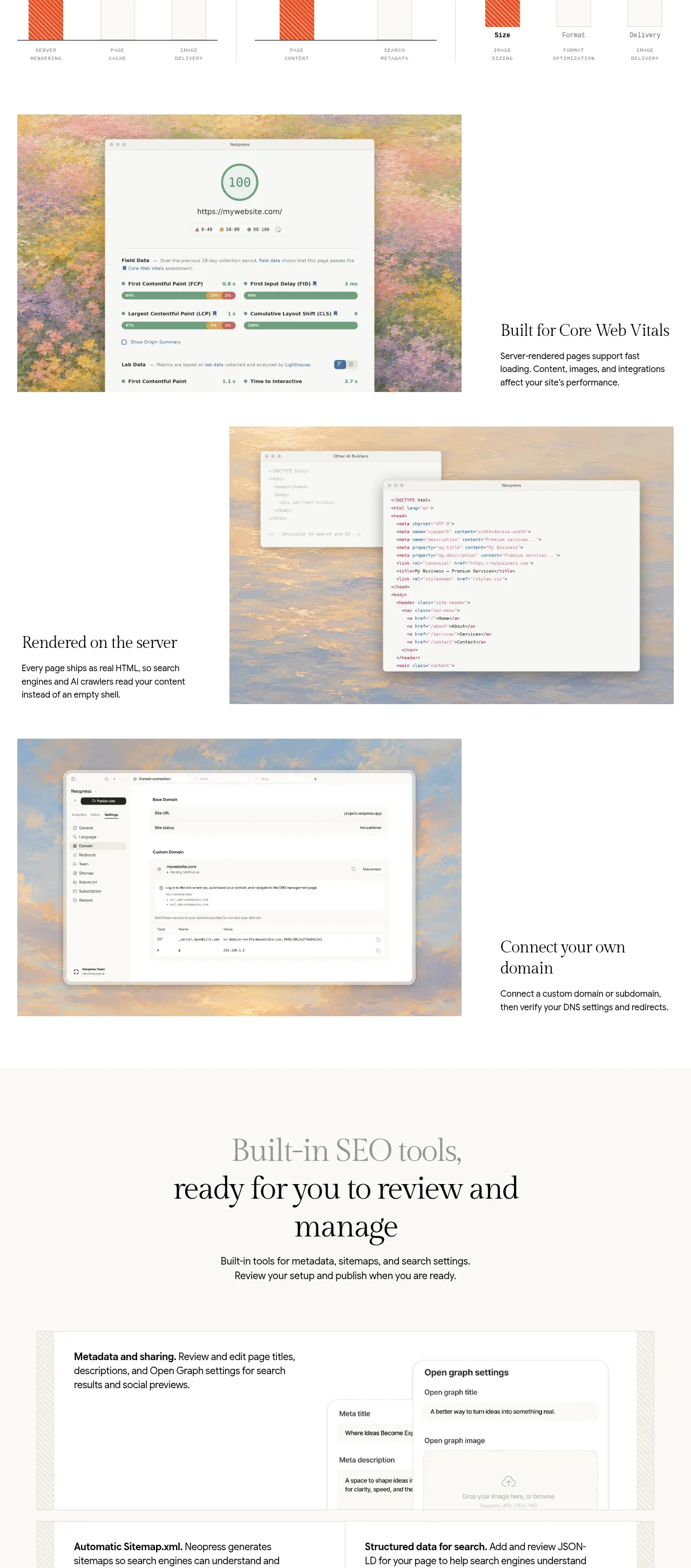
Design analysis
A technical feature section begins with an explanatory heading and then uses alternating visual/text rows to make server rendering, Core Web Vitals, and domain setup tangible.
Prompt preview
## Reference images

Study these alongside the description below: hierarchy, rhythm, spacing, colour. Build for the product you are asked about, using this design language.

- Component: https://kage-design-assets.t3.tigrisfiles.io/components/neopress/126c1916-850c-4473-b9b4-49923d5d31e2-1789365756-9.webp
- Full page it was cut from: https://kage-design-assets.t3.tigrisfiles.io/screenshots/neopress/126c1916-850c-4473-b9b4-49923d5d31e2-1789365678746-full.webp
- Component on Kage: https://kage.design/component/neopress-feature-grid-3

## Before you start
Ask what technical capabilities the user's product genuinely provides and which outcomes matter to its audience. Then create an original technical feature section that makes complex infrastructure understandable.

### Design language
- Begin with a strong left-aligned editorial heading and two or three short explanatory paragraphs, then present three alternating rows pairing product evidence with a concise benefit statement.
- Use diagrams, dashboards, or code-like surfaces as evidence panels, but keep them simplified and legible; each row should have one clear takeaway.
- Use a neutral technical palette: warm white (`#fbfaf7`), pale sand (`#f1eee6`), white panels, near-black (`#191918`), muted gray (`#706e68`), and a clay/coral accent (`#d97759`).
- Combine serif display headings with compact sans-serif labels. Use hairline borders, 2–6px radii, and consistent media aspect ratios.
- Stack rows on mobile, preserve reading order, and provide captions/alt text for diagrams and screenshots.

### Never
- Never reuse logos, product names, copy, illustrations, or imagery from the reference.
- Never claim performance or search results without evidence, or fill the section with unexplained jargon.
More components

 Outbound partner benefits
throxy · Feature grid
Outbound partner benefits
throxy · Feature grid
 Rapid onboarding timeline
throxy · Feature grid
Rapid onboarding timeline
throxy · Feature grid
 Qualification workflow cards
throxy · Feature grid
Qualification workflow cards
throxy · Feature grid
 Why alternatives disappoint
throxy · Feature grid
Why alternatives disappoint
throxy · Feature grid
 Cold-calling performance section
throxy · Feature grid
Cold-calling performance section
throxy · Feature grid
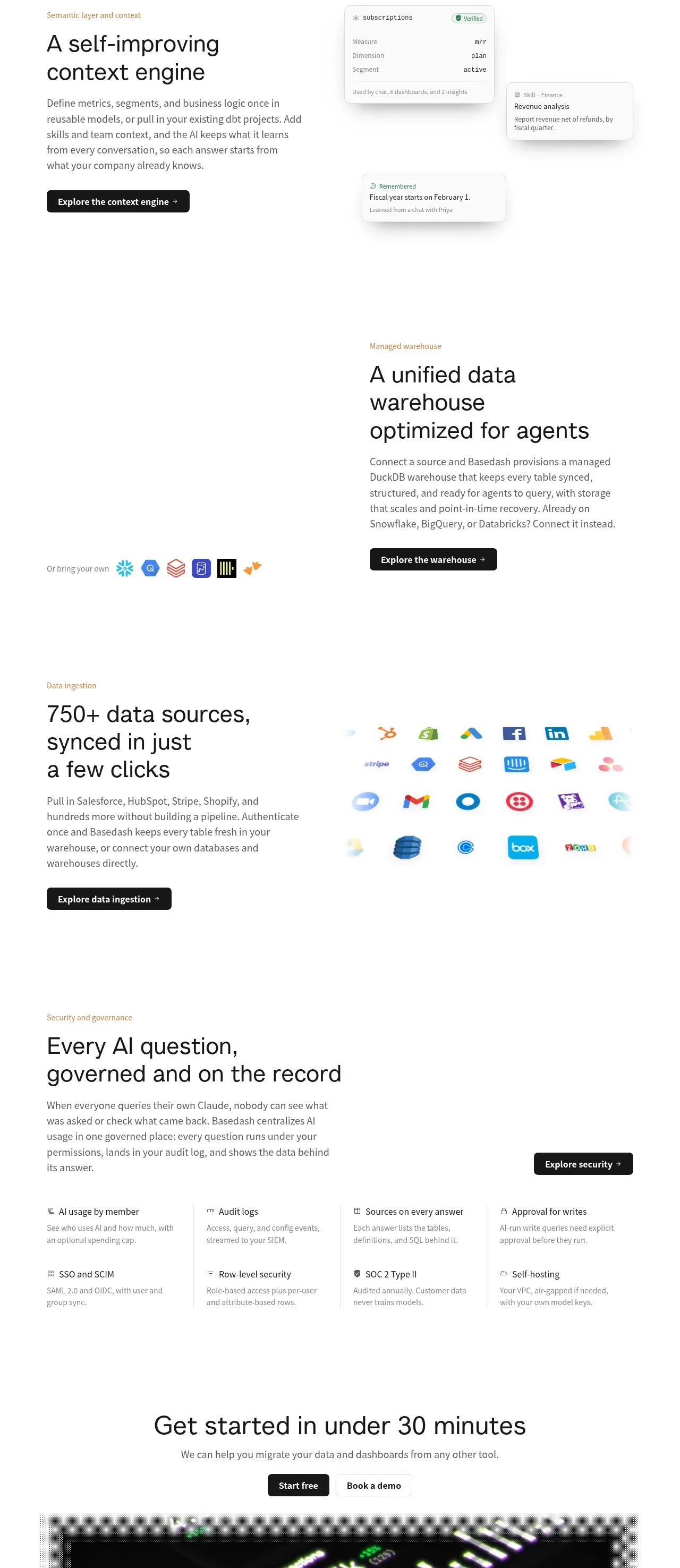
 Platform foundation features
Basedash View-only members · Feature grid
Platform foundation features
Basedash View-only members · Feature grid