 kage
kage
runnova.ai
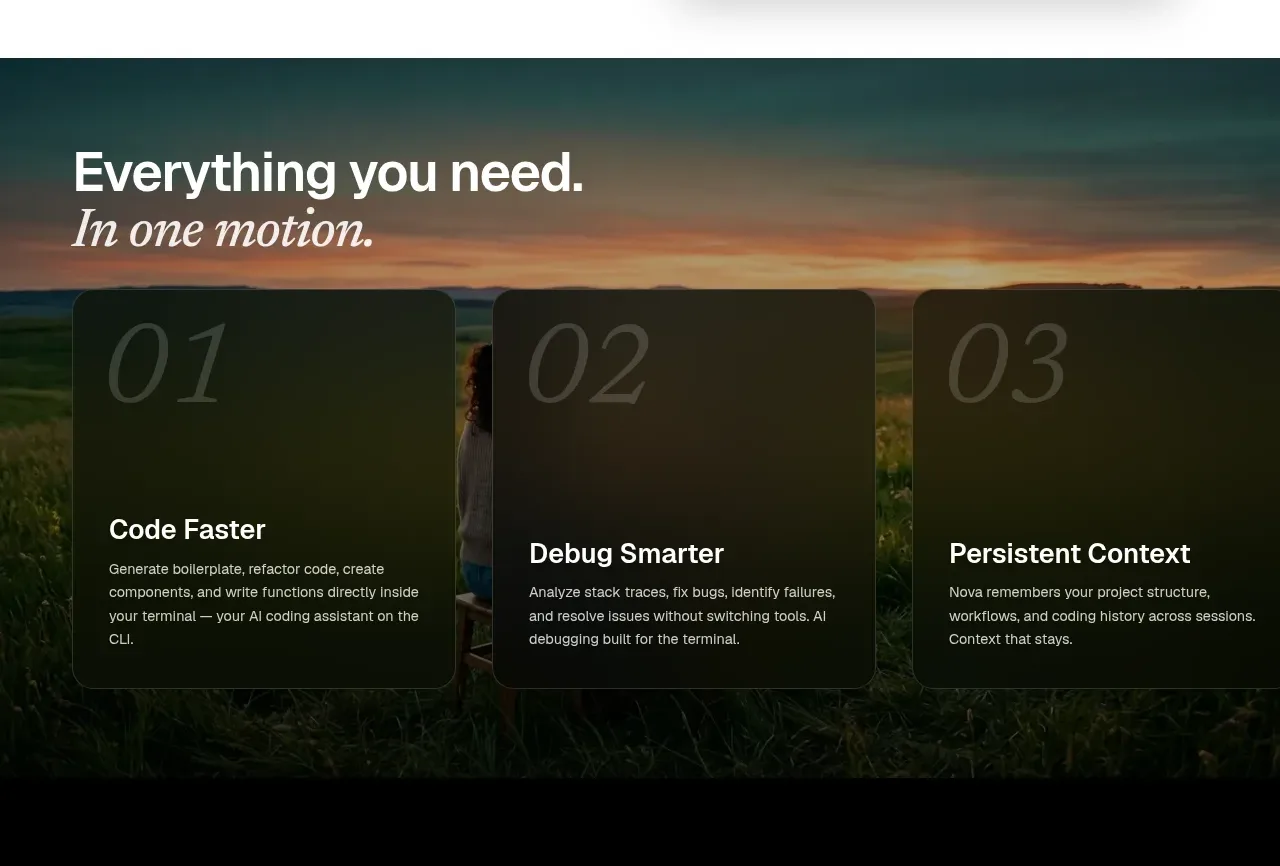
Design analysis
A dark, image-backed band presents three numbered capabilities in translucent black cards, creating a strong continuation of the cinematic visual language.
Prompt preview
## Reference images

Study these alongside the description below: hierarchy, rhythm, spacing, colour. Build for the product you are asked about, using this design language.

- Component: https://kage-design-assets.t3.tigrisfiles.io/components/nova-cli-v1-0/f9d737a9-3081-4768-944e-79473fdb1d08-1791525758-4.webp
- Full page it was cut from: https://kage-design-assets.t3.tigrisfiles.io/screenshots/nova-cli-v1-0/f9d737a9-3081-4768-944e-79473fdb1d08-1791525679651-full.webp
- Component on Kage: https://kage.design/component/nova-cli-v1-0-feature-grid-2

## Before you start
Ask which three capabilities matter most for the user's product and what visual mood fits its brand. Build an original version using these rules.

Create a full-width feature band with a darkened atmospheric background image and a strong left-aligned heading near the top. Use an editorial italic line as a secondary heading if it suits the brand. Arrange three equal cards horizontally with 24–28px gaps. Cards should use rgba(10,12,12,.78), a subtle 1px border rgba(255,255,255,.18), 20px radius, and 28px padding. Add very large low-contrast numerals in the background, then a crisp title and concise body copy. Use white #f5f5f2 for headings and muted #c4c7c2 for descriptions. Add a dark overlay and preserve responsive stacking.

Never use logos, product names, copy, illustrations, or imagery from the reference.
More components
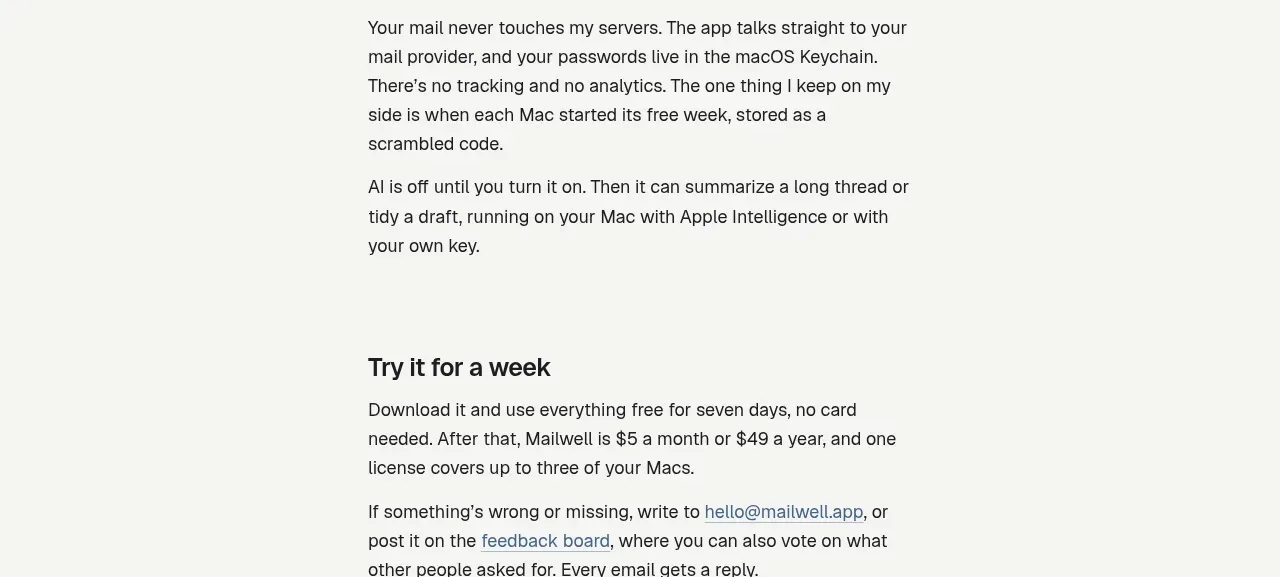
 Privacy and optional intelligence
Mailwell · Feature grid
Privacy and optional intelligence
Mailwell · Feature grid
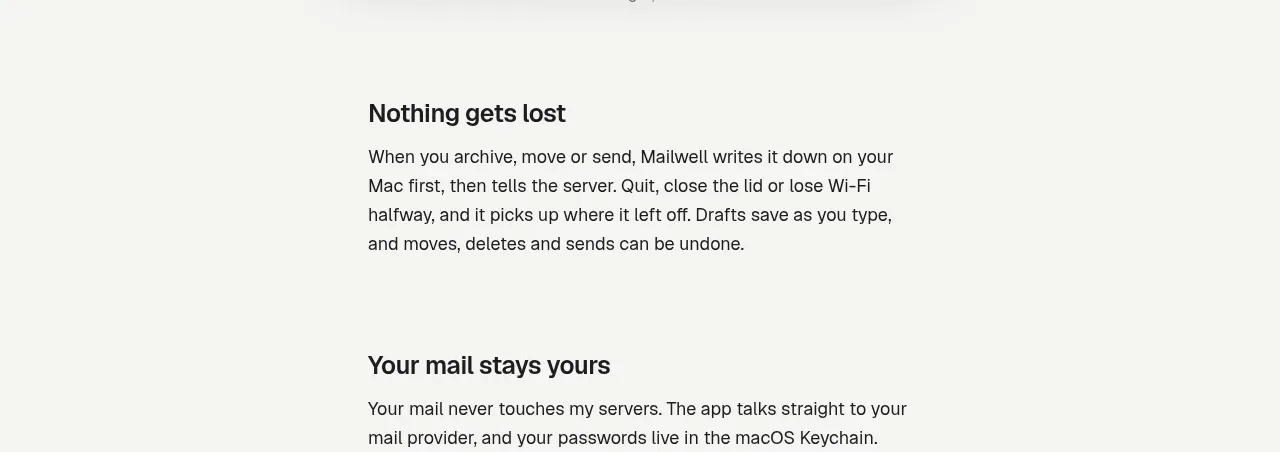 Reliable, recoverable actions
Mailwell · Feature grid
Reliable, recoverable actions
Mailwell · Feature grid
 Unified account setup
Mailwell · Feature grid
Unified account setup
Mailwell · Feature grid
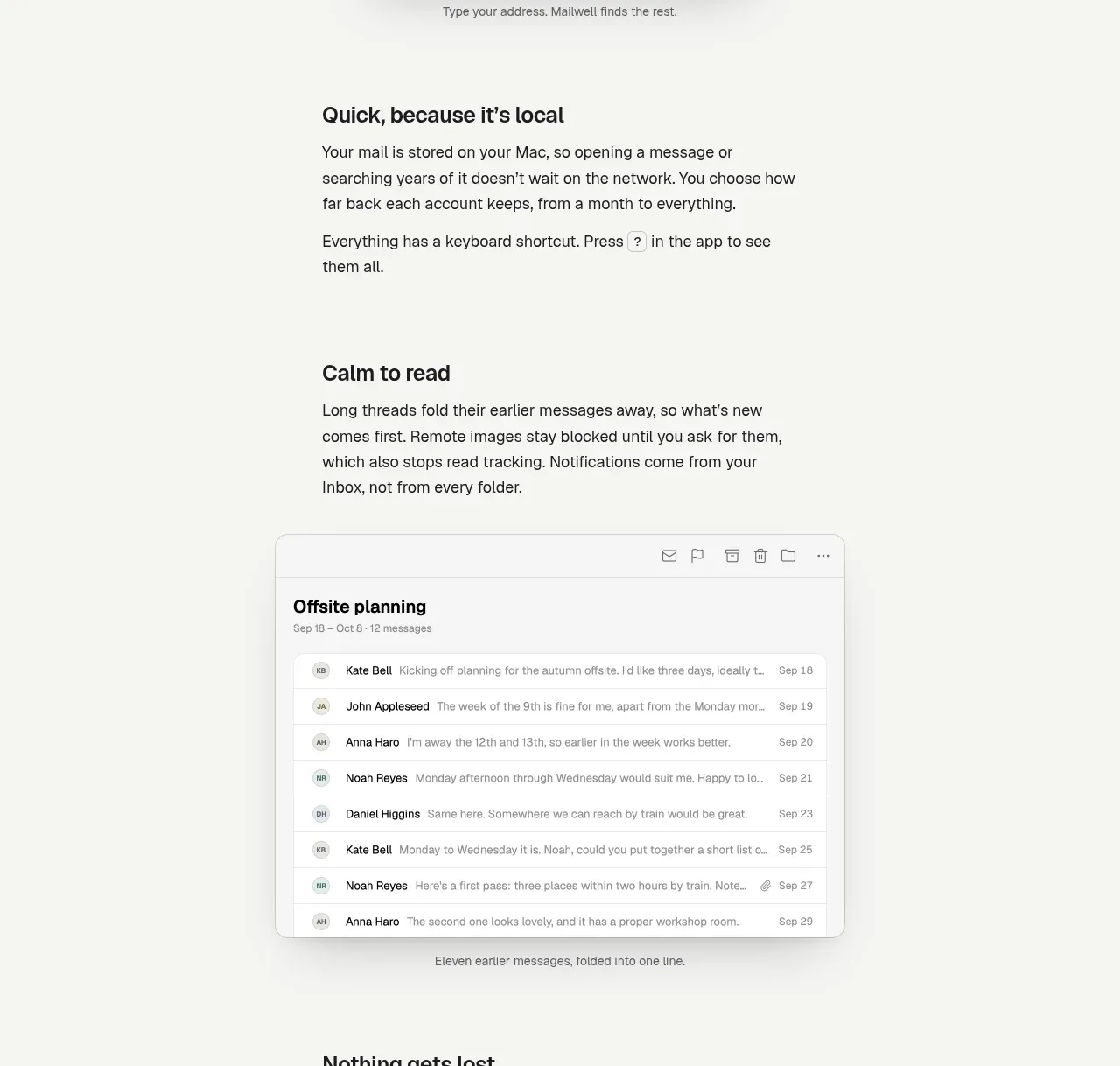 Fast local workflow and calm reading
Mailwell · Feature grid
Fast local workflow and calm reading
Mailwell · Feature grid
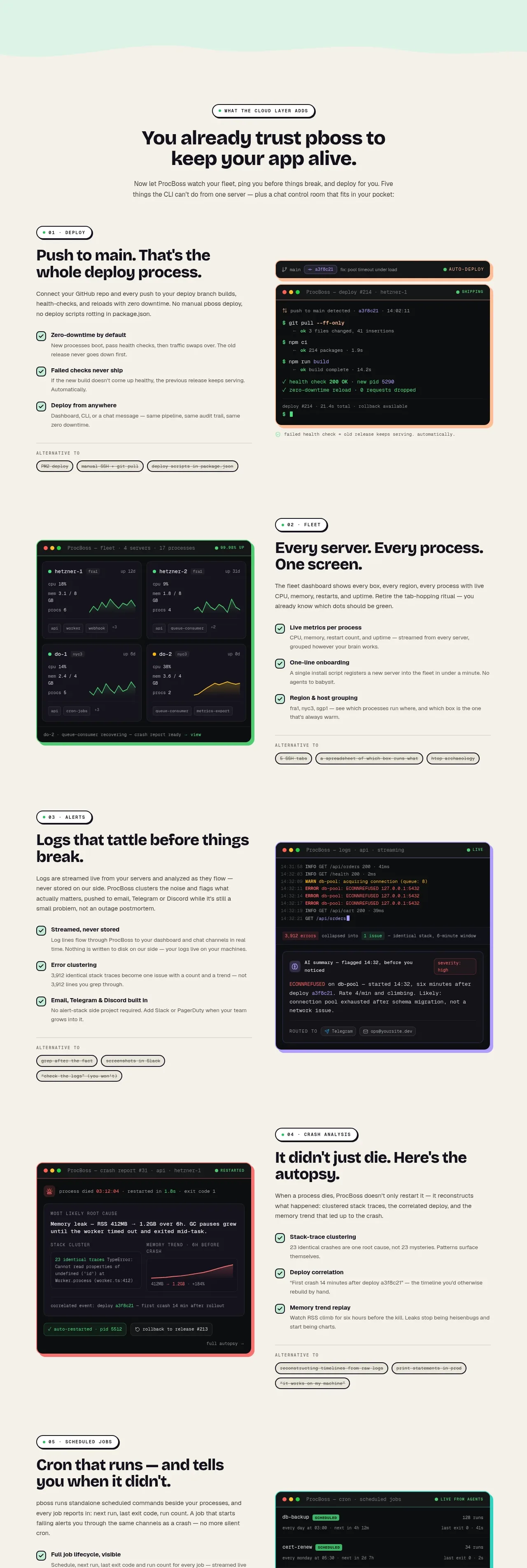
 Cloud layer workflows
ProcBoss · Feature grid
Cloud layer workflows
ProcBoss · Feature grid
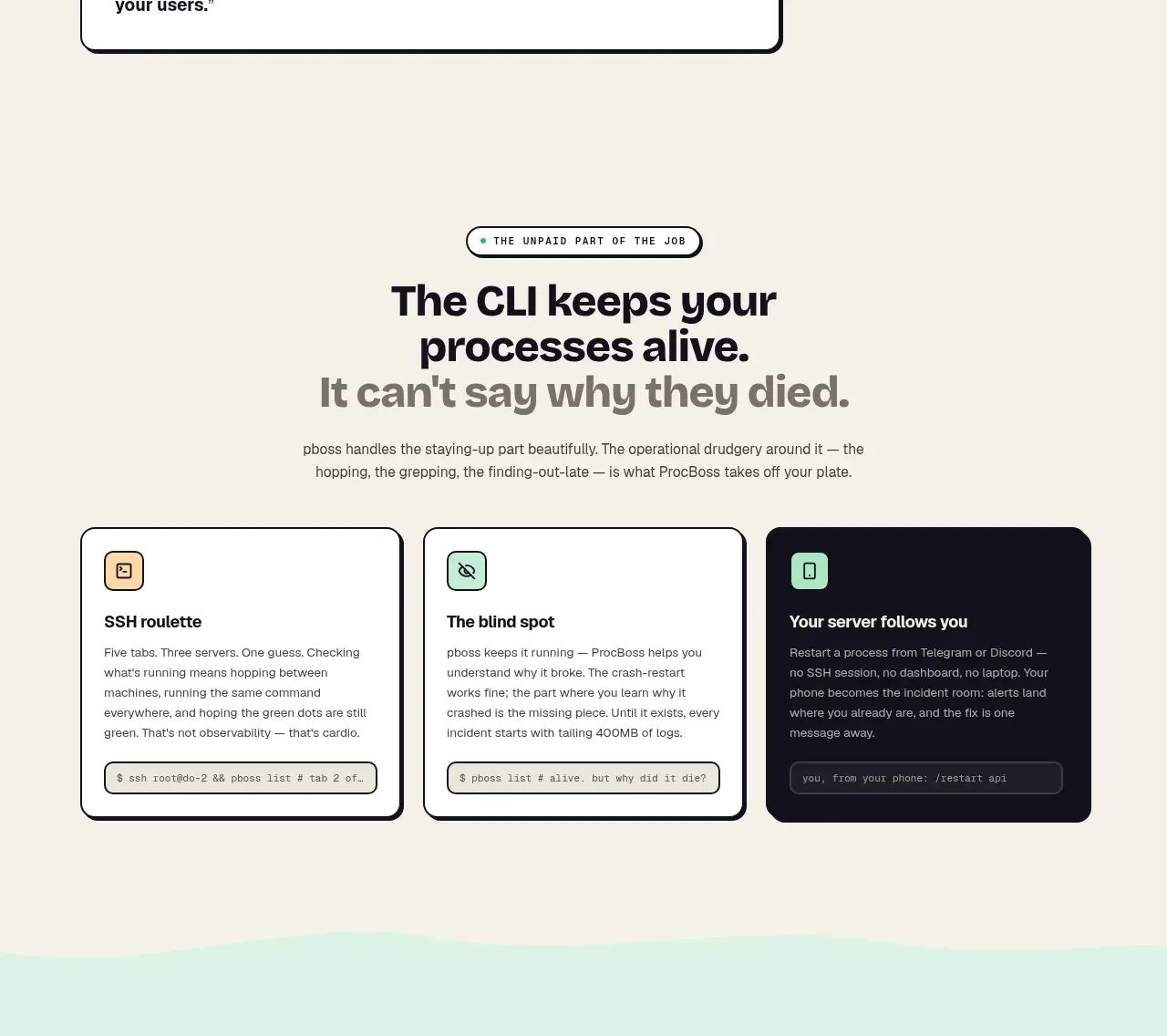 Operational blind spots
ProcBoss · Feature grid
Operational blind spots
ProcBoss · Feature grid