 kage
kage
useomnia.com
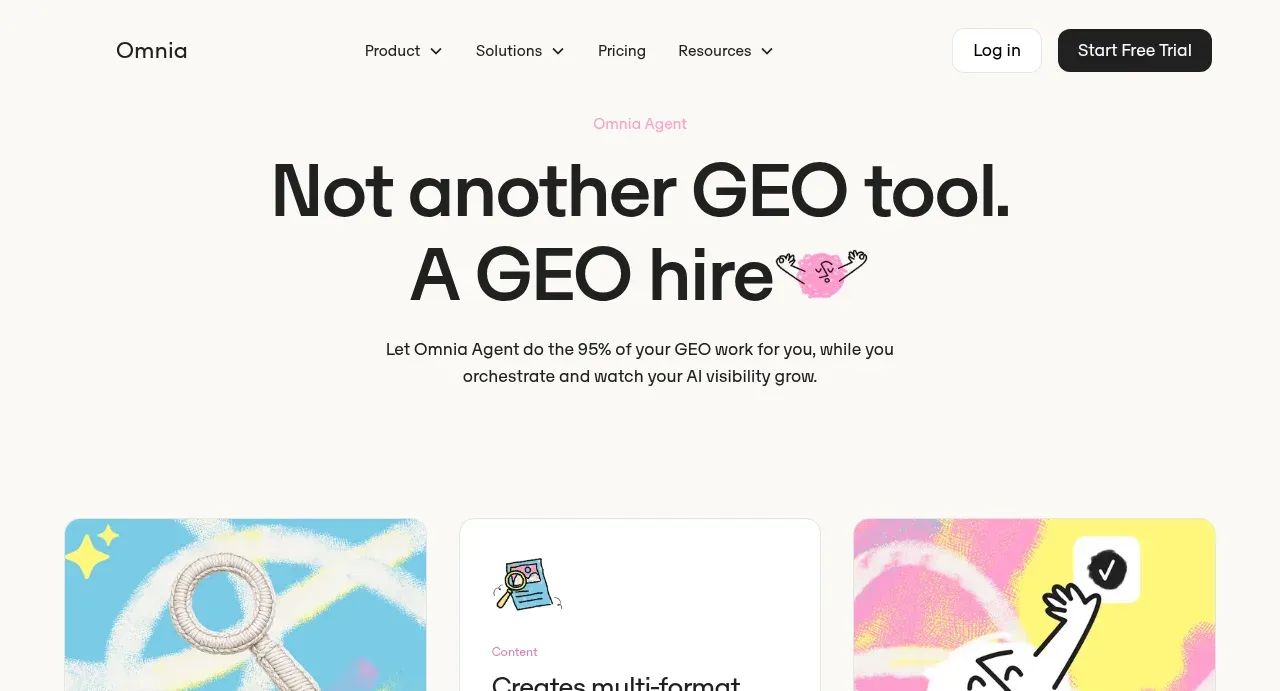
Design analysis
The hero uses an oversized two-line statement, a small eyebrow, short supporting copy, and ample cream whitespace to position the agent as a hands-on alternative to a conventional tool.
Prompt preview
## Reference images

Study these alongside the description below: hierarchy, rhythm, spacing, colour. Build for the product you are asked about, using this design language.

- Component: https://kage-design-assets.t3.tigrisfiles.io/components/omnia-agent/49497126-f7d8-48a0-b56b-a26990811c92-1790920876-1.webp
- Full page it was cut from: https://kage-design-assets.t3.tigrisfiles.io/screenshots/omnia-agent/49497126-f7d8-48a0-b56b-a26990811c92-1790920840559-full.webp
- Component on Kage: https://kage.design/component/omnia-agent-hero

## Before you start
Ask what the user's product and brand are, then apply these principles to that product rather than reproducing the reference.

Create a centered SaaS hero directly below the navigation. Use a tiny pastel eyebrow, an oversized bold two-line headline with intentional line wrapping, and a concise supporting paragraph underneath. Keep the background warm off-white and reserve plenty of breathing room before the next section. Use a playful but minimal accent mark near the headline only if it fits the user's brand. Typography should be black, geometric, and high contrast: roughly 56–64px headline on desktop, 20–24px line-height for supporting text, with a narrower readable text measure. The hero should feel confident and editorial, with no busy illustration required.

Never: use the reference logo, product name, exact copy, illustrations, imagery, or branded assets.
More components
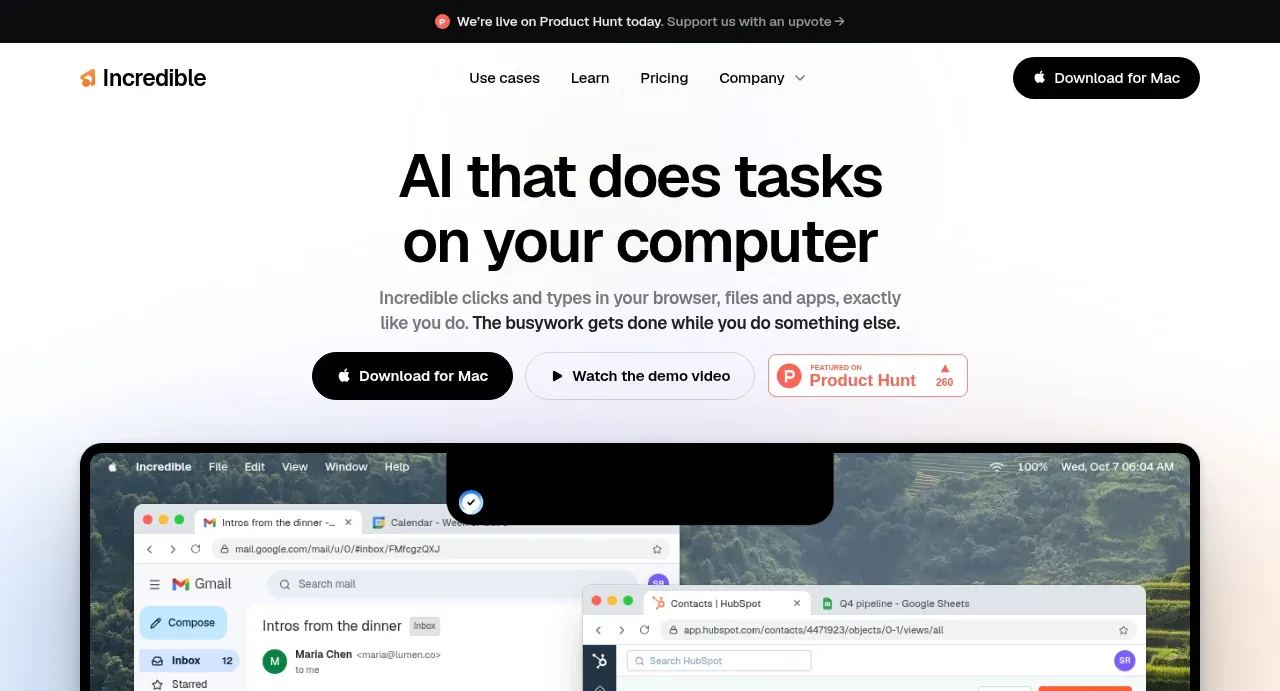
 AI workflow hero
Incredible · Hero
AI workflow hero
Incredible · Hero
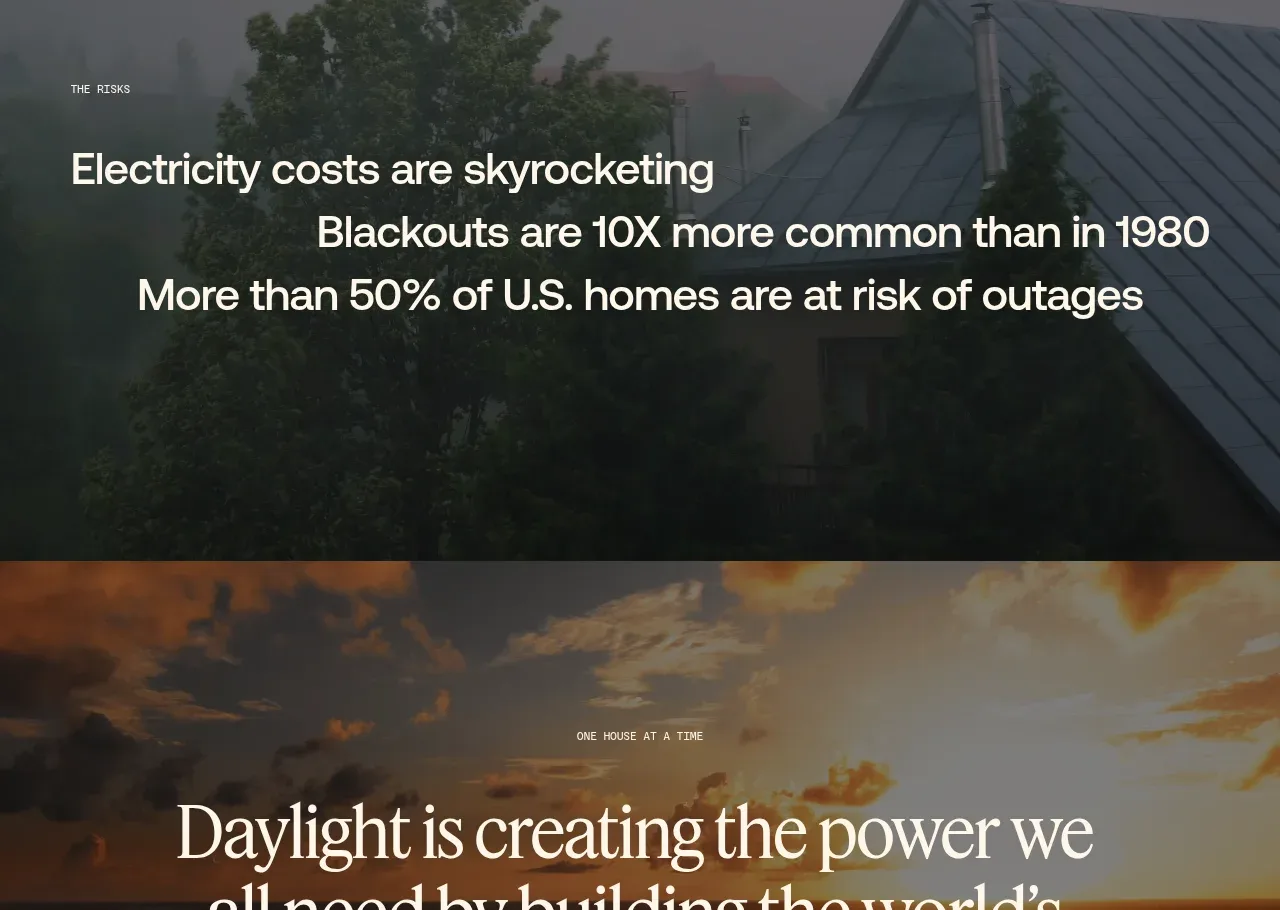
 Decentralized energy statement
godaylight.com · Hero
Decentralized energy statement
godaylight.com · Hero
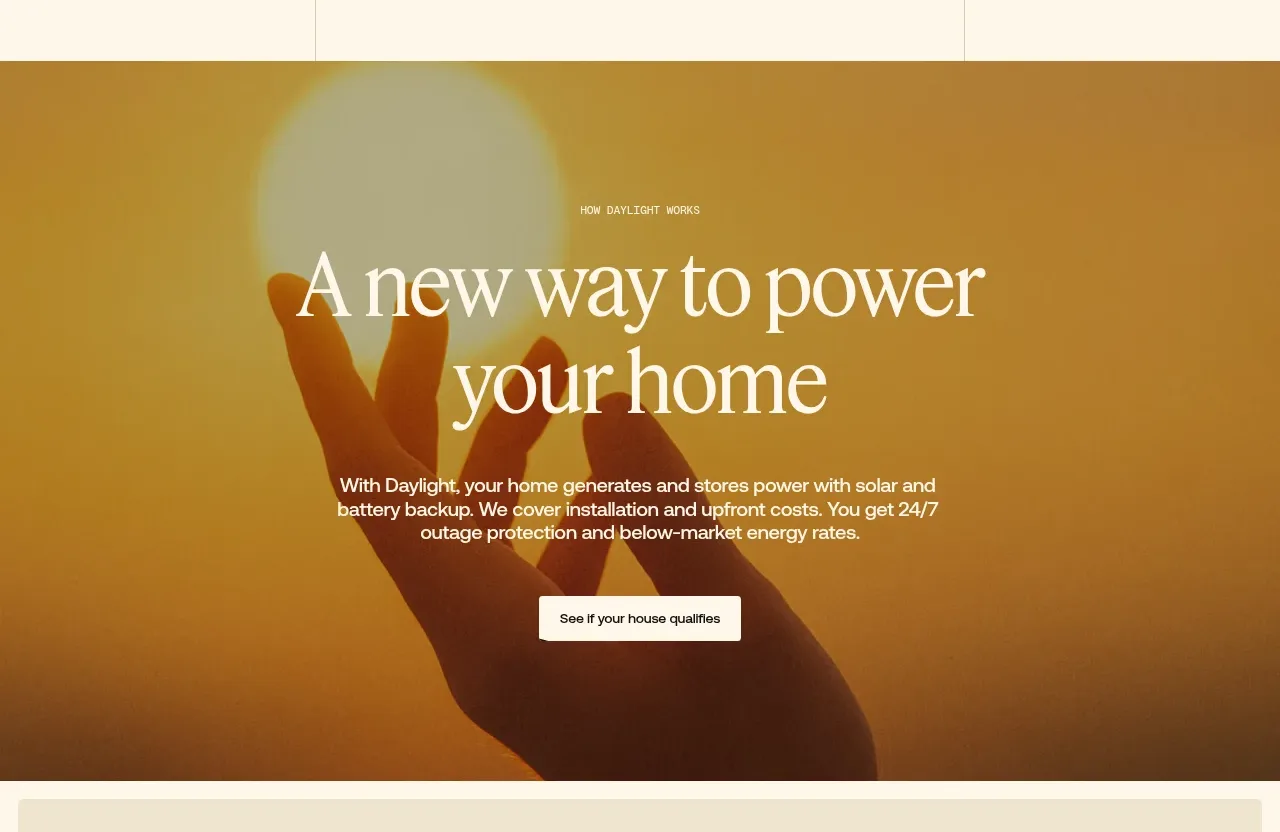 Warm mission statement panel
godaylight.com · Hero
Warm mission statement panel
godaylight.com · Hero
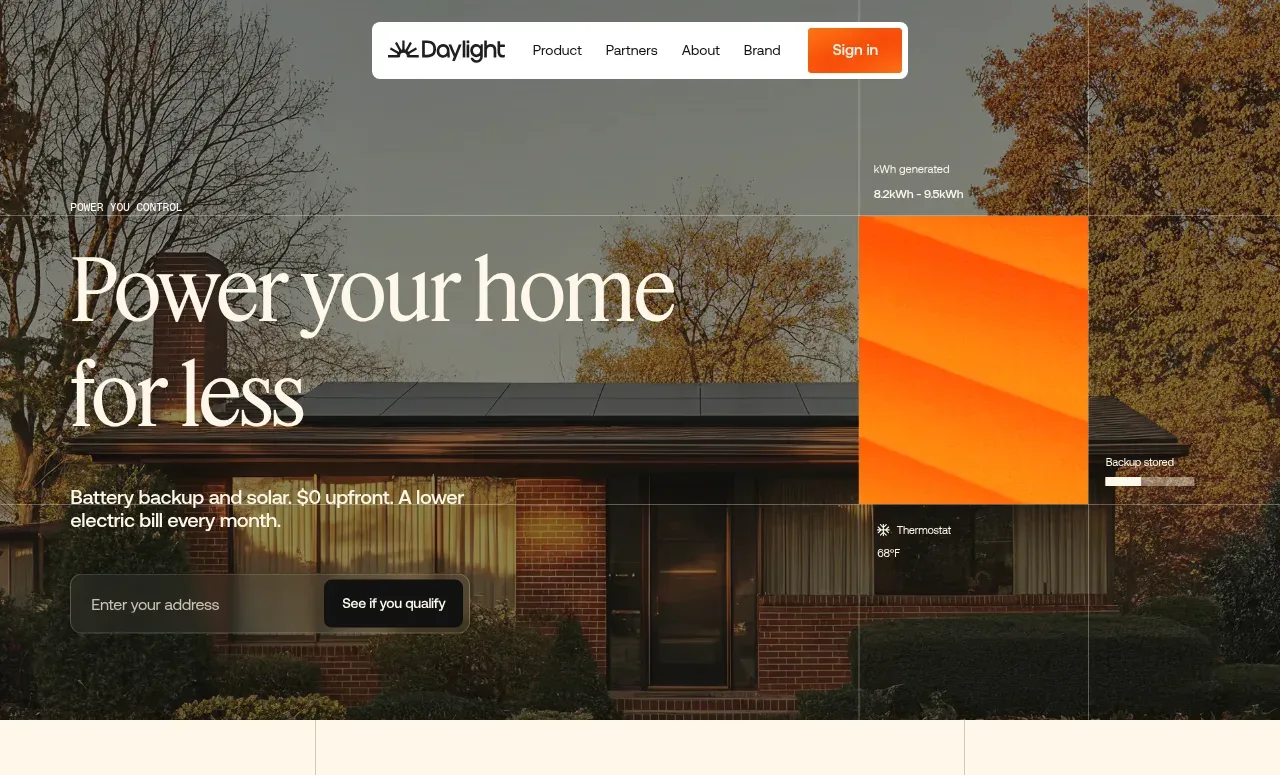 Photographic power-home hero
godaylight.com · Hero
Photographic power-home hero
godaylight.com · Hero
 Grid problem statement
godaylight.com · Hero
Grid problem statement
godaylight.com · Hero
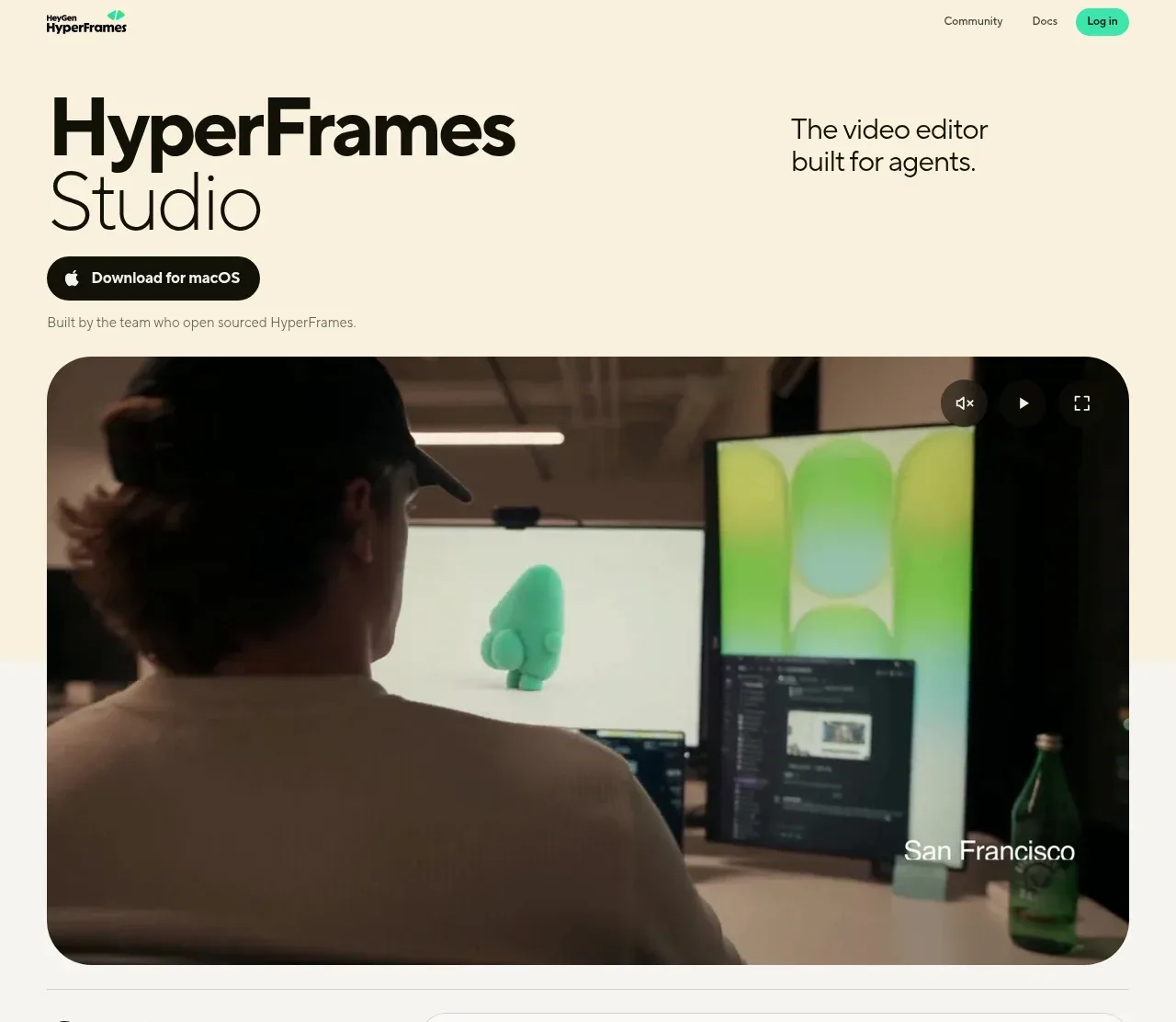
 Product hero with download action and video
HyperFrames Studio (Desktop) · Hero
Product hero with download action and video
HyperFrames Studio (Desktop) · Hero