 kage
kage
open.cx
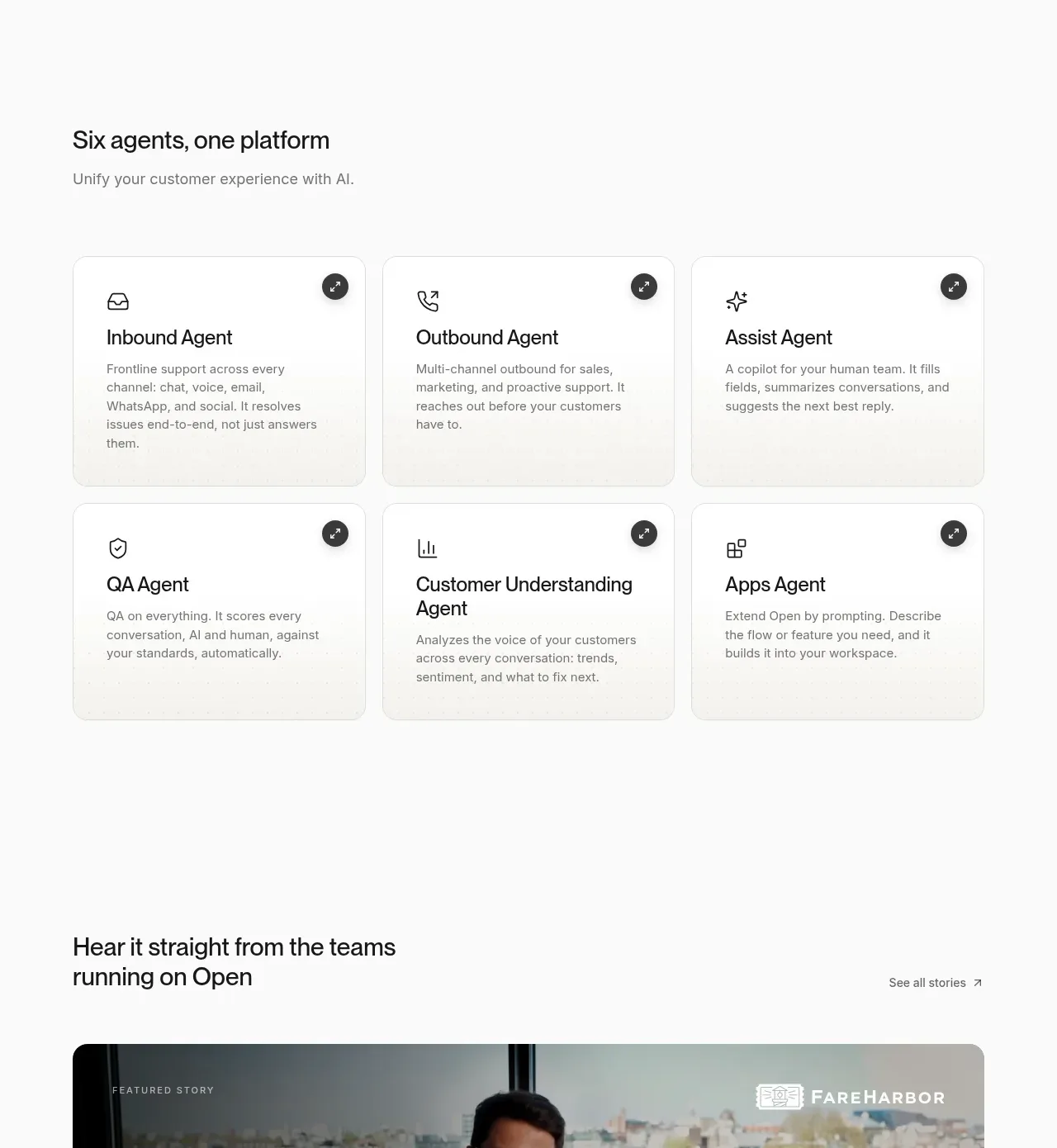
Design analysis
A second capability section presents six specialized roles in a clean two-row, three-column card grid with simple icons and concise descriptions.
Prompt preview
## Reference images

Study these alongside the description below: hierarchy, rhythm, spacing, colour. Build for the product you are asked about, using this design language.

- Component: https://kage-design-assets.t3.tigrisfiles.io/components/open-for-sales/9a311215-a6aa-4eac-b69d-0b0434feabcf-1793253812-4.webp
- Full page it was cut from: https://kage-design-assets.t3.tigrisfiles.io/screenshots/open-for-sales/9a311215-a6aa-4eac-b69d-0b0434feabcf-1793253735957-full.webp
- Component on Kage: https://kage.design/component/open-for-sales-feature-grid-2

## Before you start
Ask what distinct modules, agents, roles, or workflows the user's product offers and which six—or fewer—are most valuable. Apply the layout system below to those capabilities.

Create a section with a left-aligned heading around 24–28px, a short muted subtitle, and a three-column grid of capability cards across two rows on desktop. Each card should be white or subtly warm (#ffffff / #f7f7f4), bordered #e4e4e1, rounded 14–16px, and approximately equal in height. Place a small line icon at top left, an optional circular action/expand control at top right, a 20–22px title, and a 14–15px description with 1.45 line-height. Keep card padding around 26–30px and row/column gaps around 14–18px. On mobile, stack cards while preserving the order and generous section spacing. Use restrained black and gray typography; reserve a single accent colour for interactive states.

Never: use the reference's agent names, exact copy, icons, product name, imagery, or logos.
More components

 Outbound partner benefits
throxy · Feature grid
Outbound partner benefits
throxy · Feature grid
 Rapid onboarding timeline
throxy · Feature grid
Rapid onboarding timeline
throxy · Feature grid
 Why alternatives disappoint
throxy · Feature grid
Why alternatives disappoint
throxy · Feature grid
 Cold-calling performance section
throxy · Feature grid
Cold-calling performance section
throxy · Feature grid
 Qualification workflow cards
throxy · Feature grid
Qualification workflow cards
throxy · Feature grid
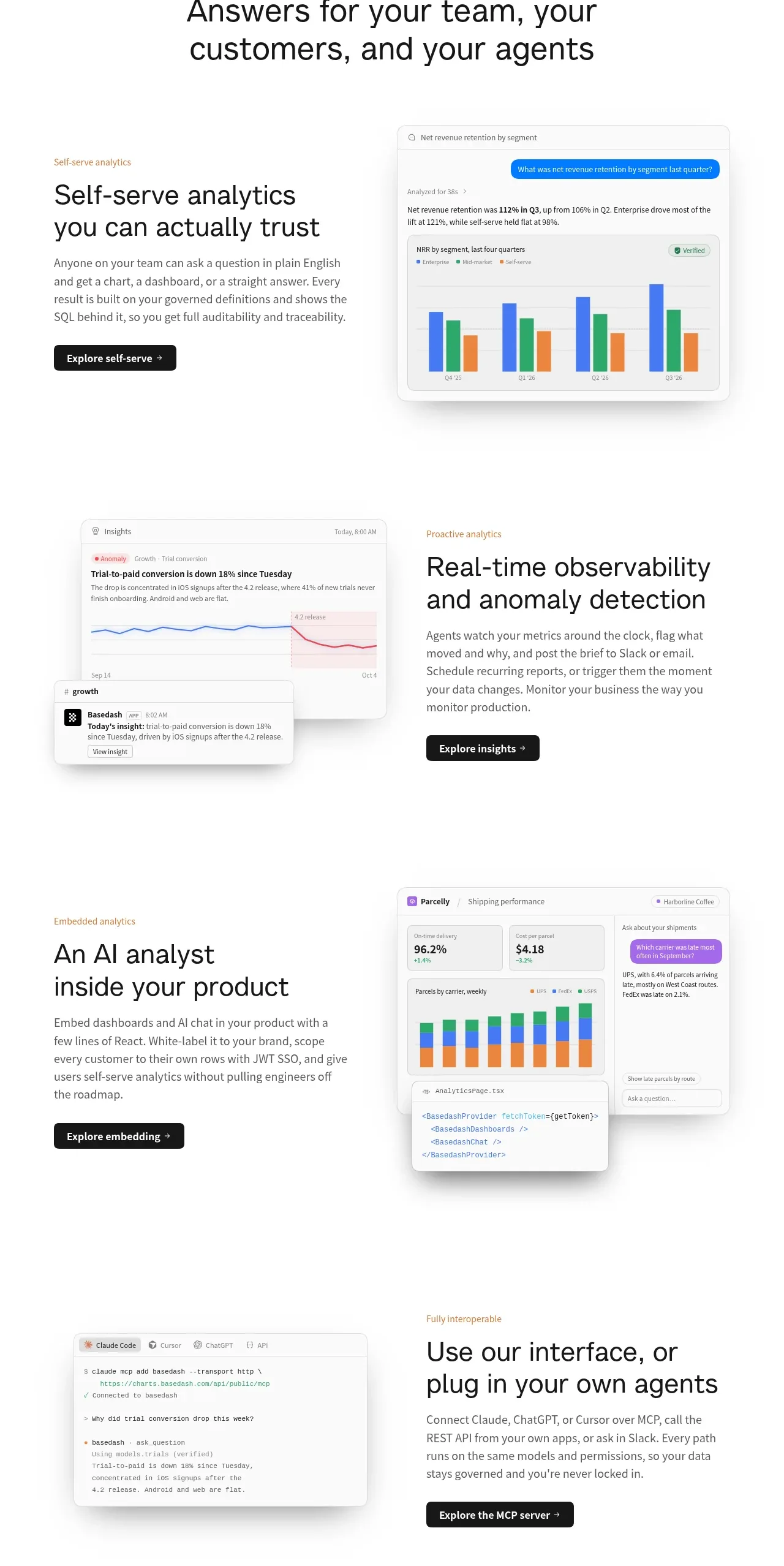
 Analytics capability showcase
Basedash View-only members · Feature grid
Analytics capability showcase
Basedash View-only members · Feature grid