kage
kage
open.cx

Design analysis
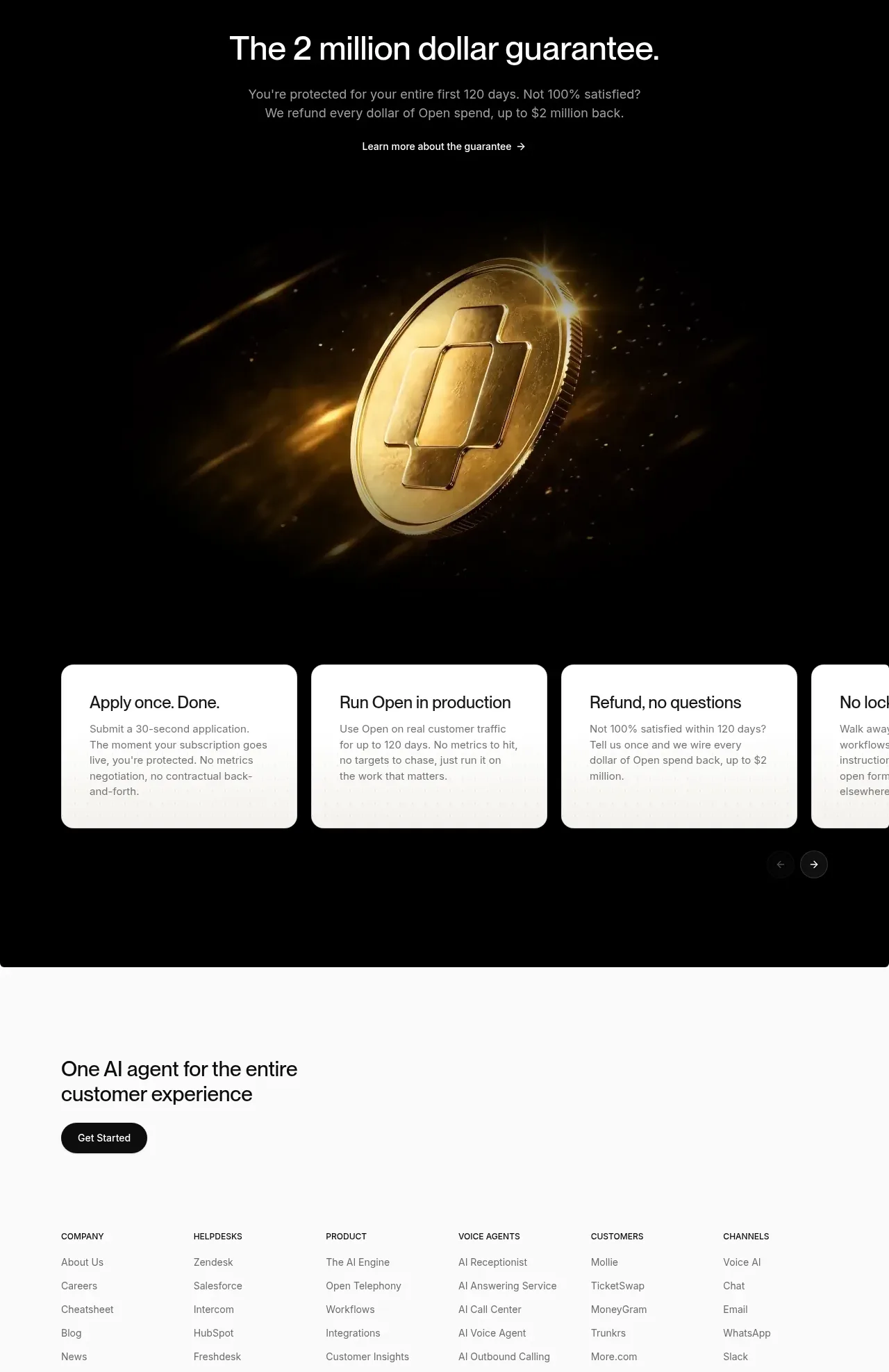
A spacious, monochrome enterprise landing page uses a centered hero, restrained sans-serif typography, pill-shaped black CTAs, and large rounded media panels to establish trust quickly. Below the video hero, the rhythm moves from a compact customer-logo grid to left-aligned product sections with progressively denser card layouts, then shifts into a dark, high-contrast guarantee band with a gold coin visual before returning to a quiet, highly structured footer.
Prompt preview
## Reference images

Study these alongside the description below: hierarchy, rhythm, spacing, colour. Build for the product you are asked about, using this design language.

- Full page: https://kage-design-assets.t3.tigrisfiles.io/screenshots/open-for-sales/9a311215-a6aa-4eac-b69d-0b0434feabcf-1793253735957-full.webp
- Above the fold: https://kage-design-assets.t3.tigrisfiles.io/screenshots/open-for-sales/9a311215-a6aa-4eac-b69d-0b0434feabcf-1793253726306.webp
- Design on Kage: https://kage.design/designs/open-for-sales-landing-page

## Before you start
Ask the user what they are building, who it is for, and what brand assets they already have (name, colours, type). Wait for their answers before designing. Apply everything below to their product, not to the reference product.

## Page structure
1. **Announcement bar:** Add a very slim, light-gray strip at the top with centered notice text, a small text link, arrow, and dismiss control.
2. **Primary navigation:** Use a white header with a compact black mark placeholder at left, centered or near-centered navigation links, and right-side pill CTA plus understated login link.
3. **Hero:** Create a generous centered hero with a large two-line headline, muted supporting paragraph, two compact pill buttons, and substantial whitespace.
4. **Launch video:** Place a wide rounded video panel beneath the hero, using a strong still image, a small status/date badge in the corner, and a dark play button over the media.
5. **Customer logo proof:** Add a centered trust heading followed by a six-column grid of softly tinted rounded logo tiles across three rows.
6. **Unified support introduction:** Start a new spacious section with a left-aligned heading and short muted paragraph, leaving open space before the product modules.
7. **Core capability feature:** Add one wide rounded bordered card with copy on the left and a large, softly faded product UI image on the right; include a small circular expand/action control.
8. **Supporting capability cards:** Follow with three equal-width cards describing workflows, knowledge, and helpdesk compatibility. Keep the copy at the top and crop interface imagery into the lower area.
9. **Agent platform introduction:** Use another spacious left-aligned heading and short subheading to introduce the agent suite.
10. **Six-agent grid:** Present six equal cards in a three-column, two-row grid. Each card has a small line icon, title, muted description, and circular action control, with subtle differences in copy but a consistent structure.
11. **Customer stories heading:** Add a section heading aligned left with a small “see all” link aligned to the opposite side.
12. **Featured testimonial:** Use a large rounded video/story panel with a darkened customer image, overlaid story label, customer identity, subtitle, brand mark, arrow, and carousel pagination.
13. **Story thumbnails:** Place four smaller rounded testimonial cards below the feature panel in a horizontal row, each with a full-bleed image, dark overlay, white title, and customer branding.
14. **Dark guarantee section:** Transition sharply into a full-width black band with centered white heading, explanatory copy, and text CTA.
15. **Guarantee visual:** Place a wide dark visual beneath the text, using a dramatic metallic/gold abstract object or product-themed render on black.
16. **Guarantee terms carousel:** Add a horizontal row of white rounded cards over the dark section, each with a short title and muted explanatory text; allow the row to overflow slightly and provide small circular previous/next controls.
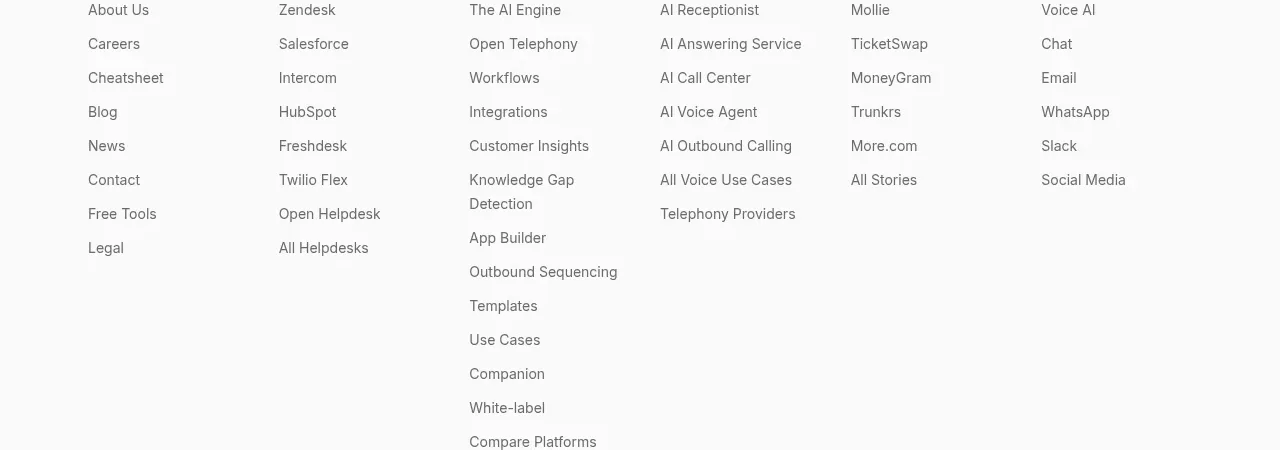
17. **Footer CTA:** Return to the light background with a left-aligned closing heading and black pill button, leaving generous top whitespace.
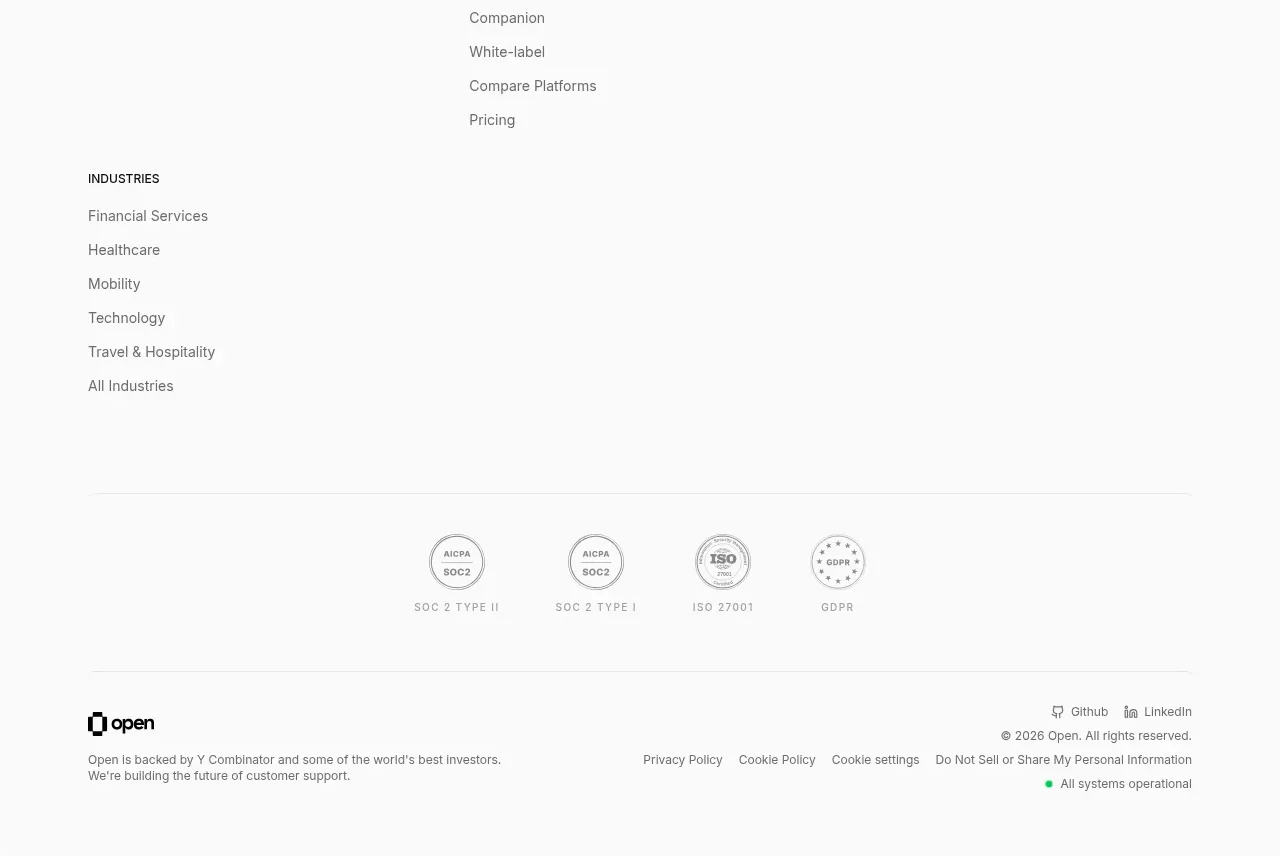
18. **Footer navigation:** Build a multi-column link directory covering company, helpdesks, product, voice agents, customers, channels, and industries. Use small uppercase section labels and compact gray links.
19. **Compliance strip:** Add a subtle divider followed by centered light-gray certification/seal marks, then another divider.
20. **Footer metadata:** Finish with the product mark and small company note on the left, social/legal/privacy links on the right, and a small green operational-status indicator.

## Design language
- Build hierarchy with a large, plain sans-serif hero headline around 56–64px, section headings around 24–32px, card headings around 18–22px, and compact 12–15px supporting text.
- Keep the main canvas near white (#fafafa or #ffffff), use near-black (#080808) for primary text and buttons, and use cool gray (#737373) for supporting copy and metadata.
- Treat the page as a wide, centered editorial grid with generous vertical gaps. Start sparse in the hero, become denser through logo and feature-card grids, create a visual climax with the dark guarantee block, then return to a quiet, information-dense footer.
- Use rounded corners consistently: approximately 12–16px on large media and cards, pill radii on buttons and compact controls, and only slight rounding on small utility elements.
- Prefer 1px light-gray borders (#e8e8e5), almost no visible shadows, and soft off-white card fills (#f3f2ed) for logo tiles. Let imagery, not decoration, provide contrast.
- Keep CTA treatment simple: solid black pills with white text for primary actions, white or transparent pills with a thin border for secondary actions, and small arrow or play affordances.
- Use photography, product UI crops, and video stills in rounded containers with subtle dark scrims and gradients for overlaid text. Preserve clear focal points and avoid ornamental illustration.
- Use small circular black controls for expand, play, and carousel actions. Make hover states slightly invert or lift controls, and use understated fade/slide transitions for carousels and media overlays.
- In the guarantee section, invert the palette to black (#000000), white text, and a restrained metallic gold accent in the hero visual; keep the terms as bright white cards for strong contrast.
- Make the footer smaller and more utilitarian than the marketing sections: compact line height, muted gray links, clear column alignment, dividers, and compliance information without competing with the CTA.

## Never
- Do not reuse logos, wordmarks, product names, copy, illustrations, photography, customer identities, interface screenshots, or icon sets from the reference.
- Do not present the result as Open or imply affiliation with it.
- Do not copy the reference tagline or exact claims; write original content for the user’s product.
- Do not let the hero dominate the entire page: preserve the lower-page progression from proof, to capabilities, to stories, to guarantee or trust content, and finally the structured footer.
Components from this page
All components
 Announcement bar and primary navigation
Open For sales · Navigation
Announcement bar and primary navigation
Open For sales · Navigation
 AI customer experience hero
Open For sales · Hero
AI customer experience hero
Open For sales · Hero
 Customer logo wall
Open For sales · Logo cloud
Customer logo wall
Open For sales · Logo cloud
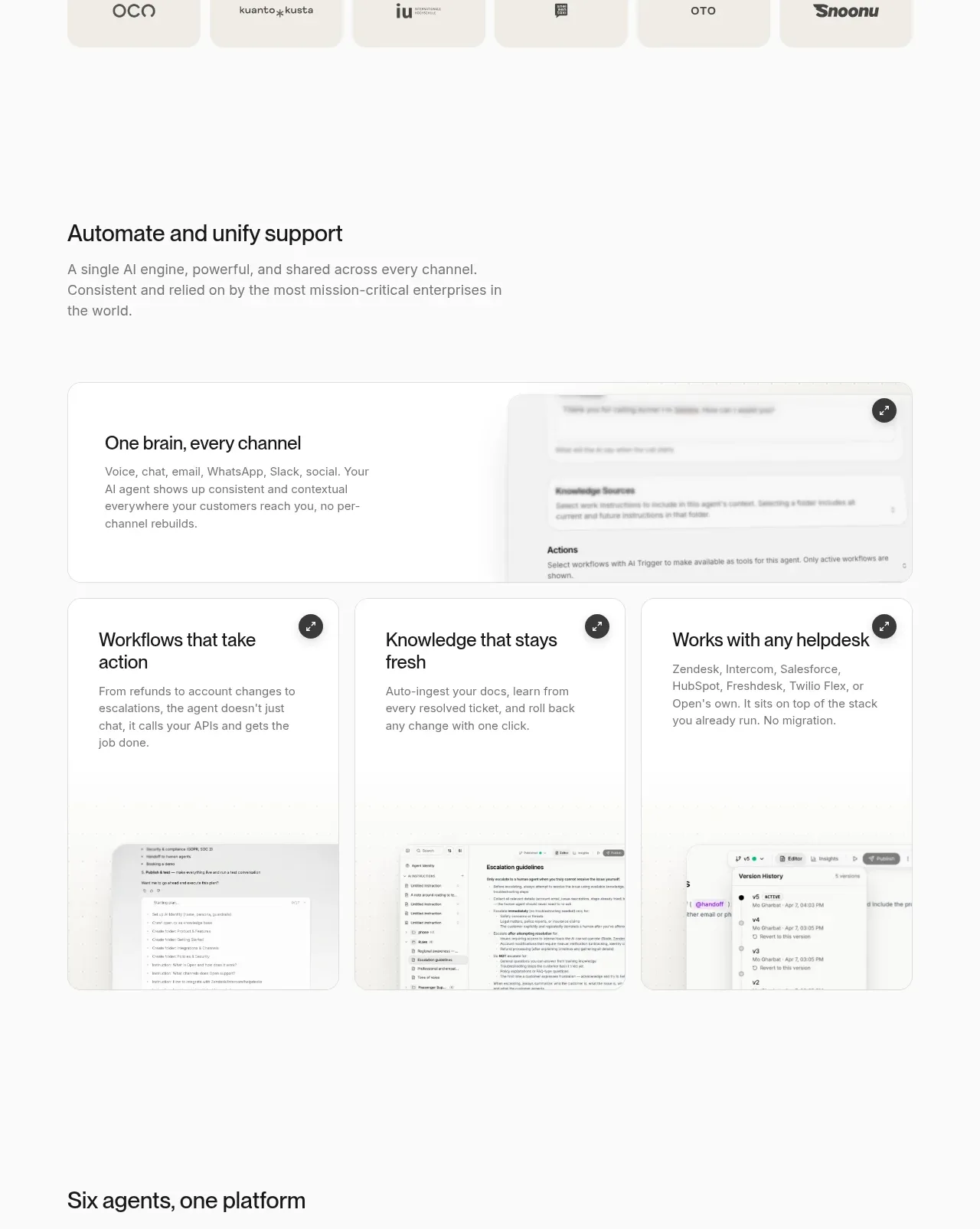 Unified support platform capabilities
Open For sales · Feature grid
Unified support platform capabilities
Open For sales · Feature grid
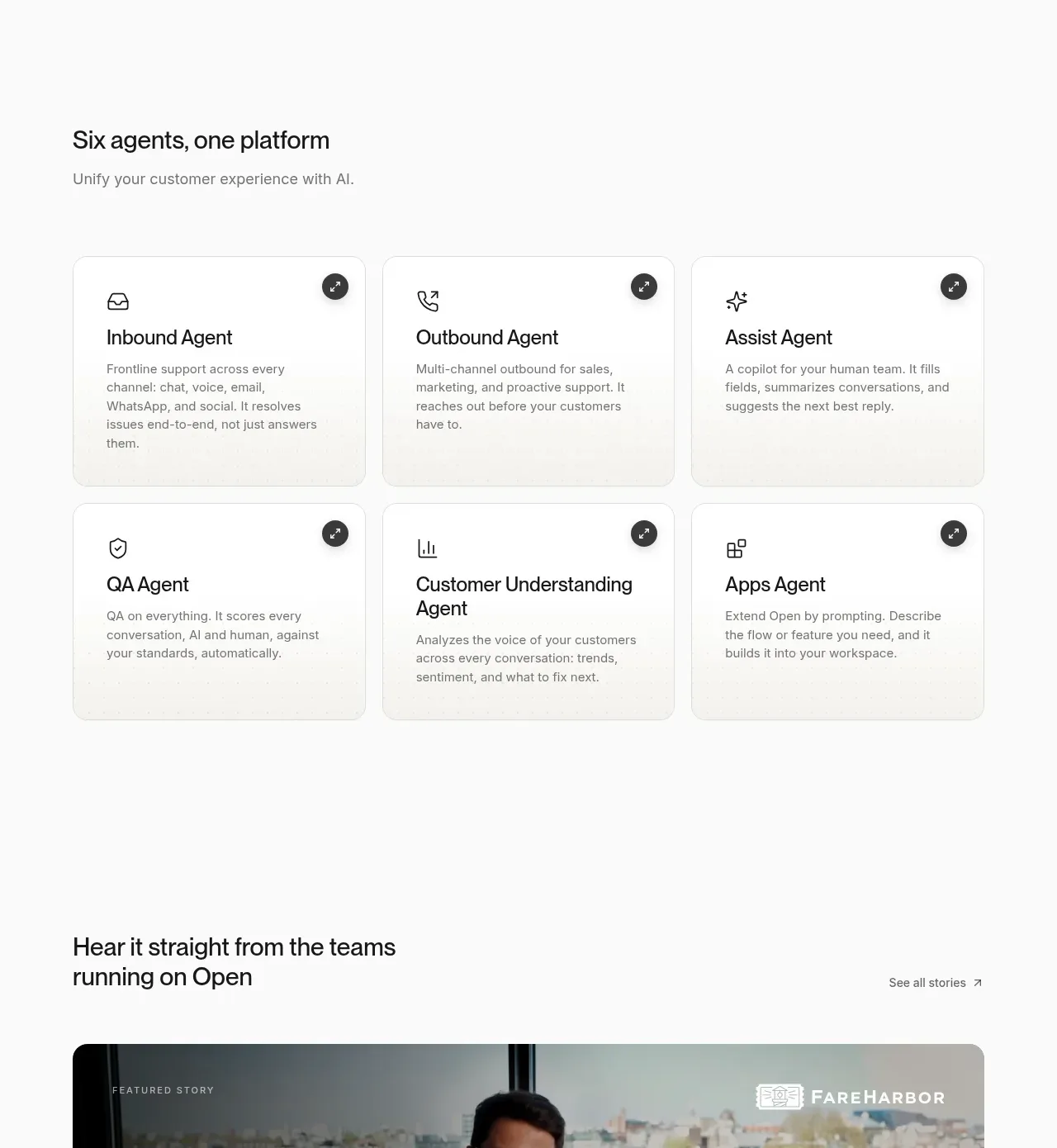 Specialized agent cards
Open For sales · Feature grid
Specialized agent cards
Open For sales · Feature grid
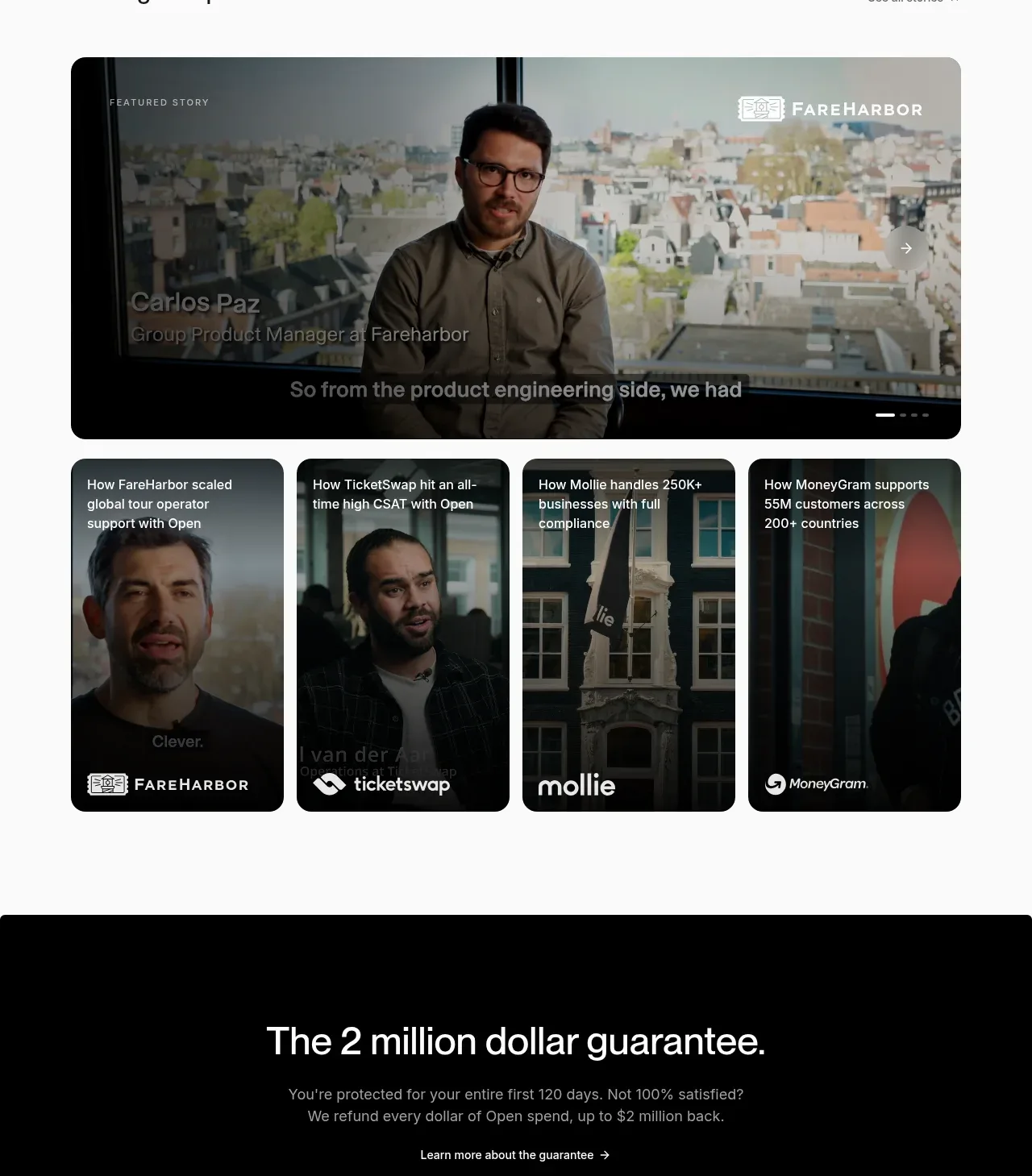 Customer stories carousel
Open For sales · Testimonials
Customer stories carousel
Open For sales · Testimonials
 Guarantee and proof CTA
Open For sales · Call to action
Guarantee and proof CTA
Open For sales · Call to action
 Closing conversion CTA
Open For sales · Call to action
Closing conversion CTA
Open For sales · Call to action
 Site navigation and trust footer
Open For sales · Footer
Site navigation and trust footer
Open For sales · Footer