 kage
kage
peras.vertias.eu
Design analysis
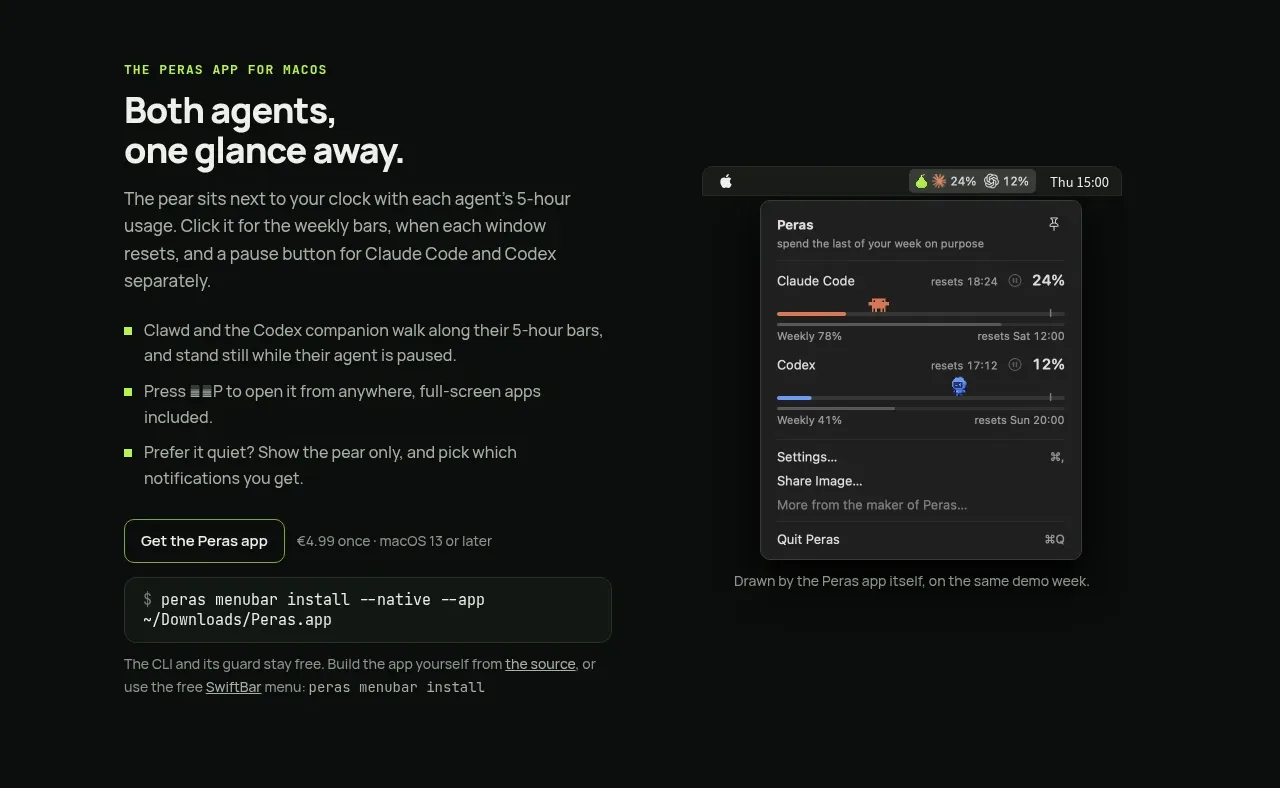
A two-column product section pairs a text-led feature explanation and bullets with a desktop utility screenshot and installation controls.
Prompt preview
## Reference images

Study these alongside the description below: hierarchy, rhythm, spacing, colour. Build for the product you are asked about, using this design language.

- Component: https://kage-design-assets.t3.tigrisfiles.io/components/peras/2c988a48-c598-4fdf-86c9-23be8072f64d-1792821846-3.webp
- Full page it was cut from: https://kage-design-assets.t3.tigrisfiles.io/screenshots/peras/2c988a48-c598-4fdf-86c9-23be8072f64d-1792821751917-full.webp
- Component on Kage: https://kage.design/component/peras-feature-grid

## Before you start
Ask what companion app, dashboard, or secondary interface the user's product has and what workflow it improves. Use that context to create an original section.

Create a split feature section with text on the left and a product visual on the right. Start the text with a small uppercase eyebrow, a two-line heading, a compact paragraph, and three short bullet benefits marked by the accent colour. Follow with a primary outline/button action, a muted price or availability note, an install command block, and a small supporting note. On the right, show an original floating desktop utility/menu-bar visual with a dark panel and a few rows of status data. Align both columns to a shared top grid and let the visual overlap its surrounding space slightly. Use background #080b0a, text #eef1eb, muted #929a92, panel #151a17, border #293129, and lime #b7ff3c. Use 16–18px body copy, 30–36px heading, 24px column gap, 10px radii, and restrained shadows.

Never: copy logos, product names, copy, illustrations, or imagery from the reference.
More components

 Data-room education and security overview
Papermark Data Rooms · Feature grid
Data-room education and security overview
Papermark Data Rooms · Feature grid
 Advanced data-room features
Papermark Data Rooms · Feature grid
Advanced data-room features
Papermark Data Rooms · Feature grid
 Workflow demonstrations
Papermark Data Rooms · Feature grid
Workflow demonstrations
Papermark Data Rooms · Feature grid

 Lanyard use-case feature
Badgey · Feature grid
Lanyard use-case feature
Badgey · Feature grid

 Problem statement
Clips by Plastic · Feature grid
Problem statement
Clips by Plastic · Feature grid
 Effects and customization panel
Clips by Plastic · Feature grid
Effects and customization panel
Clips by Plastic · Feature grid