kage
kage
peras.vertias.eu
Design analysis
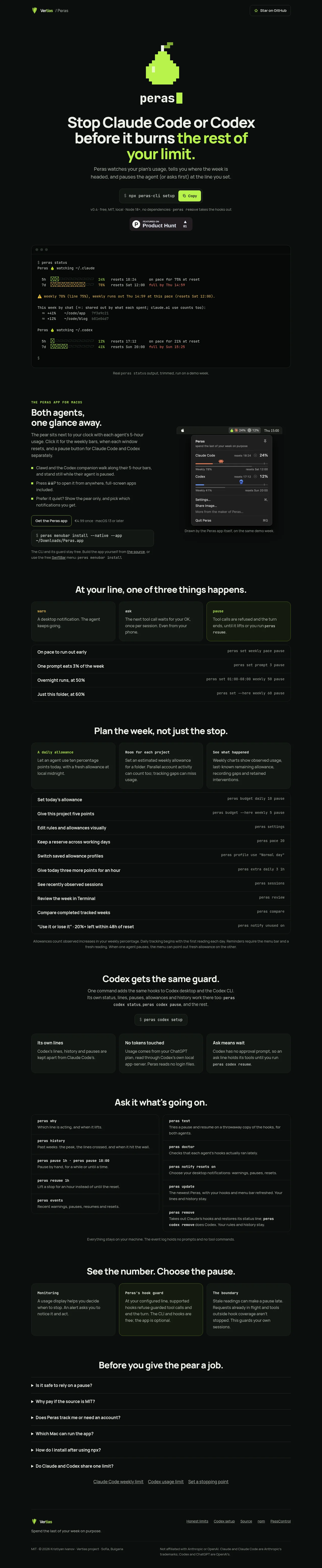
A near-black, centered product page uses a restrained sans-serif hierarchy with lime-green emphasis and small monospace command labels. The hero is sparse and high-contrast, then the page shifts into denser product proof: a terminal output panel, a two-column macOS app section, compact feature cards, command tables, a Codex section, command reference panels, comparison cards, FAQ rows, and a quiet footer. Thin borders, low-radius dark panels, limited shadows, and occasional lime outlines keep the interface technical without becoming visually noisy.
Prompt preview
## Reference images

Study these alongside the description below: hierarchy, rhythm, spacing, colour. Build for the product you are asked about, using this design language.

- Full page: https://kage-design-assets.t3.tigrisfiles.io/screenshots/peras/2c988a48-c598-4fdf-86c9-23be8072f64d-1792821751917-full.webp
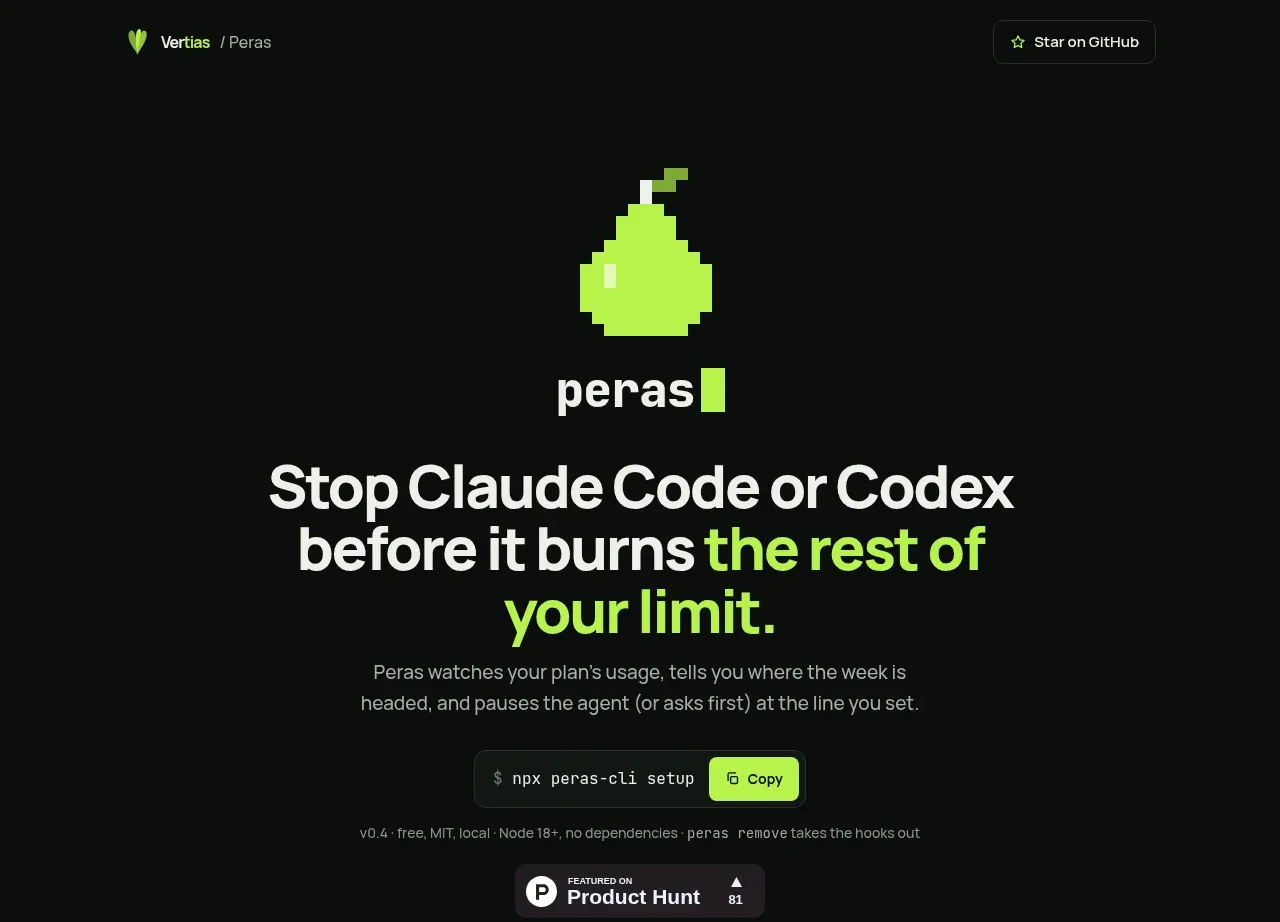
- Above the fold: https://kage-design-assets.t3.tigrisfiles.io/screenshots/peras/2c988a48-c598-4fdf-86c9-23be8072f64d-1792821749820.webp
- Design on Kage: https://kage.design/designs/peras-landing-page

## Before you start
Ask the user what they are building, who it is for, and what brand assets they already have, including the product name, colours, typography, logo or other identity elements. Wait for their answers before designing. Apply the following system to their product, not to the reference product.

## Page structure
- **Top navigation:** Use a narrow centered container with a small brand mark and breadcrumb-like context on the left, plus one understated outlined external/community action on the right.
- **Hero identity:** Center a small pixel-like product symbol above the product name, with generous vertical breathing room and no decorative background art.
- **Hero headline:** Set a large multi-line statement in bold sans type, using the brand accent to highlight only the key outcome phrase.
- **Hero supporting copy:** Add a short muted paragraph explaining the product in practical terms.
- **Primary install control:** Show a terminal-style install command in a dark rounded capsule with a compact contrasting copy button.
- **Trust and proof row:** Place tiny version, licensing, runtime, and dependency metadata below the command, followed by a compact social-proof badge.
- **Terminal demonstration:** Add a wide framed terminal window with faux window controls, monospace status output, progress bars, percentages, reset times, and warning colours. Caption it with a small note clarifying that it is representative output.
- **macOS app introduction:** Switch to a two-column section: explanatory copy, eyebrow, heading, bullets, CTA and install command on the left; a dark menu-bar or popover screenshot/mockup on the right.
- **Three outcome cards:** Present three equal cards for the possible intervention states, such as warn, ask, and pause. Use a lime border or accent only on the strongest state.
- **Example rules list:** Follow the cards with a full-width bordered list of concrete scenarios and their corresponding terminal commands, one row per rule.
- **Weekly planning feature section:** Center a heading, then show three explanatory cards about daily allowances, project budgets, and reporting. Under them, place a longer command/reference table with many rows of actions and commands, followed by a small explanatory footnote.
- **Secondary platform section:** Introduce compatibility with another agent or platform using centered copy, an install command, and three equal cards explaining its separate lines, no-token handling, and approval behavior.
- **Command reference section:** Use a centered heading and two side-by-side bordered lists of commands. Each row contains a monospace command name and a muted one-line description; end with a privacy/local-processing note.
- **Principles/comparison cards:** Add a three-card section contrasting monitoring, the configured guard, and boundary limitations. Give the middle card the clearest lime-tinted border treatment.
- **FAQ:** Center a heading above a stack of full-width accordion rows with small disclosure triangles and thin separators. Keep the answers collapsed in the initial view.
- **Related links:** Add a small centered row of underlined text links beneath the FAQ.
- **Footer:** Finish with a thin top border, a compact brand/about block on the left, utility links on the right, and a lower legal/disclaimer row with copyright and trademark context.

## Design language
- **Build hierarchy with scale and restraint:** Use a bold geometric or contemporary sans for headings, with the hero as the largest text and section headings stepping down consistently. Use monospace for commands, telemetry, labels, and technical metadata rather than for all body text.
- **Change rhythm down the page:** Start with spacious centered hero composition, move into a large proof artifact, then alternate between two-column explanation, three-card grids, dense command tables, and shorter centered sections. Let information density increase in the middle and become quieter again around FAQ and footer.
- **Use a nearly black foundation:** Set the page background around `#080b09` or `#090d0b`, with panels around `#101512` and slightly lighter terminal surfaces around `#0b0f0d`. Keep body text warm off-white around `#e8eee9` and secondary text around `#8b938d`.
- **Reserve lime for meaning:** Use a vivid chartreuse accent near `#b6ff3b` for the key headline phrase, product highlights, bullets, progress indicators, active states, and selected borders. Use muted amber, blue, and red only inside telemetry or status examples, never as broad decoration.
- **Pair type by function:** Use a clean sans with heavy weight for headlines and medium weight for labels; use a compact monospace around `12–14px` for commands and terminal content. Keep body copy readable at roughly `15–17px` with generous line-height.
- **Use quiet technical surfaces:** Prefer 1px borders around `#202823`, subtle inset or low-opacity shadows, and small radii around `6–10px`. Avoid glossy glass, large gradients, floating shadows, and excessive rounding.
- **Make cards feel like modules:** Give cards consistent padding, dark fills, short headings, and concise text. Use a single accent outline or tinted background to distinguish the selected/most important card rather than adding icons everywhere.
- **Treat tables as product language:** Use full-width rows with top or bottom rules, left-aligned human-readable action labels, and right-aligned monospace commands. Keep row heights compact but scannable.
- **Keep interaction understated:** Buttons should have clear bordered states and a small bright fill only for primary actions. Copy controls should visibly confirm copying, accordions should open inline without dramatic animation, and hover states should brighten borders or text rather than introduce motion-heavy effects.
- **Make the page feel local and developer-oriented:** Show real-looking terminal syntax, status bars, reset windows, and concise operational language. Keep screenshots and demos framed as dark application surfaces with restrained chrome.
- **Use responsive fallbacks:** Collapse two-column areas into a single stack, let command tables scroll or wrap safely, and preserve centered hero hierarchy on narrow screens.

## Never
- Do not reuse the reference product’s logos, wordmarks, product names, copy, illustrations, photography, screenshots, or icon set.
- Do not present the result as Peras or imply affiliation with it.
- Do not copy its exact terminal output, commands, feature names, FAQ wording, or brand-specific lime treatment without adapting them to the user’s product.
- Do not add decorative imagery that conflicts with the restrained technical interface language.
Components from this page
All components
 Minimal brand navigation
Peras · Navigation
Minimal brand navigation
Peras · Navigation
 Usage guard hero
Peras · Hero
Usage guard hero
Peras · Hero
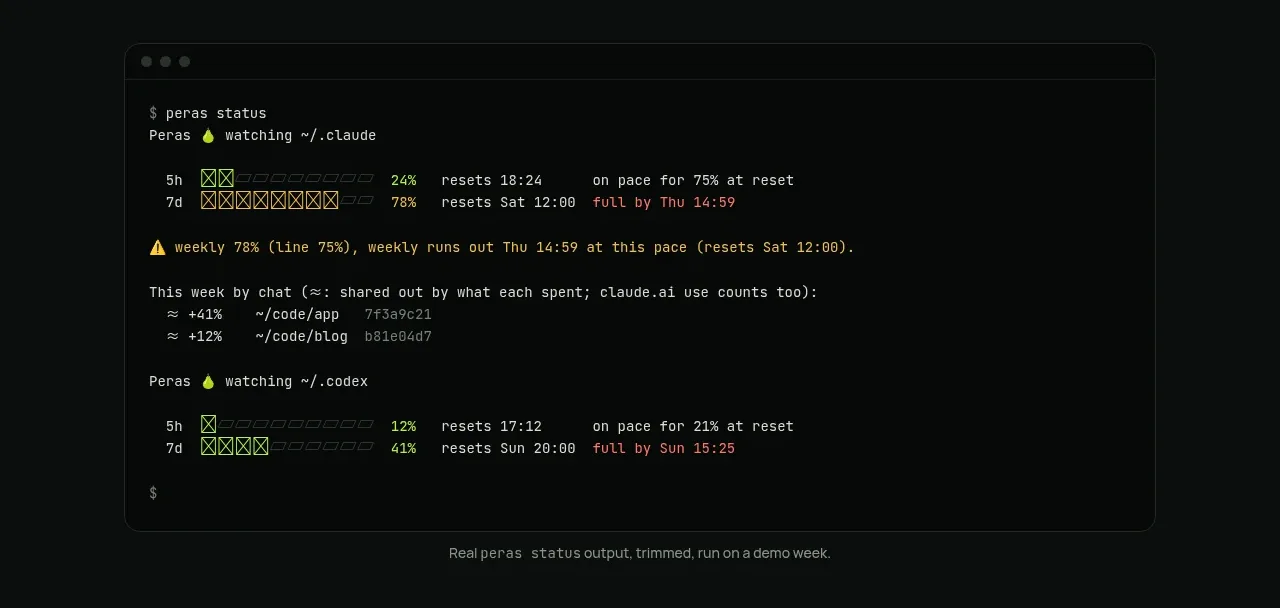 Terminal status proof
Peras · Code block
Terminal status proof
Peras · Code block
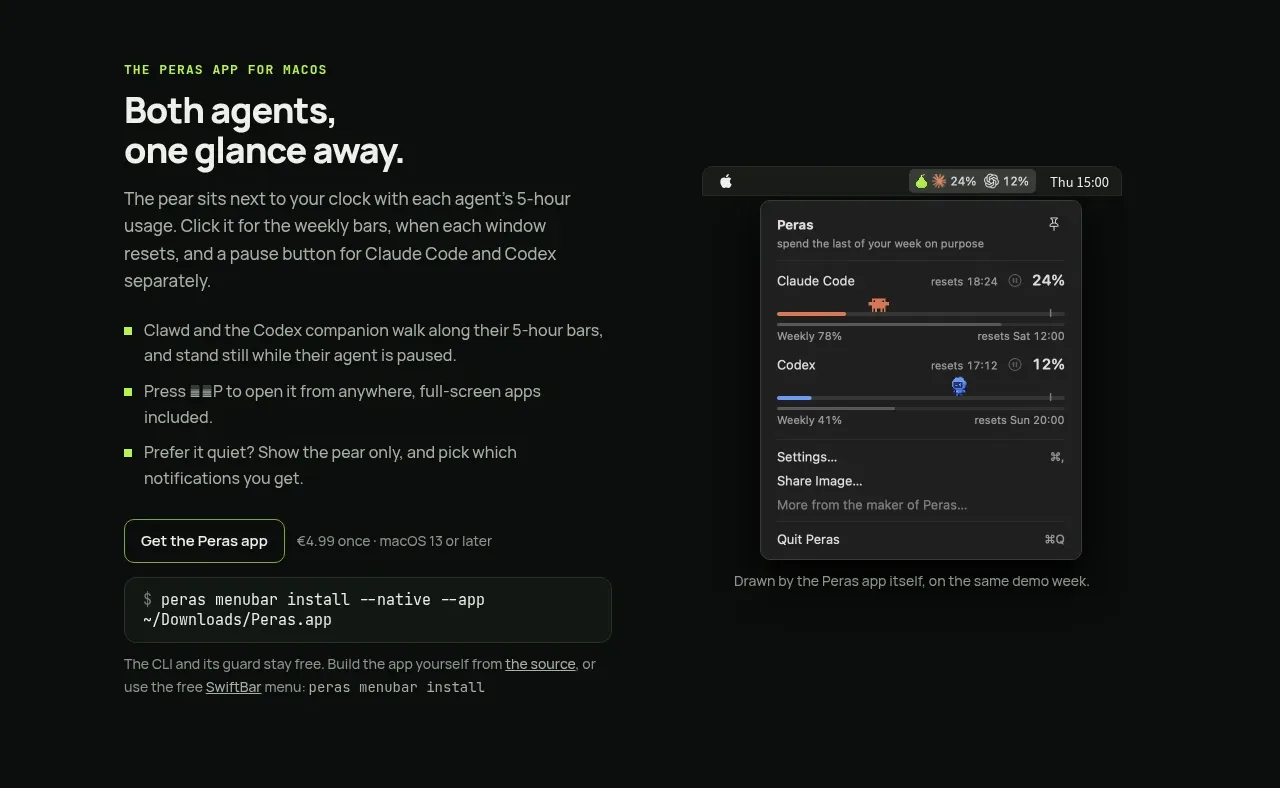 Native app companion feature
Peras · Feature grid
Native app companion feature
Peras · Feature grid
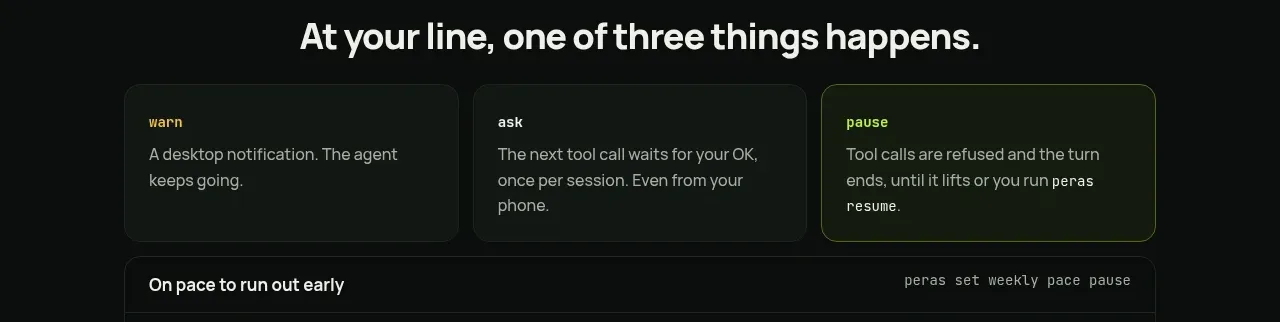 Three-mode response cards
Peras · Feature grid
Three-mode response cards
Peras · Feature grid
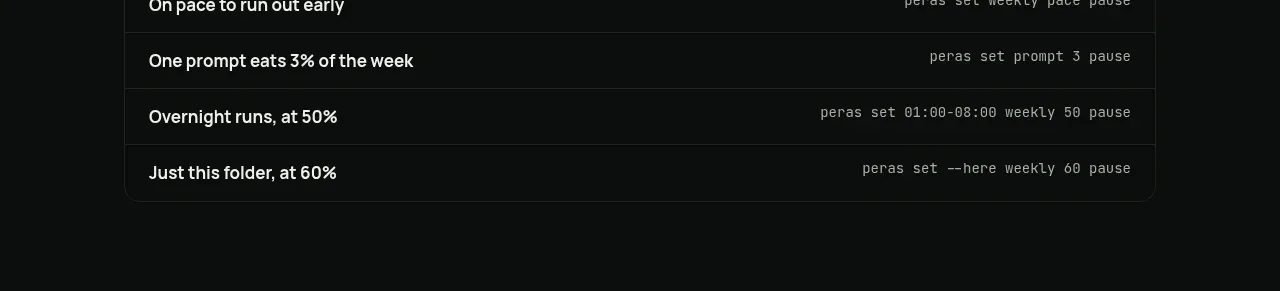 Threshold command examples
Peras · Table
Threshold command examples
Peras · Table
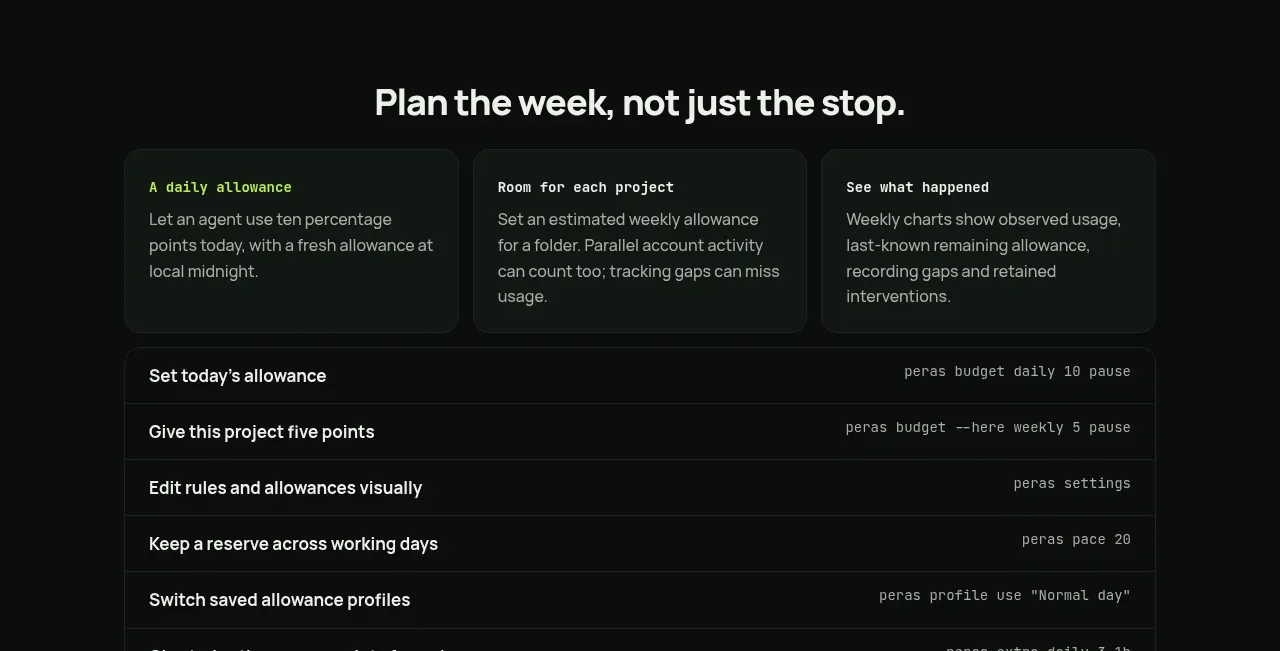 Weekly planning capabilities
Peras · Feature grid
Weekly planning capabilities
Peras · Feature grid
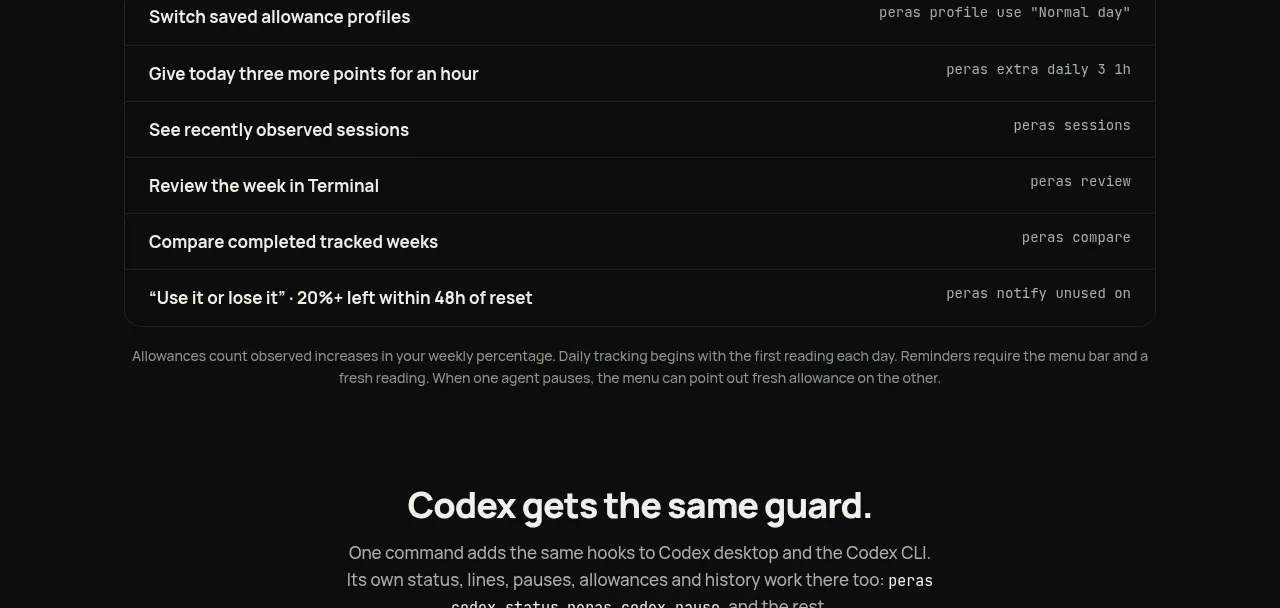 Second integration guard
Peras · Feature grid
Second integration guard
Peras · Feature grid
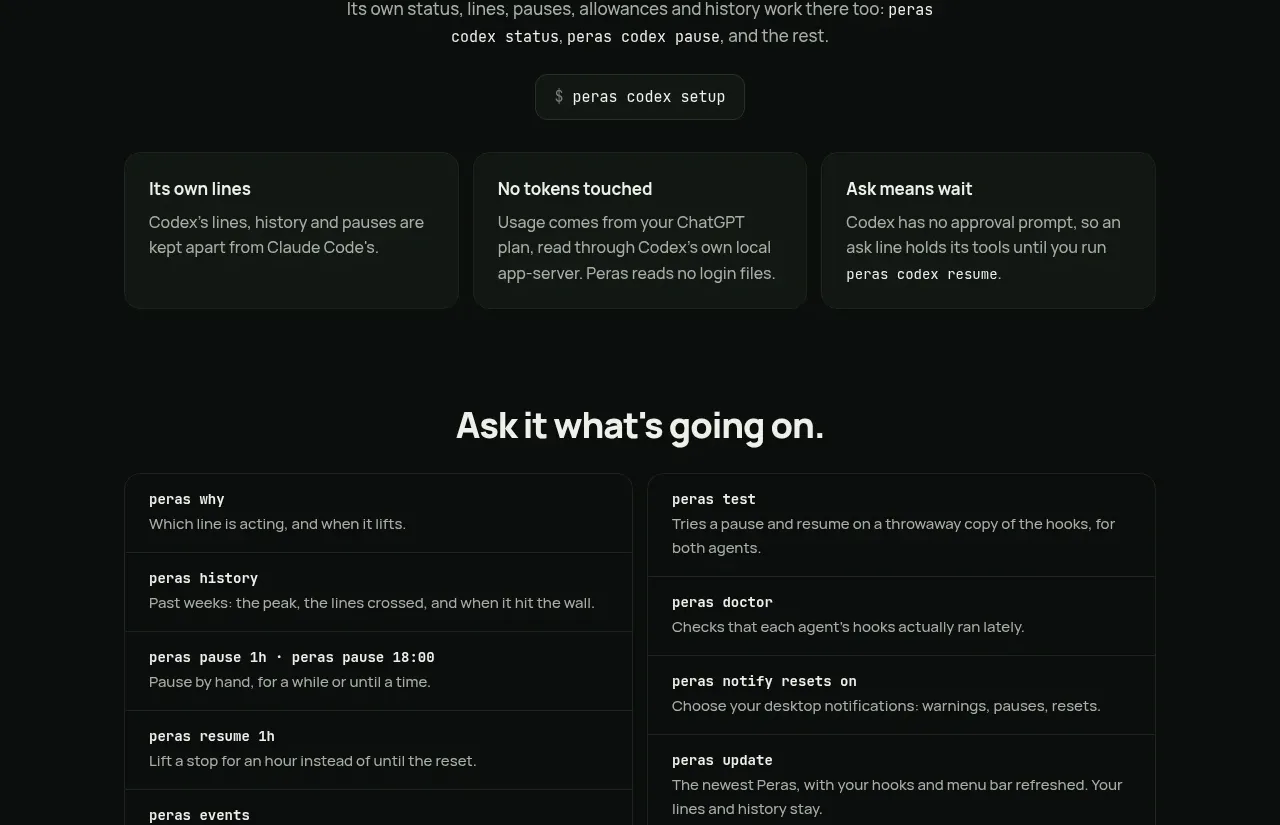 Command and observability catalog
Peras · Feature grid
Command and observability catalog
Peras · Feature grid
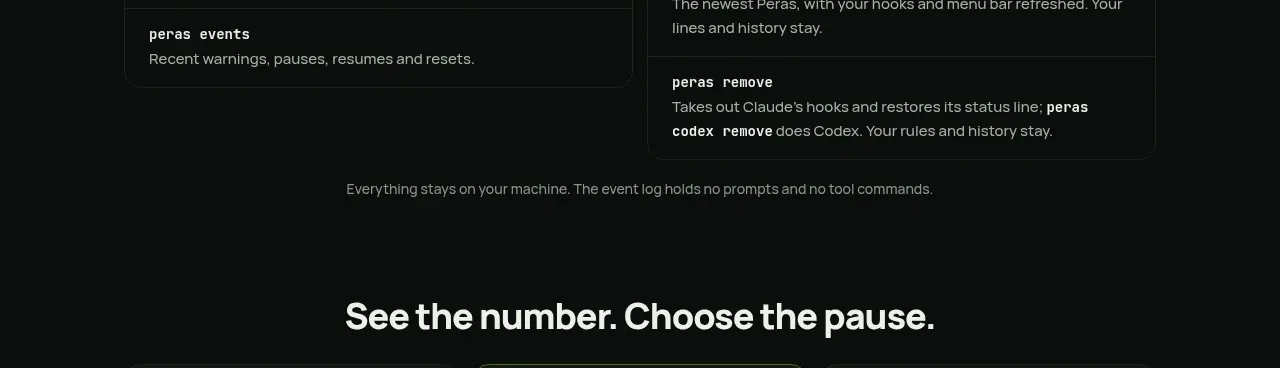 Three principles cards
Peras · Feature grid
Three principles cards
Peras · Feature grid
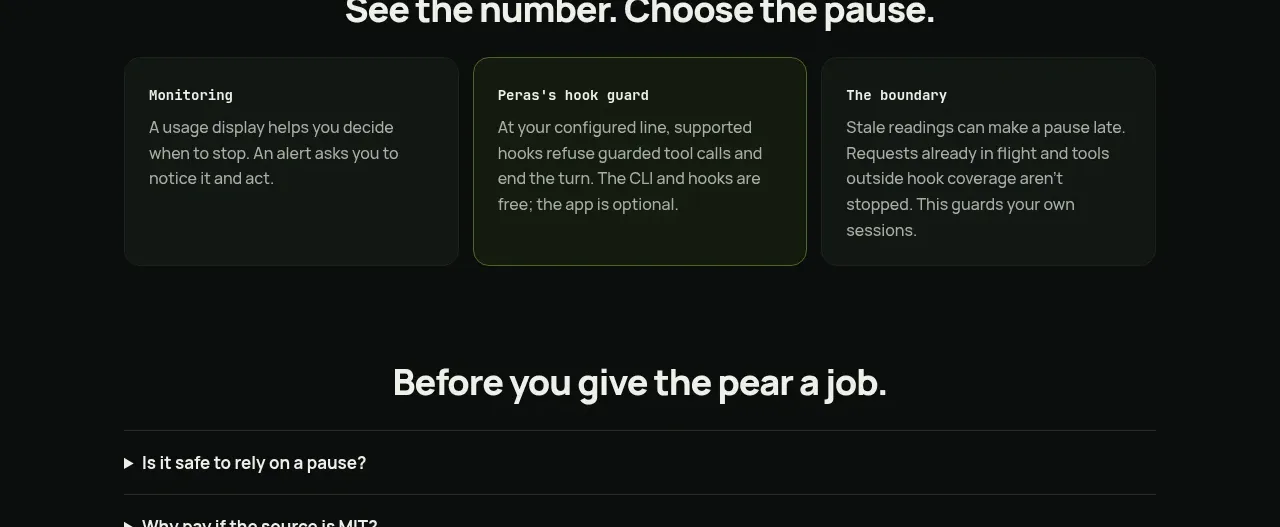 Safety and setup FAQ
Peras · FAQ
Safety and setup FAQ
Peras · FAQ
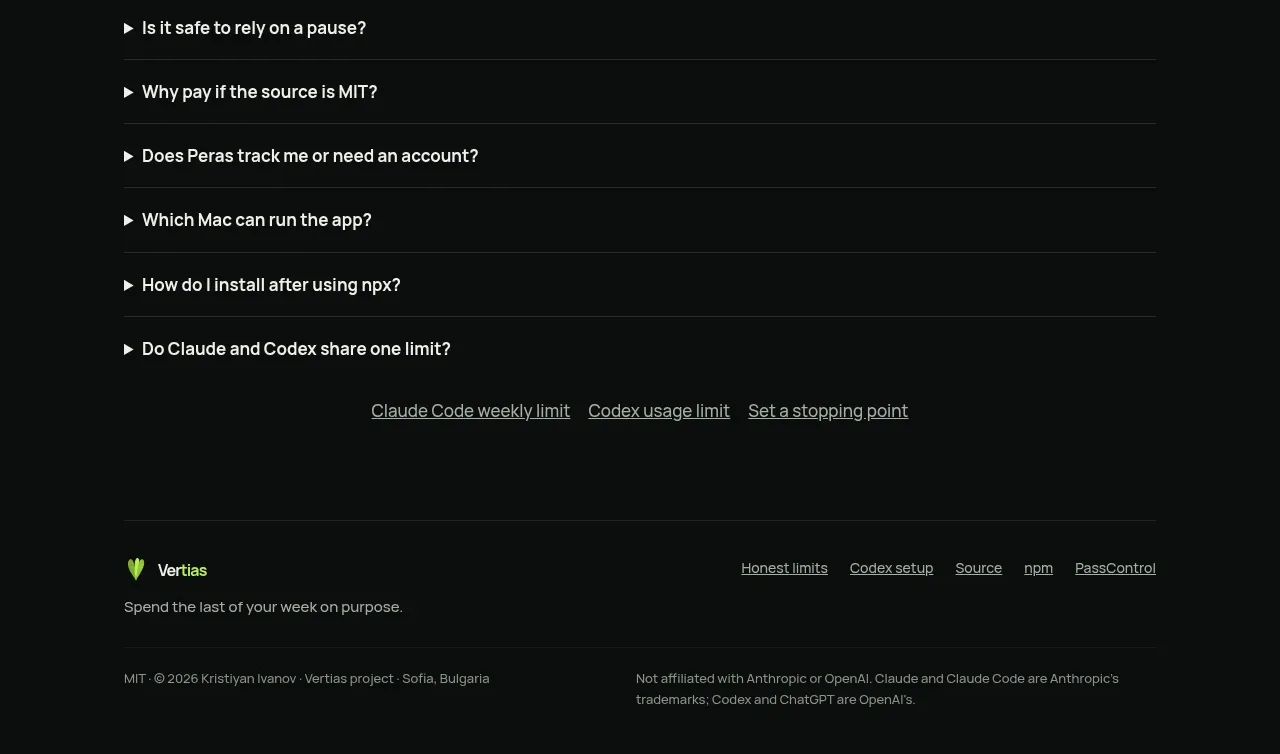 Project footer
Peras · Footer
Project footer
Peras · Footer