kage
kage
relic.space
Design analysis
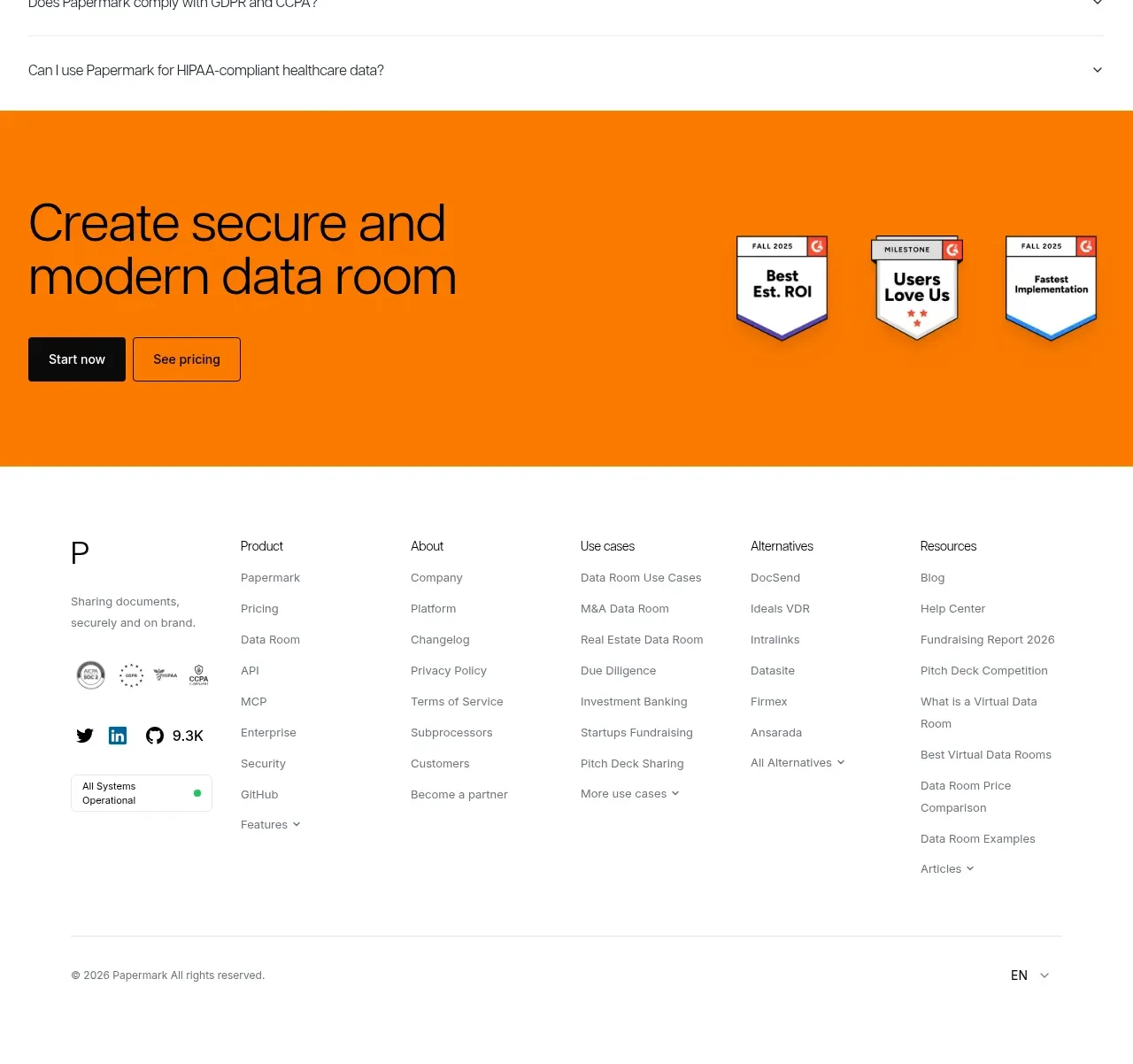
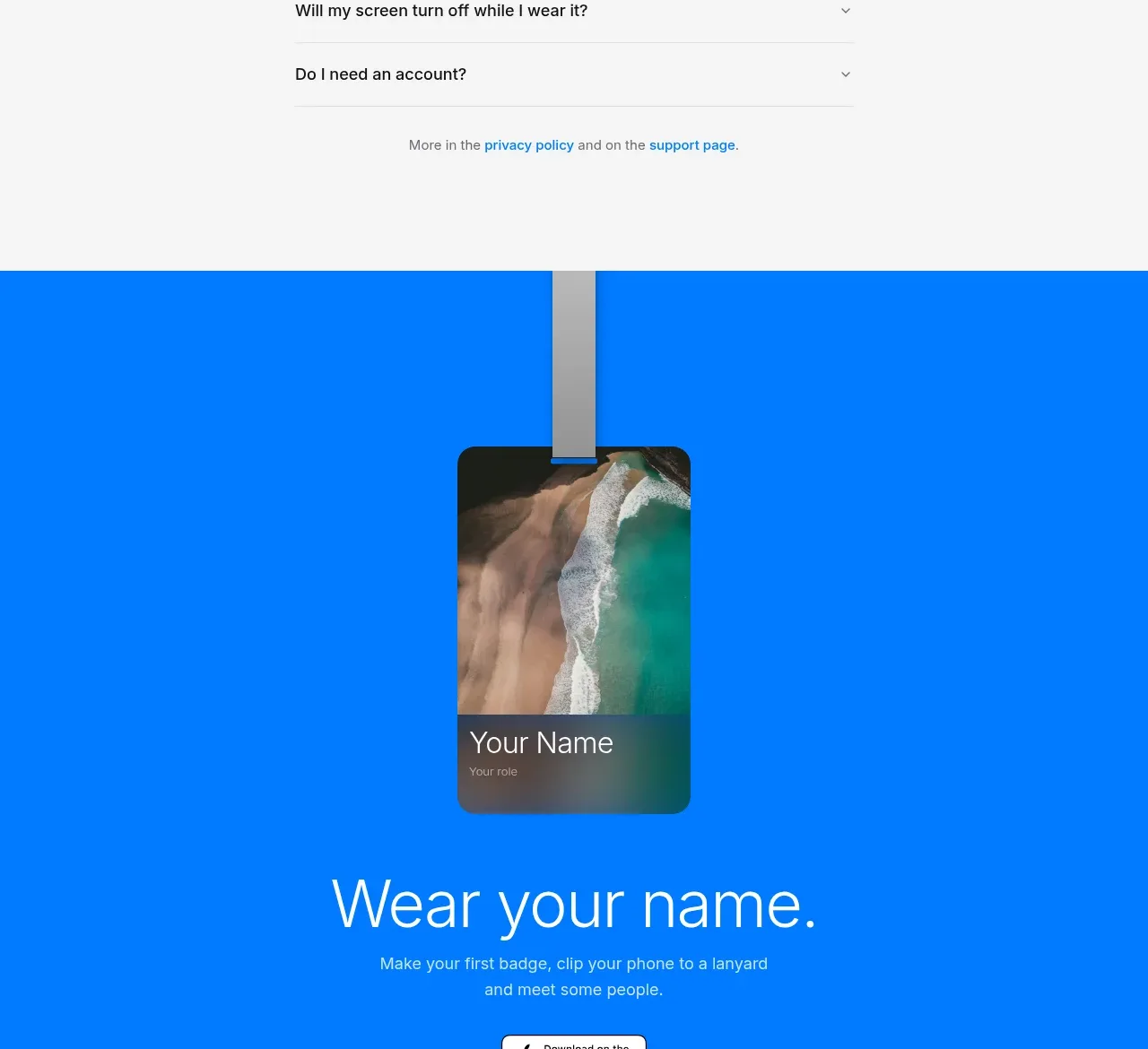
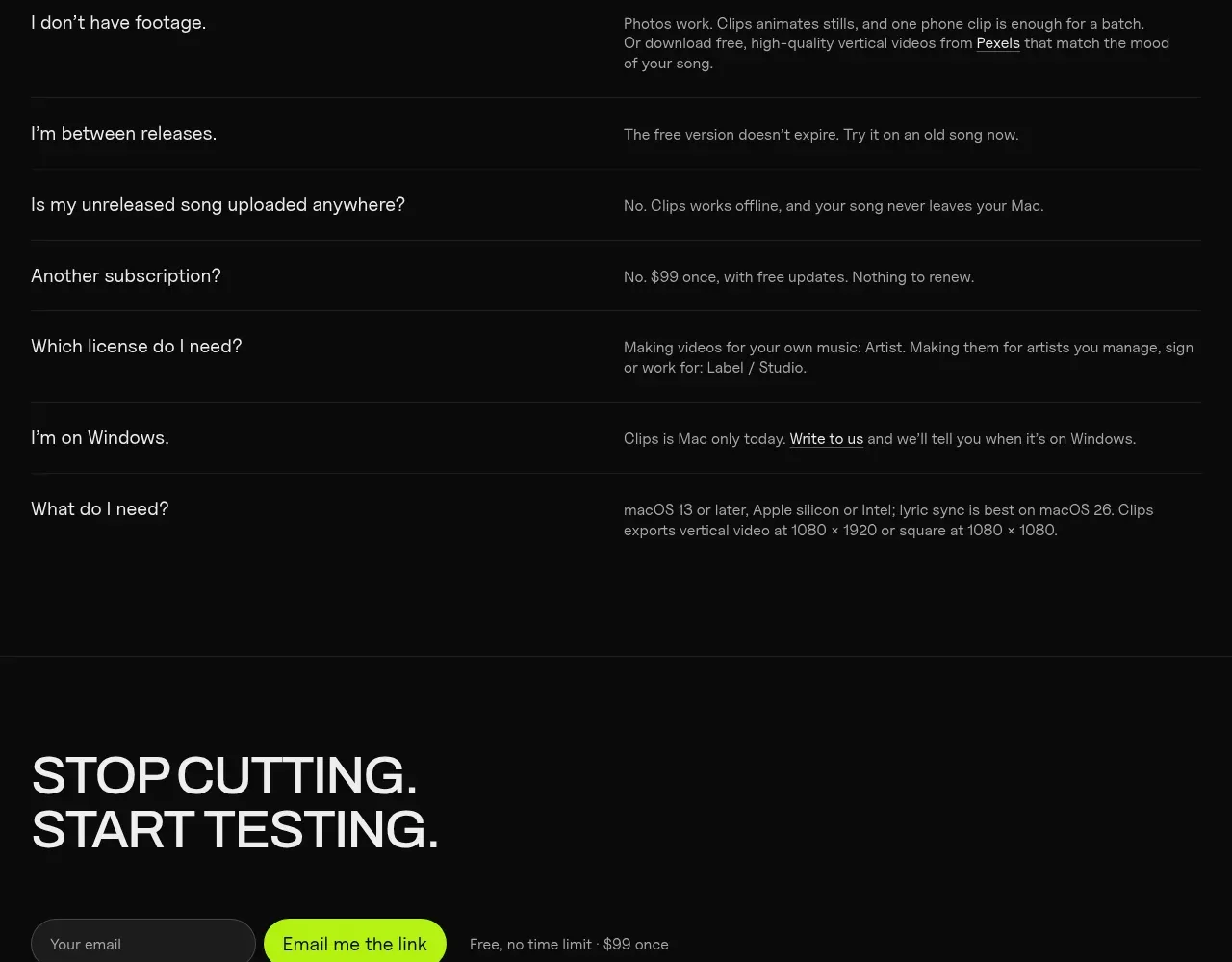
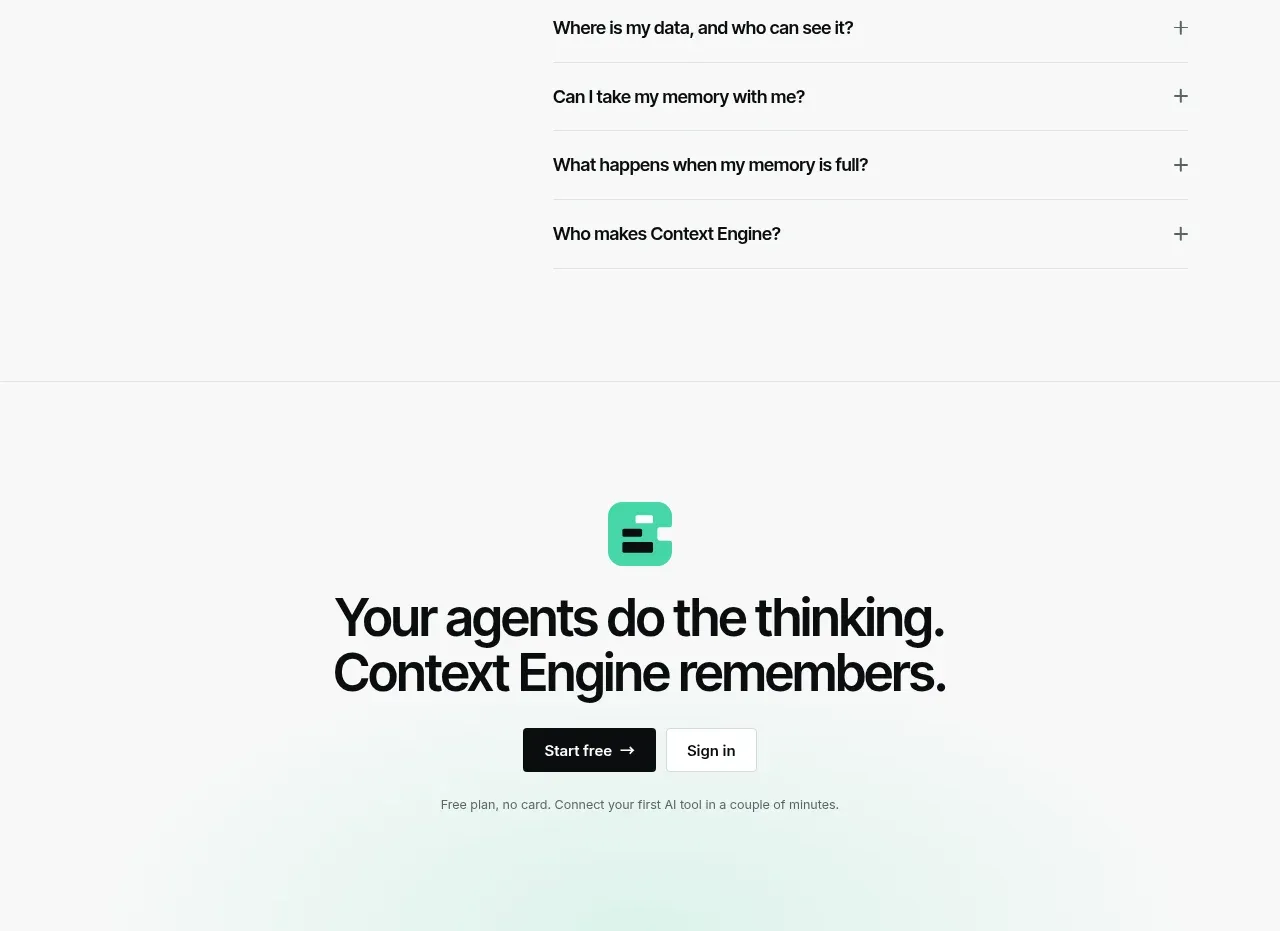
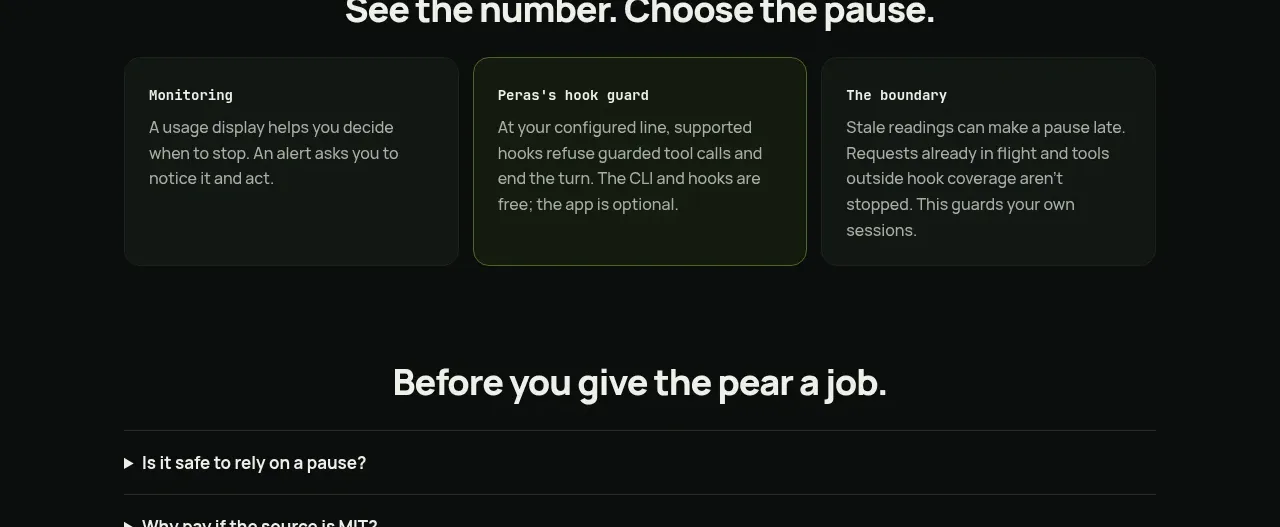
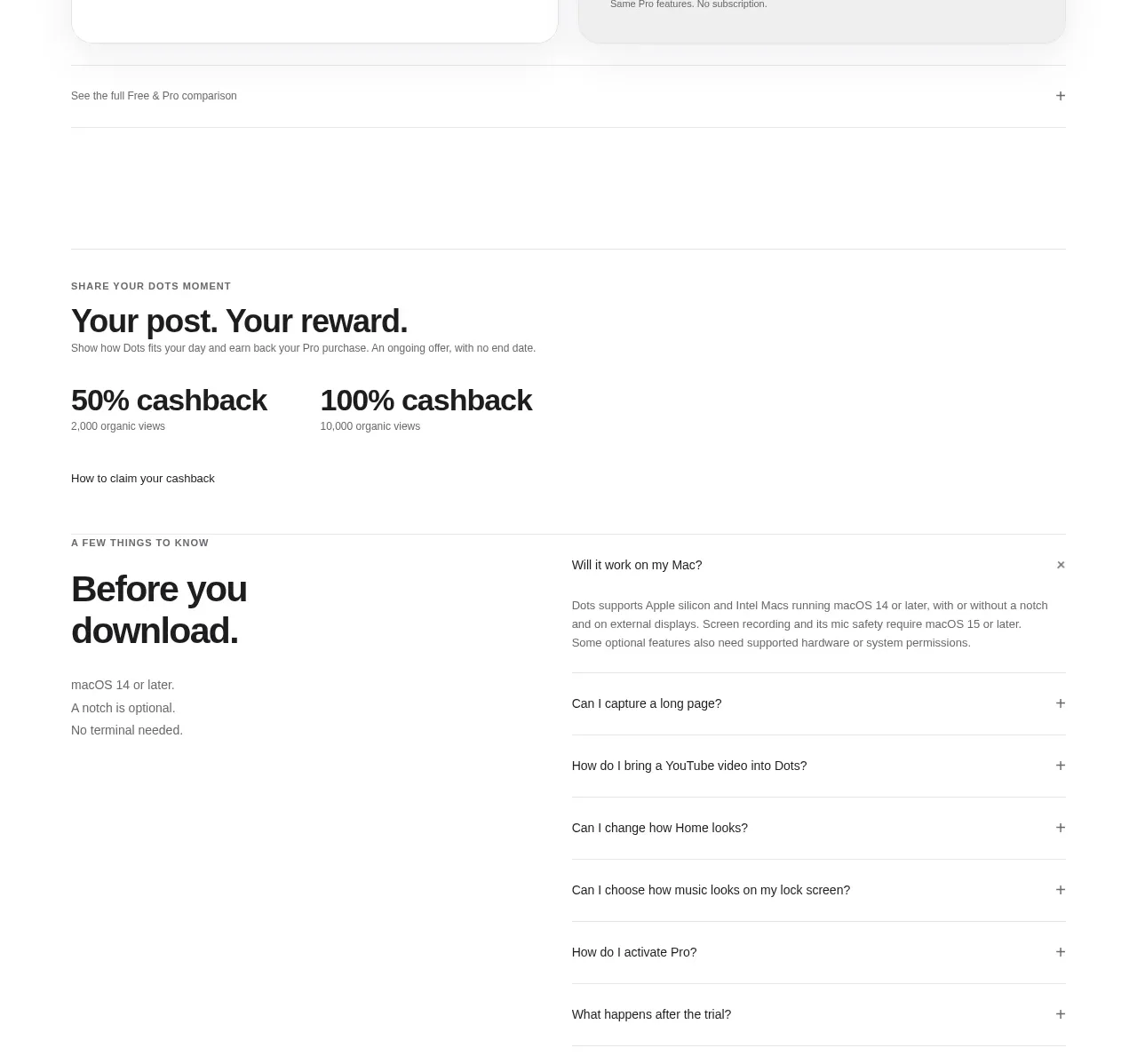
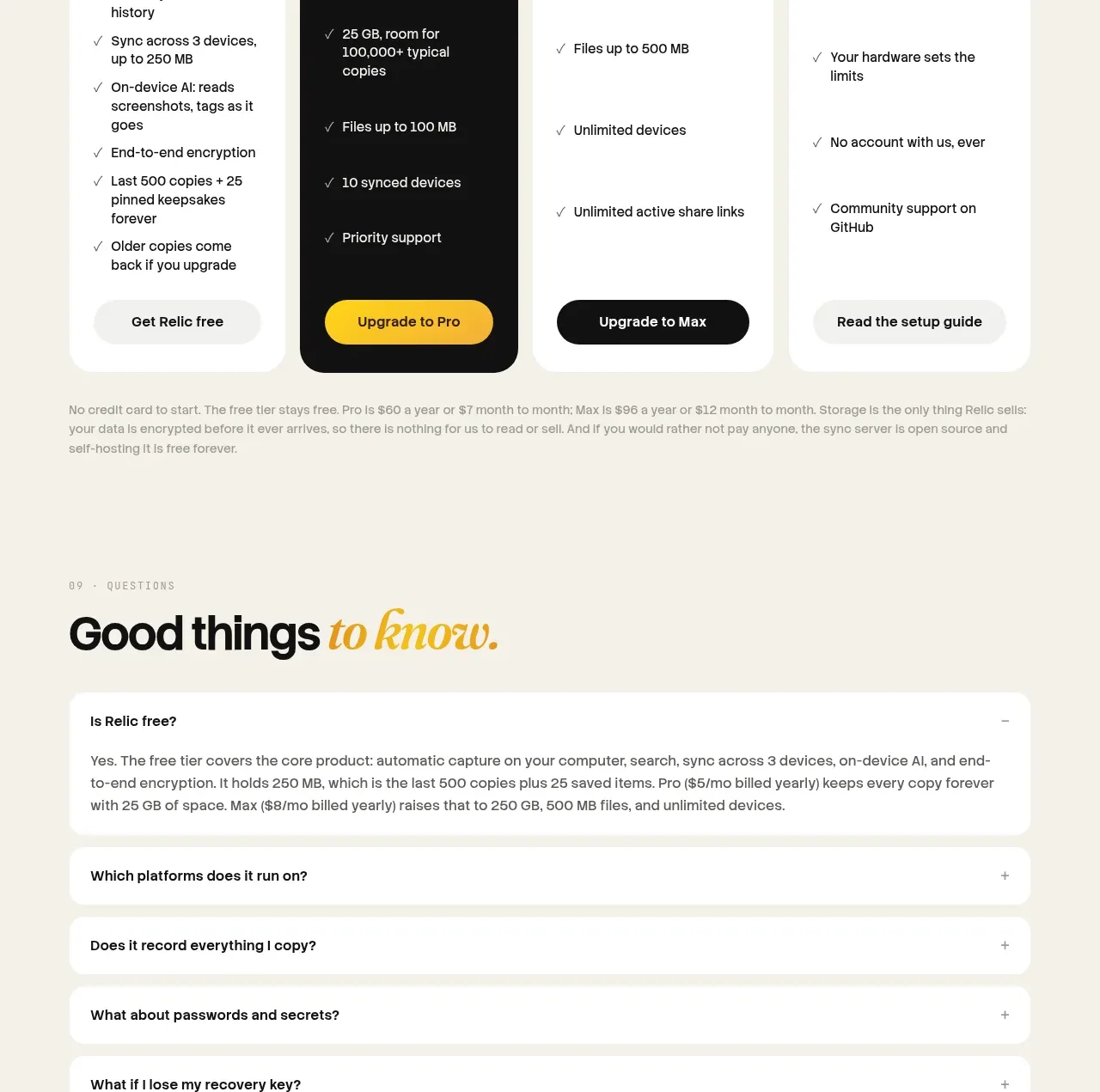
A simple accordion answers practical objections with one expanded answer and a series of compact collapsed rows, preserving a low-friction reading flow.
Prompt preview
## Reference images

Study these alongside the description below: hierarchy, rhythm, spacing, colour. Build for the product you are asked about, using this design language.

- Component: https://kage-design-assets.t3.tigrisfiles.io/components/relic/11197dbe-e39c-44cc-b0a1-5cdca0c05213-1789279383-9.webp
- Full page it was cut from: https://kage-design-assets.t3.tigrisfiles.io/screenshots/relic/11197dbe-e39c-44cc-b0a1-5cdca0c05213-1789279305759-full.webp
- Component on Kage: https://kage.design/component/relic-faq

## Before you start
Ask which objections, setup questions, pricing questions, and privacy concerns users most often have. Turn those into concise, accurate answers.

Build an FAQ section with an eyebrow and large heading featuring a subtle italic accent. Use a vertical accordion of full-width white rows with 16–20px padding, 1px separators or soft borders, rounded corners, and a plus/minus control aligned to the right. Show one answer expanded by default only if it is the most useful entry; keep answers short, readable, and linkable. Use `#f5efe3`, `#fffdf8`, `#171714`, and muted `#6e685d`; use 16–20px row gaps and a 16px radius. Include keyboard focus, aria-expanded state, and smooth but restrained open/close motion.

Never use logos, product names, copy, illustrations, or imagery from the reference.