kage
kage
requesteagle.tokarev.work
Design analysis
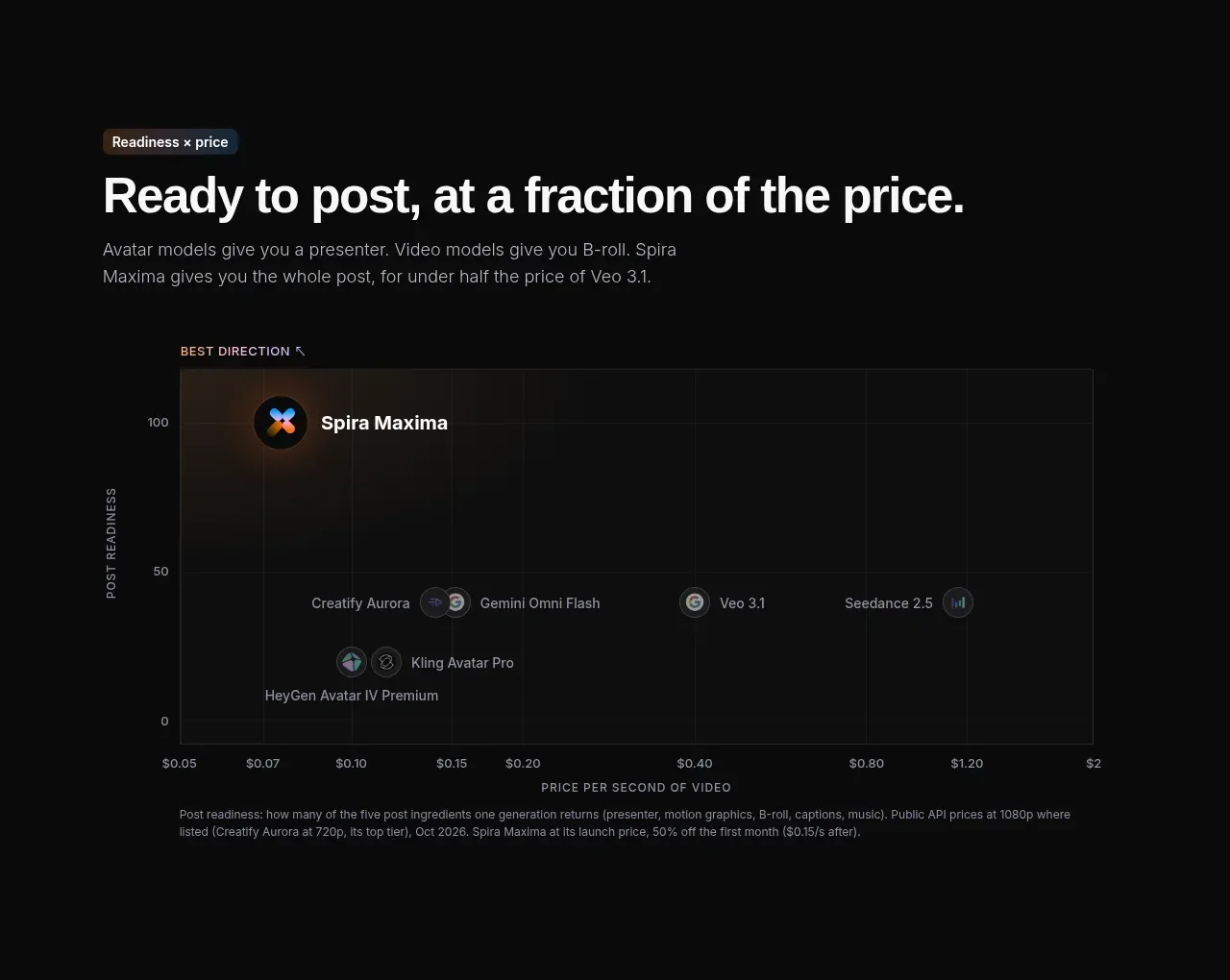
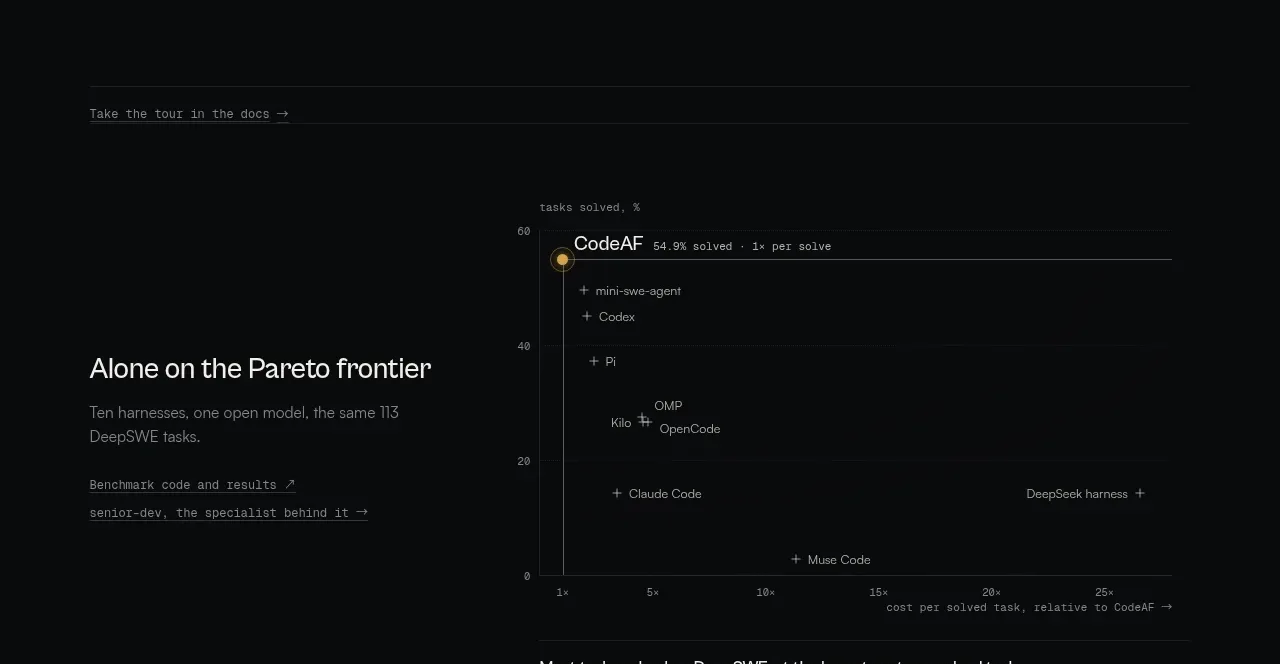
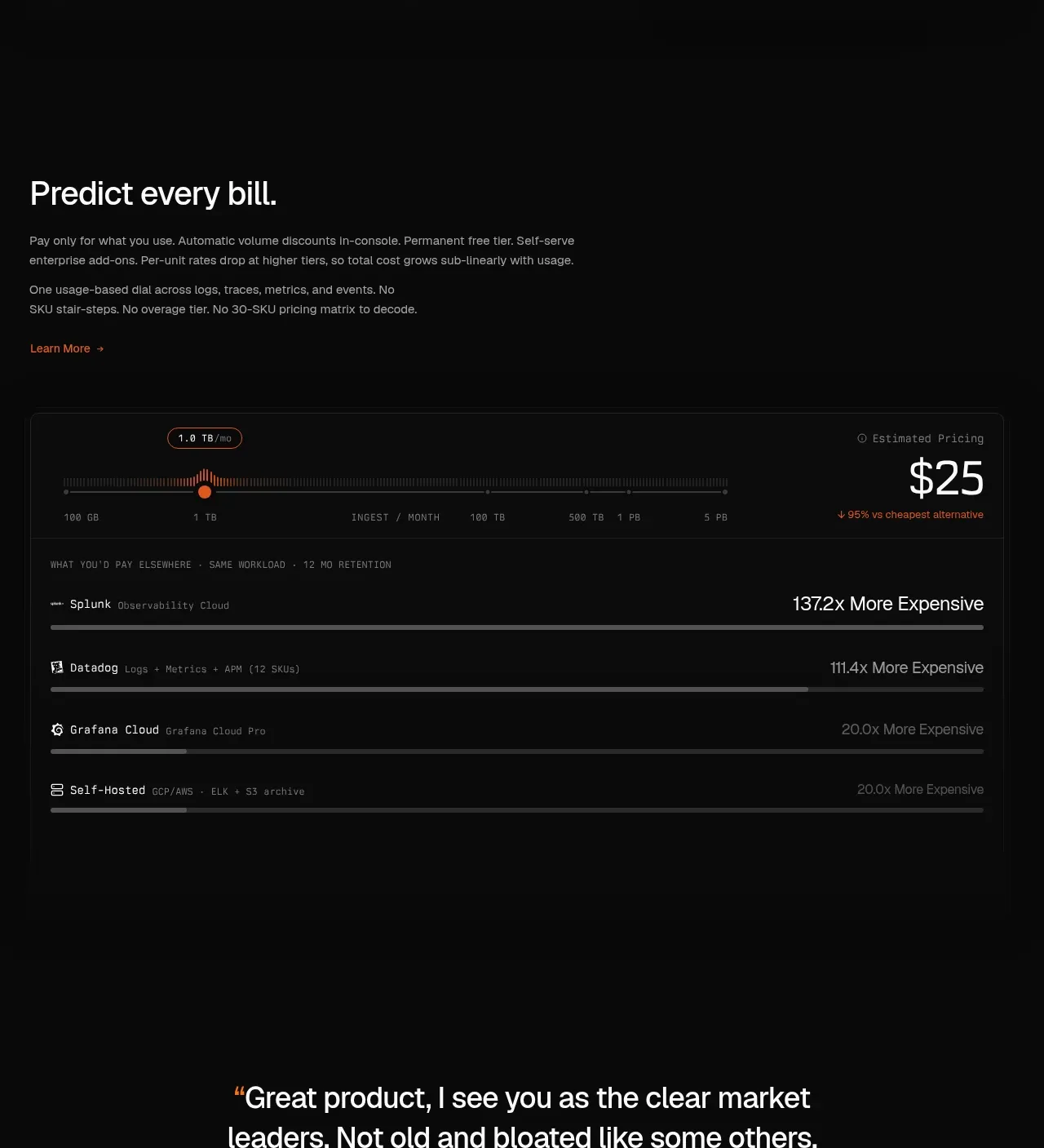
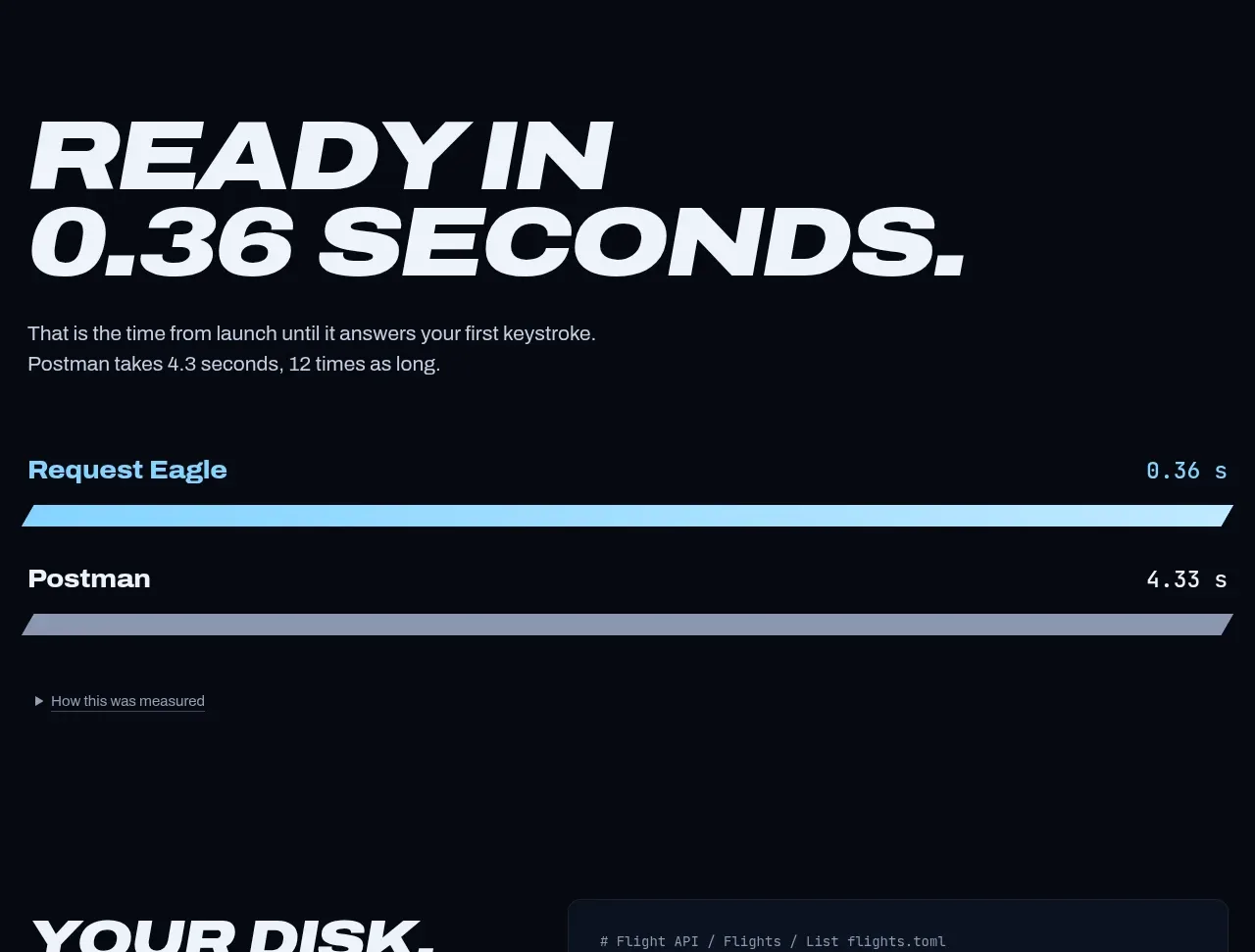
The benchmark section presents a bold claim, a short qualification, and two long horizontal timing bars that make the performance difference immediately legible. Muted supporting controls keep the proof transparent without overwhelming the comparison.
Prompt preview
## Reference images

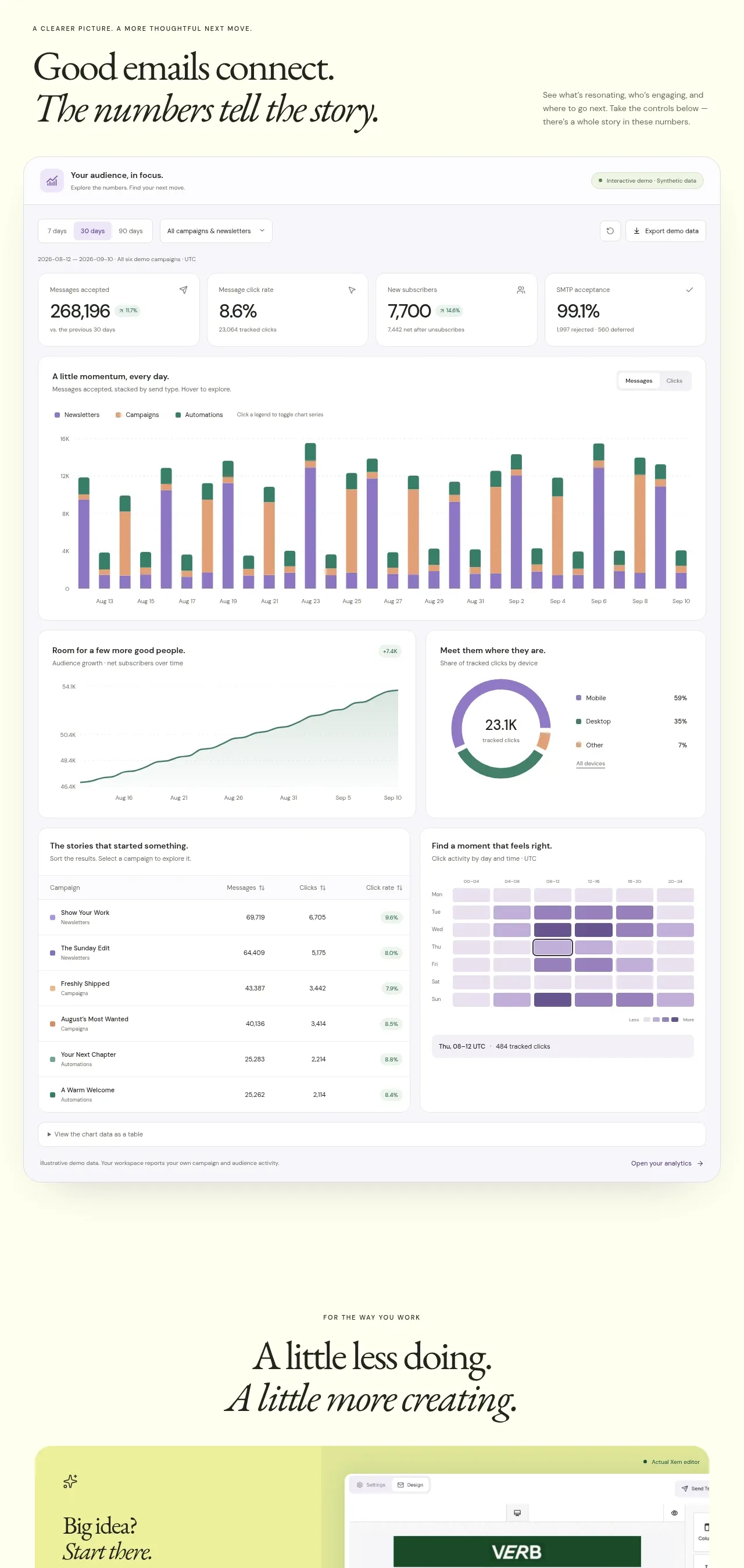
Study these alongside the description below: hierarchy, rhythm, spacing, colour. Build for the product you are asked about, using this design language.

- Component: https://kage-design-assets.t3.tigrisfiles.io/components/request-eagle/fb8c7e5d-6253-47fd-b840-135fd368731b-1791612075-3.webp
- Full page it was cut from: https://kage-design-assets.t3.tigrisfiles.io/screenshots/request-eagle/fb8c7e5d-6253-47fd-b840-135fd368731b-1791612032869-full.webp
- Component on Kage: https://kage.design/component/request-eagle-chart

## Before you start
Ask what performance metric the user's product can credibly demonstrate, what baseline it should be compared with, and what evidence is available. Apply the principles below to that product.

Create a dark benchmark section with a large two-line italic uppercase headline, a small explanatory note, and a simple horizontal comparison chart. Use near-black navy `#070b14`, off-white headline text `#f0f4fa`, and muted copy `#aab4c2`. Show two labeled rows with the product and comparison baseline, a bright cyan filled bar around `#7bd3f5` for the stronger result, and a desaturated gray-blue bar for the baseline. Put the numeric values at the far right in a monospaced font.

Align all content to a consistent 20–24px mobile / 48–64px desktop inset and cap the text width. Make bars 14–18px tall with a clipped or angled end, no rounded pill treatment, and 20–28px row spacing. Add a small disclosure link such as “how this was measured” below the chart with subdued underlined text. Include hover/focus affordances for rows and accessible labels for the values.

Never use logos, product names, copy, illustrations, or imagery from the reference.