 kage
kage
saliency.dev
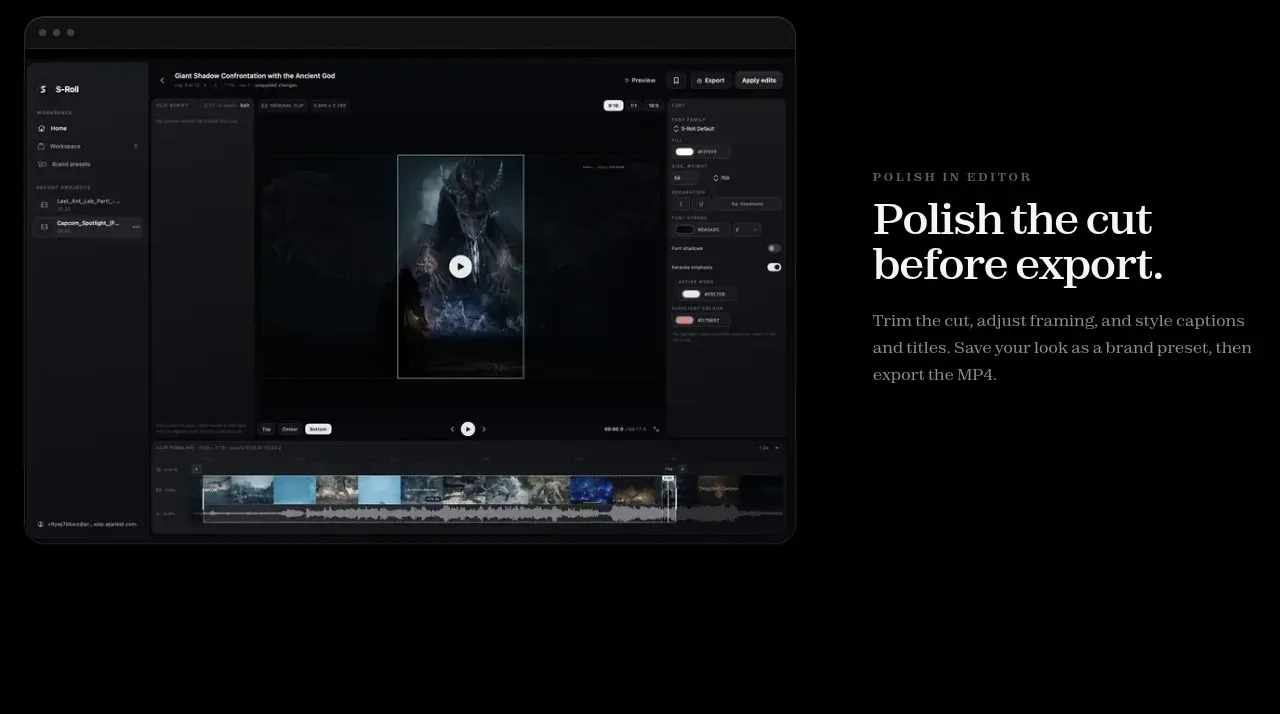
Design analysis
The final feature band places a full editing interface on the left and explains the finishing workflow on the right before export.
Prompt preview
## Reference images

Study these alongside the description below: hierarchy, rhythm, spacing, colour. Build for the product you are asked about, using this design language.

- Component: https://kage-design-assets.t3.tigrisfiles.io/components/s-roll/31ce67c8-e756-4d99-81ee-7a5fcf910ca7-1789711387-6.webp
- Full page it was cut from: https://kage-design-assets.t3.tigrisfiles.io/screenshots/s-roll/31ce67c8-e756-4d99-81ee-7a5fcf910ca7-1789711333877-full.webp
- Component on Kage: https://kage.design/component/s-roll-feature-grid-4

## Before you start
Ask what finishing, customization, or export controls the user's product provides. Use the answers to shape the feature narrative.

Build a final alternating feature showcase with a large editor preview on the left and a right-hand editorial copy block. The preview should suggest a professional timeline or canvas without relying on any reference-specific UI. Add an uppercase eyebrow, bold serif title, and a short paragraph on the right. Favor an almost-black interface with layered charcoal panels, muted controls, and a single restrained accent color. Use warm off-white headings, gray body text, 20px preview radius, and subtle borders. Give the section ample top and bottom breathing room and make the layout collapse cleanly to a single column on mobile.

Never use logos, product names, copy, illustrations, or imagery from the reference.
More components

 Outbound partner benefits
throxy · Feature grid
Outbound partner benefits
throxy · Feature grid
 Rapid onboarding timeline
throxy · Feature grid
Rapid onboarding timeline
throxy · Feature grid
 Cold-calling performance section
throxy · Feature grid
Cold-calling performance section
throxy · Feature grid
 Why alternatives disappoint
throxy · Feature grid
Why alternatives disappoint
throxy · Feature grid
 Qualification workflow cards
throxy · Feature grid
Qualification workflow cards
throxy · Feature grid
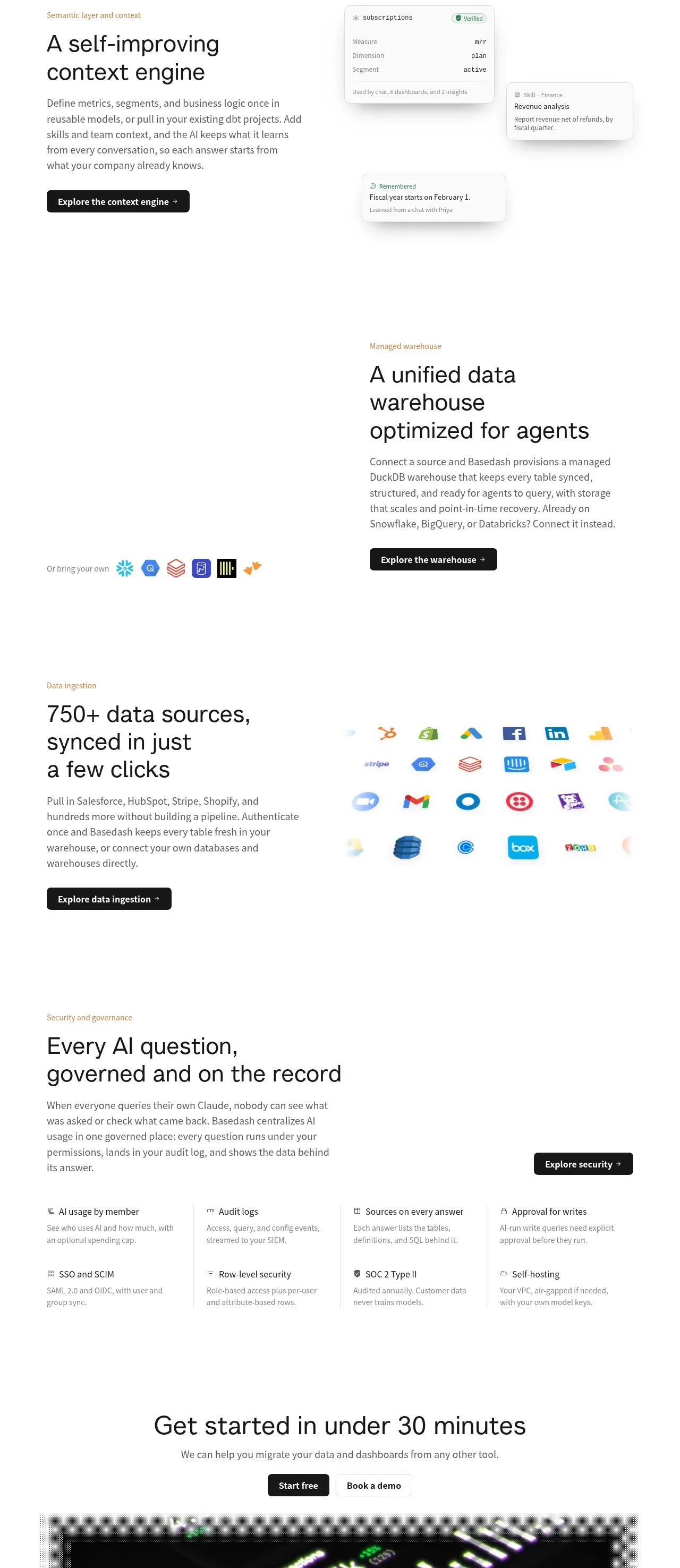
 Platform foundation features
Basedash View-only members · Feature grid
Platform foundation features
Basedash View-only members · Feature grid