 kage
kage
scalebrowser.net
Design analysis
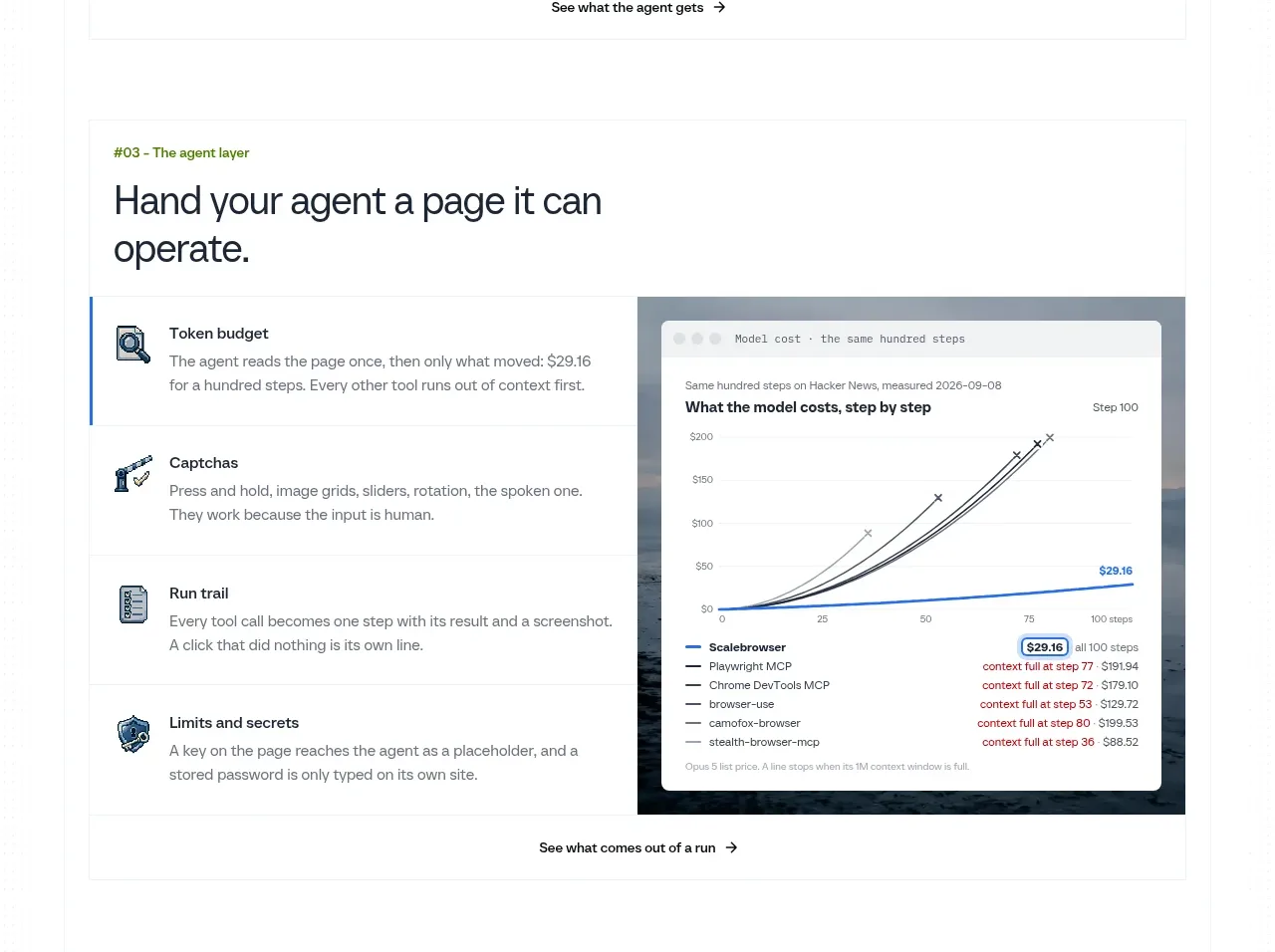
The third capability band explains the agent-facing layer through four operational concepts and a chart-like product visual, completing a progressive story from setup to execution.
Prompt preview
## Reference images

Study these alongside the description below: hierarchy, rhythm, spacing, colour. Build for the product you are asked about, using this design language.

- Component: https://kage-design-assets.t3.tigrisfiles.io/components/scalebrowser/2a4622f4-ebe3-4b20-ac5d-aef2ae1302c9-1792216898-6.webp
- Full page it was cut from: https://kage-design-assets.t3.tigrisfiles.io/screenshots/scalebrowser/2a4622f4-ebe3-4b20-ac5d-aef2ae1302c9-1792216866183-full.webp
- Component on Kage: https://kage.design/component/scalebrowser-feature-grid-3

## Before you start
Ask what advanced capability distinguishes the user's product and what evidence would make it believable. Translate that into a progressive feature story.

Create a third split feature panel with a small category eyebrow, a confident two-line heading, four benefit rows, and a right-side dashboard or chart mockup. Use the rows to explain inputs, constraints, feedback, and outcomes in a logical sequence. Use dark neutral typography, cool grey borders, one blue accent, 16px corners, and generous 60–72px panel padding. Make the dashboard visually subordinate to the explanation but detailed enough to convey a real state; include a bottom action link. On mobile, keep the heading and list before the visual.

Never use logos, product names, copy, illustrations, or imagery from the reference.
More components
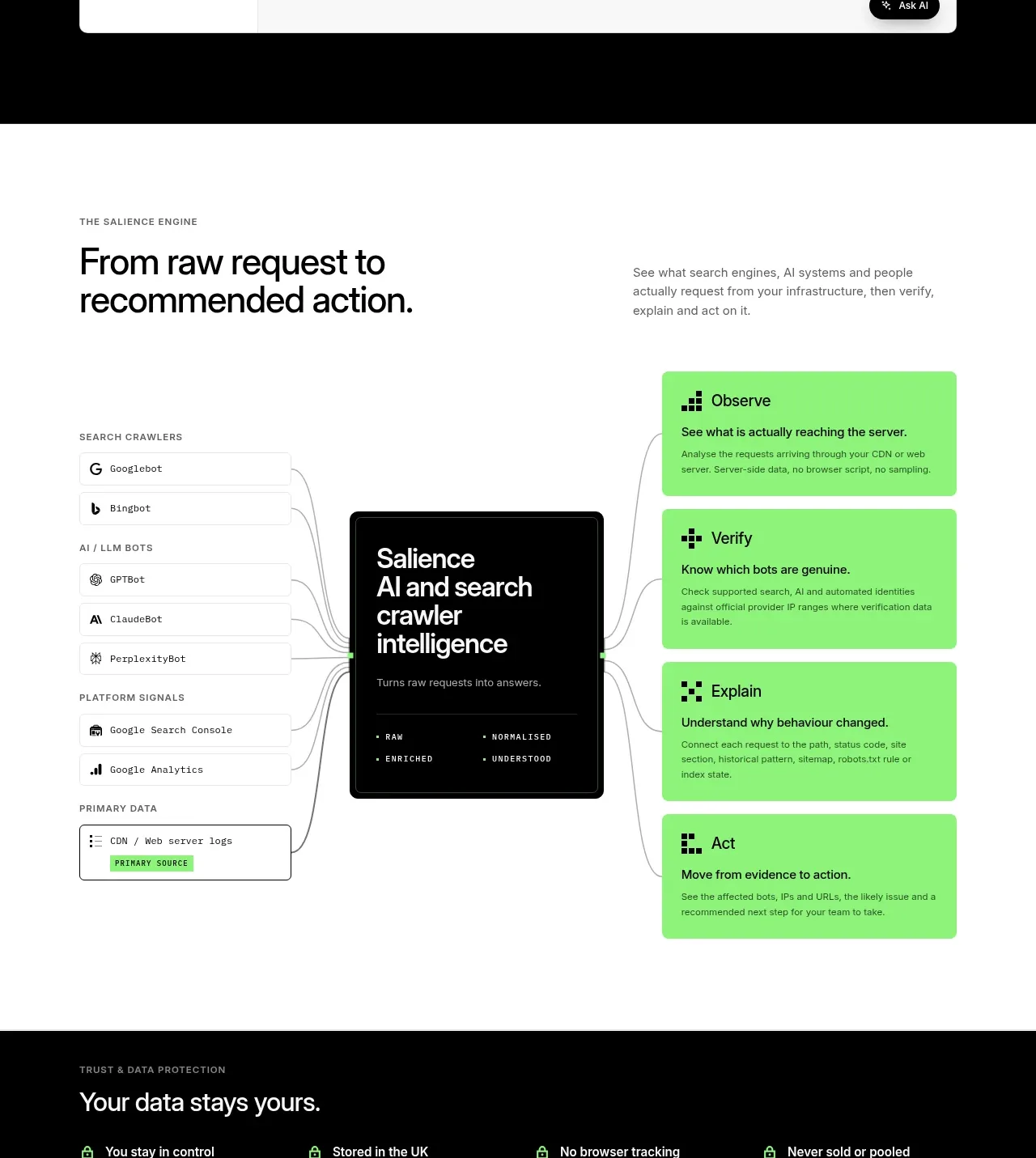
 Data-to-action engine
Salience · Feature grid
Data-to-action engine
Salience · Feature grid
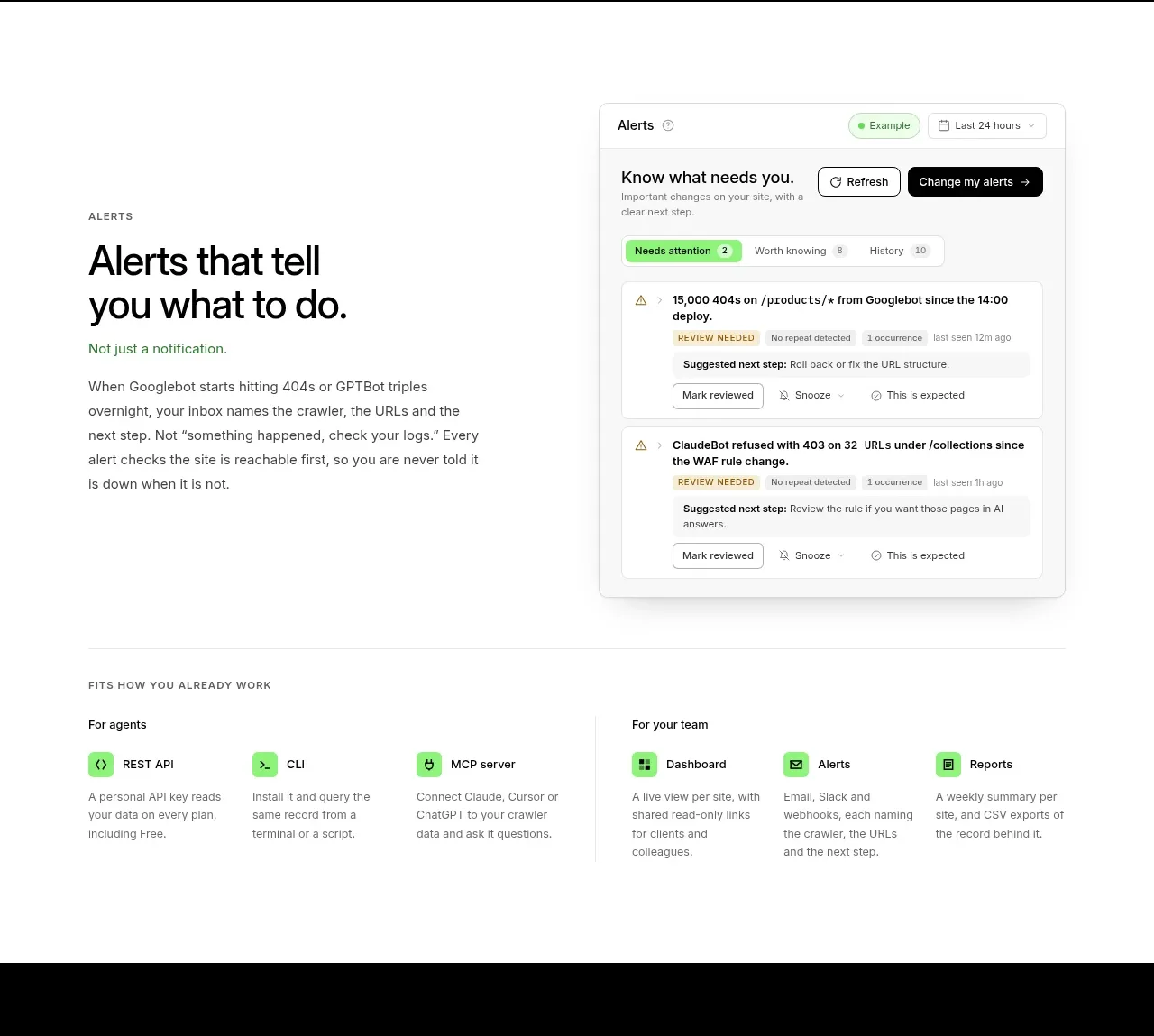 Actionable alert workflow
Salience · Feature grid
Actionable alert workflow
Salience · Feature grid
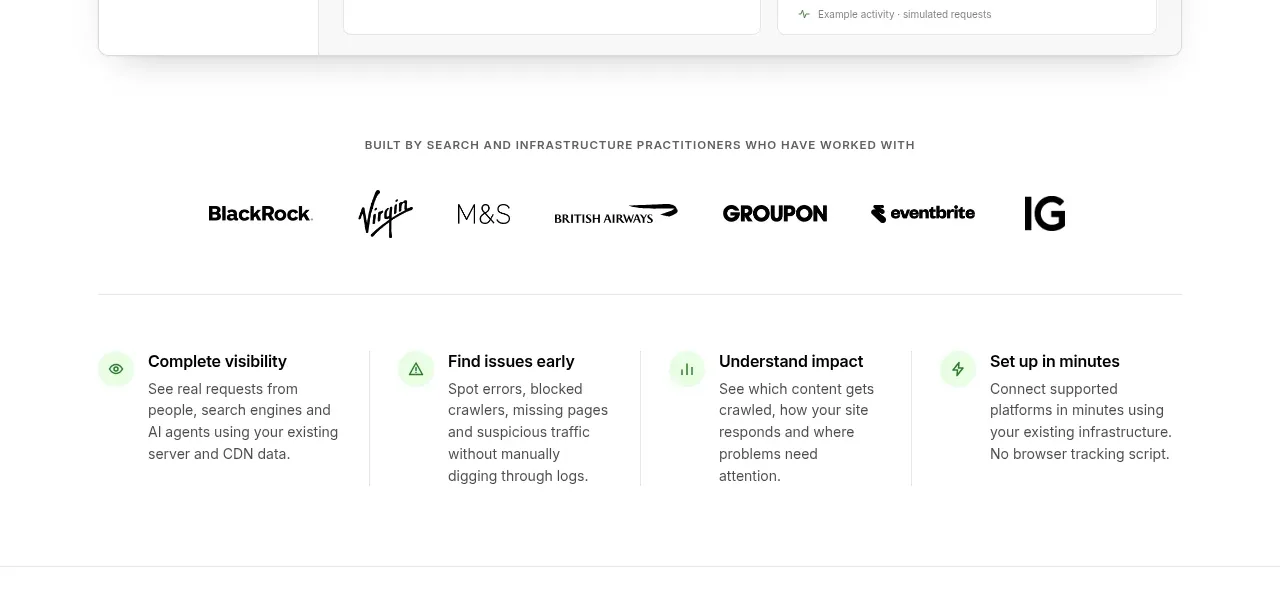 Trust proof and core outcomes
Salience · Feature grid
Trust proof and core outcomes
Salience · Feature grid
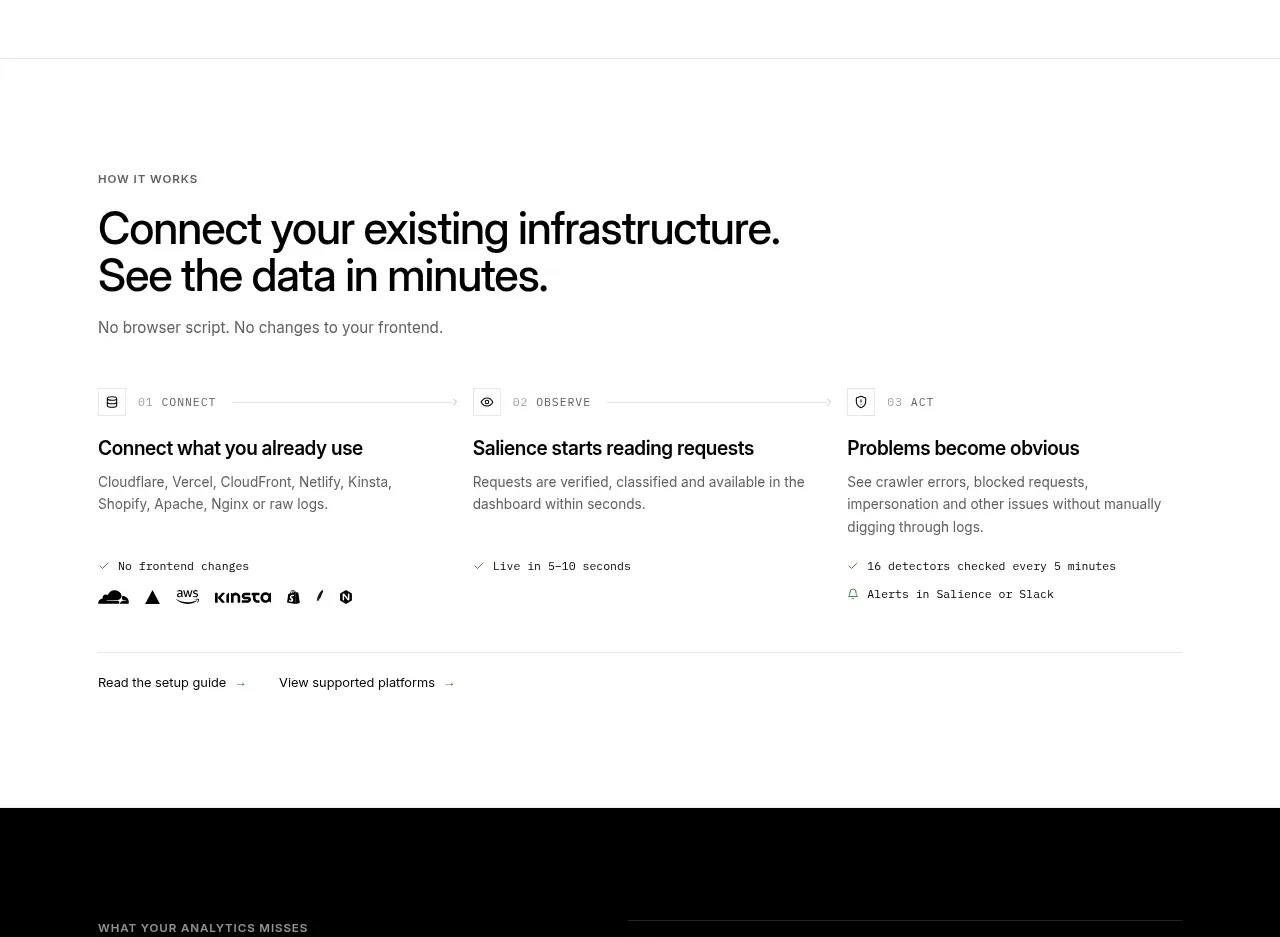 Three-step implementation flow
Salience · Feature grid
Three-step implementation flow
Salience · Feature grid
 What analytics misses
Salience · Feature grid
What analytics misses
Salience · Feature grid
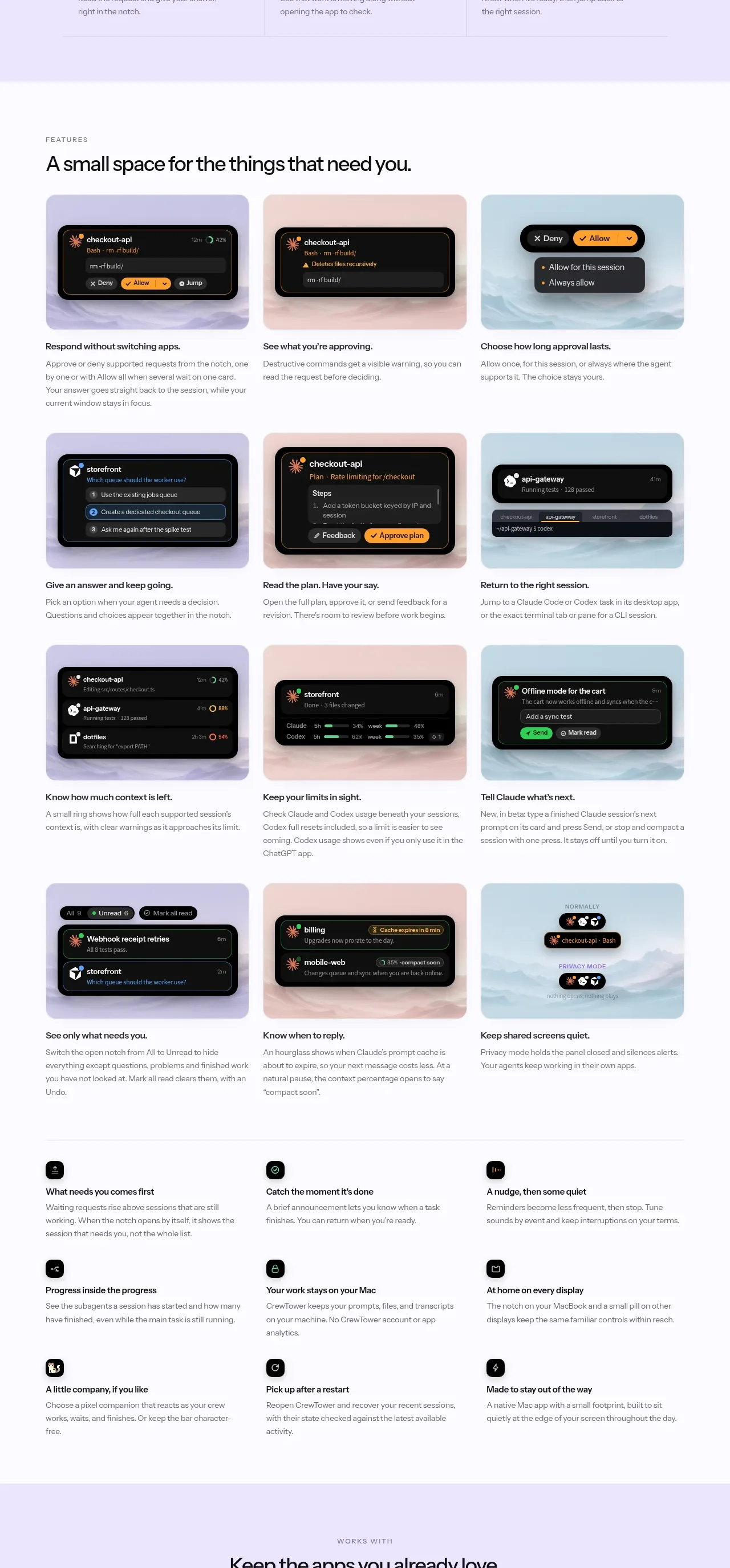
 Workflow features and capabilities
CrewTower Mod for Claude Code · Feature grid
Workflow features and capabilities
CrewTower Mod for Claude Code · Feature grid