 kage
kage
sponkly.com
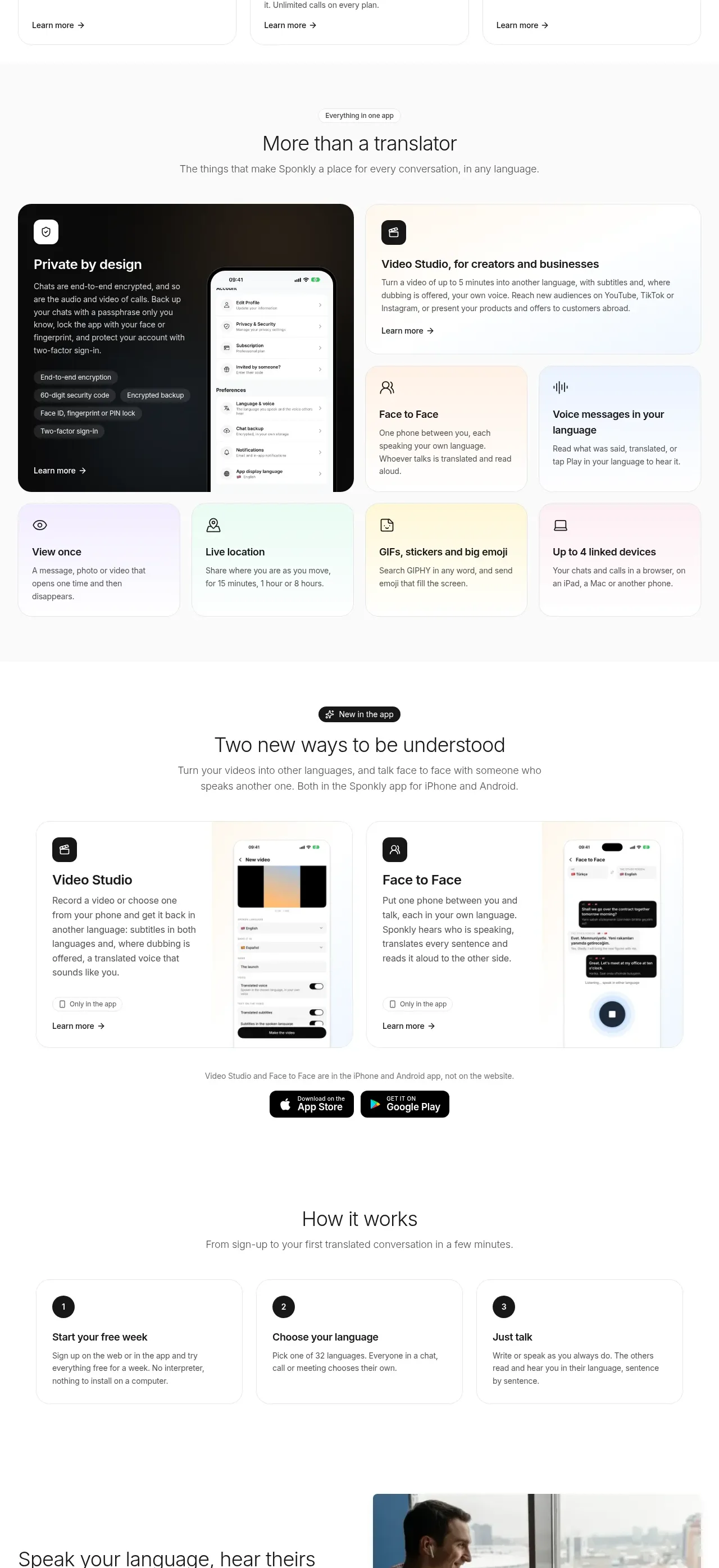
Design analysis
A centered app overview leads into a compact collection of benefit cards, using varied card sizes to establish hierarchy without losing consistency.
Prompt preview
## Reference images

Study these alongside the description below: hierarchy, rhythm, spacing, colour. Build for the product you are asked about, using this design language.

- Component: https://kage-design-assets.t3.tigrisfiles.io/components/sponkly/bd3f409f-e542-449e-8bba-263211d90a1c-1792735456-5.webp
- Full page it was cut from: https://kage-design-assets.t3.tigrisfiles.io/screenshots/sponkly/bd3f409f-e542-449e-8bba-263211d90a1c-1792735346298-full.webp
- Component on Kage: https://kage.design/component/sponkly-feature-grid-3

## Before you start
Ask me what product surfaces and user benefits should be represented, plus the desired brand personality. Apply the following to create an original section.

Start with a centered section heading and one-line supporting description. Follow it with three equal product cards, each containing an original UI preview, a small icon, a short heading, a concise description, and a lightweight text link. Below, create a second benefit grid with one larger featured card and several smaller cards. Use white cards on #FAFAFA or a very light neutral background, 1px #E9E9E9 borders, 14–18px radii, and soft shadows only where needed. Use #1D1D1D headings, #737373 body copy, and pastel surfaces such as #FFF4E9, #EEF5FF, and #F3EEFF to differentiate categories.

Keep cards equal in height within each row, align headings and links consistently, and use a 12-column grid with the featured card spanning more columns. Provide hover elevation and accessible focus states. Collapse to one column on small screens.

### Never
- Never copy the reference card labels, product name, logos, screenshots, icons, or copy.
- Never reuse the reference illustrations or imagery.
More components

 Data-room education and security overview
Papermark Data Rooms · Feature grid
Data-room education and security overview
Papermark Data Rooms · Feature grid
 Advanced data-room features
Papermark Data Rooms · Feature grid
Advanced data-room features
Papermark Data Rooms · Feature grid
 Workflow demonstrations
Papermark Data Rooms · Feature grid
Workflow demonstrations
Papermark Data Rooms · Feature grid

 Lanyard use-case feature
Badgey · Feature grid
Lanyard use-case feature
Badgey · Feature grid

 Problem statement
Clips by Plastic · Feature grid
Problem statement
Clips by Plastic · Feature grid
 Effects and customization panel
Clips by Plastic · Feature grid
Effects and customization panel
Clips by Plastic · Feature grid