 kage
kage
vibeide.dev
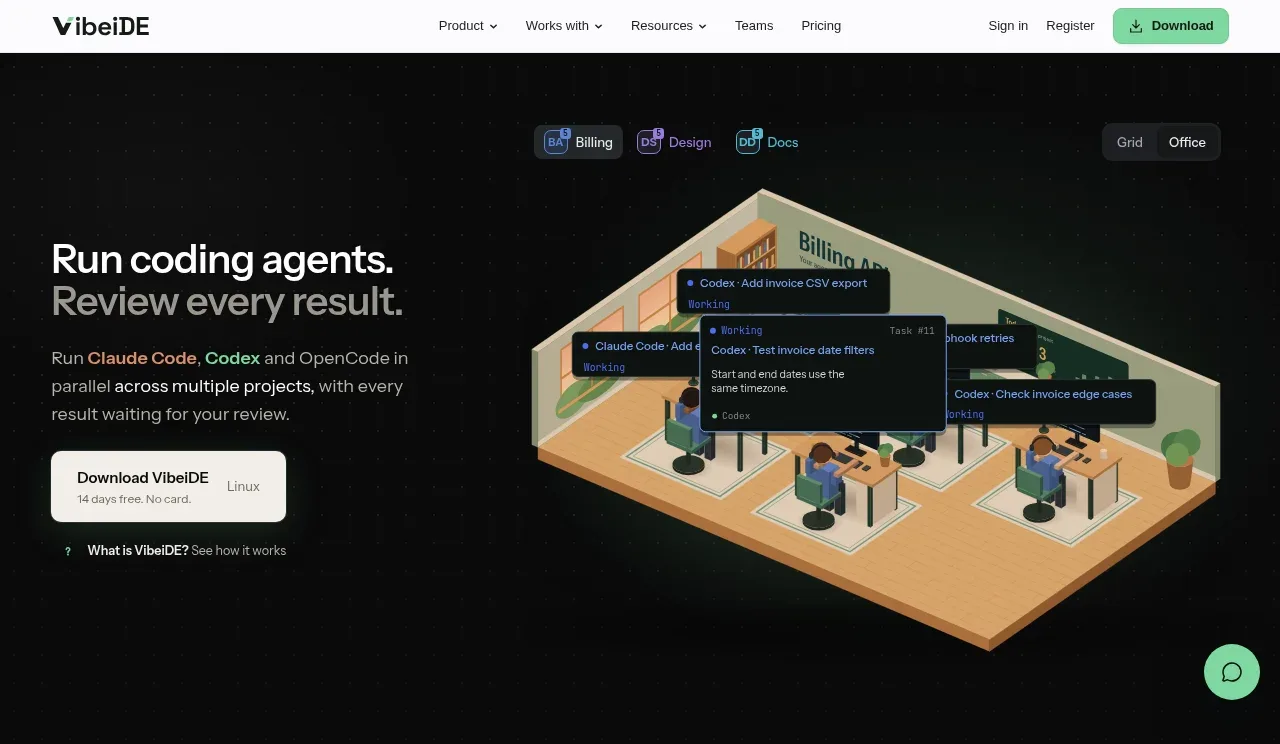
Design analysis
The hero pairs a sharp value proposition and download CTA on the left with a large isometric workspace visual on the right, immediately communicating parallel work and review.
Prompt preview
## Reference images

Study these alongside the description below: hierarchy, rhythm, spacing, colour. Build for the product you are asked about, using this design language.

- Component: https://kage-design-assets.t3.tigrisfiles.io/components/vibeide/07b340e8-2f64-4d74-b3e0-eba165a9aca9-1793080888-1.webp
- Full page it was cut from: https://kage-design-assets.t3.tigrisfiles.io/screenshots/vibeide/07b340e8-2f64-4d74-b3e0-eba165a9aca9-1793080830929-full.webp
- Component on Kage: https://kage.design/component/vibeide-hero

## Before you start
Ask what the user's product and brand are, then apply the principles below to that product rather than reproducing this reference.

Create a near-black hero section beginning directly below the navigation. Use a two-column layout: a left column with a large 30–34px headline, muted supporting paragraph, compact light primary CTA, and a small secondary text link; and a right column containing a product-specific visual or UI mockup that suggests coordinated work. Add small pill-like mode/status controls above the visual. Use generous 36px side padding, vertically center the content, and let the visual occupy roughly half the width without clipping. Palette: #080909, #f4f4f2, #aaa9a9, mint #82e0ae, muted blue/purple status accents. Keep borders subtle (#242827), radius 8–12px, and add a floating circular support button near the lower-right. Animate only gentle status/hover transitions.

Never use the reference logo, product name, copy, illustration, screenshot, or imagery.
More components
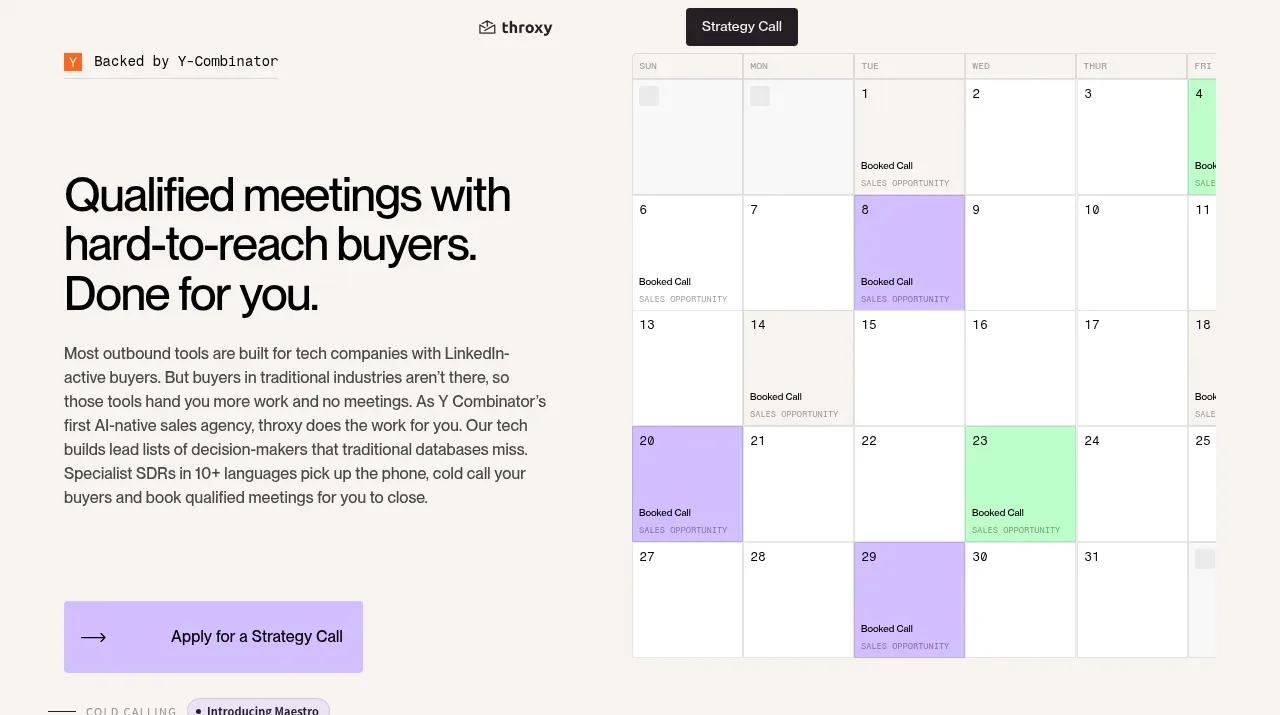
 Buyer-focused hero with calendar visual
throxy · Hero
Buyer-focused hero with calendar visual
throxy · Hero
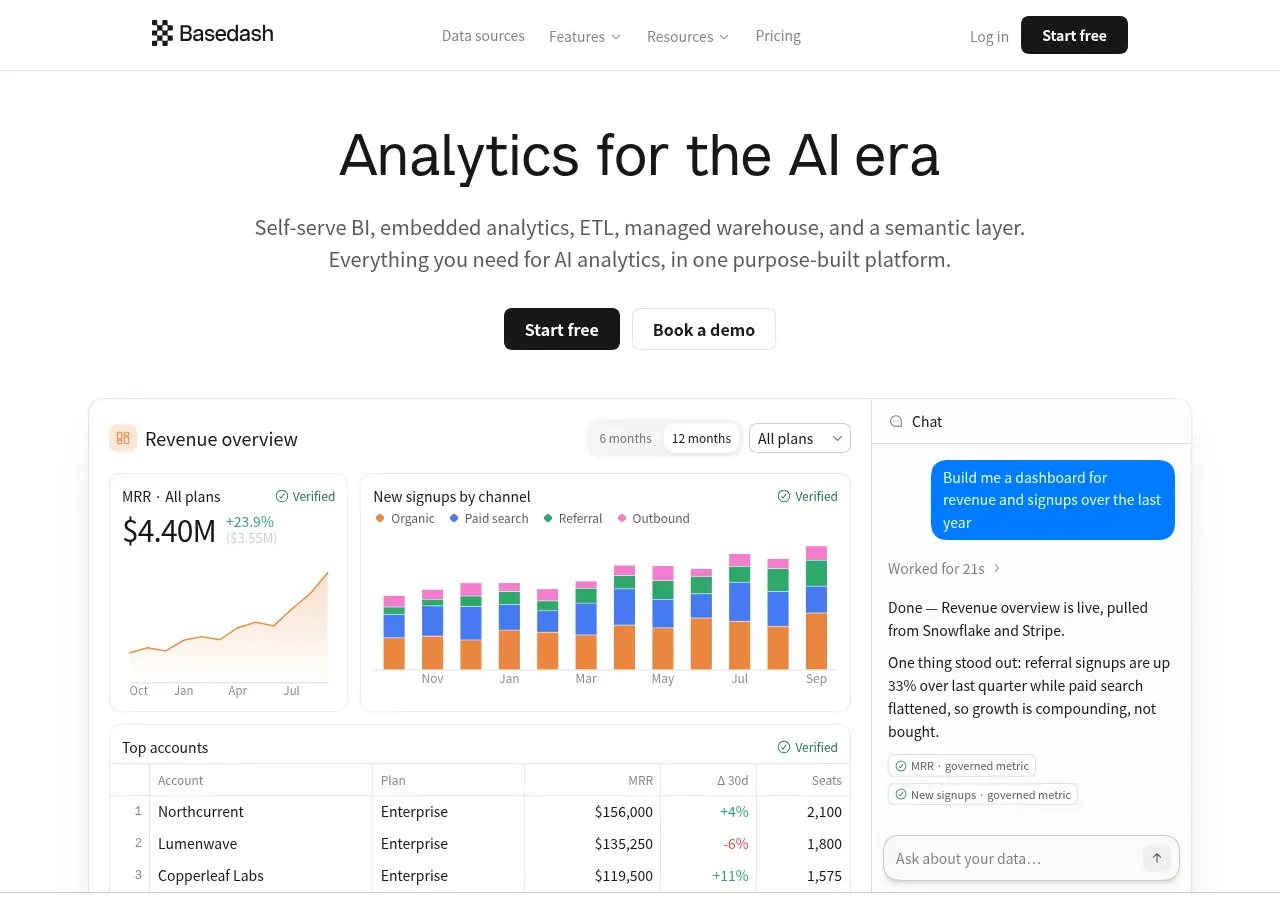
 Analytics product hero
Basedash View-only members · Hero
Analytics product hero
Basedash View-only members · Hero
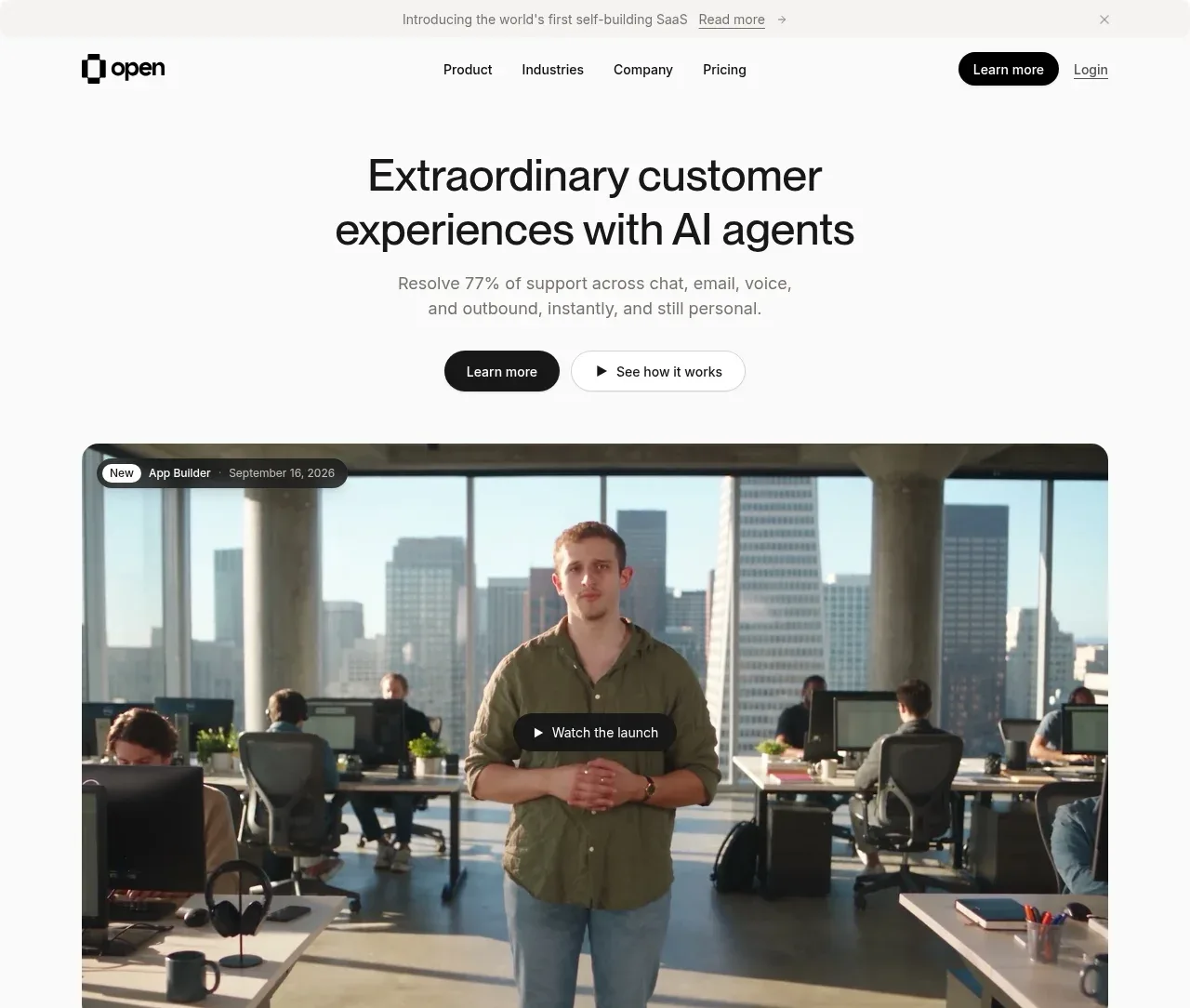
 AI customer experience hero
Open For sales · Hero
AI customer experience hero
Open For sales · Hero
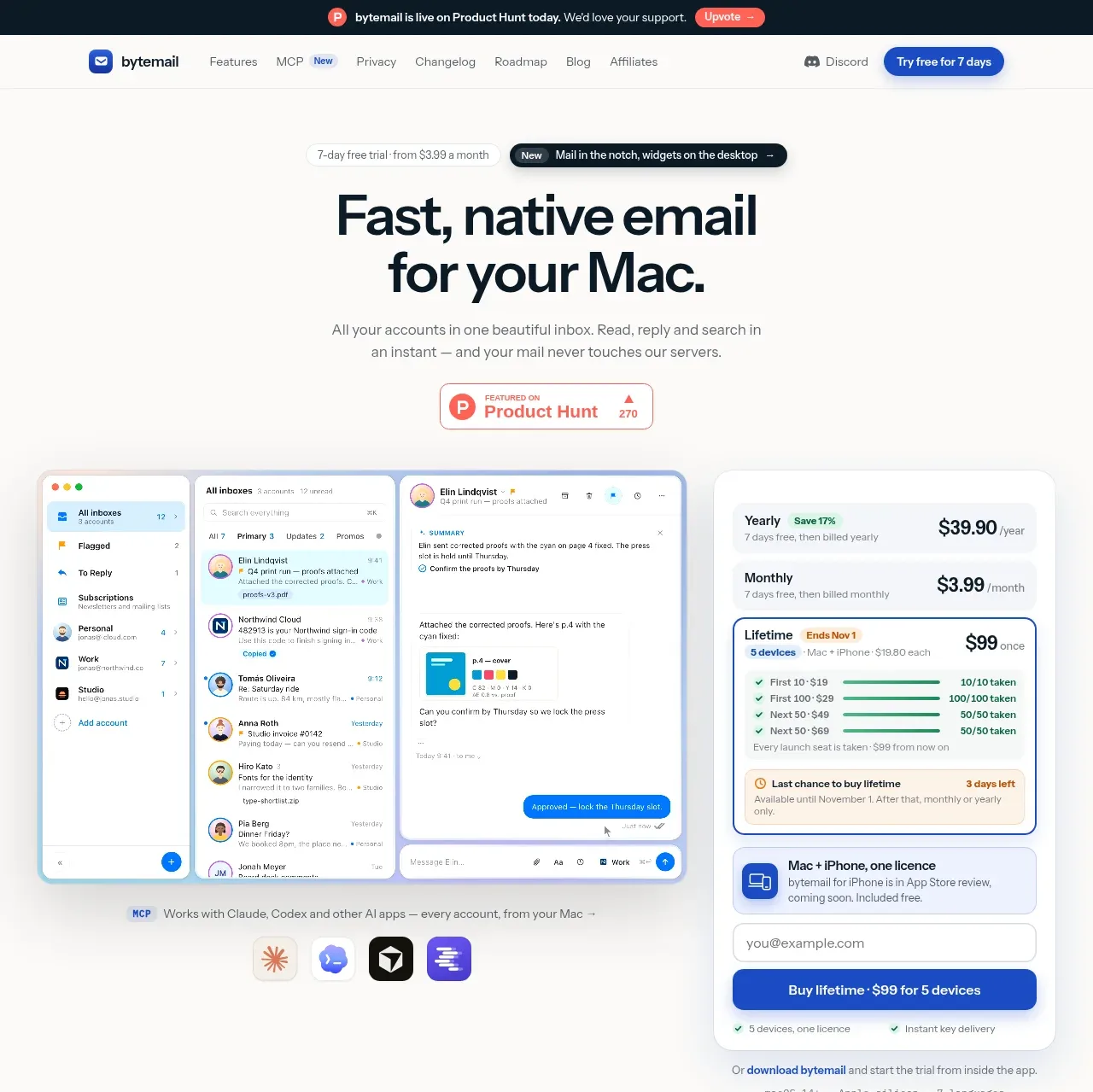
 Mac email product hero
bytemail · Hero
Mac email product hero
bytemail · Hero
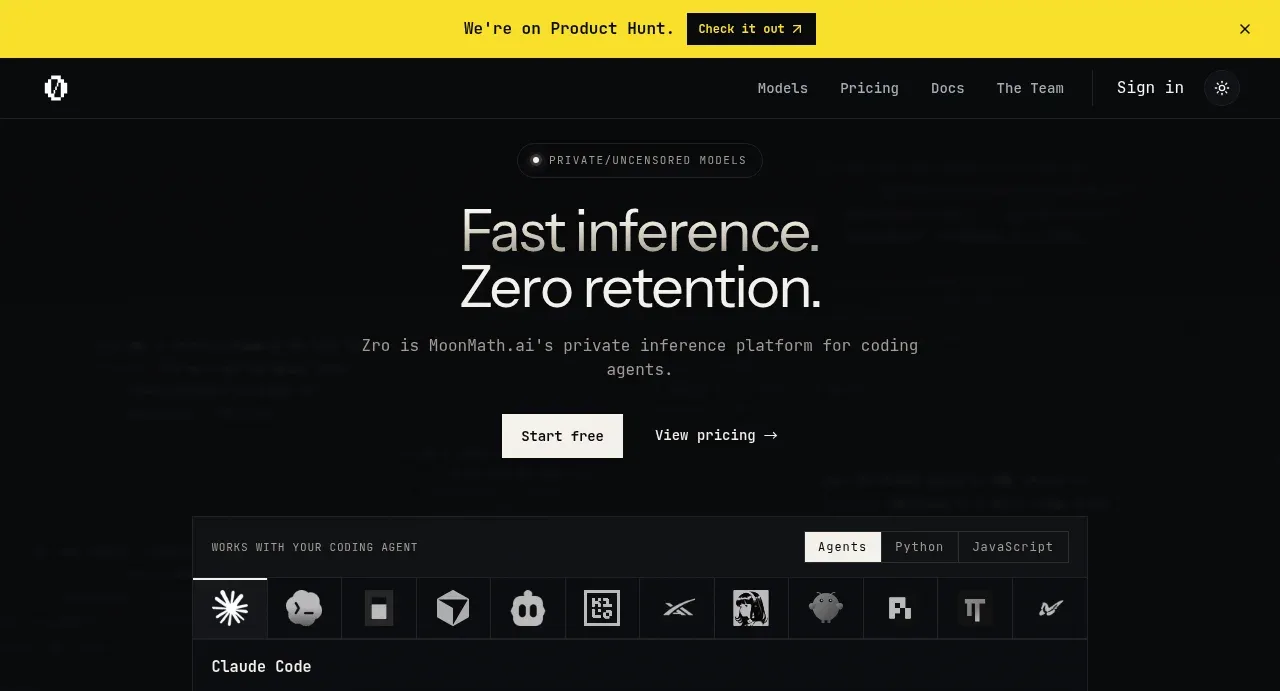
 Private inference hero
Zro: Uncensored Security Models · Hero
Private inference hero
Zro: Uncensored Security Models · Hero
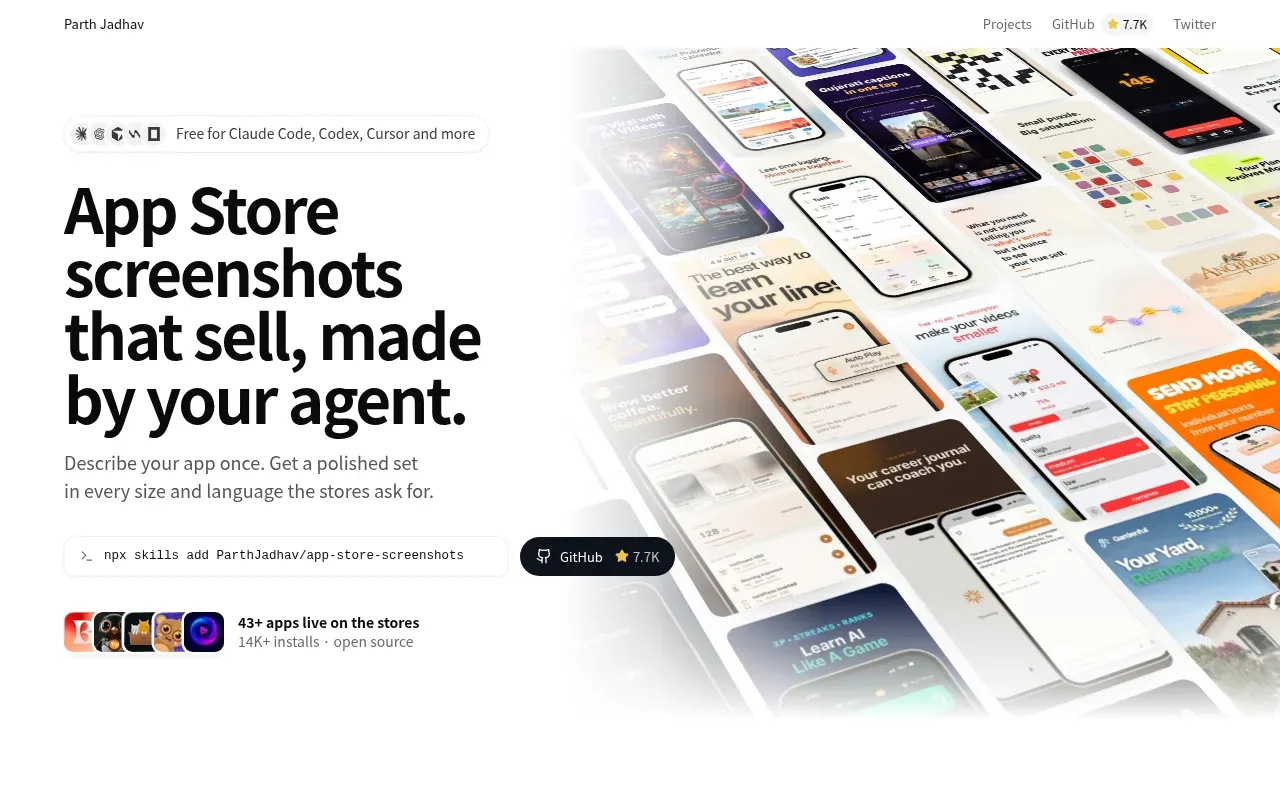
 Product hero with screenshot collage
App Store Screenshots · Hero
Product hero with screenshot collage
App Store Screenshots · Hero