 kage
kage
axari.ai
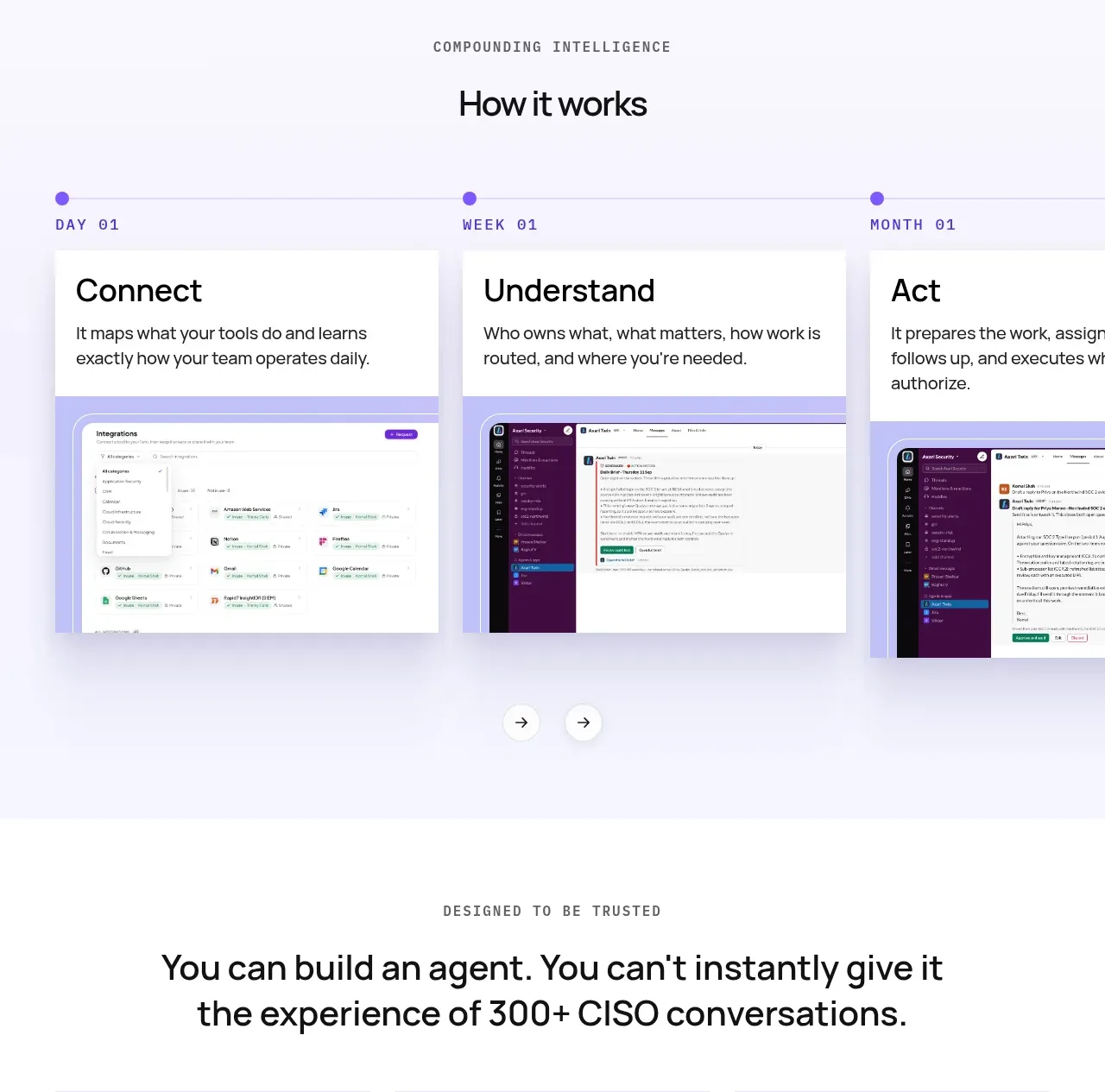
Design analysis
A lavender workflow section presents three sequential stages with a timeline rail, explanatory cards, UI screenshots, and navigation controls.
Prompt preview
## Reference images

Study these alongside the description below: hierarchy, rhythm, spacing, colour. Build for the product you are asked about, using this design language.

- Component: https://kage-design-assets.t3.tigrisfiles.io/components/axari/3e8824e7-9cff-44d5-8739-31a0e173005a-1789538689-7.webp
- Full page it was cut from: https://kage-design-assets.t3.tigrisfiles.io/screenshots/axari/3e8824e7-9cff-44d5-8739-31a0e173005a-1789538612563-full.webp
- Component on Kage: https://kage.design/component/axari-tabs

## Before you start
Ask the user to describe the real workflow stages and what evidence should appear at each stage. Translate that into an original interactive sequence.

Use a very light lavender background `#f7f5ff`. Center a small uppercase eyebrow and a clear “how it works” heading. Below, create a three-step horizontal timeline with purple nodes and labels such as stage/day markers, then show one active stage card with a title, short explanation, and a product screenshot or diagram beneath it. Provide circular previous/next controls and visible active state; on mobile convert the timeline into scrollable tabs or an accordion. Use white cards with 12px radius, soft shadow, black text `#1f1f25`, and violet accent `#5a3ec1`. Animate transitions subtly and preserve keyboard access, focus rings, and reduced-motion behavior.

Never: copy logos, product names, copy, illustrations, or imagery from the reference.
More components
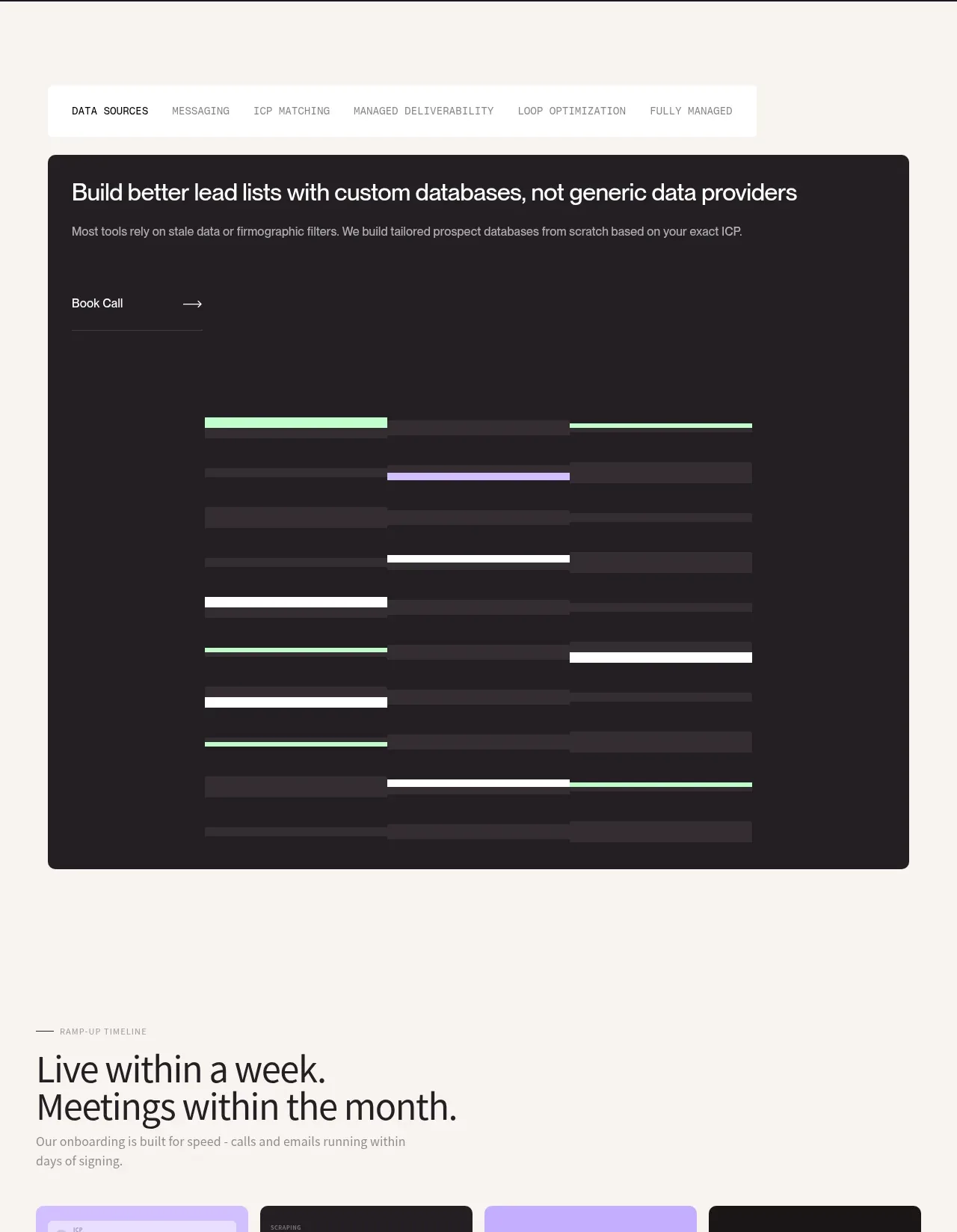
 Custom data sources workflow
throxy · Tabs & steps
Custom data sources workflow
throxy · Tabs & steps
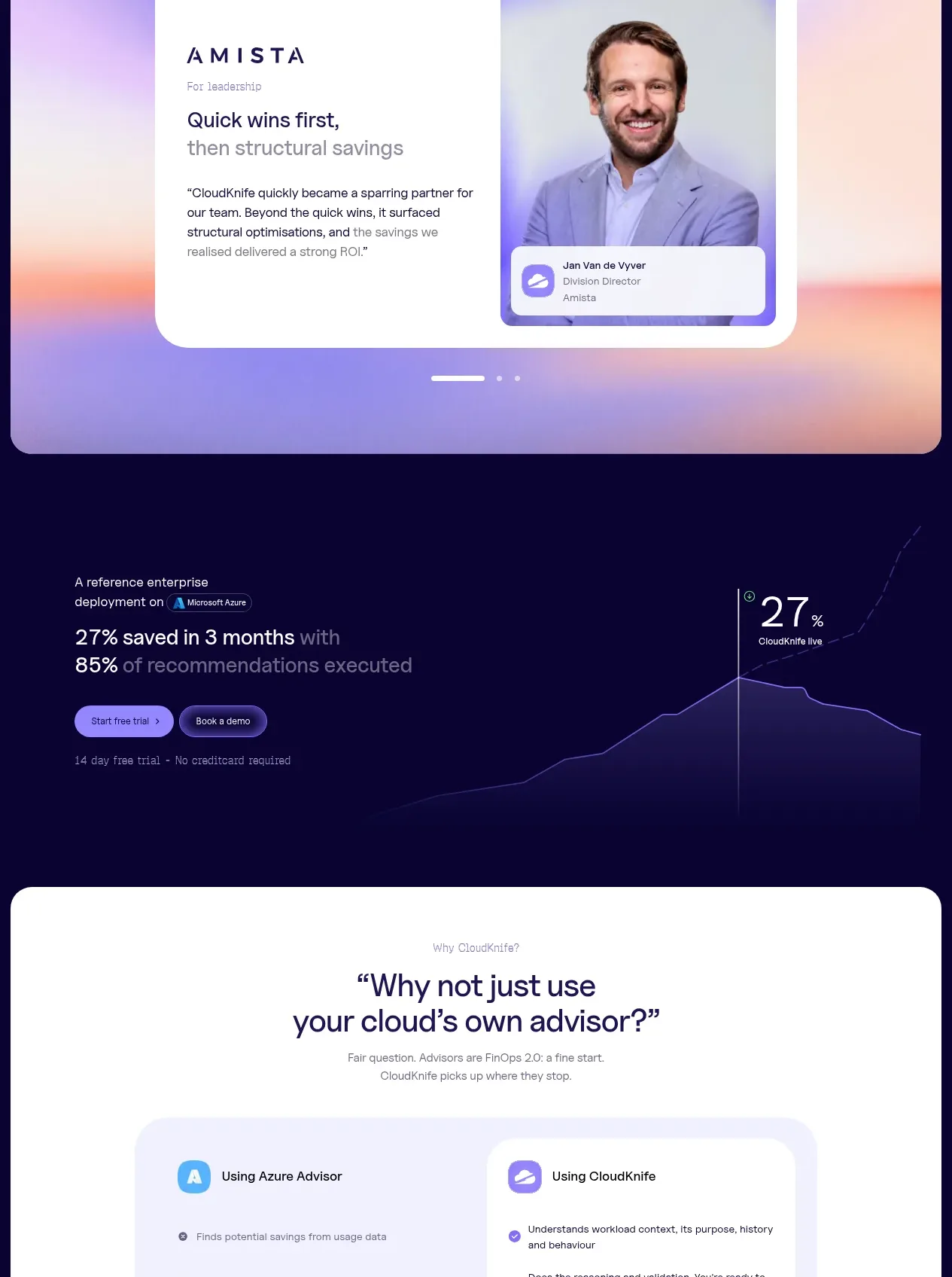
 Solution category tabs
CloudKnife · Tabs & steps
Solution category tabs
CloudKnife · Tabs & steps

 Directory filters and sorting
The Brains · Tabs & steps
Directory filters and sorting
The Brains · Tabs & steps
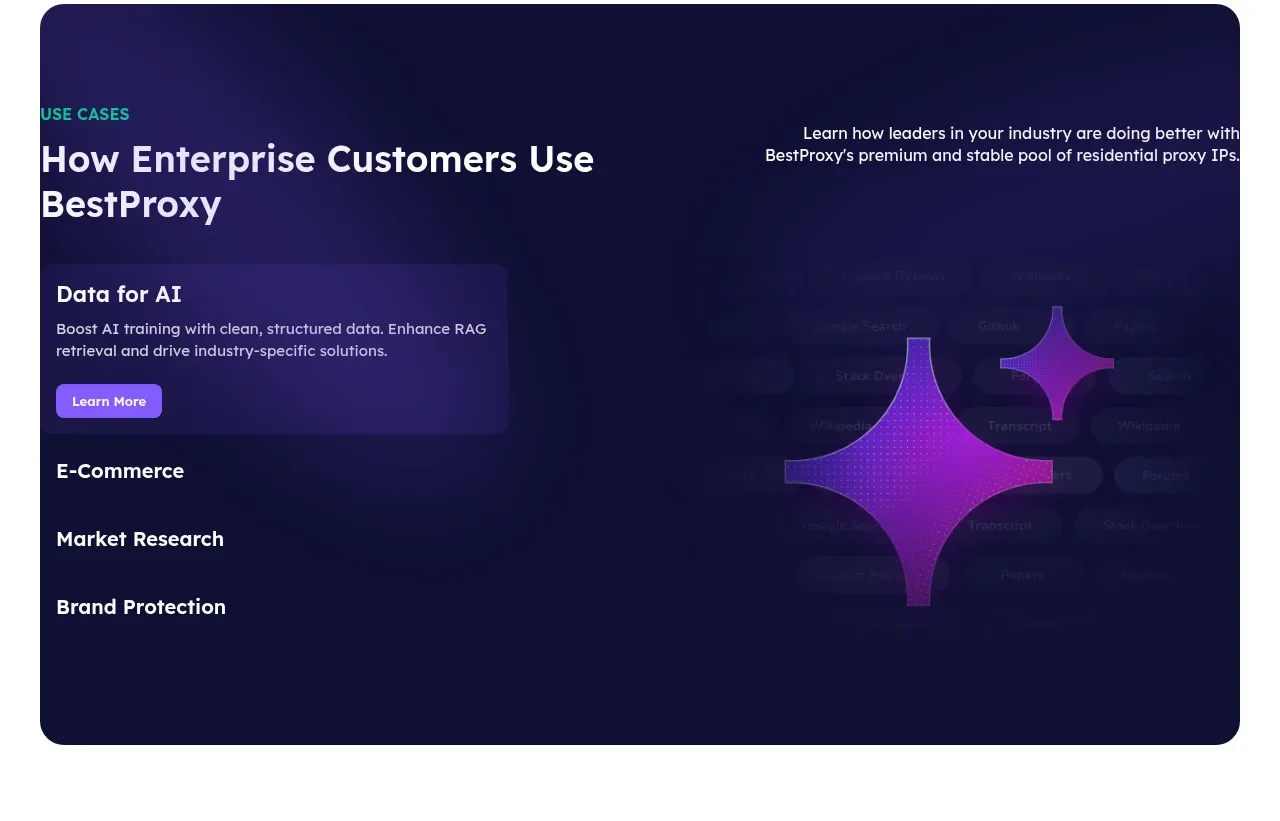
 Enterprise use cases
bestproxy.com · Tabs & steps
Enterprise use cases
bestproxy.com · Tabs & steps
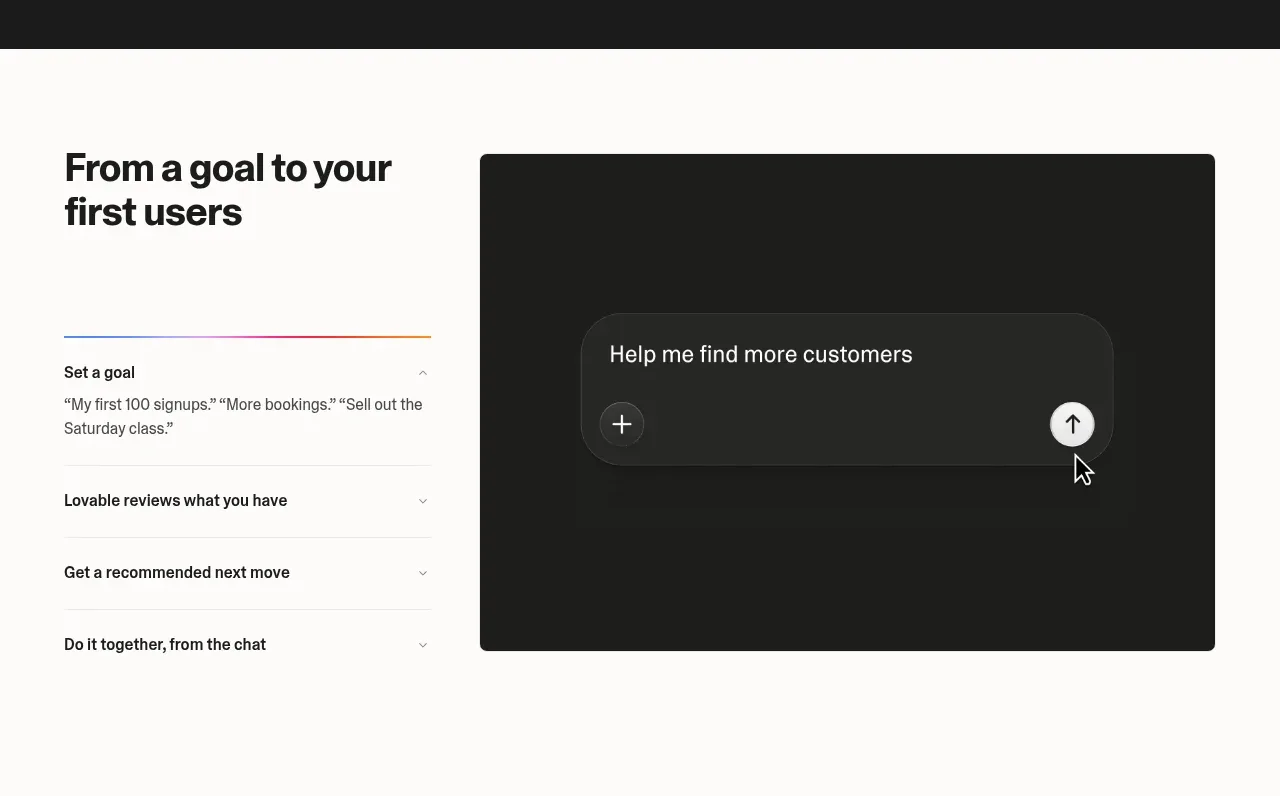
 Goal-to-first-users assistant
Lovable Growth Tools · Tabs & steps
Goal-to-first-users assistant
Lovable Growth Tools · Tabs & steps
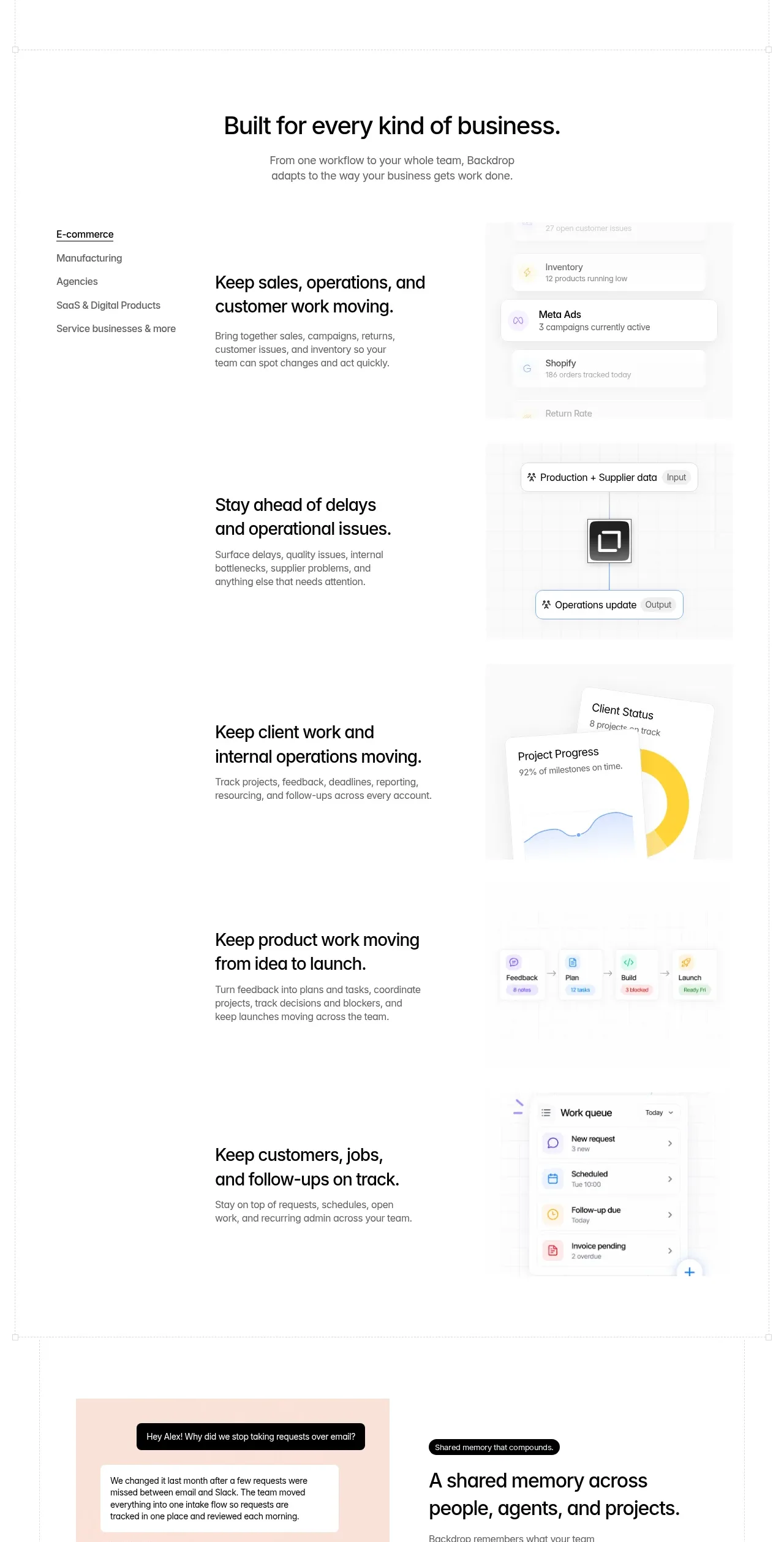
 Business use cases tabs
Backdrop · Tabs & steps
Business use cases tabs
Backdrop · Tabs & steps