 kage
kage
bestproxy.com
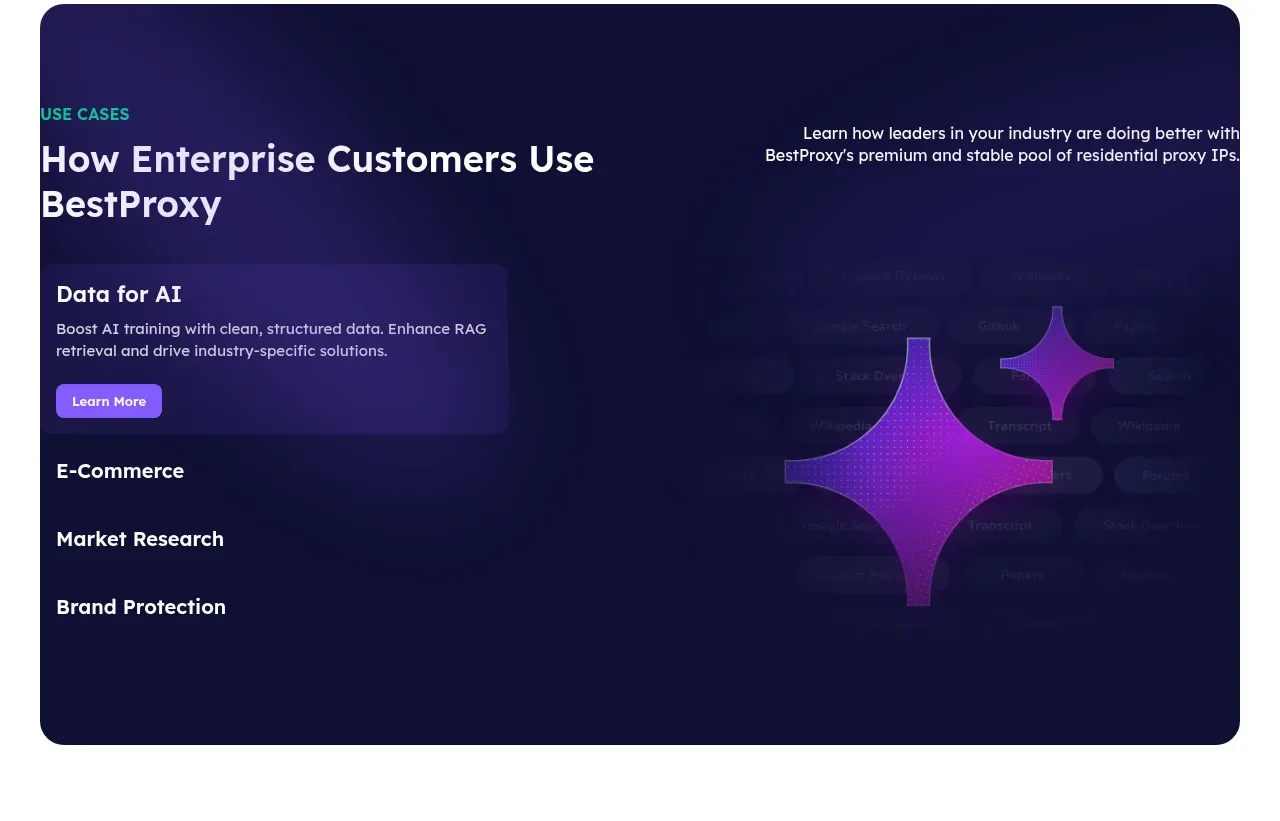
Design analysis
A dark rounded panel combines a use-case heading with a vertical tab list and a large atmospheric visual area, making multiple industries scannable.
Prompt preview
## Reference images

Study these alongside the description below: hierarchy, rhythm, spacing, colour. Build for the product you are asked about, using this design language.

- Component: https://kage-design-assets.t3.tigrisfiles.io/components/bestproxy-com/755647b7-f613-40ca-b212-ae56a9e7b331-1792344033-6.webp
- Full page it was cut from: https://kage-design-assets.t3.tigrisfiles.io/screenshots/bestproxy-com/755647b7-f613-40ca-b212-ae56a9e7b331-1792343992980-full.webp
- Component on Kage: https://kage.design/component/bestproxy-tabs

## Before you start
Ask what the user's product, audience, and brand are, then apply the principles below to that product rather than reproducing the reference.

Build a large dark use-case module inside a centered container with 28px rounded corners. Use a deep navy-to-indigo background (#11113b to #19144d), a heading and short intro at the top, then a two-column layout: vertical selectable use-case tabs on the left and an abstract visual/content stage on the right. The active tab should have a translucent purple panel, short description, and small CTA; inactive tabs should remain simple text rows. Add very subtle data-like texture or blurred gradients, not literal product imagery. Use white headings, lavender secondary text, purple highlight (#8c4fff), 80–100px internal padding, and visible hover/focus/active states. On mobile, turn tabs into a horizontal scroller or accordion.

Never: use logos, product names, copy, illustrations, or imagery from the reference.
More components
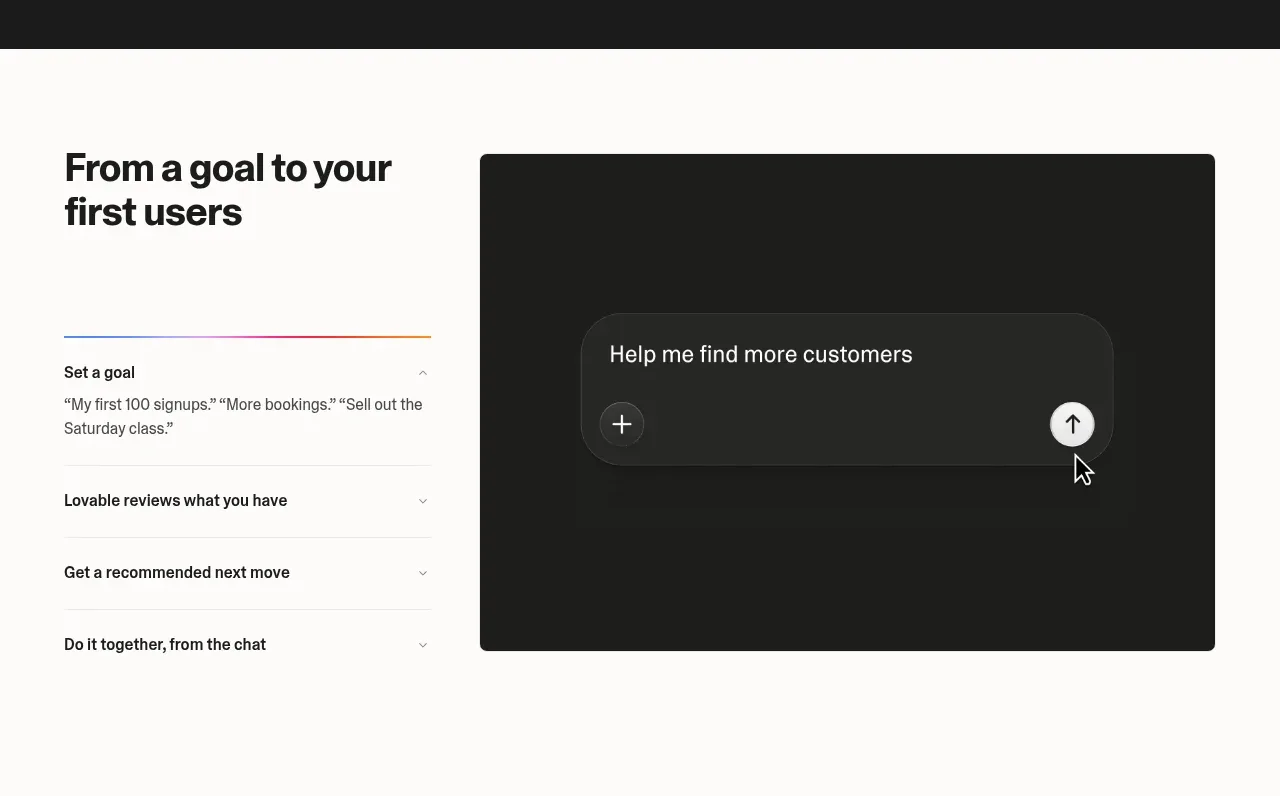
 Goal-to-first-users assistant
Lovable Growth Tools · Tabs & steps
Goal-to-first-users assistant
Lovable Growth Tools · Tabs & steps
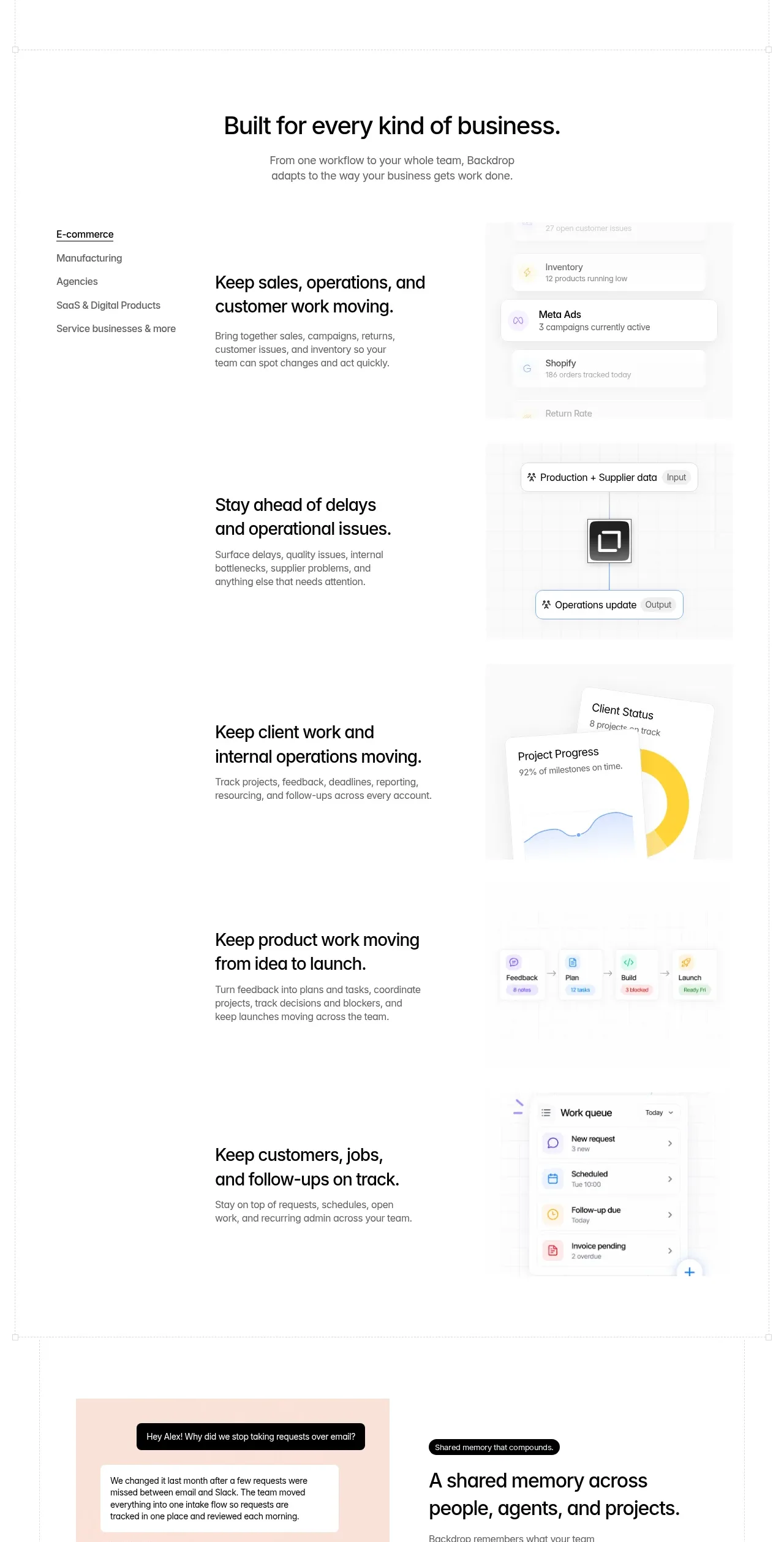
 Business use cases tabs
Backdrop · Tabs & steps
Business use cases tabs
Backdrop · Tabs & steps
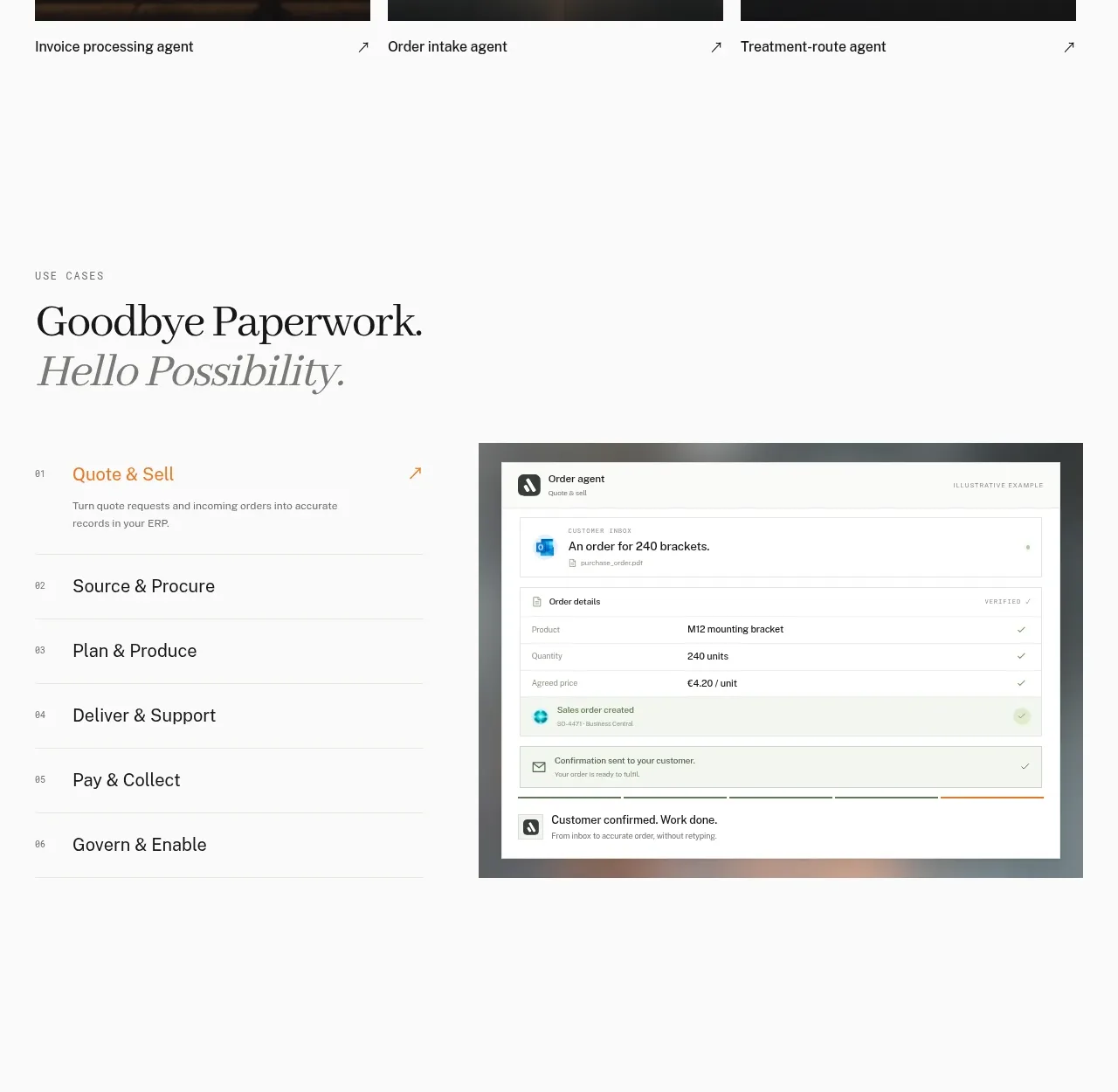
 Workflow stages with product preview
Lleverage · Tabs & steps
Workflow stages with product preview
Lleverage · Tabs & steps
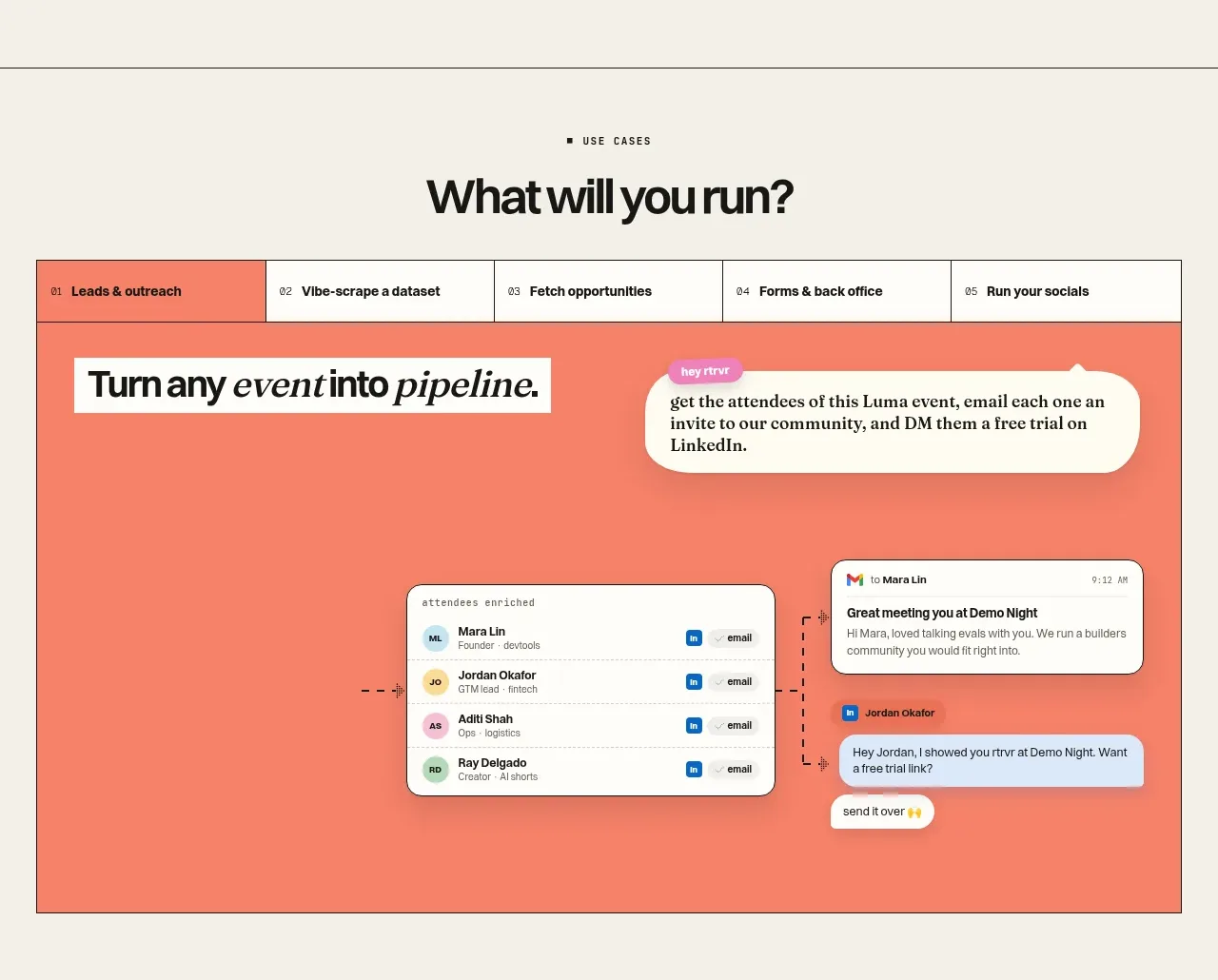
 Use-case selector and interactive showcase
Retriever AI · Tabs & steps
Use-case selector and interactive showcase
Retriever AI · Tabs & steps
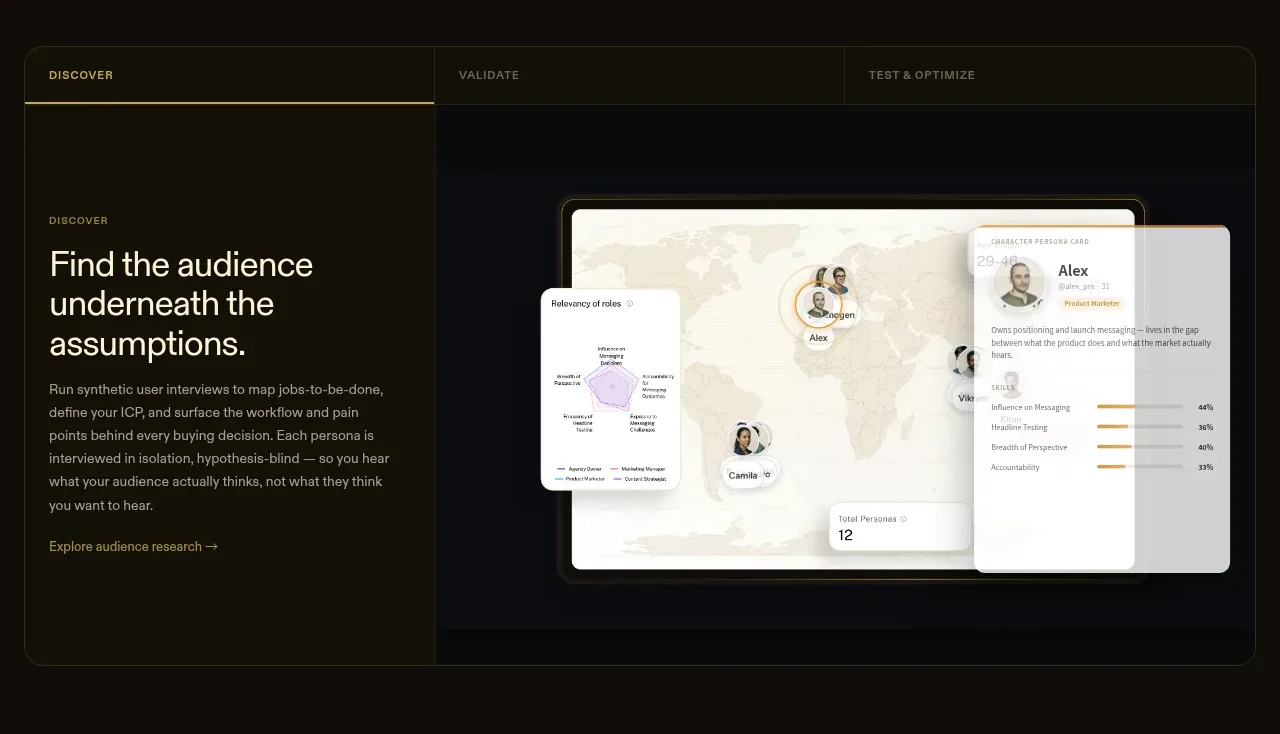
 Tabbed research workflow showcase
Articos MCP · Tabs & steps
Tabbed research workflow showcase
Articos MCP · Tabs & steps
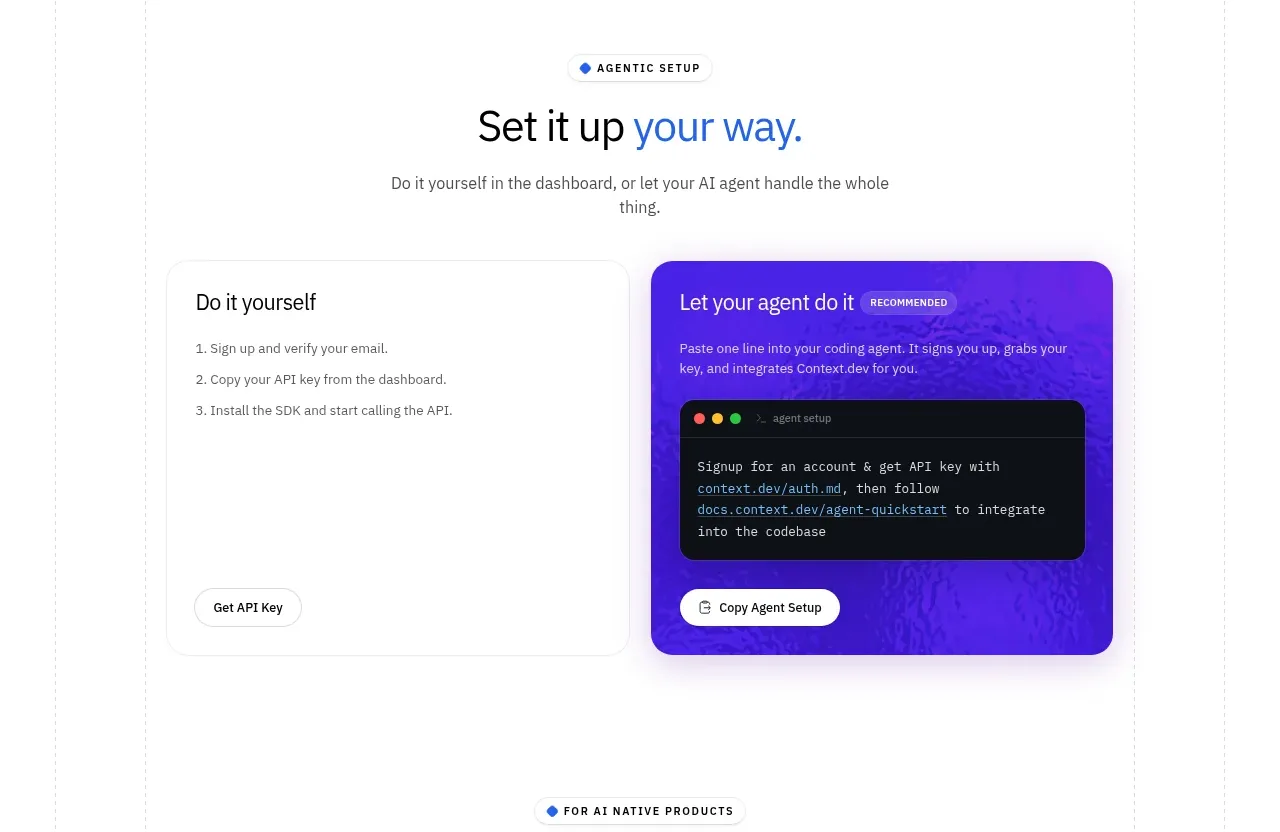
 Self-serve versus assisted setup
Scrape Anything by Context.dev · Tabs & steps
Self-serve versus assisted setup
Scrape Anything by Context.dev · Tabs & steps