 kage
kage
cloudknife.com
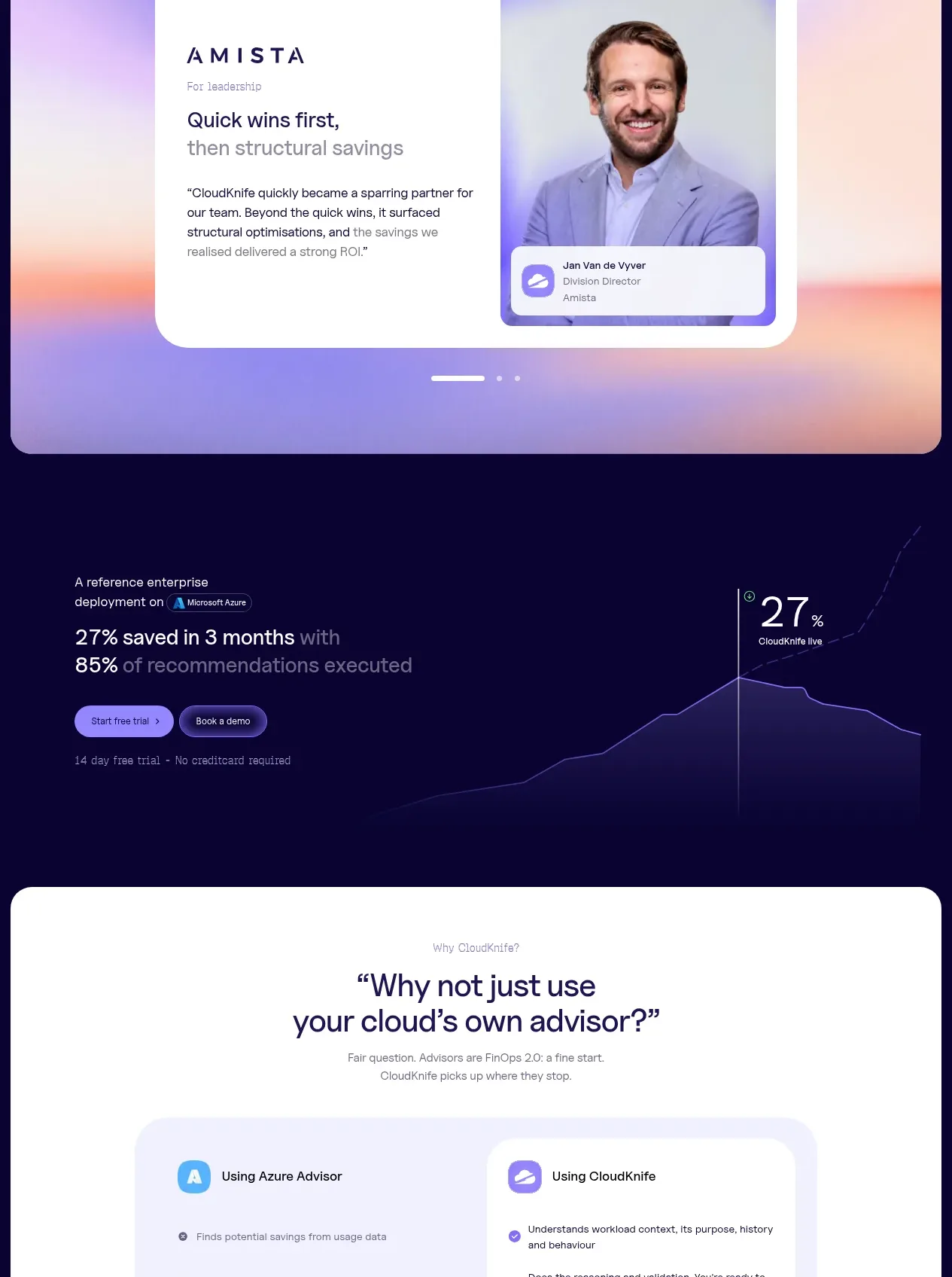
Design analysis
A large white rounded panel introduces a category-led solutions section, combining a tab switcher with a text-and-visual product demonstration.
Prompt preview
## Reference images

Study these alongside the description below: hierarchy, rhythm, spacing, colour. Build for the product you are asked about, using this design language.

- Component: https://kage-design-assets.t3.tigrisfiles.io/components/cloudknife/9dafaa08-16c6-4721-8c78-296bafbb7abc-1793081090-5.webp
- Full page it was cut from: https://kage-design-assets.t3.tigrisfiles.io/screenshots/cloudknife/9dafaa08-16c6-4721-8c78-296bafbb7abc-1793080968695-full.webp
- Component on Kage: https://kage.design/component/cloudknife-tabs

## Before you start
Ask what the user's product is, who it serves, and what their brand personality and visual identity are. Apply the following principles to that product rather than copying the reference.

Build a large light-mode solutions panel with a 12–16px outer radius, inset from the dark page background. Center a small eyebrow and a strong two-line heading, followed by a pill-style tab row for product categories. Below it, use a two-column demonstration card: explanatory copy and a short list of benefits on the left, and an abstract product visual or screenshot on the right. On desktop, keep the copy column about 45% wide and the visual column 55%; on mobile, stack them. Use a near-white background #fbfbff, dark indigo text #17133c, pale lavender surfaces #f0eeff, 1px borders #e7e4f6, 20–28px inner radius, and soft purple/coral gradients behind the visual. Make tabs keyboard accessible with a clear active state and animate panel changes subtly.

Never: use logos, product names, copy, illustrations, or imagery from the reference.
More components
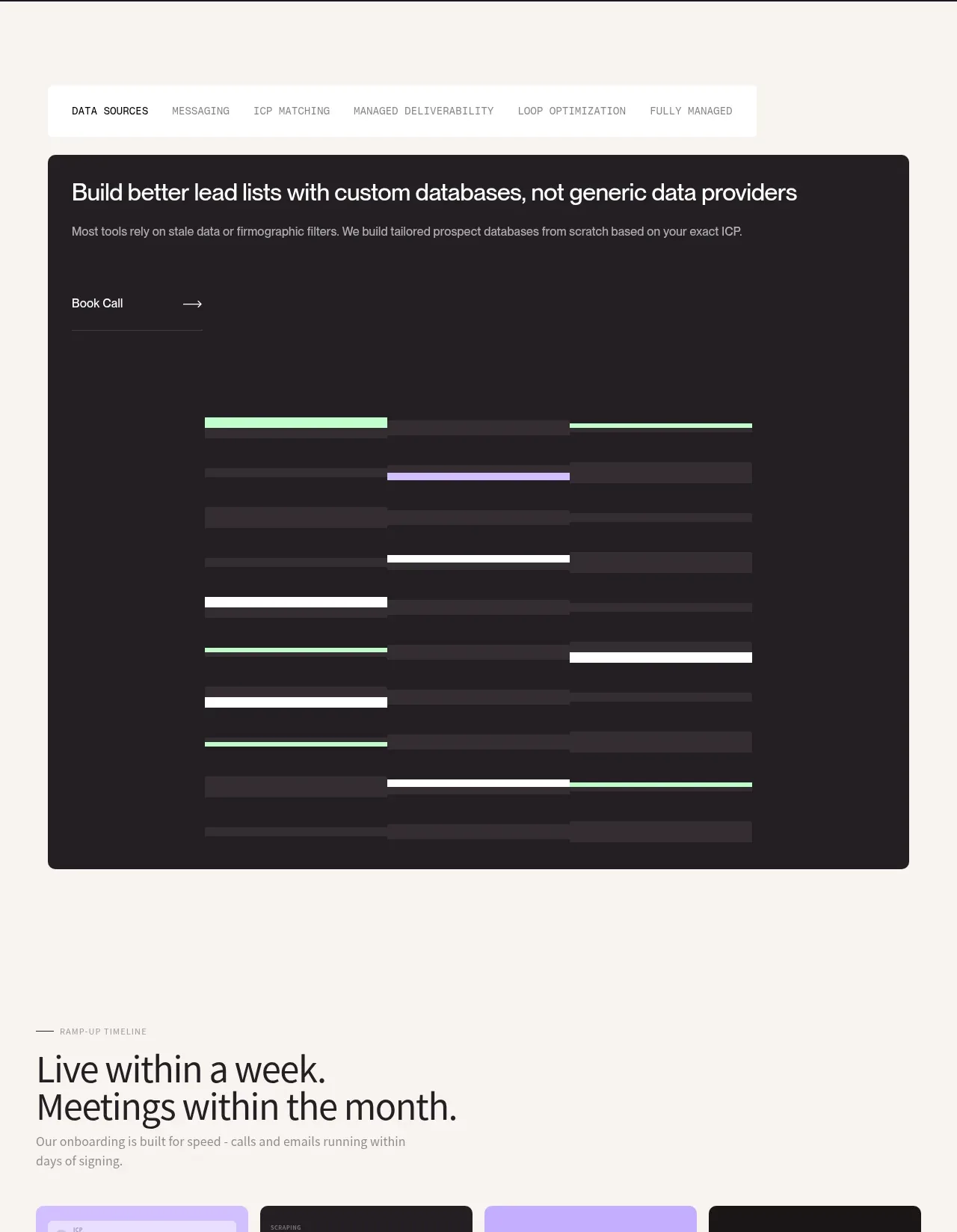
 Custom data sources workflow
throxy · Tabs & steps
Custom data sources workflow
throxy · Tabs & steps

 Directory filters and sorting
The Brains · Tabs & steps
Directory filters and sorting
The Brains · Tabs & steps
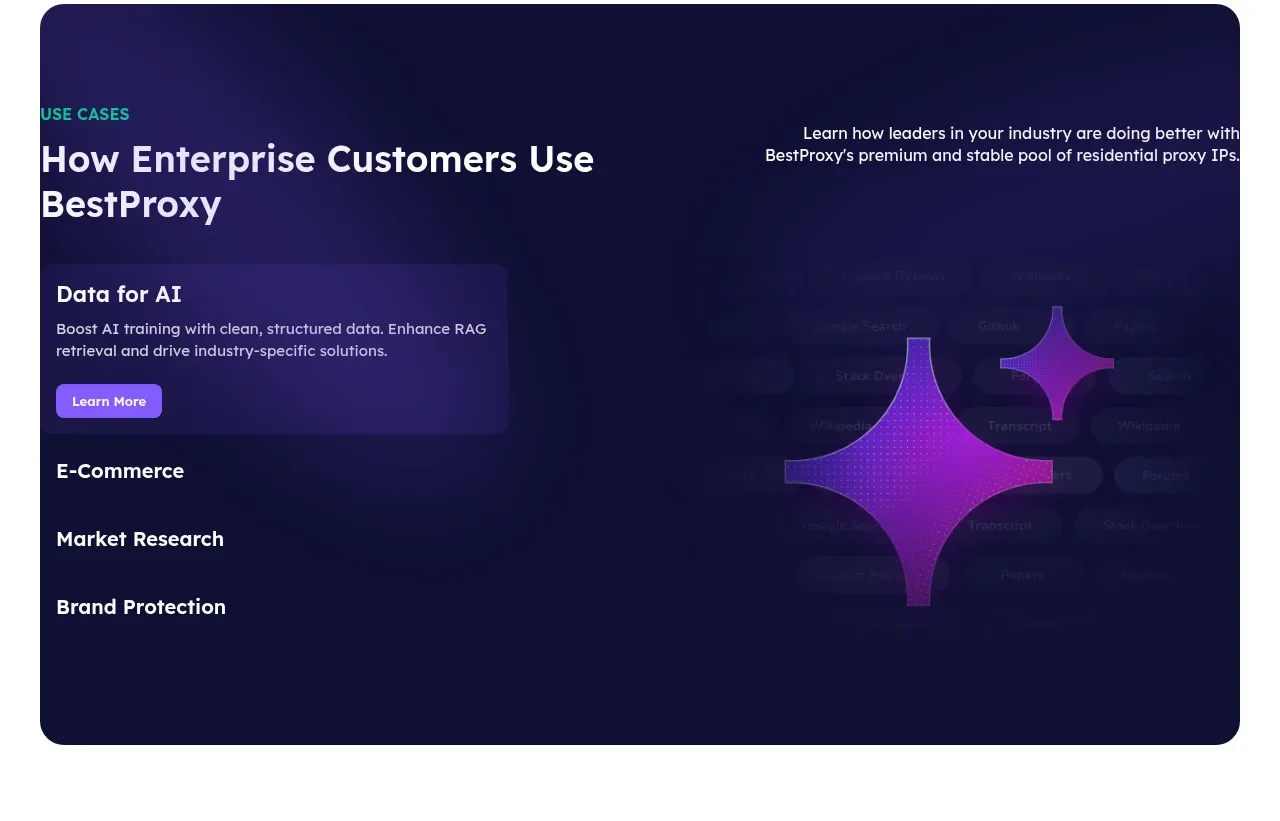
 Enterprise use cases
bestproxy.com · Tabs & steps
Enterprise use cases
bestproxy.com · Tabs & steps
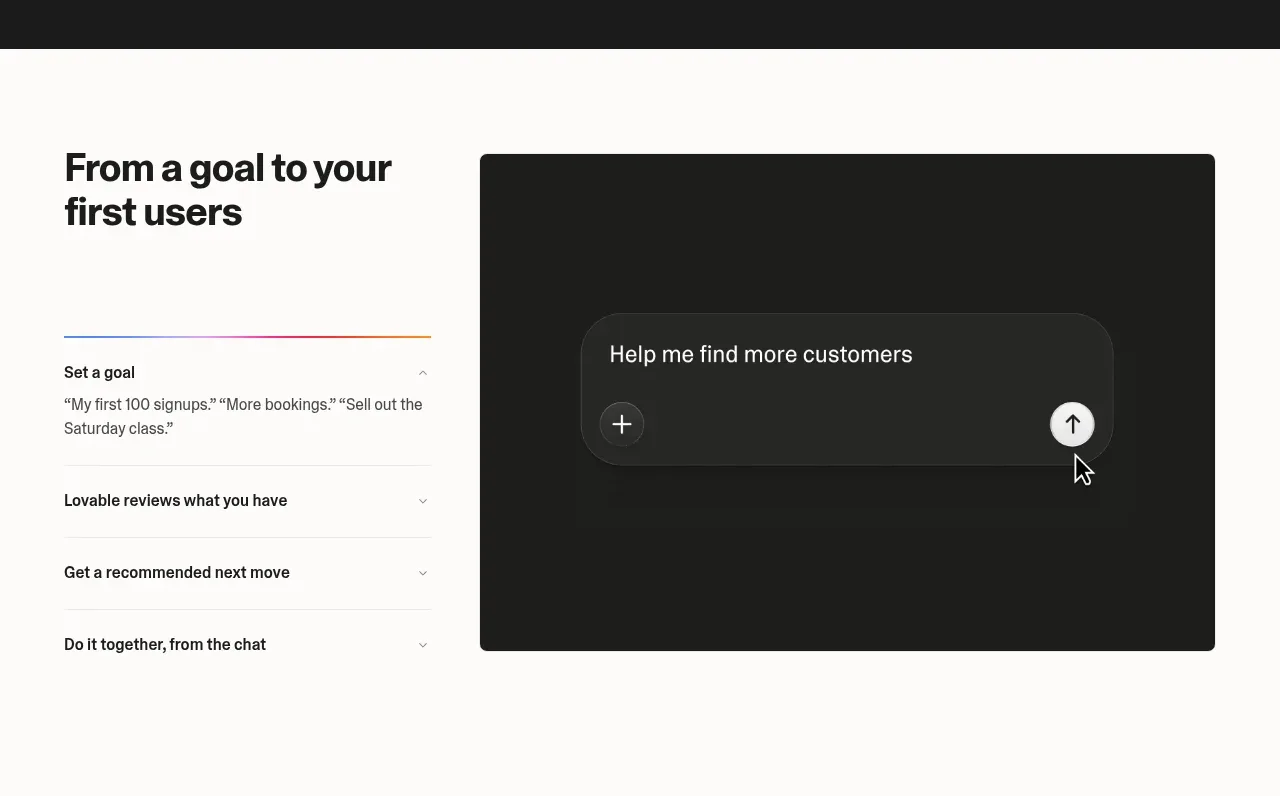
 Goal-to-first-users assistant
Lovable Growth Tools · Tabs & steps
Goal-to-first-users assistant
Lovable Growth Tools · Tabs & steps
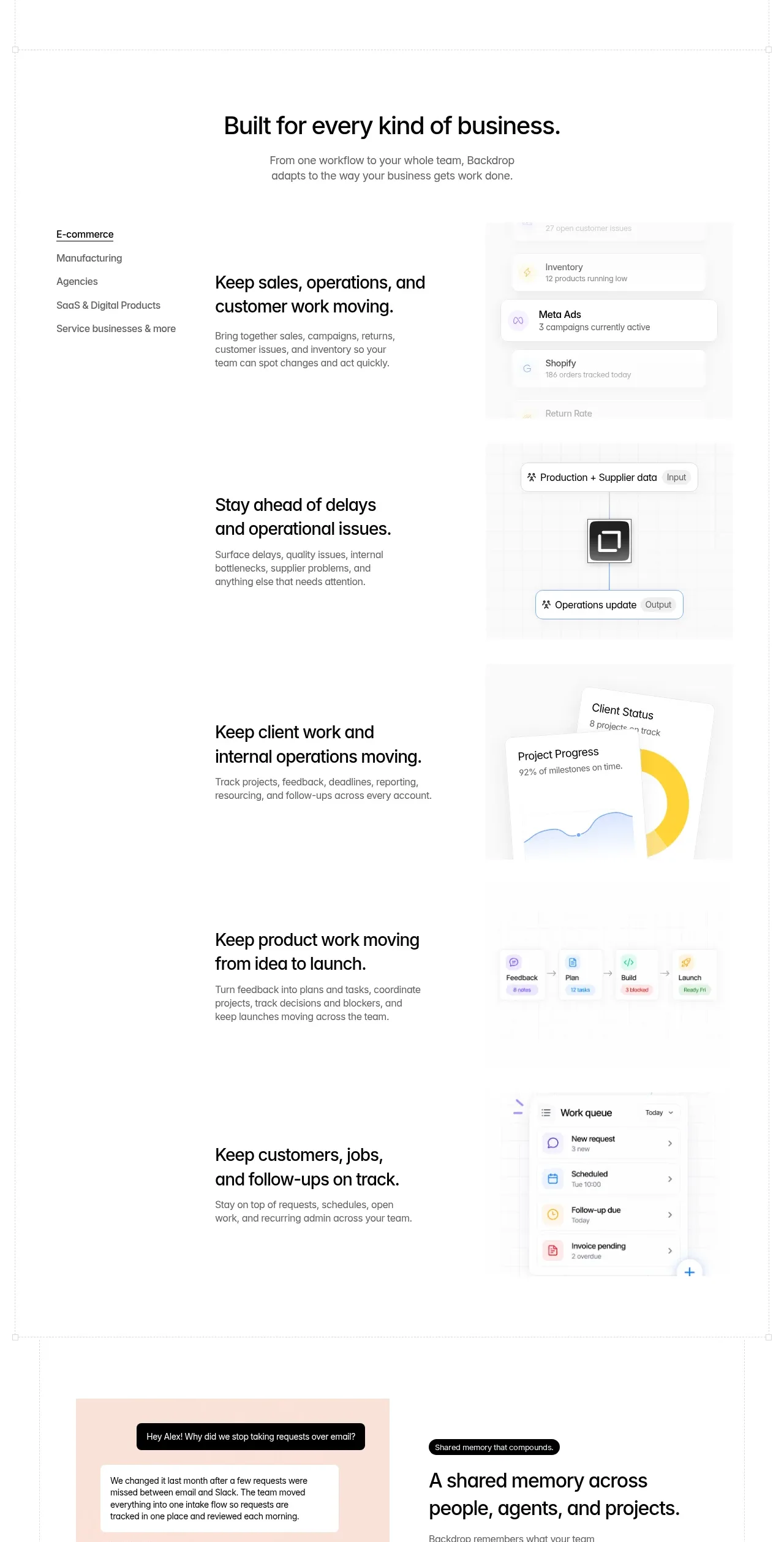
 Business use cases tabs
Backdrop · Tabs & steps
Business use cases tabs
Backdrop · Tabs & steps
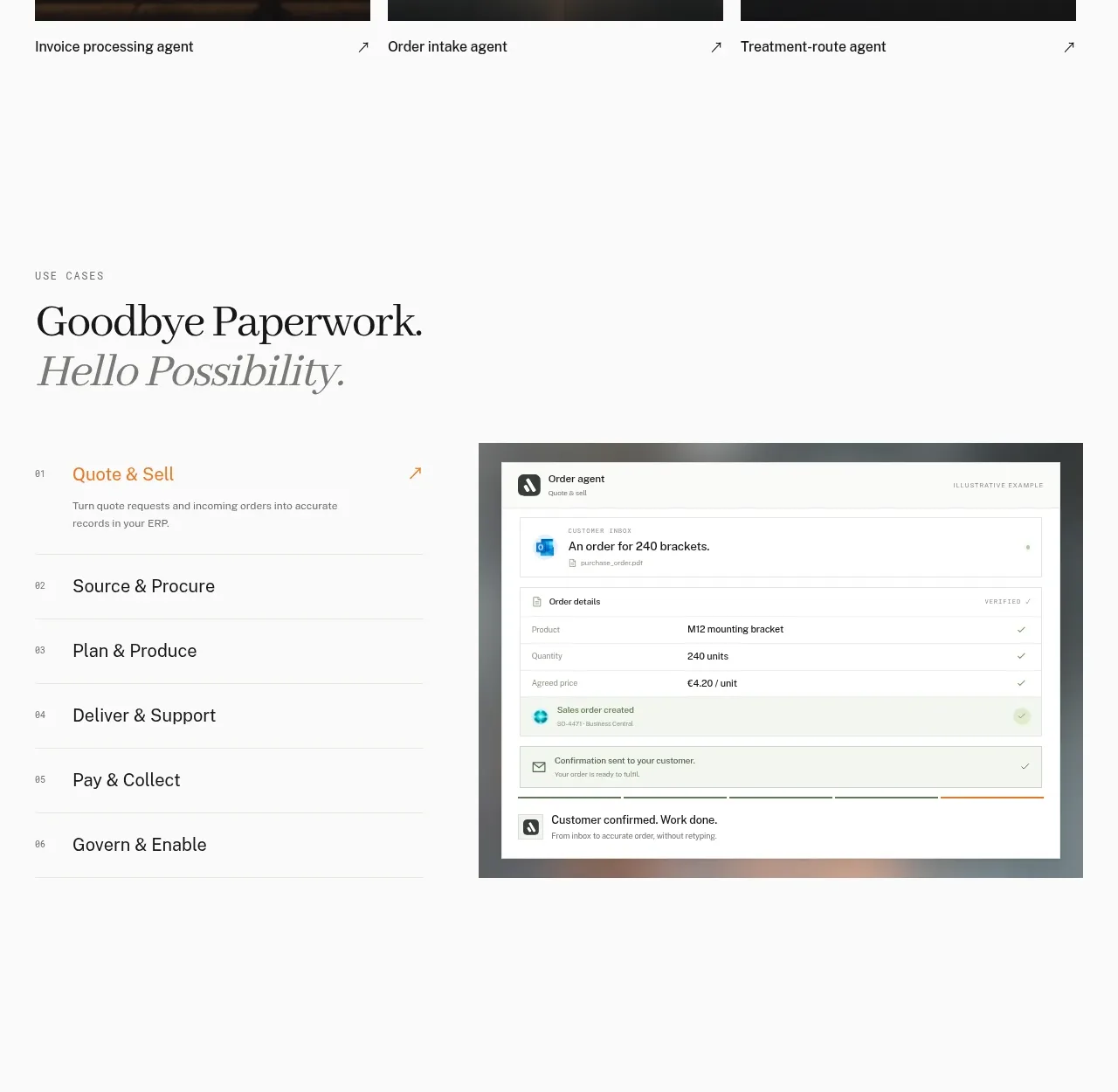
 Workflow stages with product preview
Lleverage · Tabs & steps
Workflow stages with product preview
Lleverage · Tabs & steps