 kage
kage
throxy.com
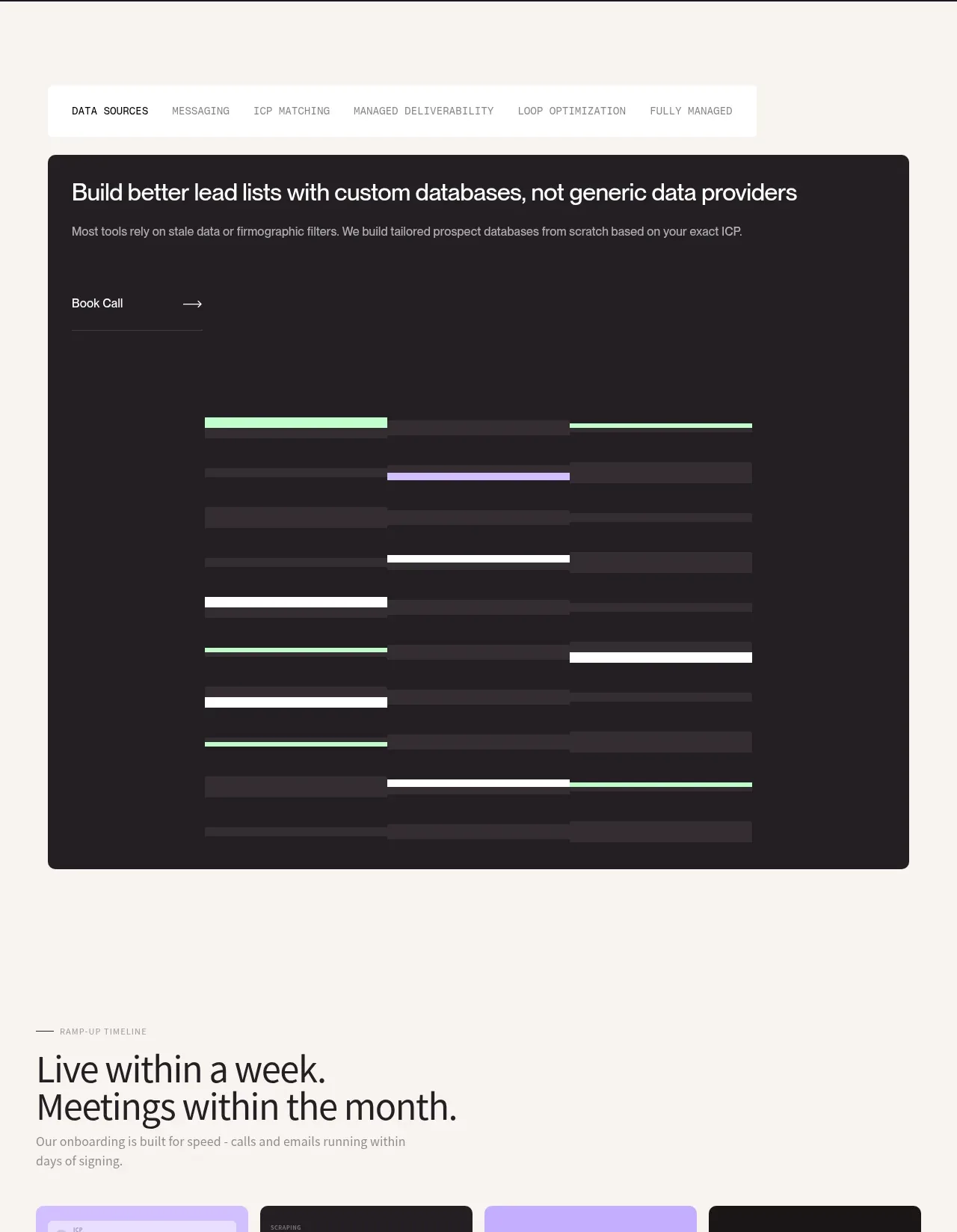
Design analysis
A floating tab strip controls a large dark demonstration panel, turning a complex service explanation into one focused active workflow.
Prompt preview
## Reference images

Study these alongside the description below: hierarchy, rhythm, spacing, colour. Build for the product you are asked about, using this design language.

- Component: https://kage-design-assets.t3.tigrisfiles.io/components/throxy/4d577be3-3944-4c06-b2f6-094c0e693ab7-1793253970-7.webp
- Full page it was cut from: https://kage-design-assets.t3.tigrisfiles.io/screenshots/throxy/4d577be3-3944-4c06-b2f6-094c0e693ab7-1793253814515-full.webp
- Component on Kage: https://kage.design/component/throxy-tabs

### Before you start
Ask what the user's product, audience, and brand are, then apply these principles to that product.

Build a tabbed product-capability section on an ivory page. Center a compact white tab bar with six or fewer short labels, then show one large rounded near-black panel below it with a heading, supporting copy, a small text-link CTA, and a wide abstract pipeline visualization made from horizontal tracks and colored segments. Make tabs keyboard accessible, clearly indicate the active tab with stronger weight or underline, and swap the panel content without layout shift. Use #F7F5F0, #211D20, #CDB7FF, #BFF5D0, white, 20–24px panel radius, and 1px borders. On mobile, make the tab row horizontally scrollable.

Never: use logos, product names, copy, illustrations, or imagery from the reference.
More components
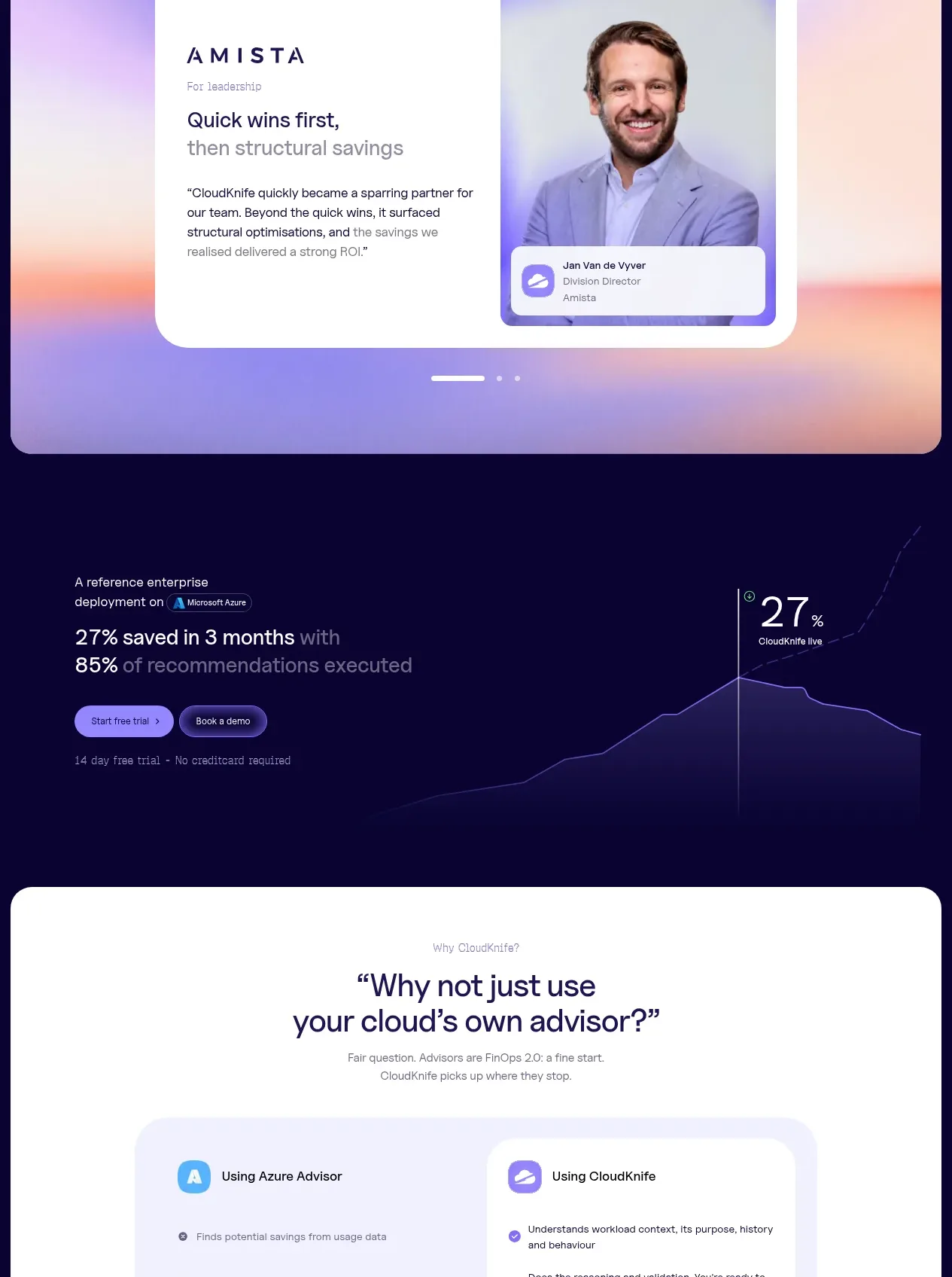
 Solution category tabs
CloudKnife · Tabs & steps
Solution category tabs
CloudKnife · Tabs & steps

 Directory filters and sorting
The Brains · Tabs & steps
Directory filters and sorting
The Brains · Tabs & steps
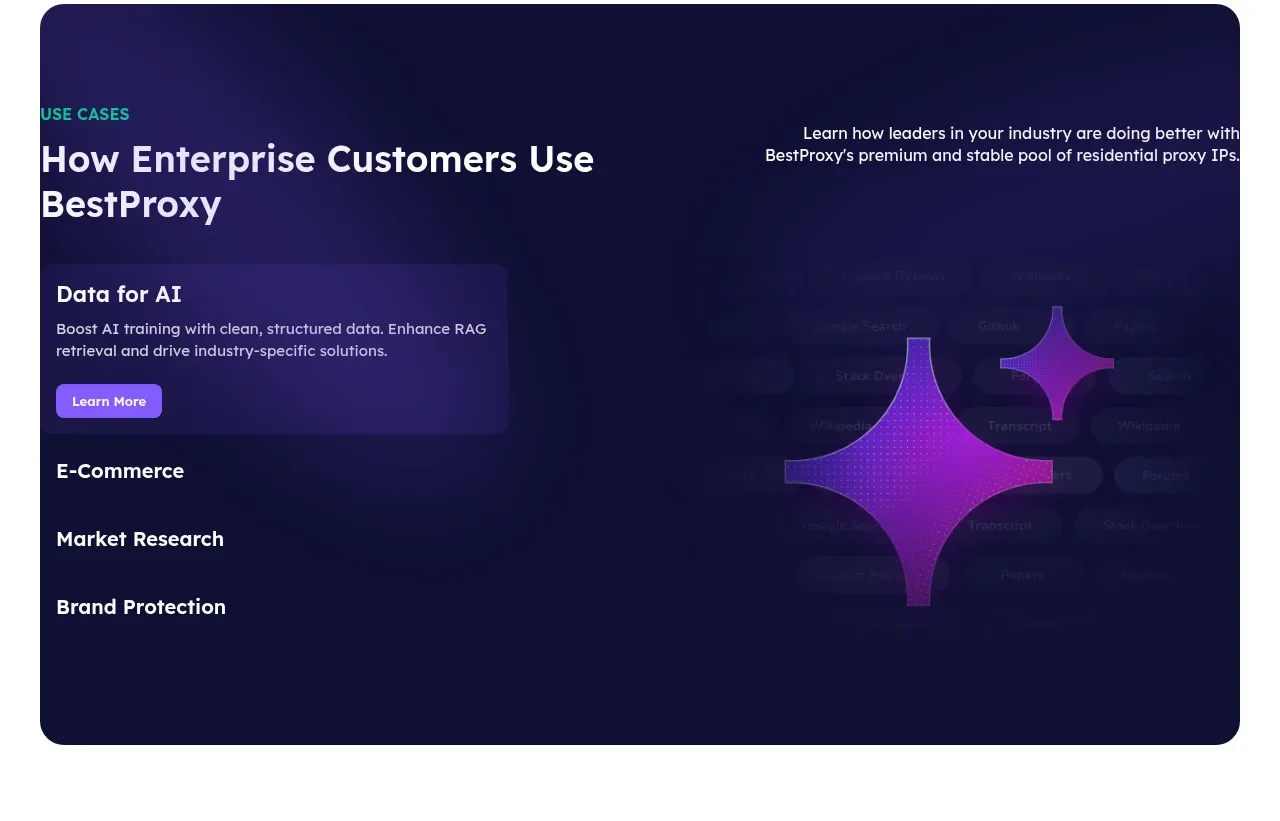
 Enterprise use cases
bestproxy.com · Tabs & steps
Enterprise use cases
bestproxy.com · Tabs & steps
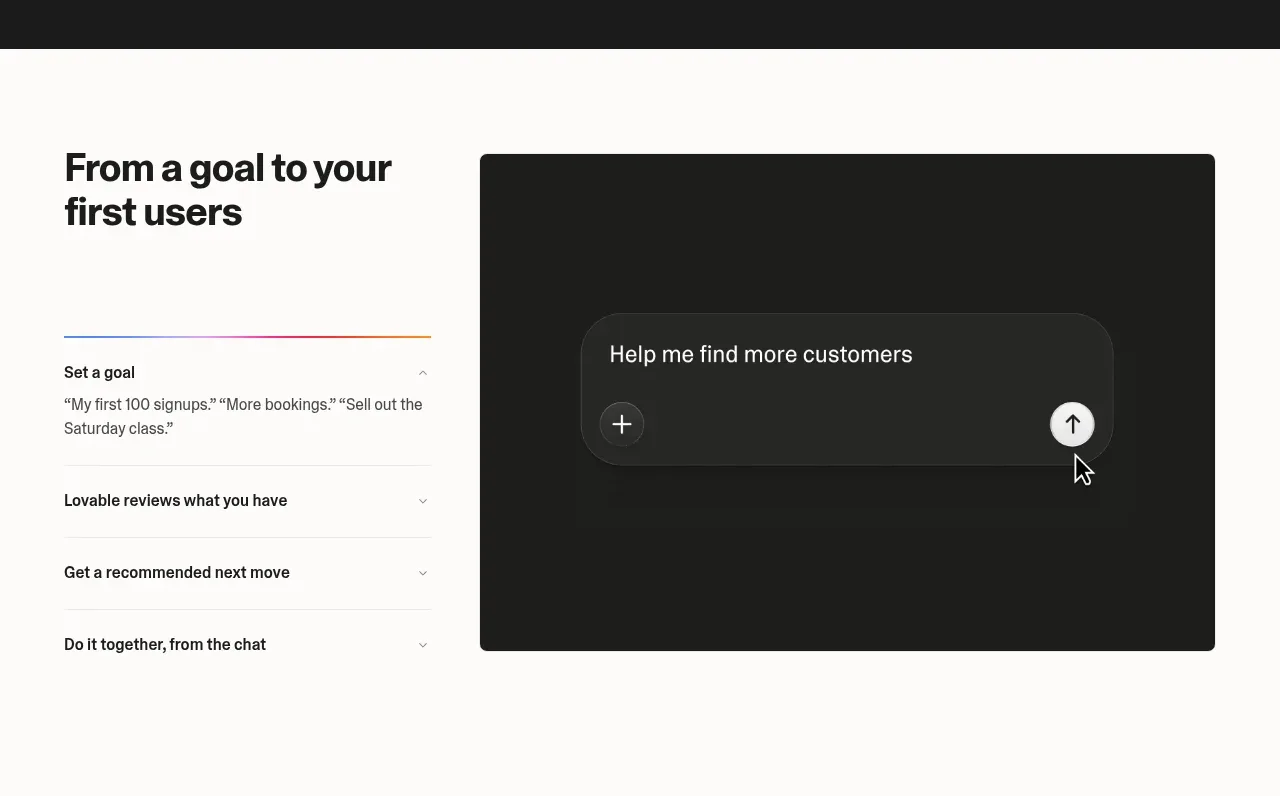
 Goal-to-first-users assistant
Lovable Growth Tools · Tabs & steps
Goal-to-first-users assistant
Lovable Growth Tools · Tabs & steps
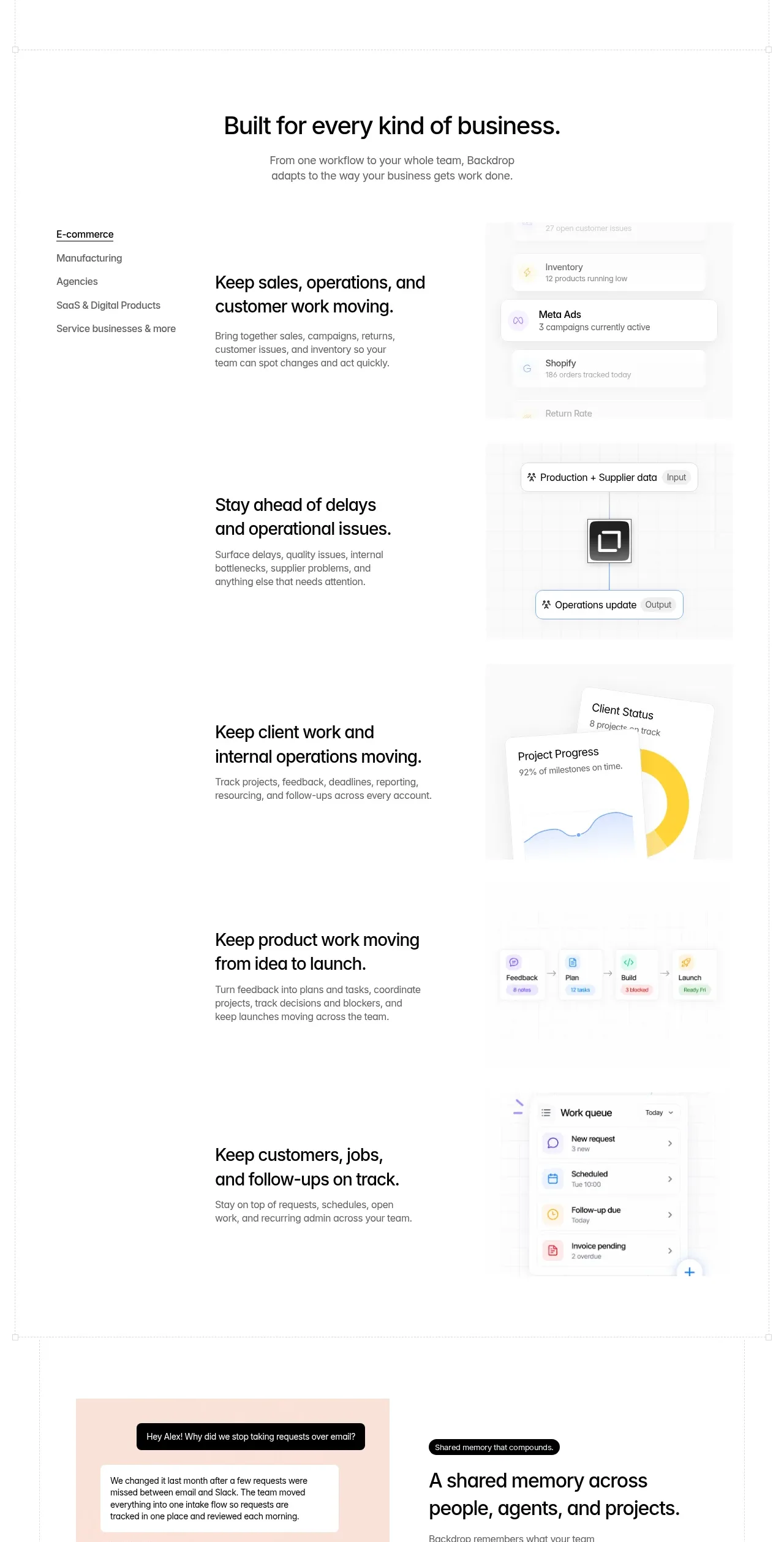
 Business use cases tabs
Backdrop · Tabs & steps
Business use cases tabs
Backdrop · Tabs & steps
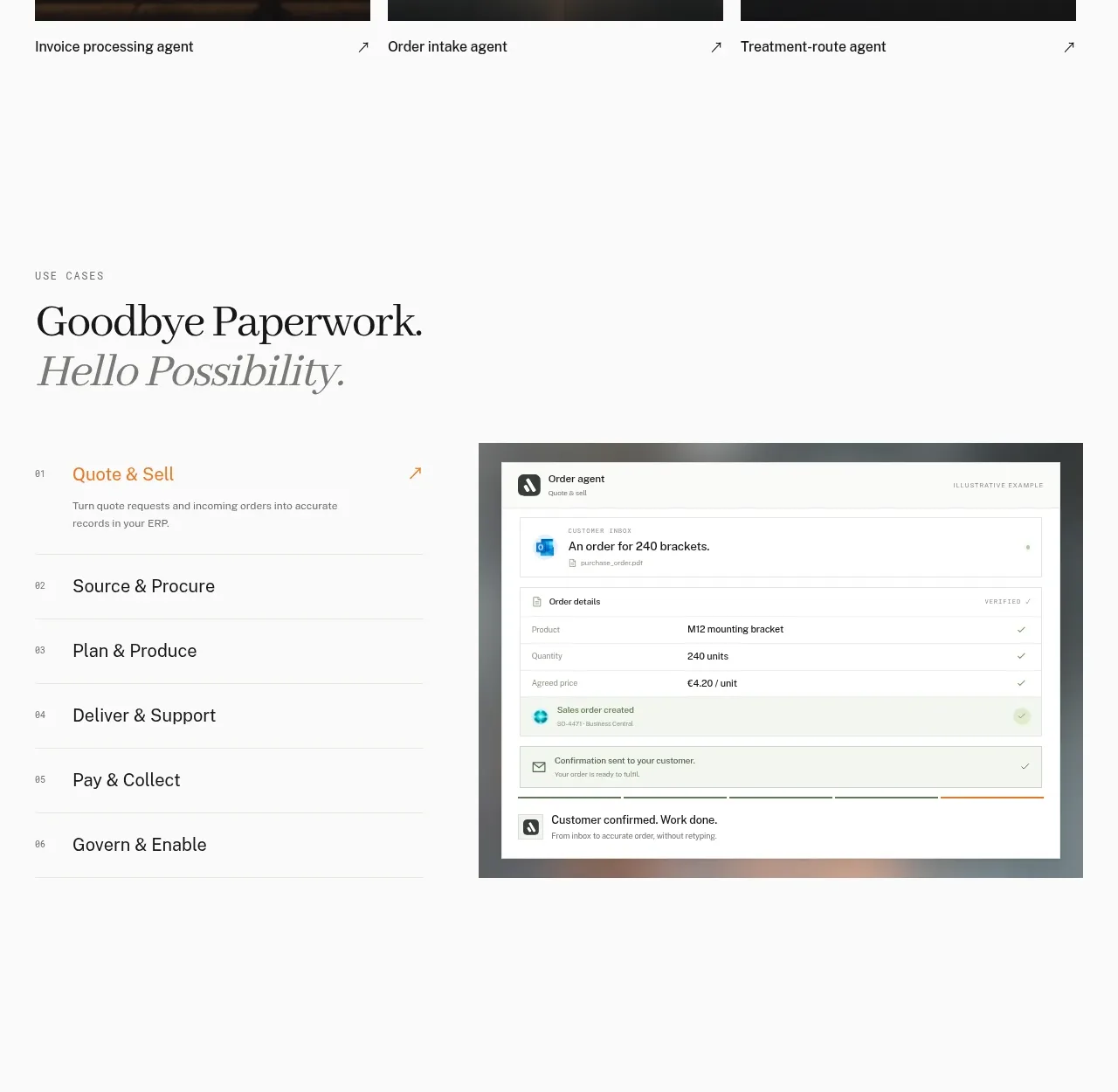
 Workflow stages with product preview
Lleverage · Tabs & steps
Workflow stages with product preview
Lleverage · Tabs & steps