 kage
kage
brains.ceo

Design analysis
A compact row of pill filters followed by a separate sort control turns a large directory into an approachable browsing surface without adding visual clutter.
Prompt preview
## Reference images

Study these alongside the description below: hierarchy, rhythm, spacing, colour. Build for the product you are asked about, using this design language.

- Component: https://kage-design-assets.t3.tigrisfiles.io/components/the-brains/a35aca56-f802-48ab-9290-e49eab0cde25-1792648934-2.webp
- Full page it was cut from: https://kage-design-assets.t3.tigrisfiles.io/screenshots/the-brains/a35aca56-f802-48ab-9290-e49eab0cde25-1792648871849-full.webp
- Component on Kage: https://kage.design/component/the-brains-tabs

## Before you start
Ask the user what their product is, who it serves, and what brand personality and colours to use. Then apply the principles below to that product rather than reproducing the reference.

Build a responsive filter toolbar for a directory. Use a horizontal, wrapping set of compact pill tabs with one dark filled active state and light outlined or text-only inactive states; include result counts in smaller muted text. Place sorting as a distinct select/control beneath or beside the filters, separated from the results by a thin #ece9ea divider. Use 12–13px sans-serif text, 8–16px horizontal padding, pill radius around 999px, white background, and an accent colour around #e8327d for focus and hover. Support keyboard navigation, clear active state, and horizontal scrolling on narrow screens rather than crushing all controls.

Never: use logos, product names, copy, illustrations, or imagery from the reference.
More components
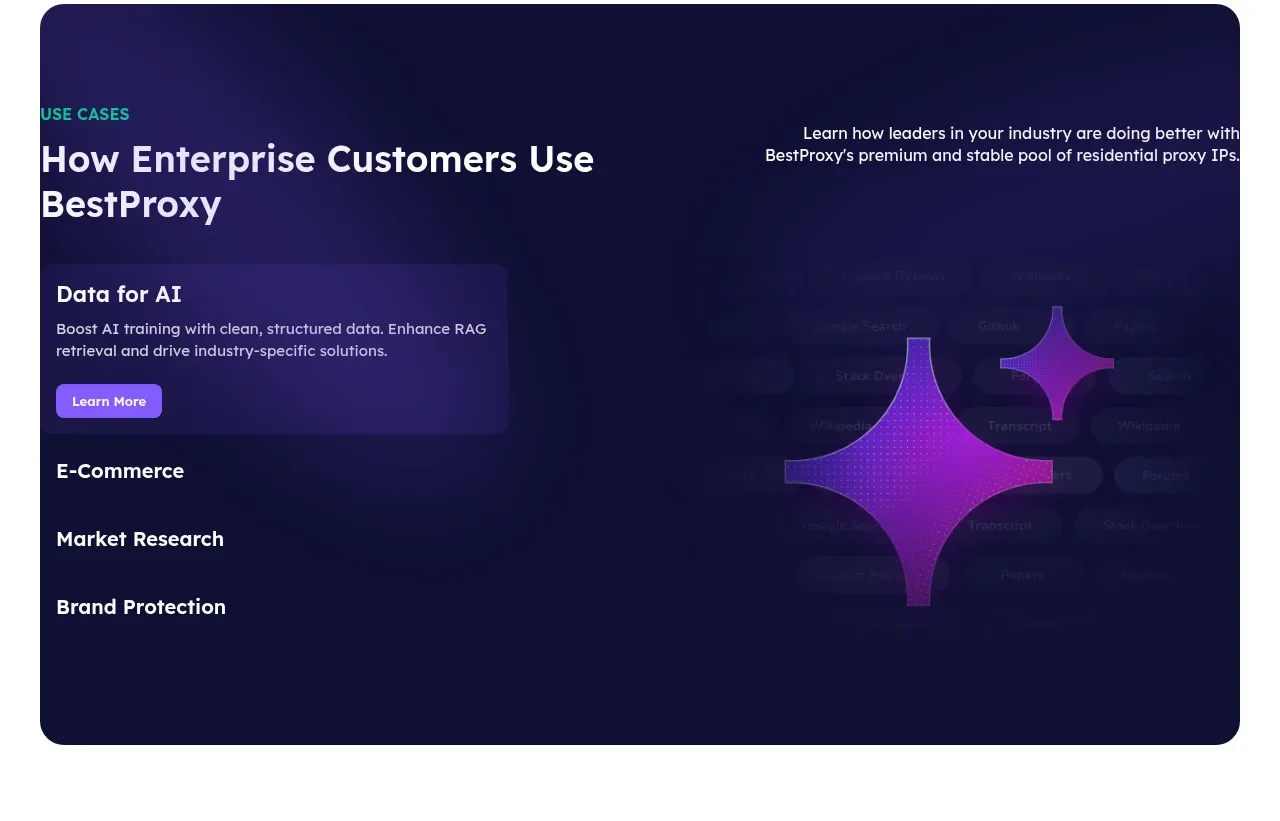
 Enterprise use cases
bestproxy.com · Tabs & steps
Enterprise use cases
bestproxy.com · Tabs & steps
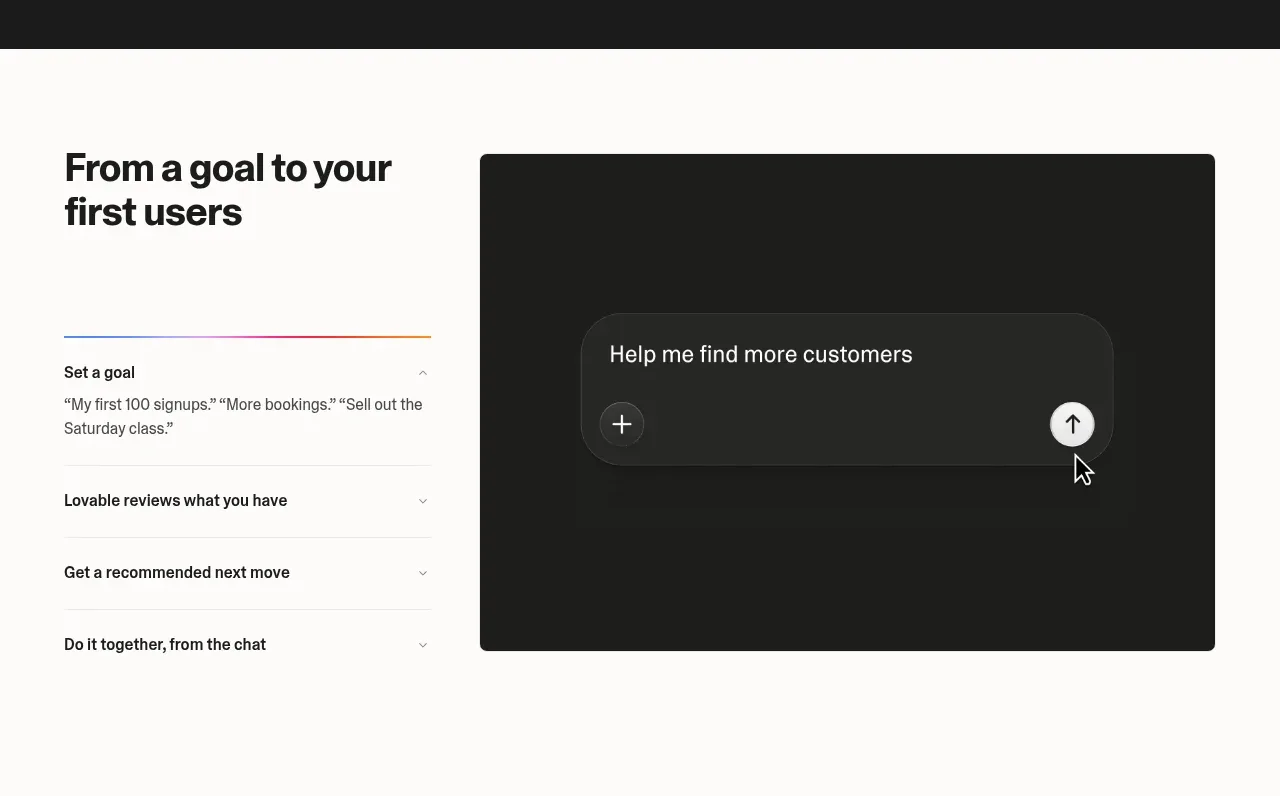
 Goal-to-first-users assistant
Lovable Growth Tools · Tabs & steps
Goal-to-first-users assistant
Lovable Growth Tools · Tabs & steps
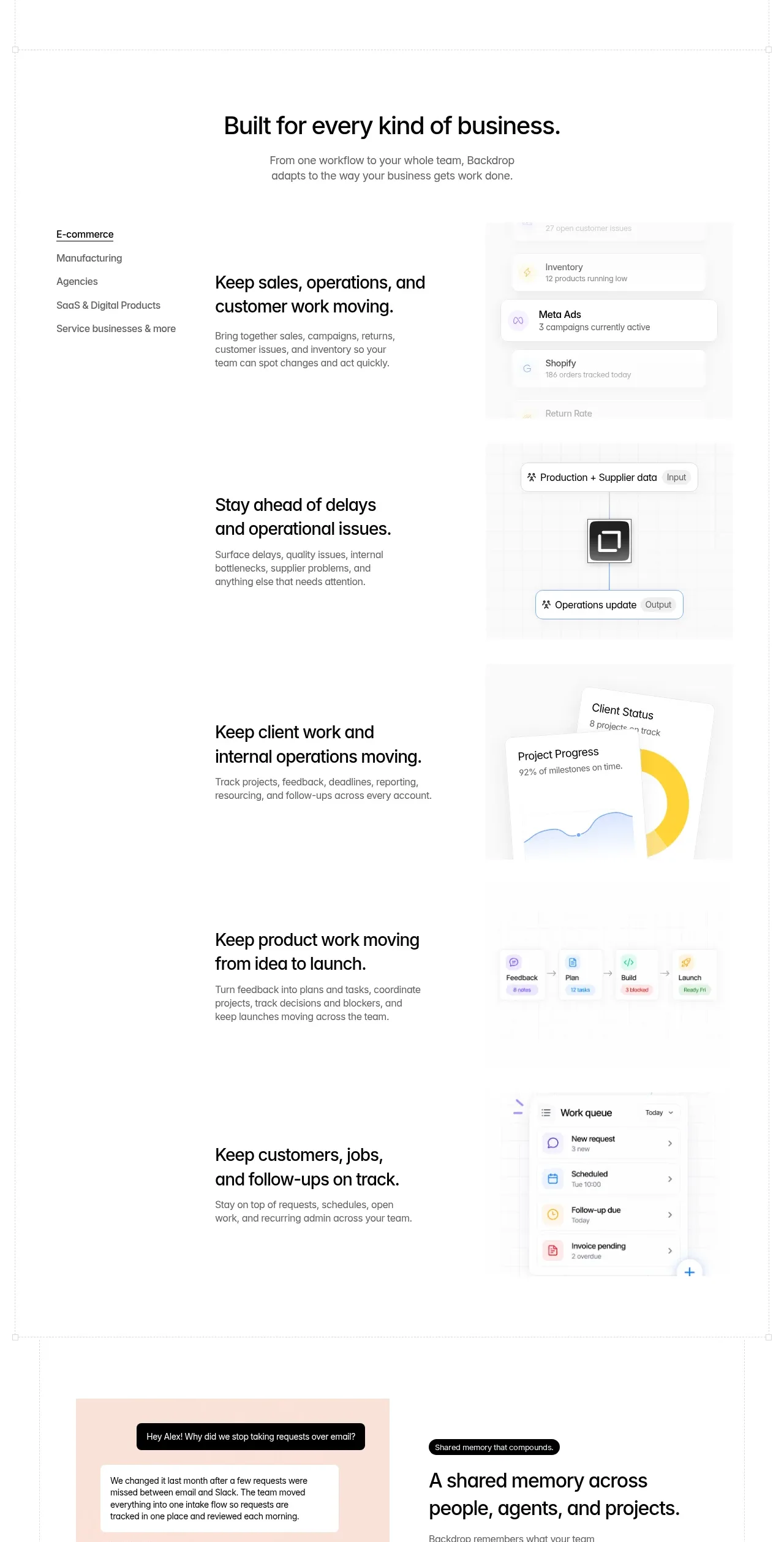
 Business use cases tabs
Backdrop · Tabs & steps
Business use cases tabs
Backdrop · Tabs & steps
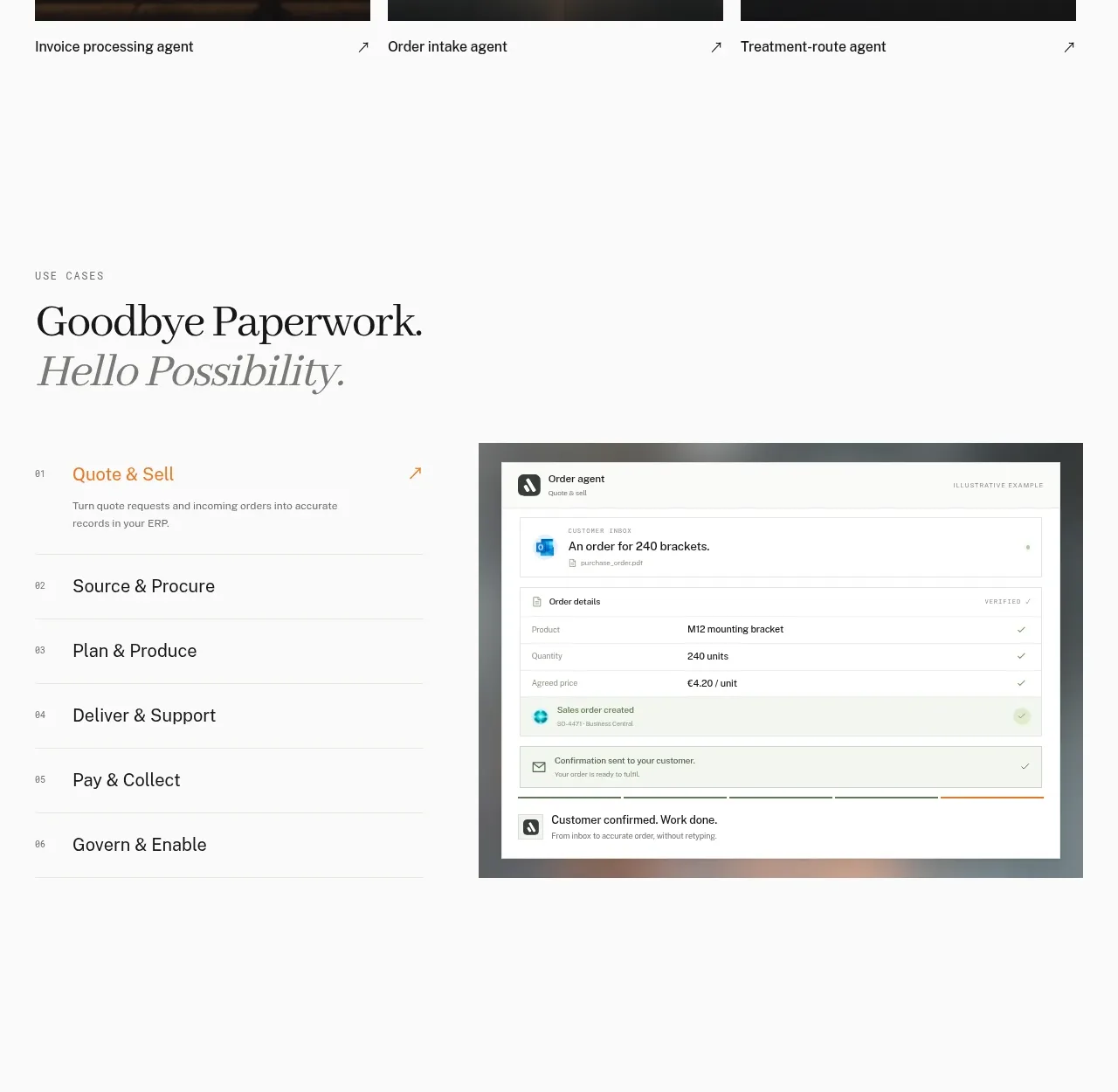
 Workflow stages with product preview
Lleverage · Tabs & steps
Workflow stages with product preview
Lleverage · Tabs & steps
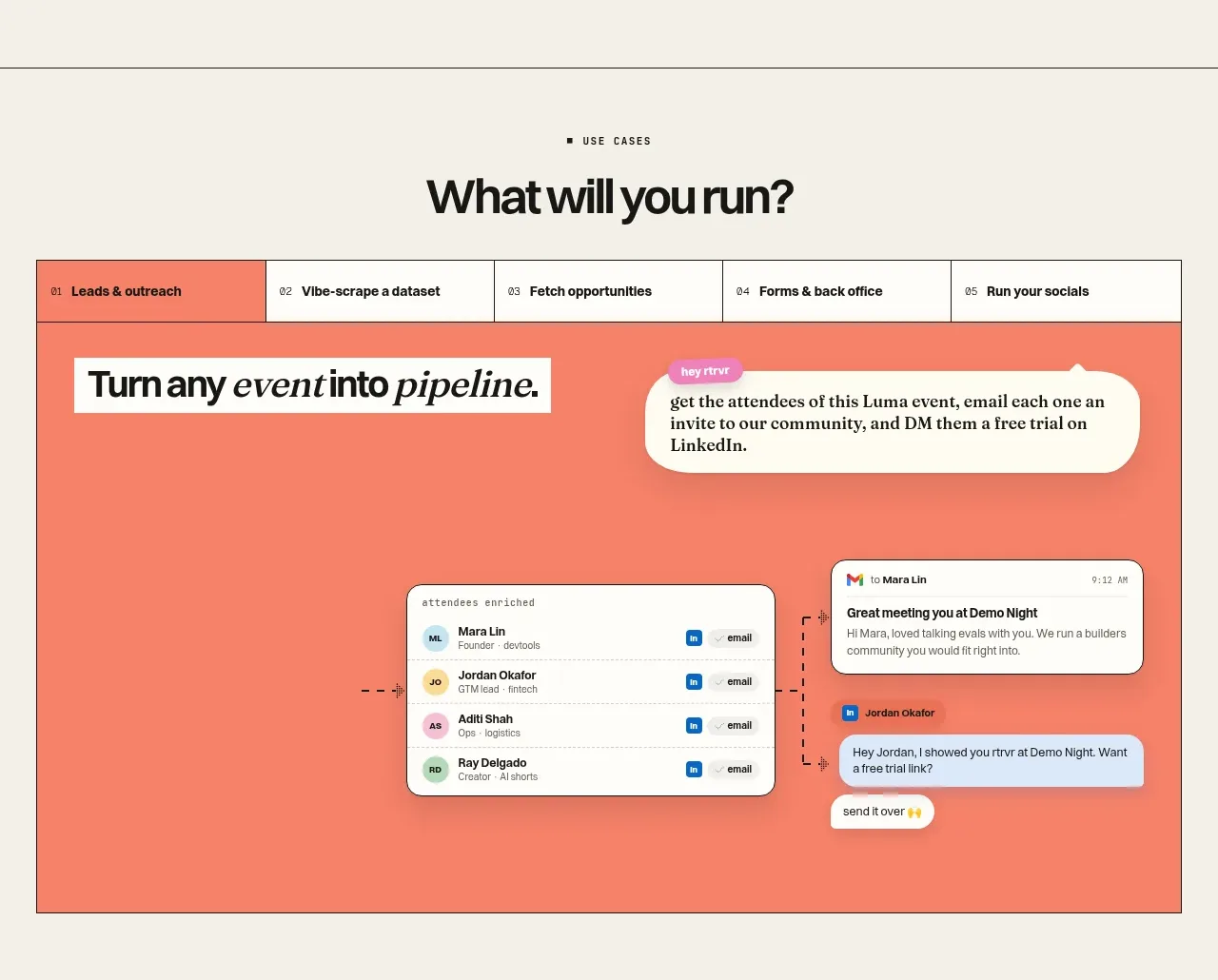
 Use-case selector and interactive showcase
Retriever AI · Tabs & steps
Use-case selector and interactive showcase
Retriever AI · Tabs & steps
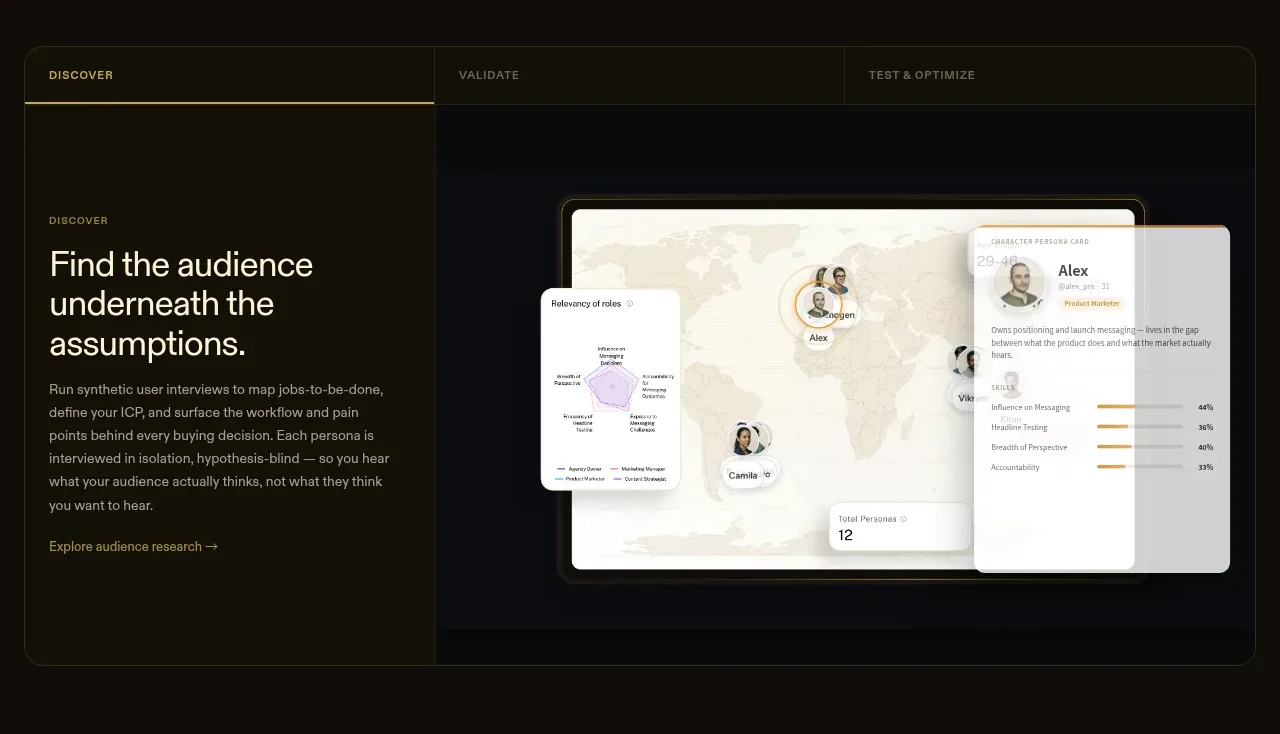
 Tabbed research workflow showcase
Articos MCP · Tabs & steps
Tabbed research workflow showcase
Articos MCP · Tabs & steps