 kage
kage
apps.marcoluthi.com
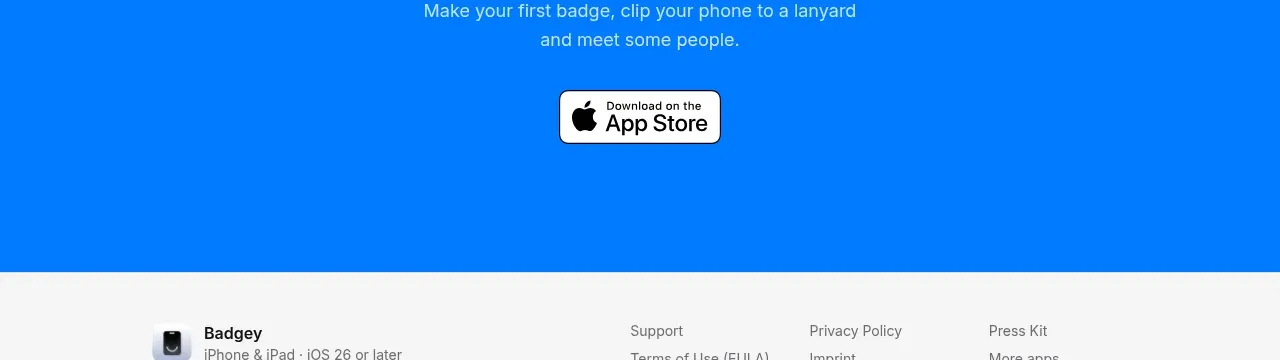
Design analysis
A saturated full-width closing panel repeats the core value proposition and places one clear download action directly below it for a decisive final conversion moment.
Prompt preview
## Reference images

Study these alongside the description below: hierarchy, rhythm, spacing, colour. Build for the product you are asked about, using this design language.

- Component: https://kage-design-assets.t3.tigrisfiles.io/components/badgey/bd3040e3-7307-4350-8c61-c2e3eef7de7a-1792994547-6.webp
- Full page it was cut from: https://kage-design-assets.t3.tigrisfiles.io/screenshots/badgey/bd3040e3-7307-4350-8c61-c2e3eef7de7a-1792994501677-full.webp
- Component on Kage: https://kage.design/component/badgey-cta

## Before you start
Ask what final action matters most for the user's product and which brand colour should own the closing moment. Build an original closing CTA around that goal.

Create a full-width, high-contrast closing CTA with a centered product or content preview above a short headline, one supporting sentence, and one primary button. Use a bold brand background such as #087cf5 only if it fits the user's identity; otherwise choose the strongest accessible brand colour. Use white text, a 48–60px lightweight headline, 15–17px supporting copy, and a compact light or dark button with a 10–12px radius. Keep the vertical composition tight enough to feel like a conclusion but leave comfortable breathing room around the preview.

Check colour contrast, make the button keyboard accessible, and add subtle hover feedback without distracting animation. On mobile, reduce the preview size and headline to about 36–44px while preserving the single-column hierarchy.

Never: use logos, product names, copy, illustrations, or imagery from the reference.
More components

 Conversion banner
Papermark Data Rooms · Call to action
Conversion banner
Papermark Data Rooms · Call to action

 Final signup call to action
AgentGrid.io · Call to action
Final signup call to action
AgentGrid.io · Call to action
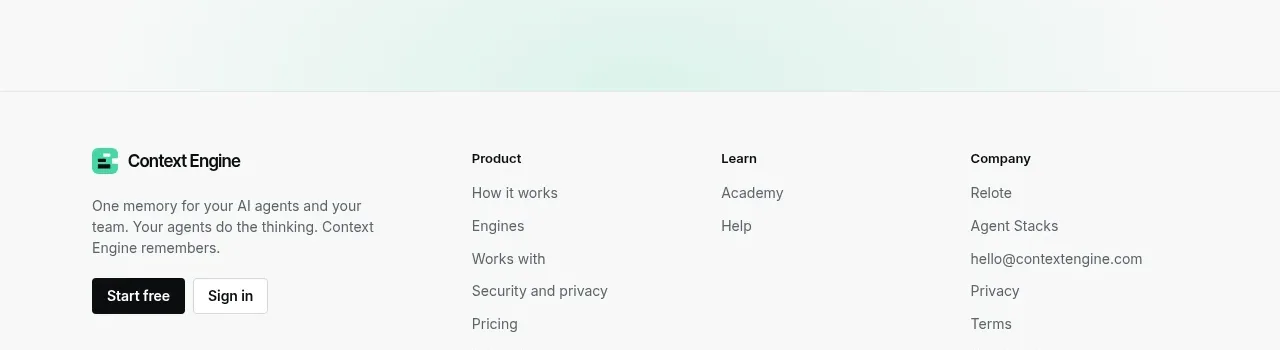
 Final conversion call to action
Context Engine · Call to action
Final conversion call to action
Context Engine · Call to action
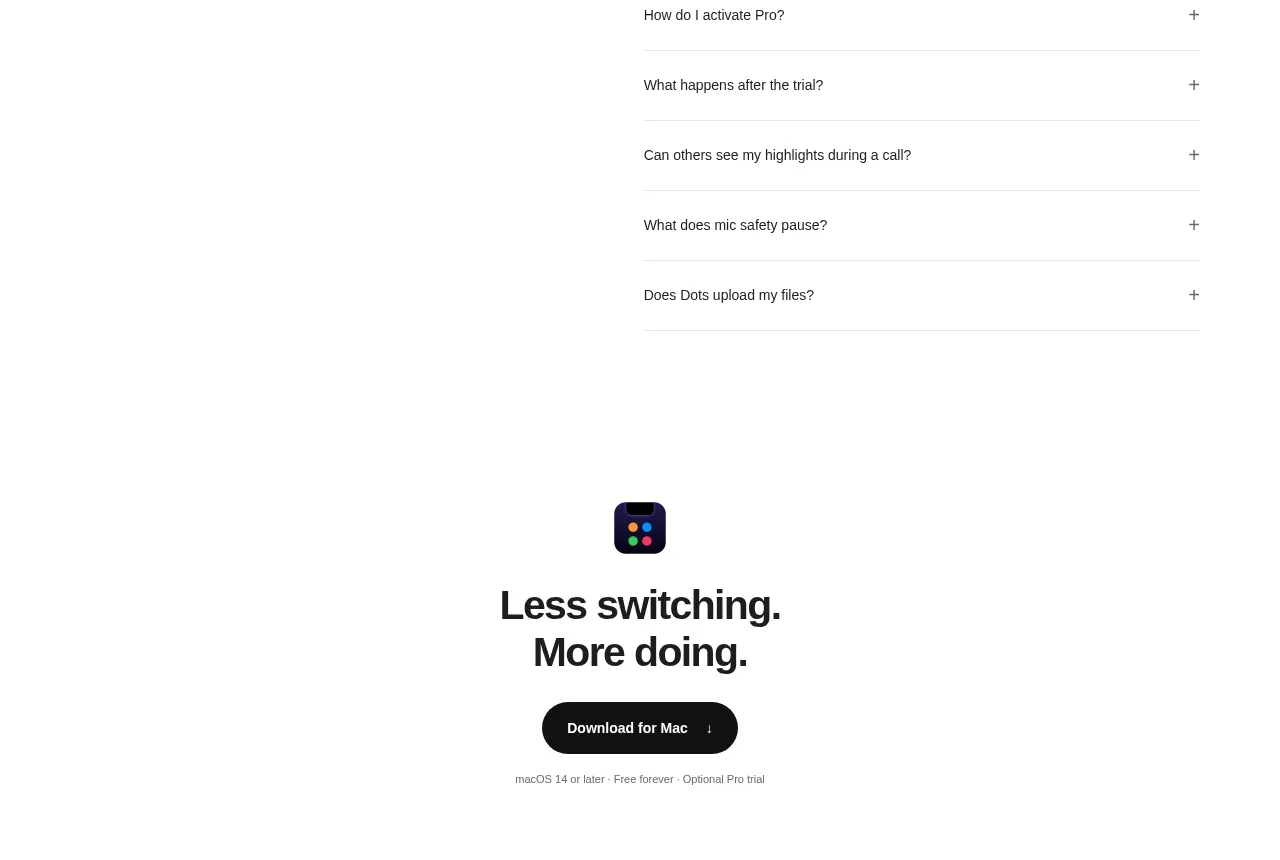
 Final download CTA
Dots · Call to action
Final download CTA
Dots · Call to action
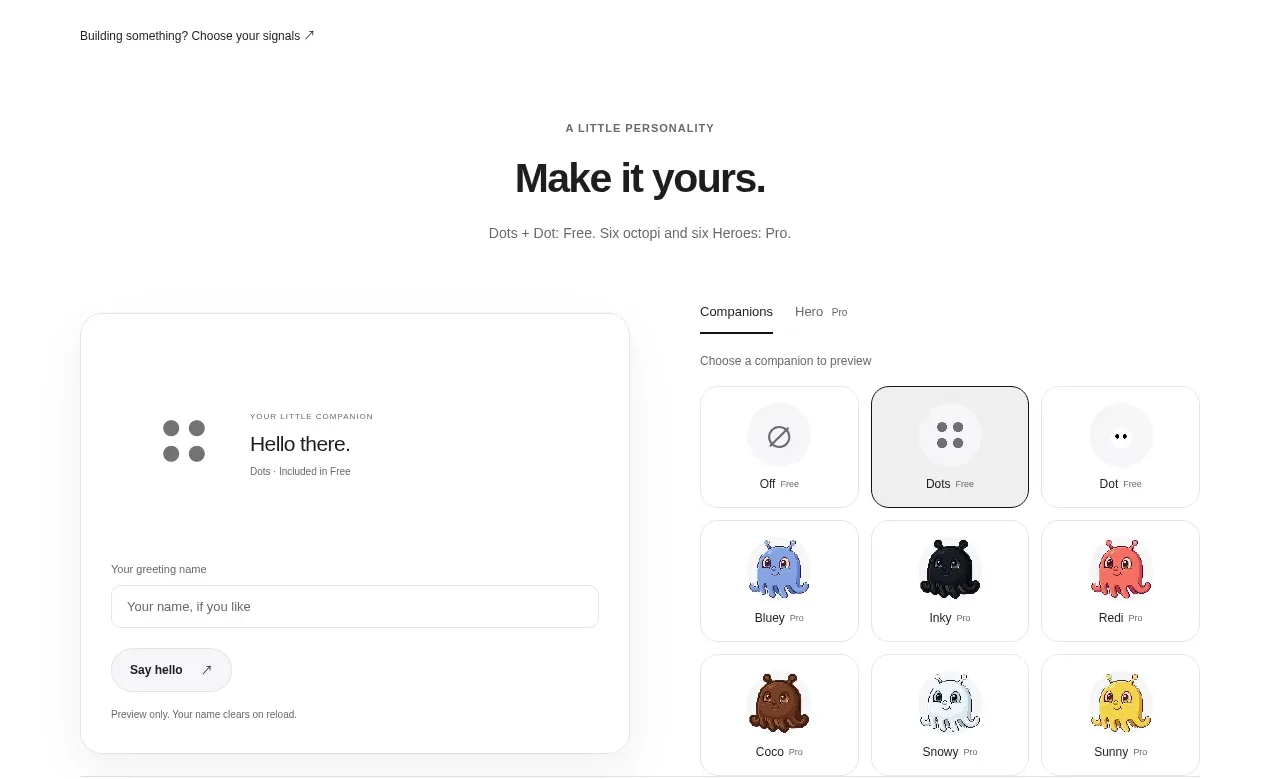 Developer workflow callout
Dots · Call to action
Developer workflow callout
Dots · Call to action
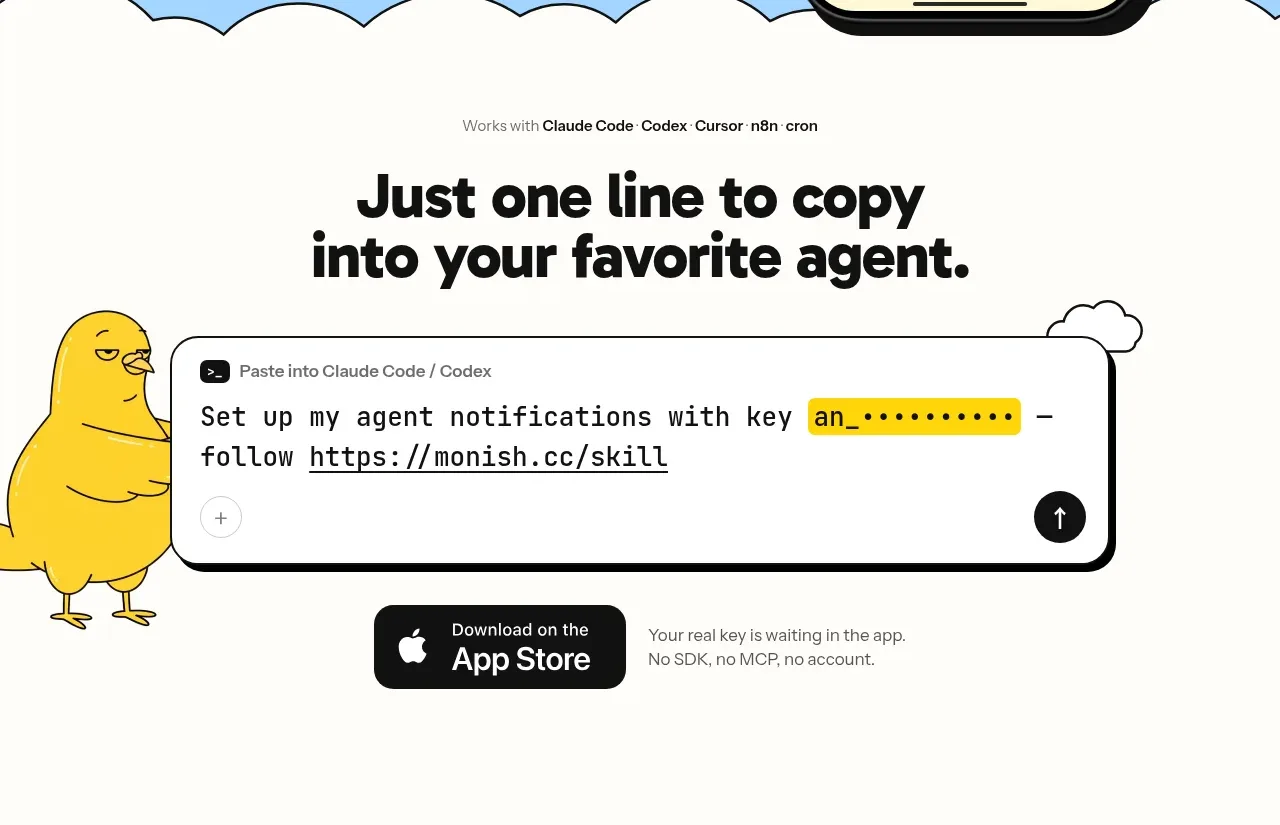
 One-line setup call to action
Monish · Call to action
One-line setup call to action
Monish · Call to action