 kage
kage
monish.cc
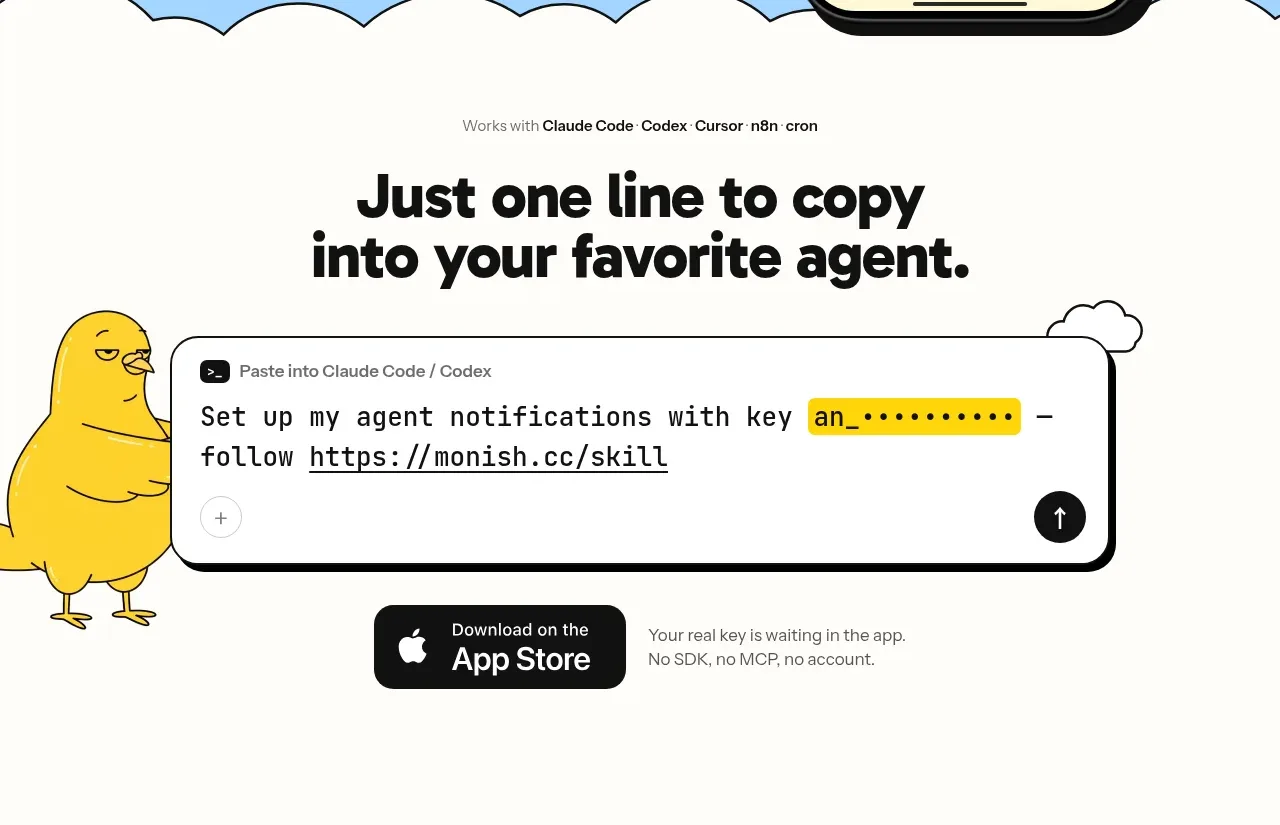
Design analysis
A quiet off-white section explains the one-line setup model, centers a large prompt/input card, and finishes with a download CTA plus reassurance copy.
Prompt preview
## Reference images

Study these alongside the description below: hierarchy, rhythm, spacing, colour. Build for the product you are asked about, using this design language.

- Component: https://kage-design-assets.t3.tigrisfiles.io/components/monish/5f3b5863-2239-4773-833d-591642a3d58f-1792821774-2.webp
- Full page it was cut from: https://kage-design-assets.t3.tigrisfiles.io/screenshots/monish/5f3b5863-2239-4773-833d-591642a3d58f-1792821722168-full.webp
- Component on Kage: https://kage.design/component/monish-cta

## Before you start
Ask what the user's activation step is, what users must paste or submit, and what reassurance removes friction. Apply the principles to that workflow.

Build an activation section with a small credibility line, a centered bold heading, and a wide command/input card as the focal point. The card should feel tactile: off-white surface, near-black outline, large radius, strong offset shadow, monospace command text, a highlighted secret/token segment, and a circular submit icon. Add a small supporting illustration or character only if it suits the user's brand, then place a dark app/action button and short reassurance copy below. Use #FFFDF8 background, #080808 text and borders, #FFD91A highlight, muted gray #6E6E6E, and occasional blue #9DD5F7. Use 48–64px heading type, 16px body, 2px borders, 20–28px radii, and spacious vertical padding. Make the input copyable and the button keyboard accessible.

Never use logos, product names, copy, illustrations, or imagery from the reference.
More components

 Conversion banner
Papermark Data Rooms · Call to action
Conversion banner
Papermark Data Rooms · Call to action
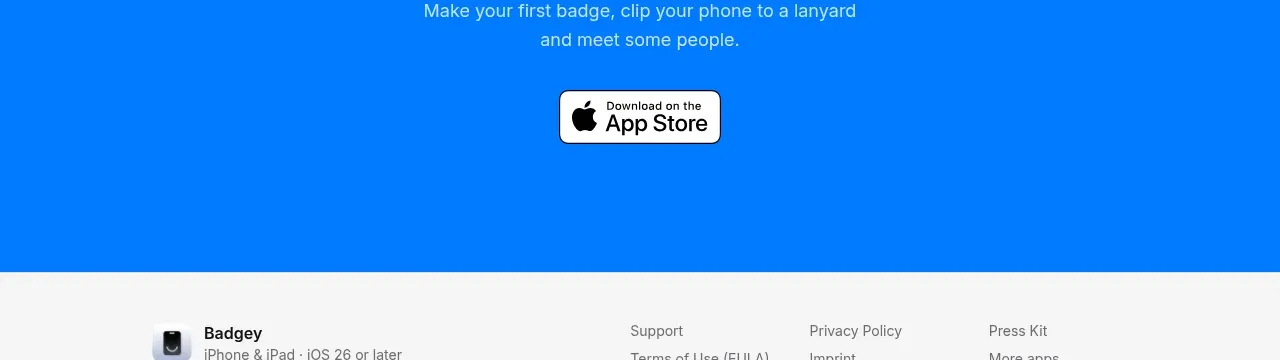
 Final download call to action
Badgey · Call to action
Final download call to action
Badgey · Call to action

 Final signup call to action
AgentGrid.io · Call to action
Final signup call to action
AgentGrid.io · Call to action
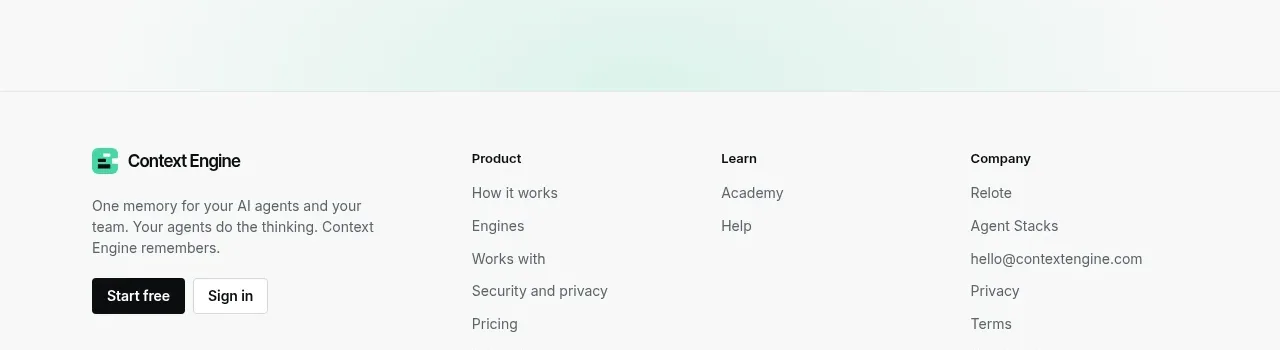
 Final conversion call to action
Context Engine · Call to action
Final conversion call to action
Context Engine · Call to action
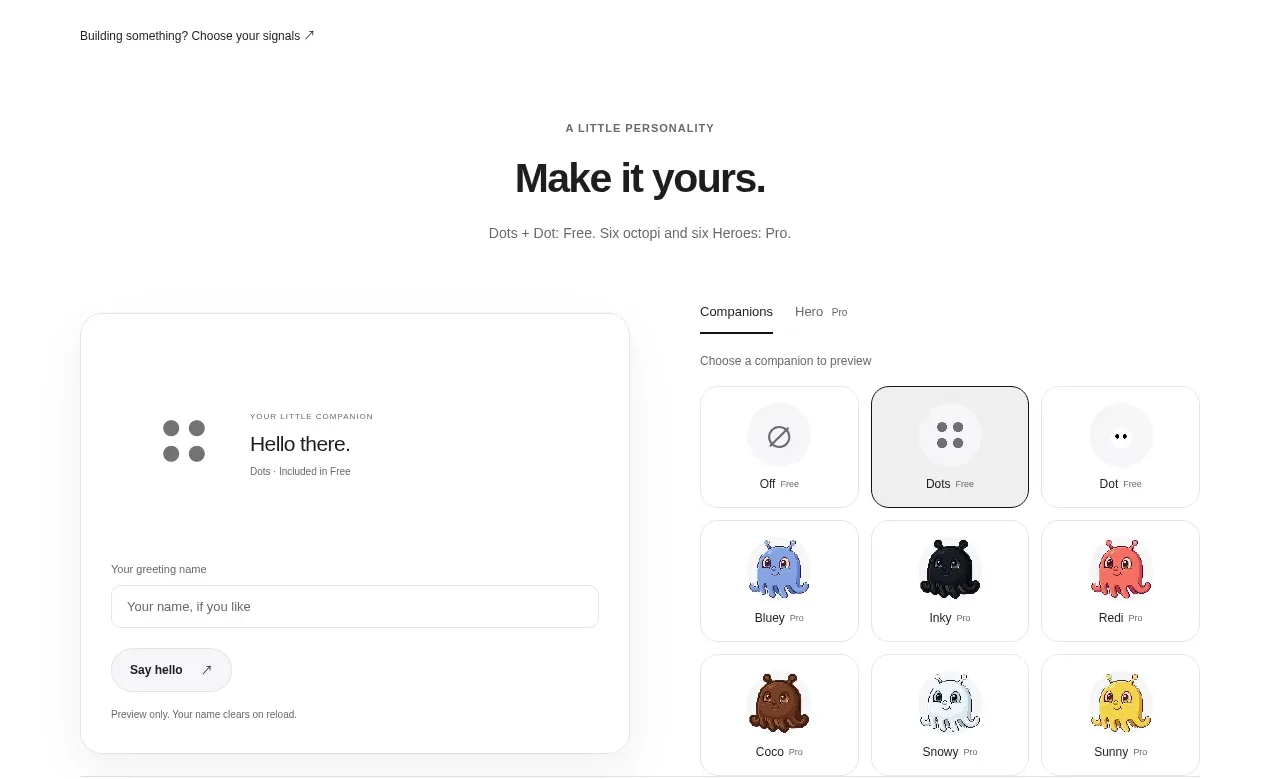
 Developer workflow callout
Dots · Call to action
Developer workflow callout
Dots · Call to action
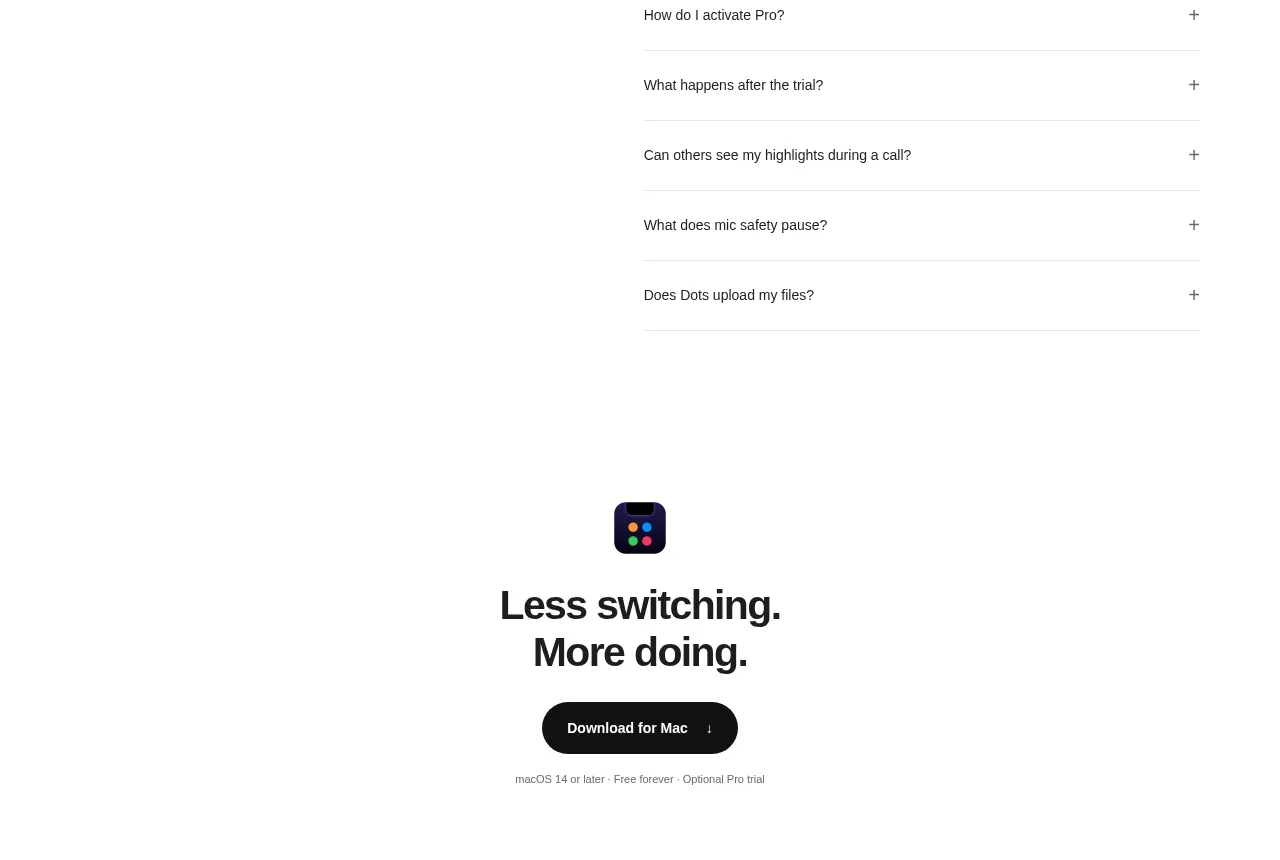 Final download CTA
Dots · Call to action
Final download CTA
Dots · Call to action