 kage
kage
dotsapp.cloudaeri.com
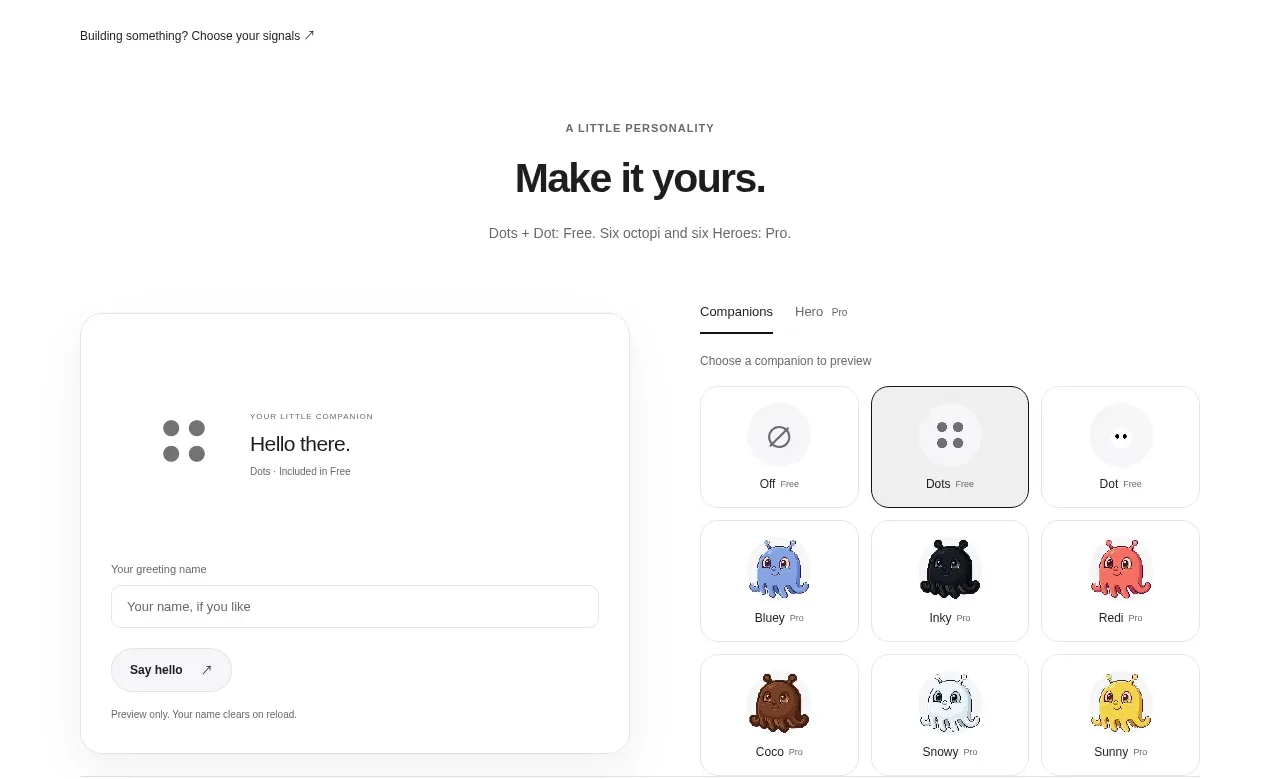
Design analysis
A sparse transition section reframes the product for builders and pairs a strong statement with one directional action. The large whitespace makes this feel like an intentional editorial break before pricing.
Prompt preview
## Reference images

Study these alongside the description below: hierarchy, rhythm, spacing, colour. Build for the product you are asked about, using this design language.

- Component: https://kage-design-assets.t3.tigrisfiles.io/components/dots/b0dd4f13-dbbe-4e80-ab36-79d3ad587c26-1792821812-4.webp
- Full page it was cut from: https://kage-design-assets.t3.tigrisfiles.io/screenshots/dots/b0dd4f13-dbbe-4e80-ab36-79d3ad587c26-1792821726796-full.webp
- Component on Kage: https://kage.design/component/dots-cta

## Before you start
Ask whether the user's product has a distinct audience or workflow that deserves a dedicated callout. Ask for its preferred conversion action and apply these rules to that context.

Build a wide, editorial CTA band with a small uppercase eyebrow, a bold two-line statement, a single concise supporting sentence, and one pill button aligned to the far right on desktop. Use a max-width container, a thin top or bottom divider, and substantial vertical padding so the section feels like a pause rather than another dense feature block. Set the heading at 30–38px with tight line-height, supporting copy at 14–15px in `#707070`, and use a light pill button (`#f6f6f6`) with dark text and a subtle border (`#e5e5e5`). Maintain a white background and 16–24px column gap. On mobile, stack the action below the copy and align it left.

Never: use the reference's logo, product name, copy, illustrations, imagery, or exact CTA wording.
More components

 Conversion banner
Papermark Data Rooms · Call to action
Conversion banner
Papermark Data Rooms · Call to action
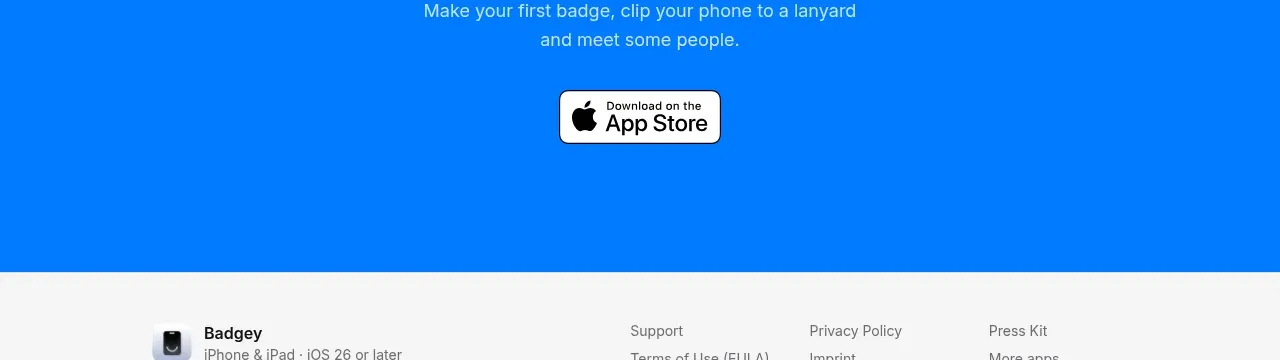
 Final download call to action
Badgey · Call to action
Final download call to action
Badgey · Call to action

 Final signup call to action
AgentGrid.io · Call to action
Final signup call to action
AgentGrid.io · Call to action

 Final conversion call to action
Context Engine · Call to action
Final conversion call to action
Context Engine · Call to action
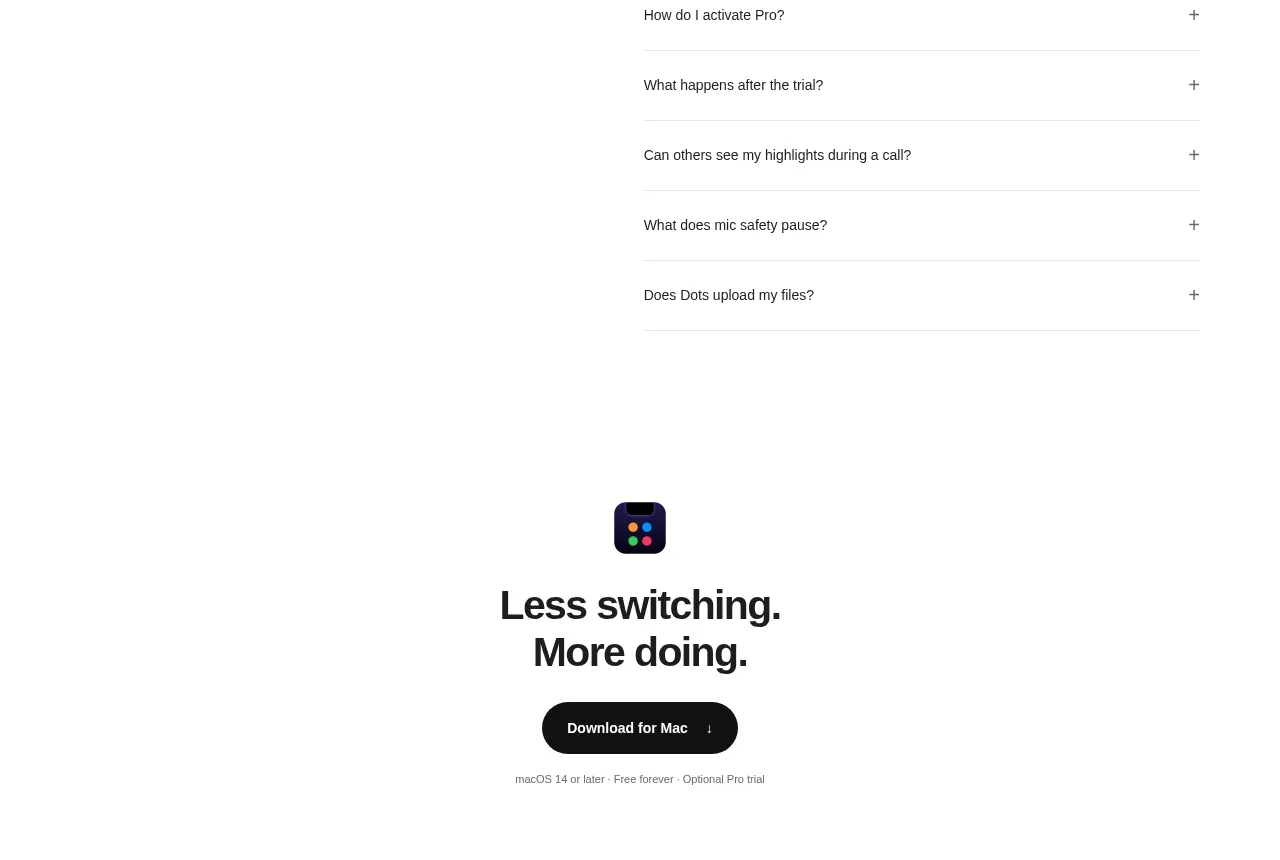
 Final download CTA
Dots · Call to action
Final download CTA
Dots · Call to action
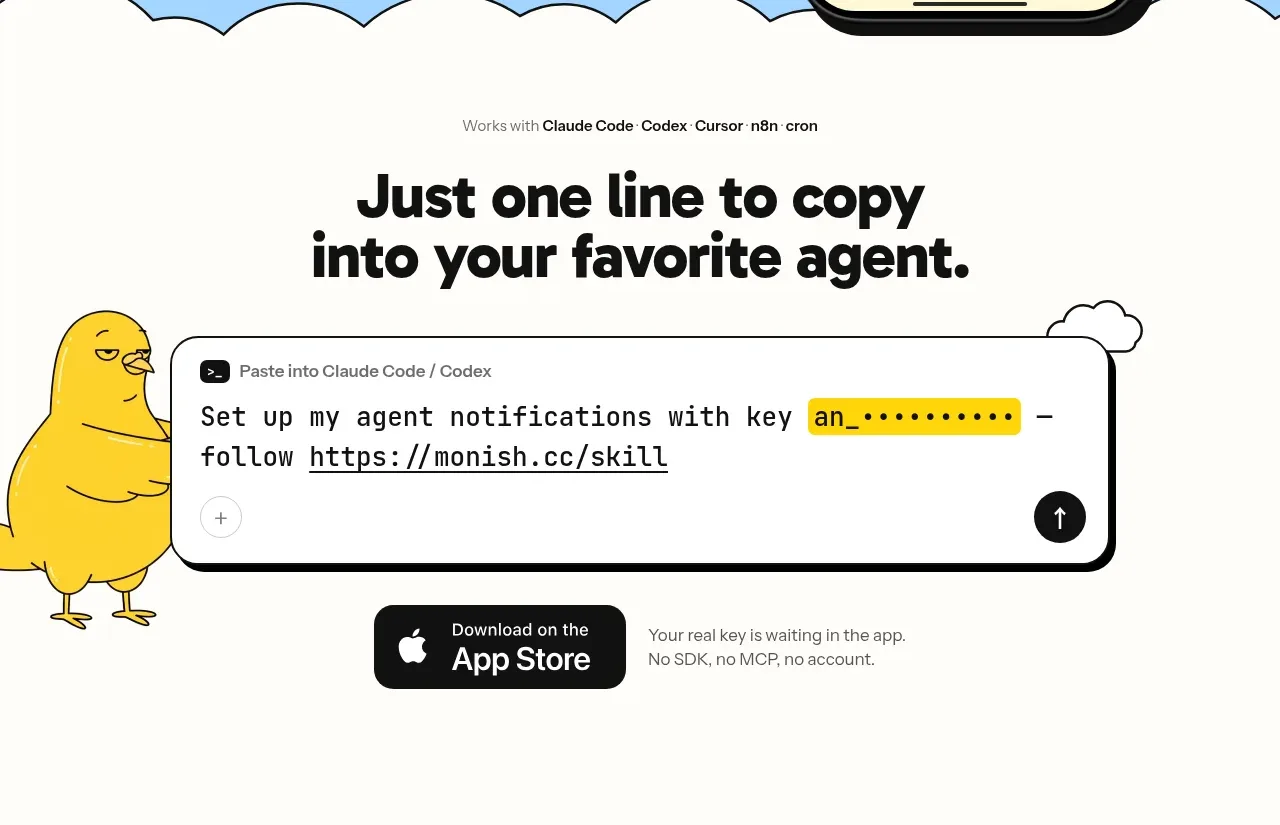
 One-line setup call to action
Monish · Call to action
One-line setup call to action
Monish · Call to action