 kage
kage
dotsapp.cloudaeri.com
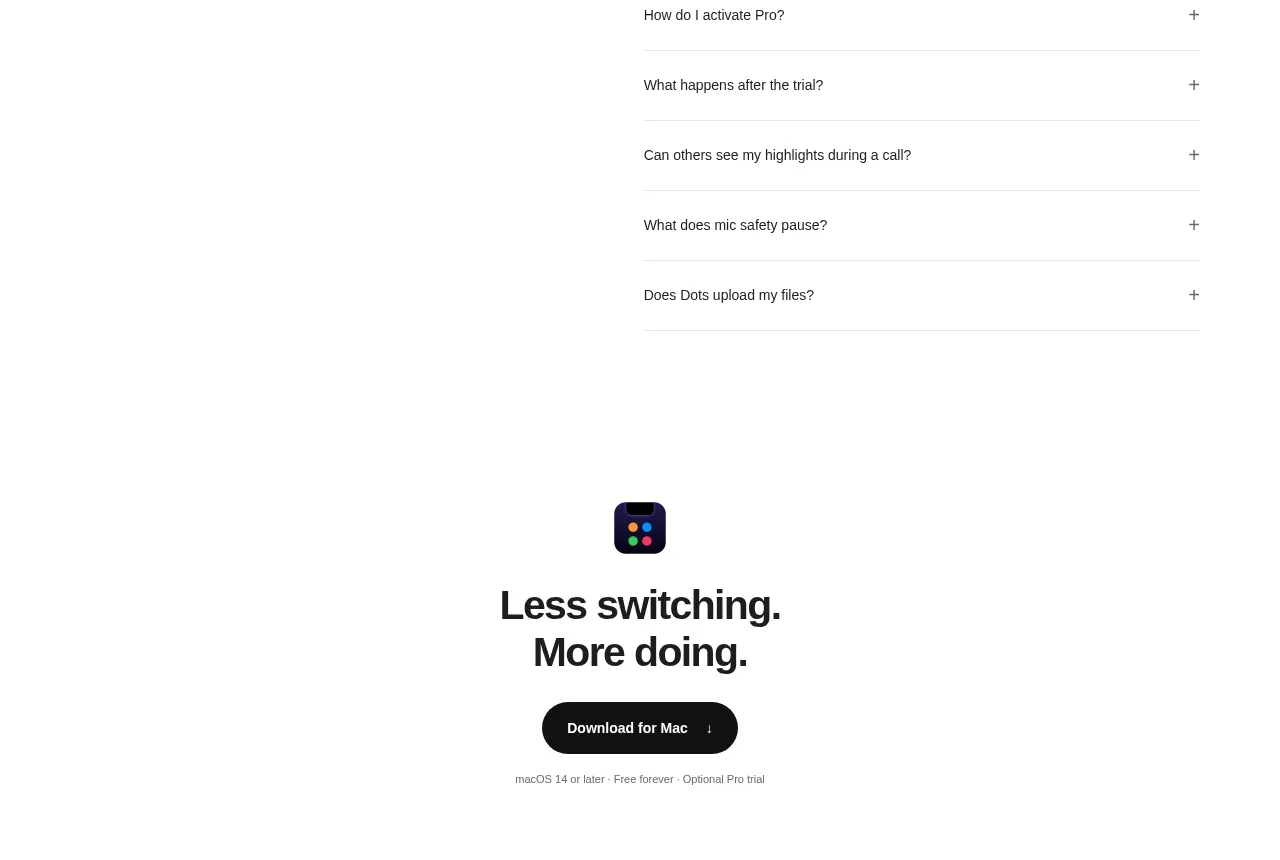
Design analysis
A centered closing conversion moment repeats the product promise, presents one unmistakable download button, and adds lightweight compatibility reassurance. Its simplicity gives the page a confident ending before the footer.
Prompt preview
## Reference images

Study these alongside the description below: hierarchy, rhythm, spacing, colour. Build for the product you are asked about, using this design language.

- Component: https://kage-design-assets.t3.tigrisfiles.io/components/dots/b0dd4f13-dbbe-4e80-ab36-79d3ad587c26-1792821814-8.webp
- Full page it was cut from: https://kage-design-assets.t3.tigrisfiles.io/screenshots/dots/b0dd4f13-dbbe-4e80-ab36-79d3ad587c26-1792821726796-full.webp
- Component on Kage: https://kage.design/component/dots-cta-2

## Before you start
Ask what the final conversion should be, what reassurance users need immediately before it, and what tone should close the user's product page. Apply these principles to that product.

Build a centered final CTA with a small product-neutral visual cue or abstract mark, a concise two-line headline, one dark rounded primary button, and a tiny muted compatibility or trial line below. Use strong vertical whitespace, a white background, and a narrow content width around 420px. Set the headline at 28–36px with tight line-height, button height around 44–50px with 22–28px horizontal padding and a 999px radius, and metadata at 11–12px in `#777777`. Use near-black text (`#111111`) and a black button (`#111111`) with white text; add a subtle arrow only as a directional cue. Include hover and focus states, and make the action easy to reach on mobile.

Never: use the reference's logo, product name, copy, illustrations, imagery, or exact download wording.
More components

 Conversion banner
Papermark Data Rooms · Call to action
Conversion banner
Papermark Data Rooms · Call to action
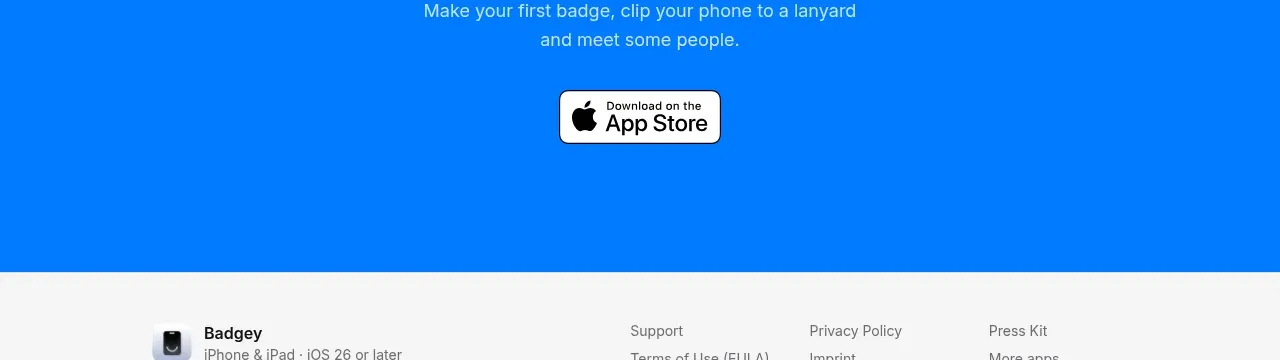
 Final download call to action
Badgey · Call to action
Final download call to action
Badgey · Call to action

 Final signup call to action
AgentGrid.io · Call to action
Final signup call to action
AgentGrid.io · Call to action
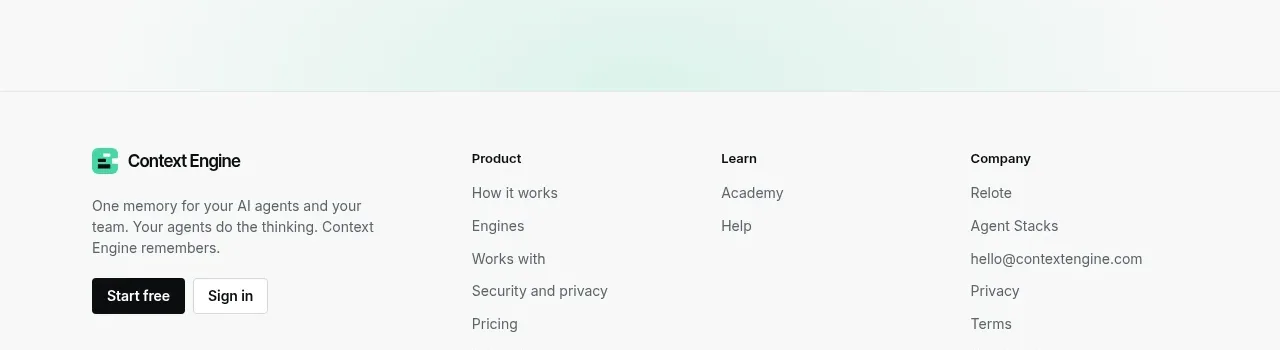
 Final conversion call to action
Context Engine · Call to action
Final conversion call to action
Context Engine · Call to action
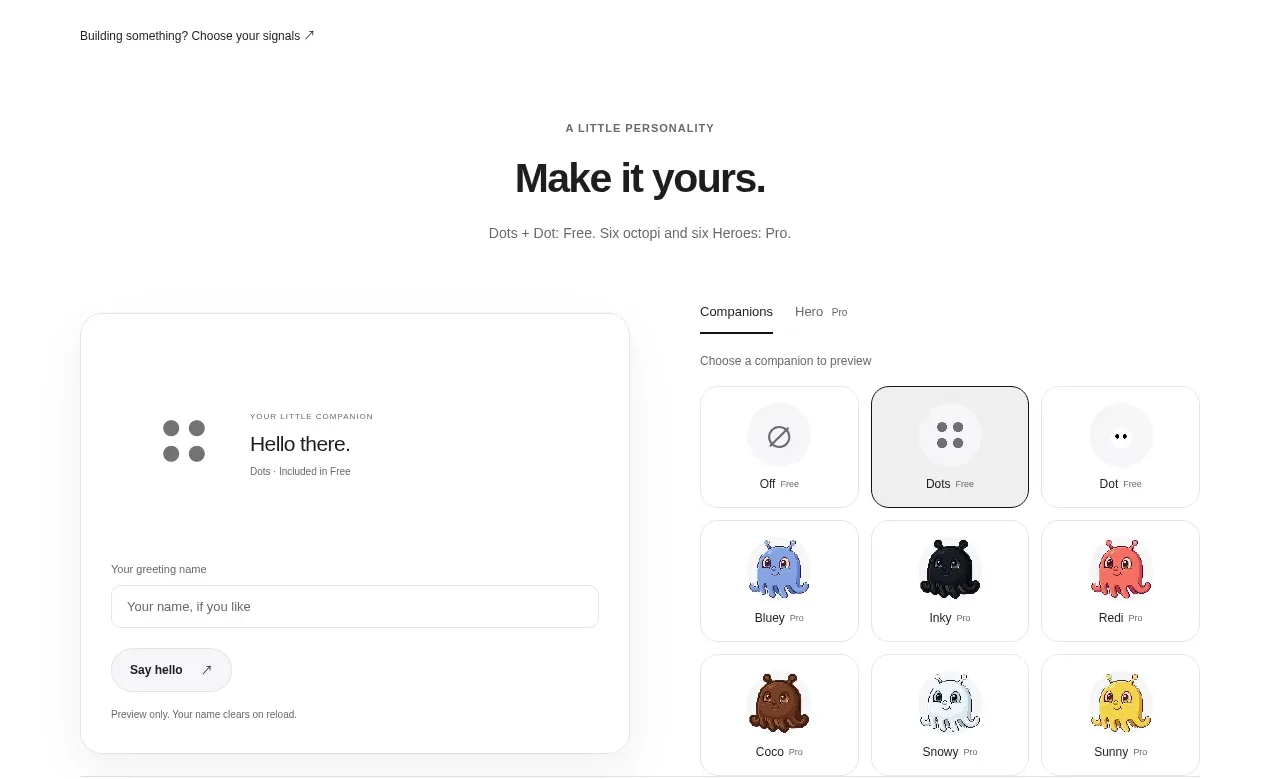
 Developer workflow callout
Dots · Call to action
Developer workflow callout
Dots · Call to action
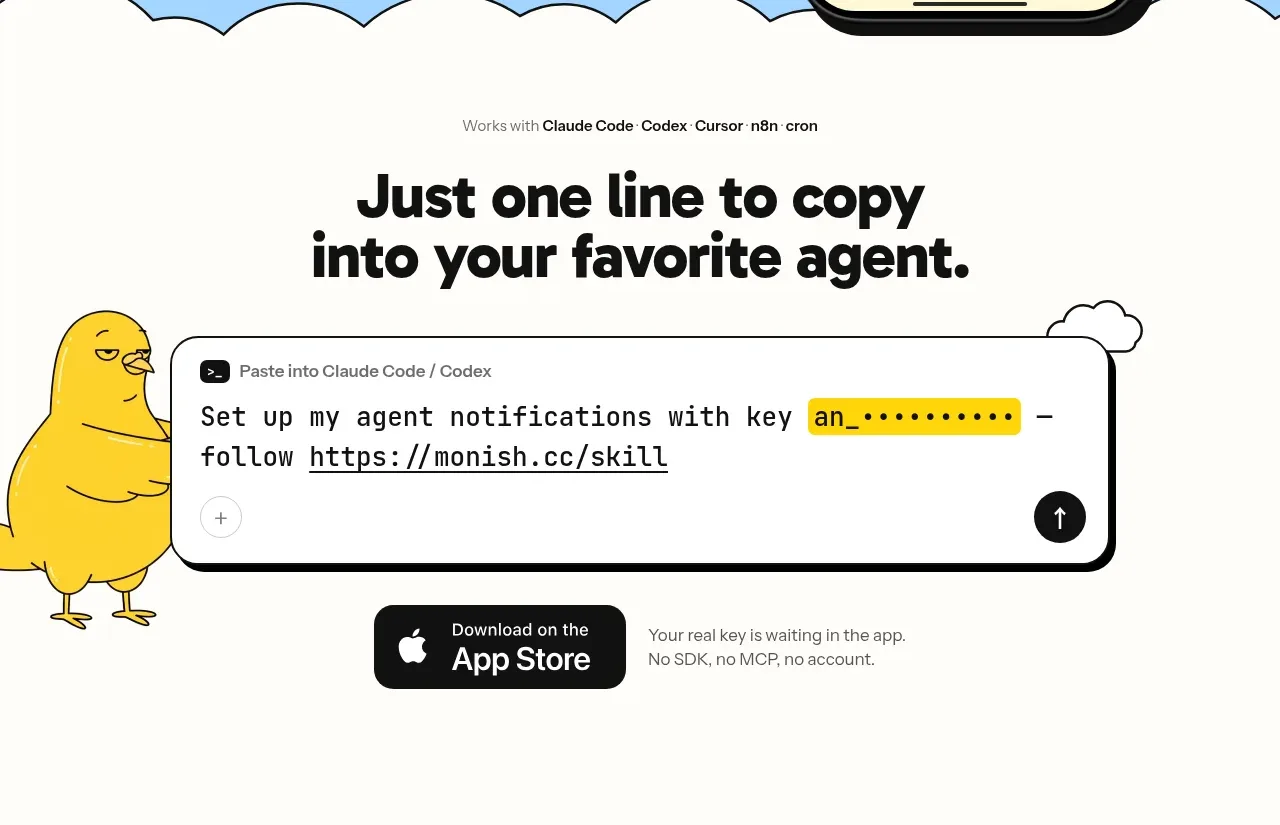
 One-line setup call to action
Monish · Call to action
One-line setup call to action
Monish · Call to action