 kage
kage
papermark.com

Design analysis
A saturated accent band breaks the white page and restates the core conversion goal. Two compact actions at the right serve different levels of purchase intent.
Prompt preview
## Reference images

Study these alongside the description below: hierarchy, rhythm, spacing, colour. Build for the product you are asked about, using this design language.

- Component: https://kage-design-assets.t3.tigrisfiles.io/components/papermark-data-rooms/d90c2ffc-2788-45c6-a044-36fe7b171e0c-1792994581-9.webp
- Full page it was cut from: https://kage-design-assets.t3.tigrisfiles.io/screenshots/papermark-data-rooms/d90c2ffc-2788-45c6-a044-36fe7b171e0c-1792994482140-full.webp
- Component on Kage: https://kage.design/component/papermark-data-rooms-cta

## Before you start
Ask what the user's primary conversion action is and which secondary action helps visitors who are not ready. Apply the principles below to that product.

Create a full-width, high-contrast CTA banner with a short outcome-focused headline on the left and two compact buttons on the right. Use a vivid brand accent background such as #FF7900, near-black headline text, and one dark filled button paired with one outlined or tonal button. Keep the banner shallow but generous enough for comfortable touch targets: roughly 28–40px padding and a 6–10px radius. Align the content to the same container as the rest of the page. On mobile, stack the headline and buttons while keeping the banner visually decisive.

Never: use logos, product names, copy, illustrations, or imagery from the reference.
More components
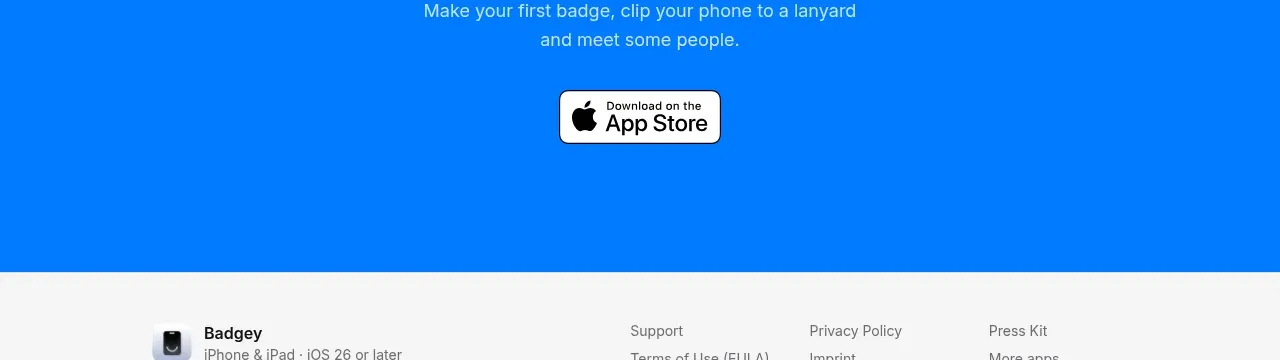
 Final download call to action
Badgey · Call to action
Final download call to action
Badgey · Call to action

 Final signup call to action
AgentGrid.io · Call to action
Final signup call to action
AgentGrid.io · Call to action
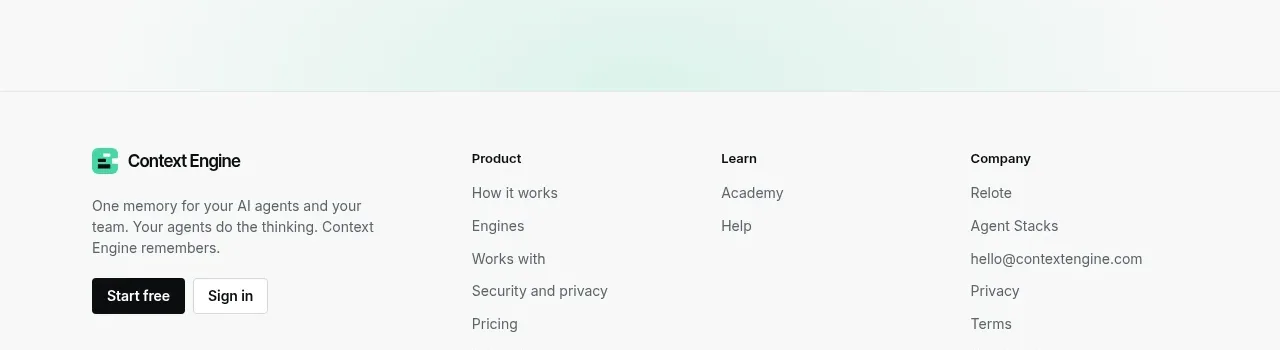
 Final conversion call to action
Context Engine · Call to action
Final conversion call to action
Context Engine · Call to action
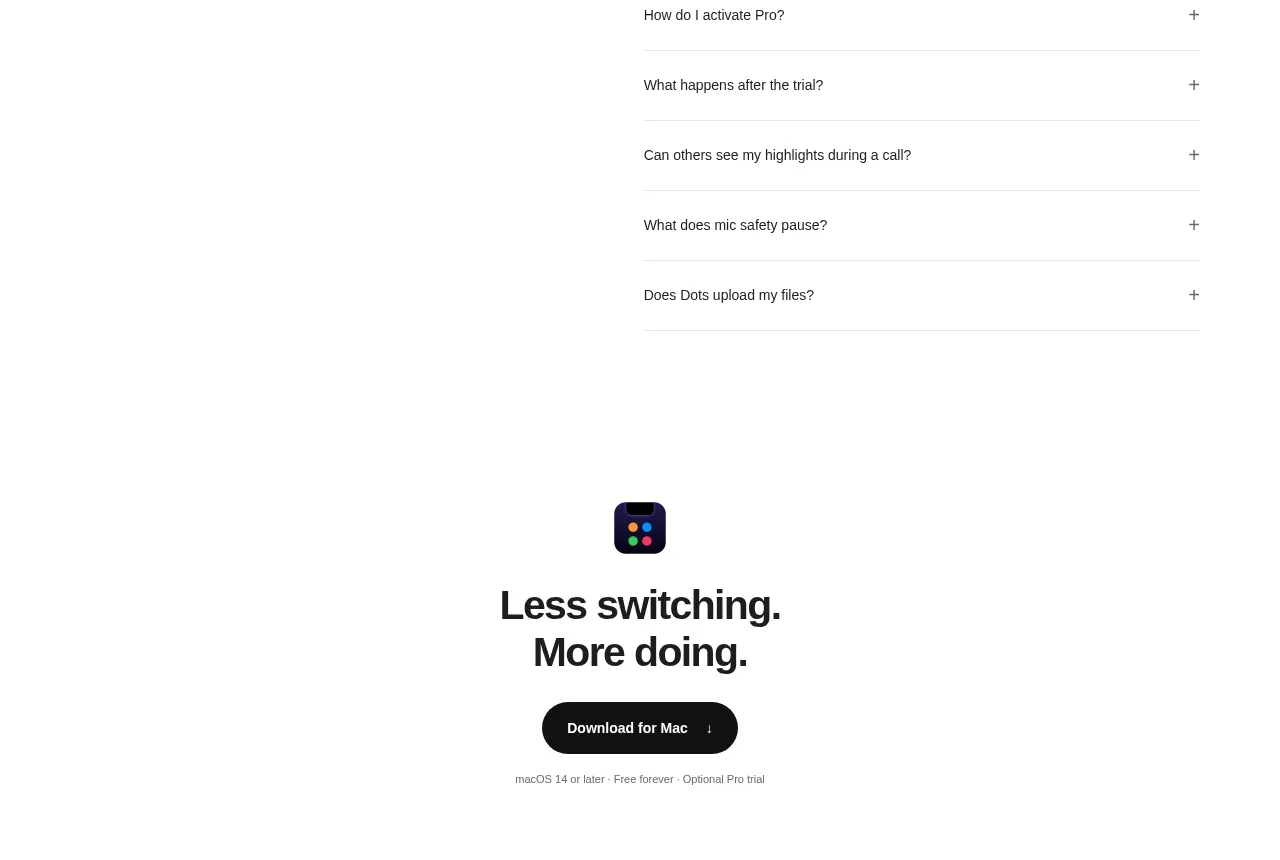
 Final download CTA
Dots · Call to action
Final download CTA
Dots · Call to action
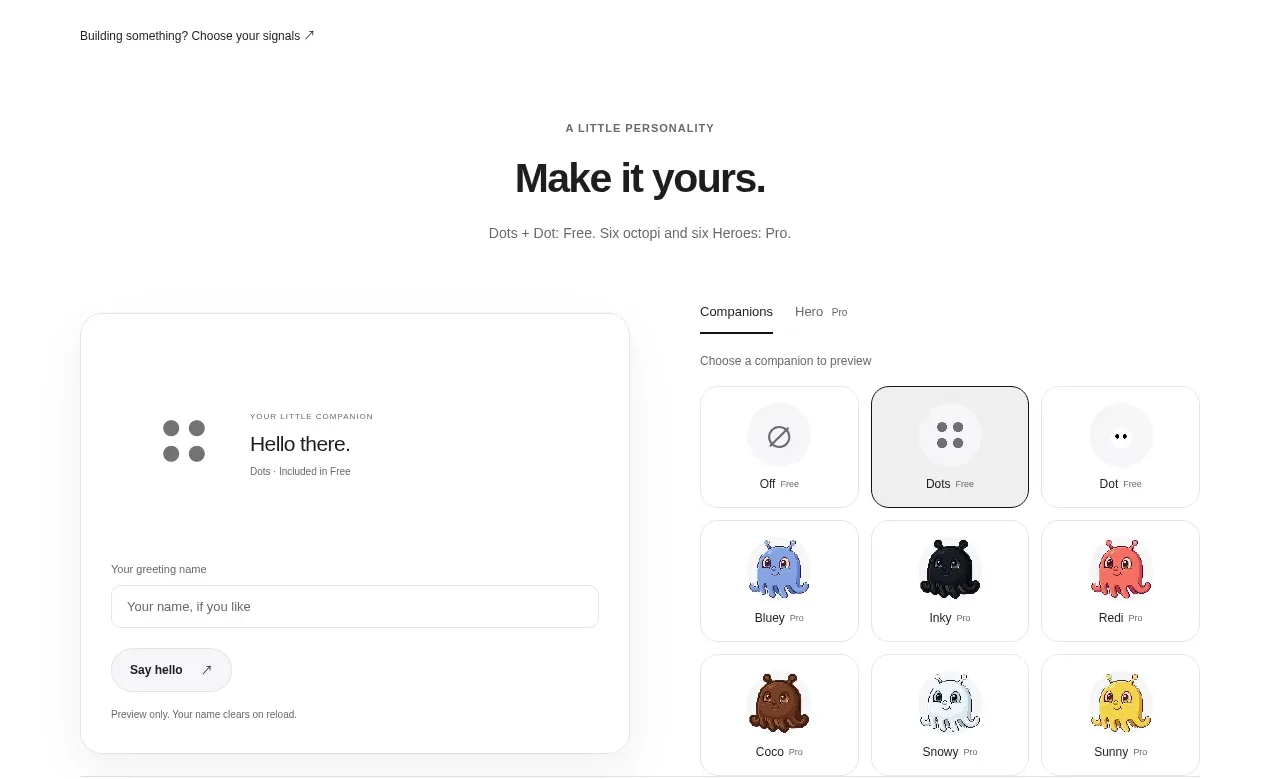 Developer workflow callout
Dots · Call to action
Developer workflow callout
Dots · Call to action
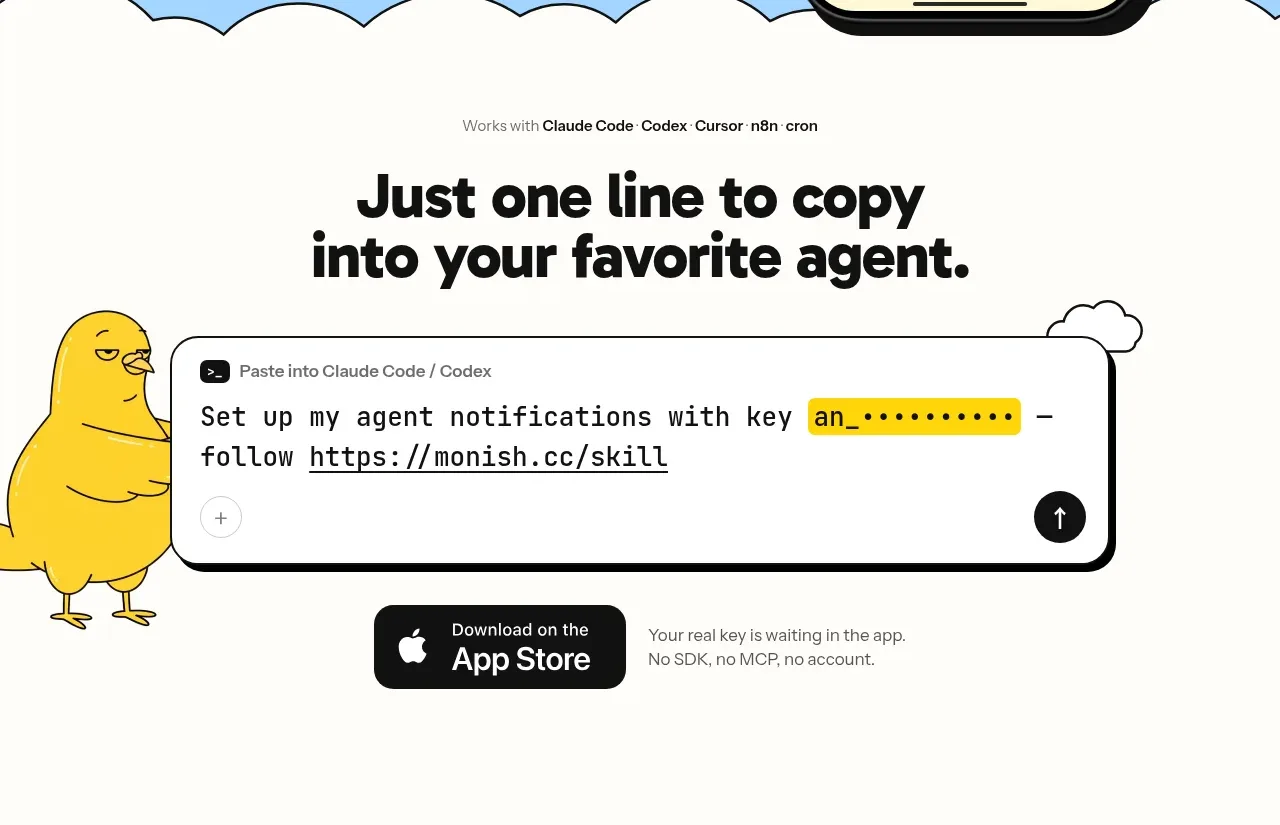
 One-line setup call to action
Monish · Call to action
One-line setup call to action
Monish · Call to action