kage
kage
apps.marcoluthi.com
Design analysis
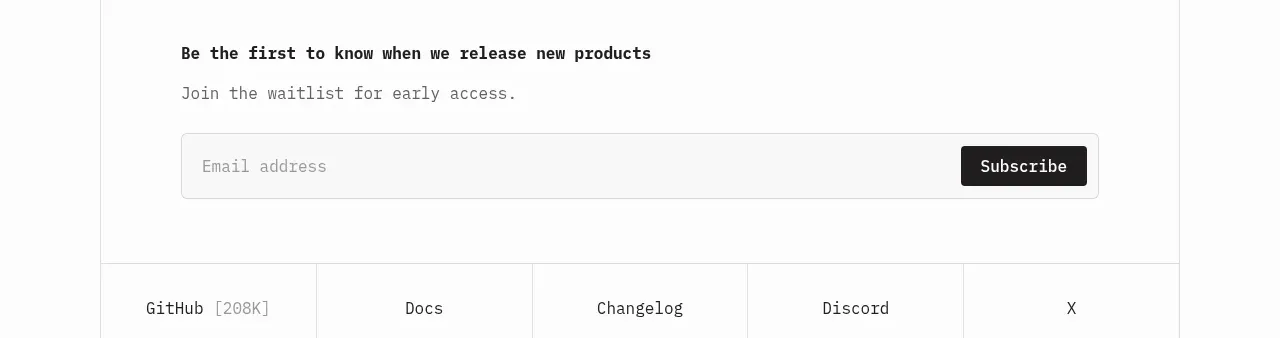
A small promotional message leads into a focused email capture experience, with a dark mobile-style preview reinforcing the reward and keeping the form purpose clear.
Prompt preview
## Reference images

Study these alongside the description below: hierarchy, rhythm, spacing, colour. Build for the product you are asked about, using this design language.

- Component: https://kage-design-assets.t3.tigrisfiles.io/components/badgey/bd3040e3-7307-4350-8c61-c2e3eef7de7a-1792994547-4.webp
- Full page it was cut from: https://kage-design-assets.t3.tigrisfiles.io/screenshots/badgey/bd3040e3-7307-4350-8c61-c2e3eef7de7a-1792994501677-full.webp
- Component on Kage: https://kage.design/component/badgey-form

## Before you start
Ask what the user's offer is, what information must be collected, and what trust or privacy requirements apply. Use the user's product and brand instead of copying the reference.

Build a focused promotional signup section with a small eyebrow, a prominent offer headline, short explanatory copy, and an email form. Keep the layout vertically centered with substantial whitespace. Use a single email input and a contrasting submit button, with clear labels, inline validation, loading, success, and error states. Beneath or beside the text, show a compact product preview or reward visual if it helps explain what the user receives.

Use a dark preview card (#080b2b or an appropriate brand dark) with 16–20px radius, while keeping the overall section light and calm. Typography should use a 42–52px headline, 15–17px body copy, and 14–16px form controls. Ensure the form is keyboard accessible, has visible focus rings, and includes a concise consent/privacy note when required. Stack everything on small screens.

Never: use logos, product names, copy, illustrations, or imagery from the reference.