kage
kage
formabledocs.com
Design analysis
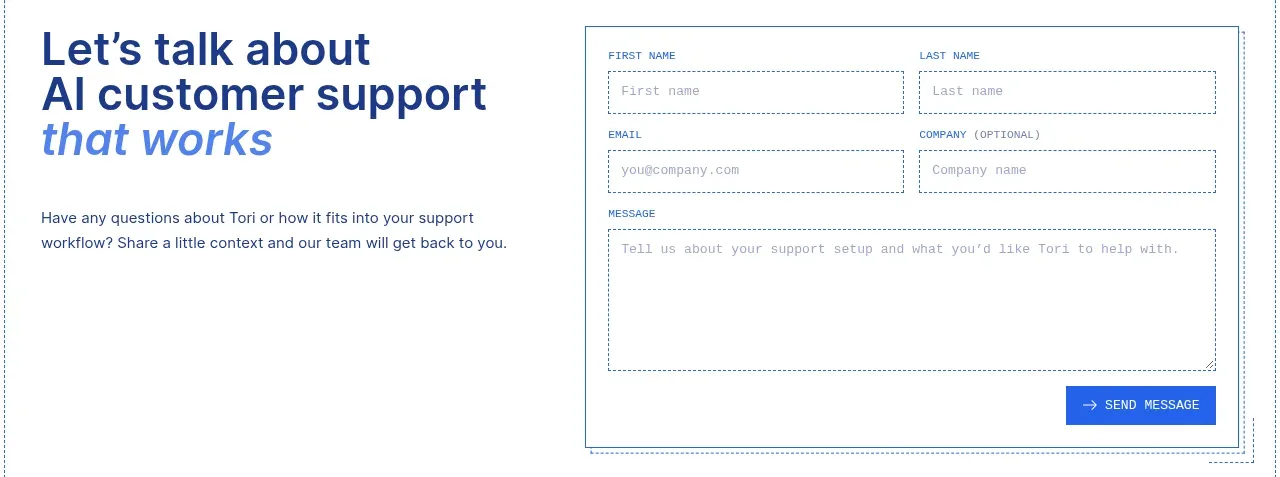
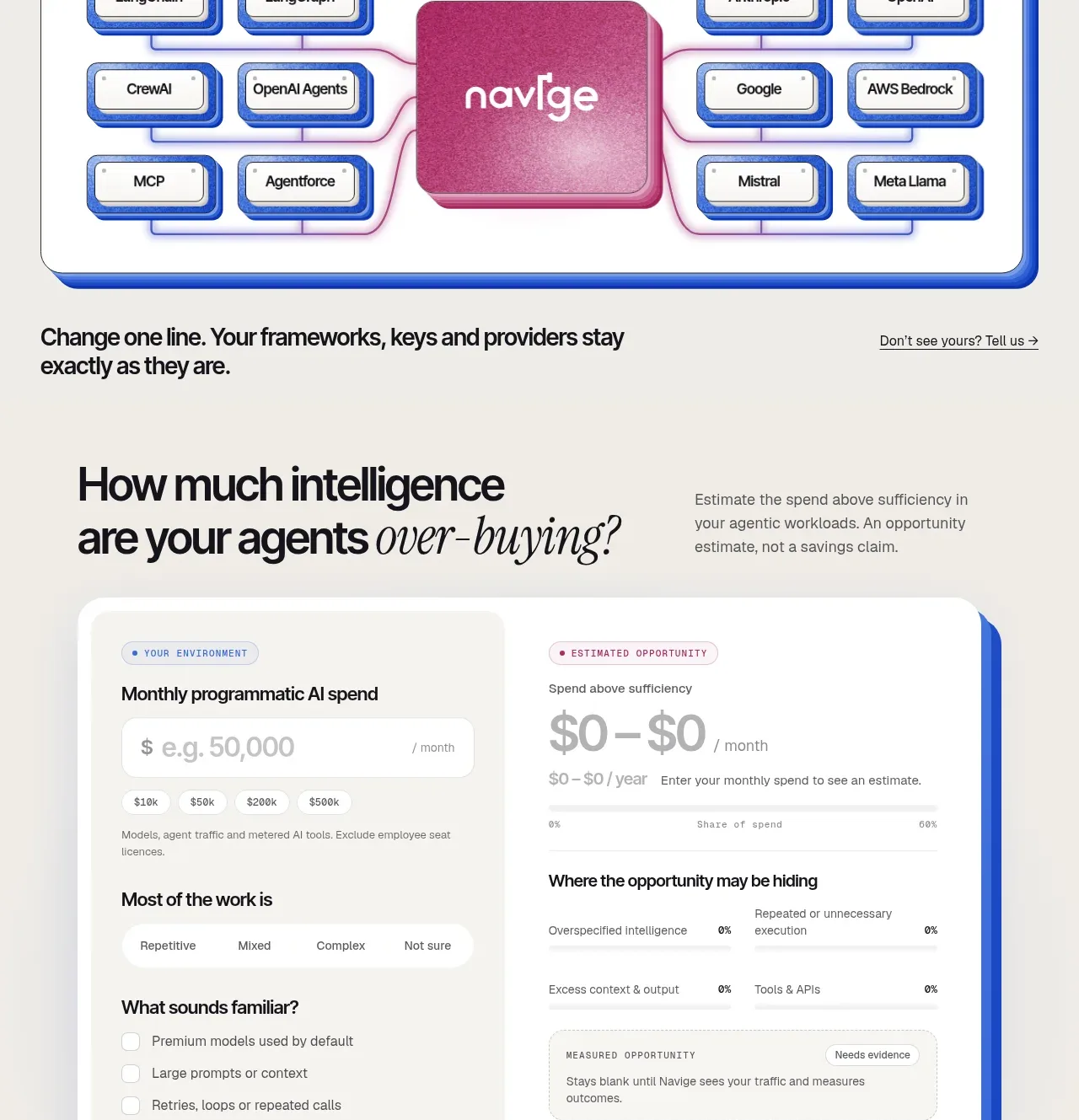
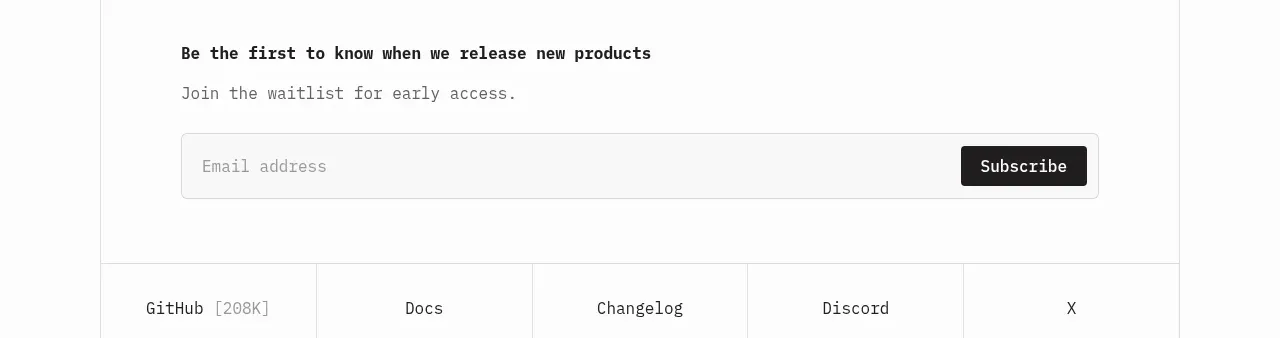
A final conversion band pairs a direct invitation with a single email field and request button, while a product preview reinforces what the visitor will see.
Prompt preview
## Reference images

Study these alongside the description below: hierarchy, rhythm, spacing, colour. Build for the product you are asked about, using this design language.

- Component: https://kage-design-assets.t3.tigrisfiles.io/components/formabledocs-com/3108c64d-0f5a-4f45-931d-d27909065482-1792440523-8.webp
- Full page it was cut from: https://kage-design-assets.t3.tigrisfiles.io/screenshots/formabledocs-com/3108c64d-0f5a-4f45-931d-d27909065482-1792440481208-full.webp
- Component on Kage: https://kage.design/component/formabledocs-form

## Before you start
Ask what the user's product, audience, and brand are, then apply the following principles to that product rather than reproducing the reference.

Build a final CTA band with a two-column arrangement: a direct heading, one-sentence explanation, and compact email capture form on the left; a cropped product preview or outcome card on the right. Use one clearly labeled email field and one high-contrast submit button, with inline validation and a success state. Keep the form visually simple and avoid asking for unnecessary information at this stage.

Use a pale cool background #eeeef4, near-black heading #16171b, muted copy #777982, a white input #ffffff with #e1e2e7 border, and a #111111 button with white text. Use 40–52px heading text, 16px body text, 12px input radius, and a 48–52px control height. Stack the columns on mobile and keep the preview secondary to the form.

### Never
- Never copy logos, product names, copy, illustrations, or imagery from the reference.
- Never request more data than necessary for the CTA.
- Never make submission feedback depend only on color.