kage
kage
usefastlane.ai
Design analysis
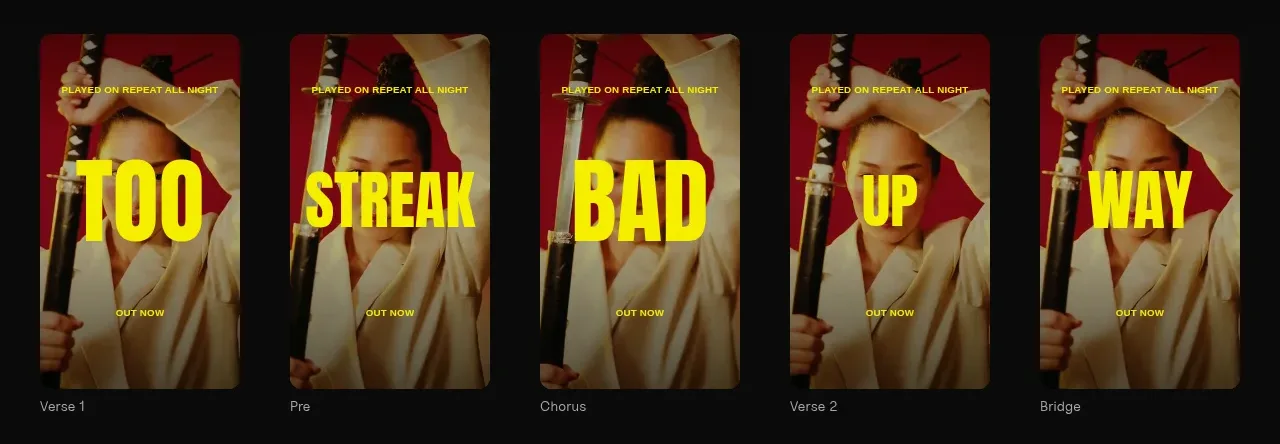
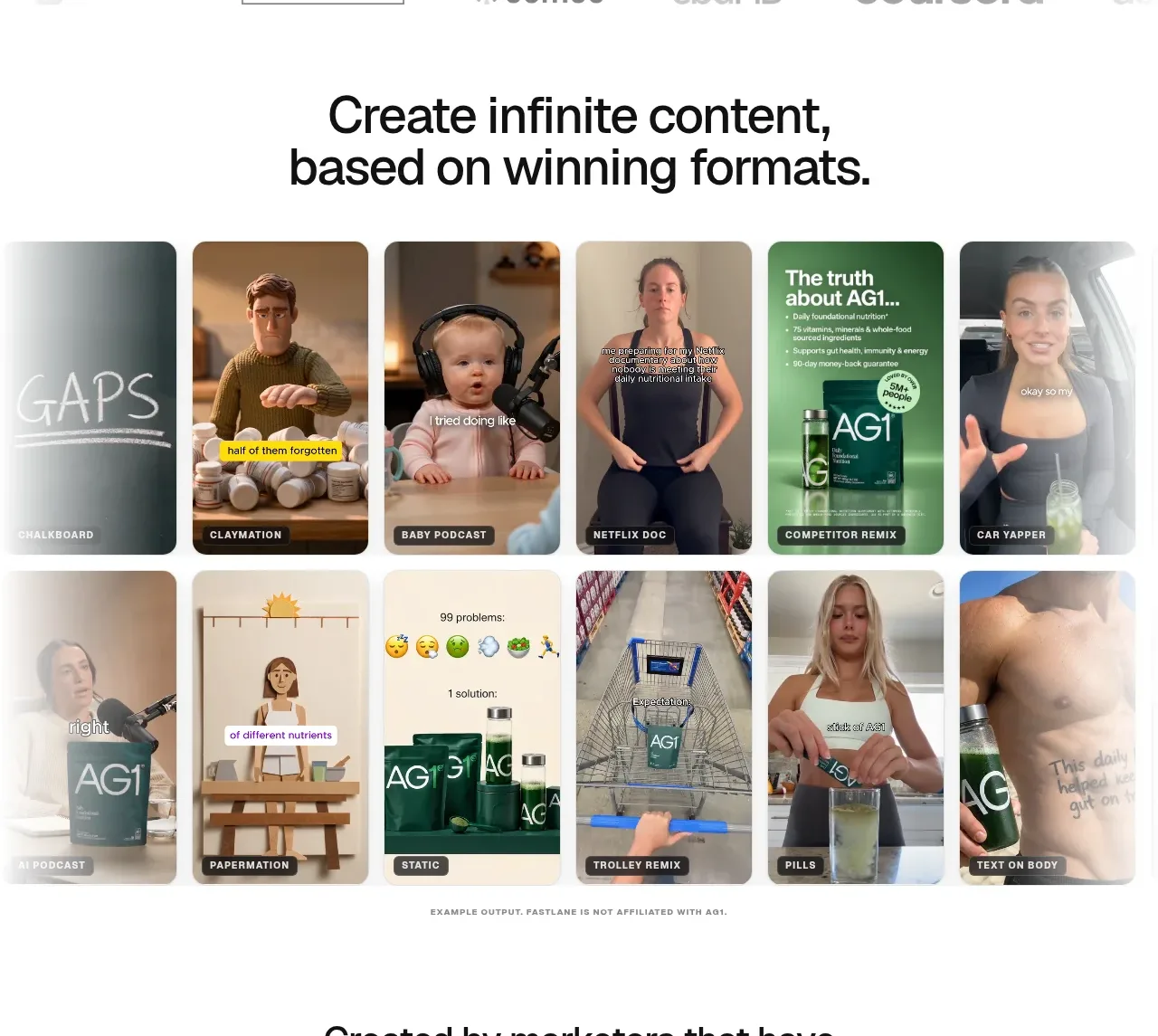
A bold centered heading introduces a dense two-row gallery of portrait content examples, demonstrating breadth and making the product's output tangible.
Prompt preview
## Reference images

Study these alongside the description below: hierarchy, rhythm, spacing, colour. Build for the product you are asked about, using this design language.

- Component: https://kage-design-assets.t3.tigrisfiles.io/components/fastlane-2-0/959a4273-adb0-42a9-9dfc-df0ea320e78d-1792735308-2.webp
- Full page it was cut from: https://kage-design-assets.t3.tigrisfiles.io/screenshots/fastlane-2-0/959a4273-adb0-42a9-9dfc-df0ea320e78d-1792735248580-full.webp
- Component on Kage: https://kage.design/component/fastlane-2-0-gallery

## Before you start
Ask what the user's product creates, what formats matter most, and what visual assets are safe to use. Use that information to make an original showcase.

Create a content gallery section with a centered headline around 30–40px, 700 weight, and a short optional supporting line. Below it, use a dense responsive grid of portrait cards: 6 columns on wide desktop, 3 on tablet, and 2 on mobile. Give each card a 12–16px radius, overflow hidden, and a 4:5 or 9:16 aspect ratio. Use varied, product-relevant thumbnails with a soft neutral overlay or bottom label for format names. Keep gutters 8–12px so the gallery feels energetic, while the overall section has 64–96px vertical padding. Add a tiny, low-contrast disclaimer or source note beneath the grid if needed. Use white #ffffff, black #111111, muted grey #777777, and a restrained coral accent #ff3b3b. Optional hover behaviour can raise a card and reveal a label, but avoid obscuring the content.

Never: copy logos, product names, copy, illustrations, or imagery from the reference.