kage
kage
apps.marcoluthi.com
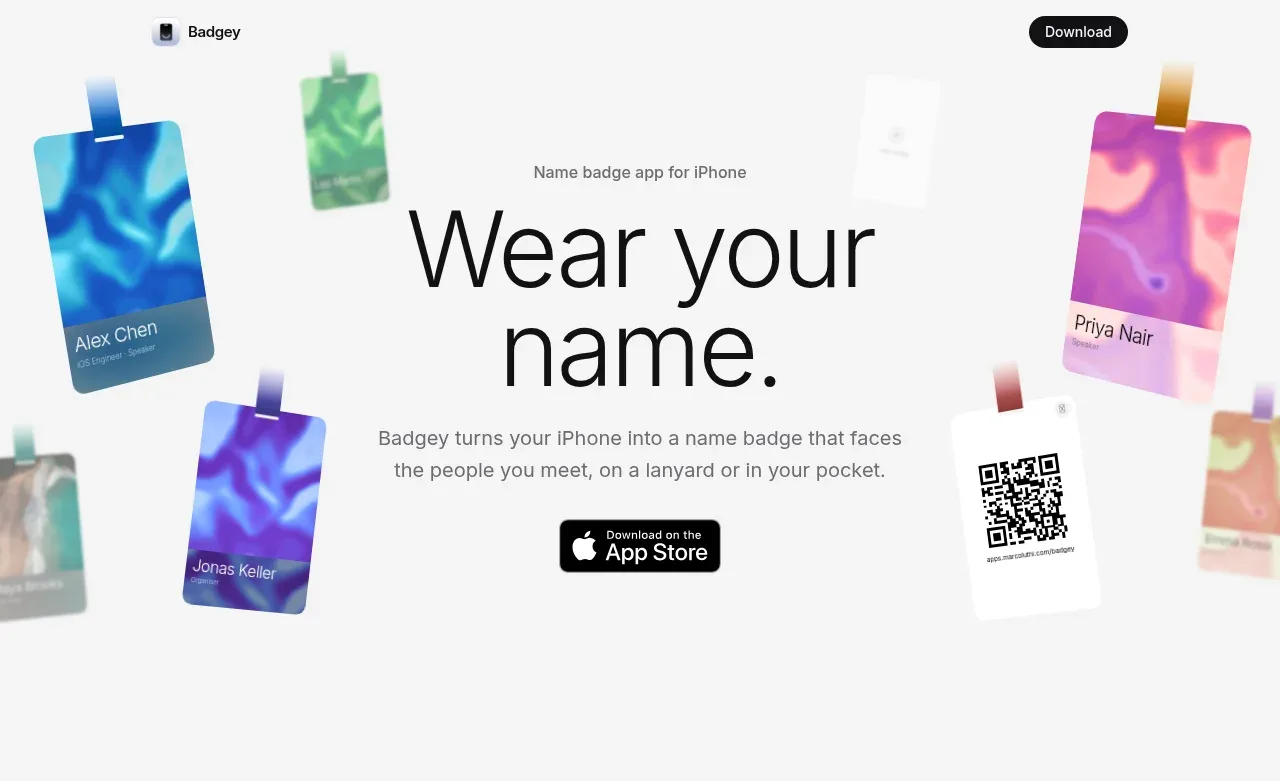
Design analysis
Centered messaging is surrounded by softly blurred, rotated badge cards, creating a playful product context without competing with the headline. A single App Store-style CTA anchors the introduction.
Prompt preview
## Reference images

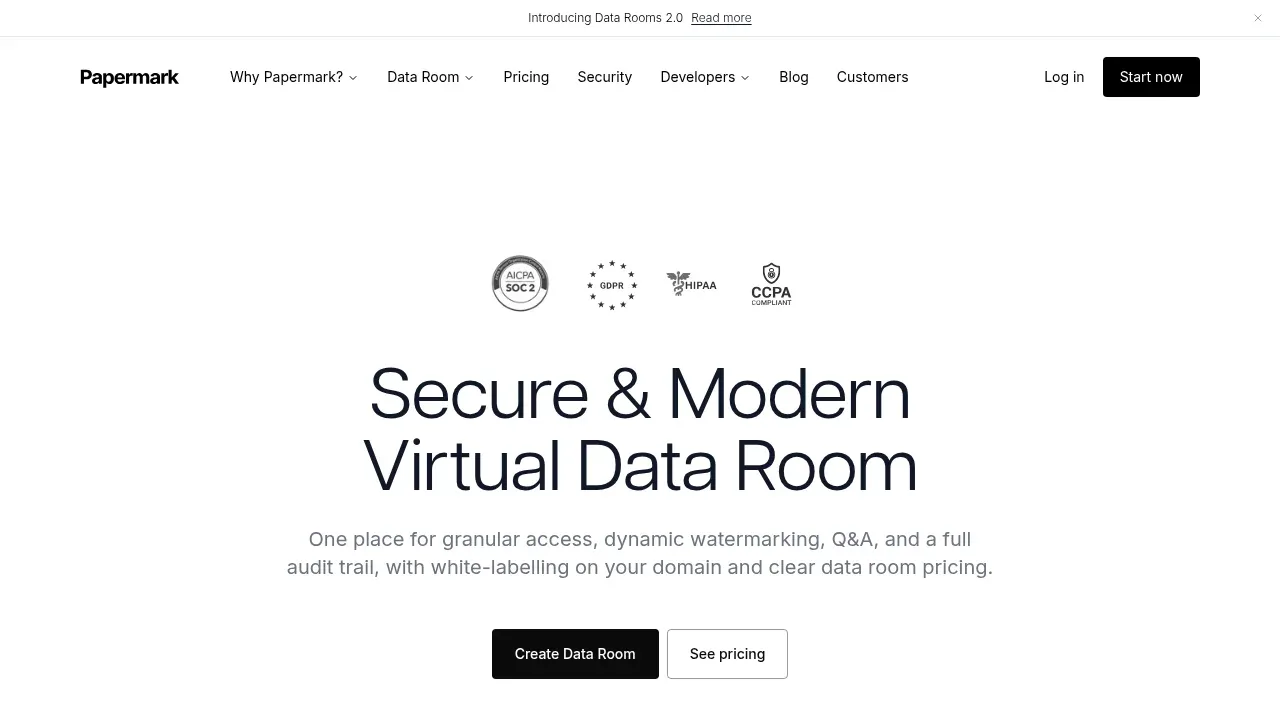
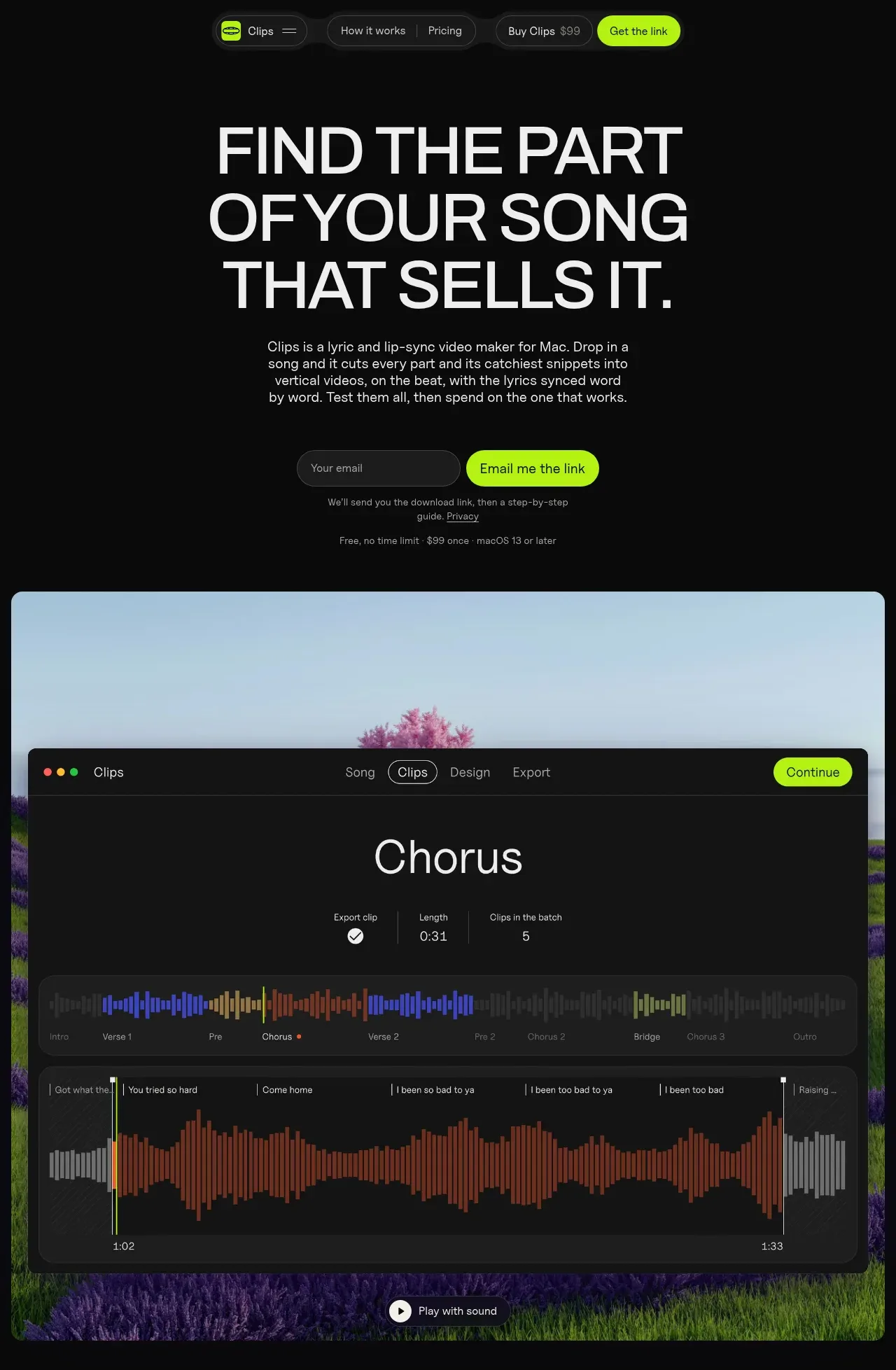
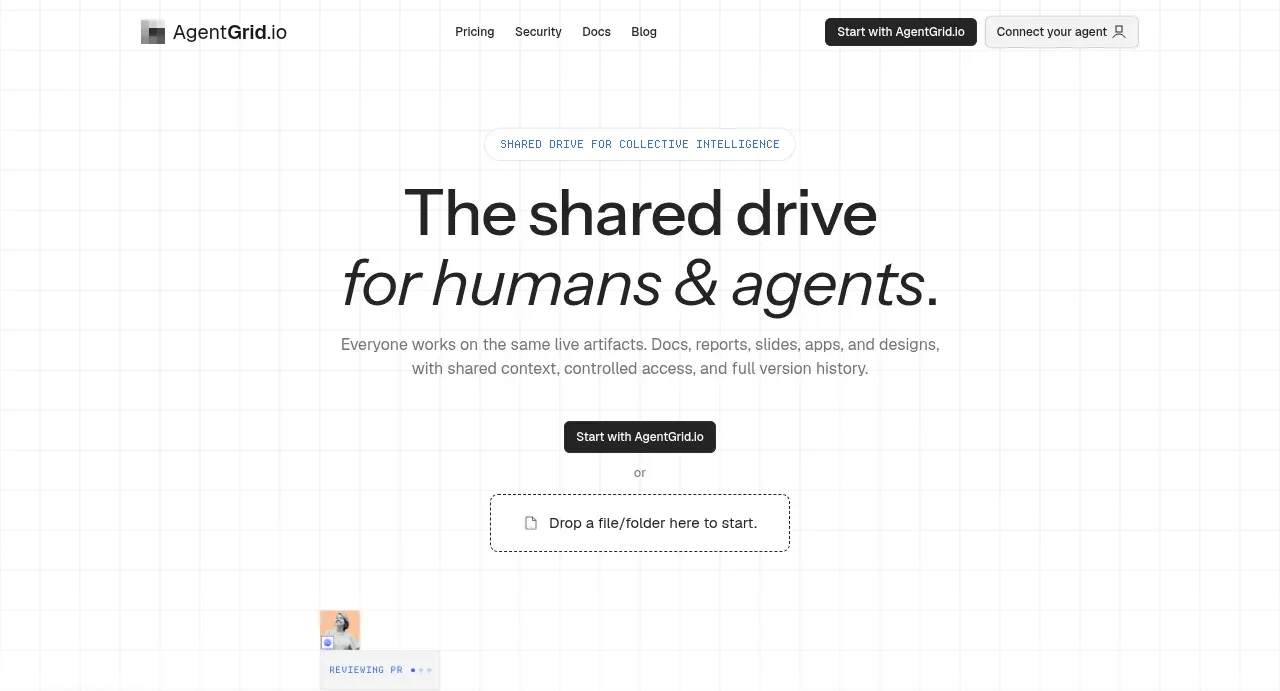
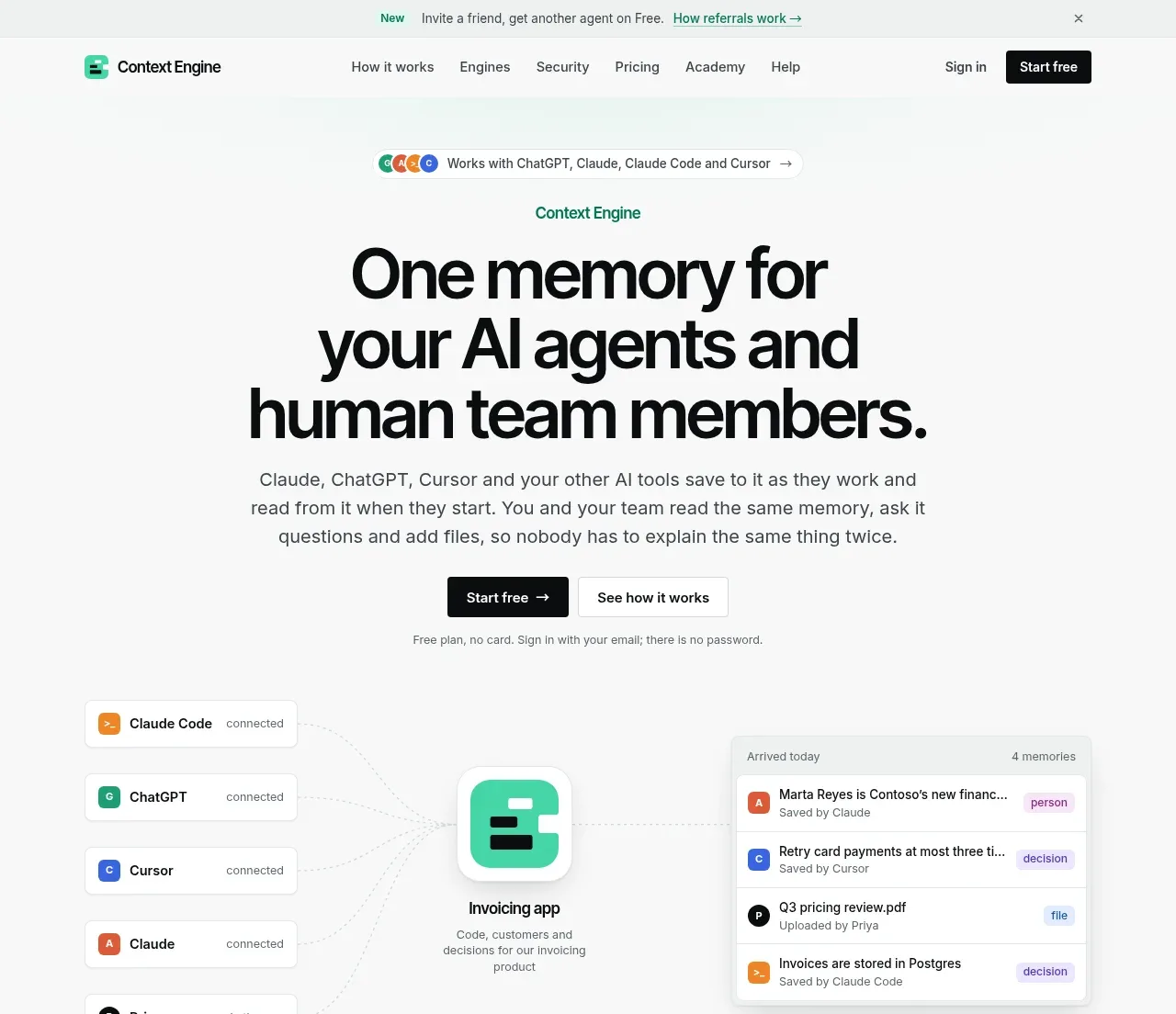
Study these alongside the description below: hierarchy, rhythm, spacing, colour. Build for the product you are asked about, using this design language.

- Component: https://kage-design-assets.t3.tigrisfiles.io/components/badgey/bd3040e3-7307-4350-8c61-c2e3eef7de7a-1792994546-1.webp
- Full page it was cut from: https://kage-design-assets.t3.tigrisfiles.io/screenshots/badgey/bd3040e3-7307-4350-8c61-c2e3eef7de7a-1792994501677-full.webp
- Component on Kage: https://kage.design/component/badgey-hero

## Before you start
Ask what the user's product is, who it serves, and what brand colours and tone it uses. Adapt this composition to that product and conversion goal.

Create a spacious centered hero beneath the navigation. Place a small eyebrow above a very large, lightweight two-line headline, followed by one concise supporting paragraph and a single primary download or signup CTA. Use an off-white background (#f7f7f7 or a brand-appropriate neutral). The headline should be black or near-black, approximately 68–76px on desktop with tight line-height around 0.95, scaling to 44–54px on mobile. Keep the content column narrow, around 430–520px, and vertically center it.

Surround the content with several decorative product cards positioned near the edges: use different colour treatments, gentle blur on background cards, modest rotation, and generous negative space. Keep decorative elements behind the copy and make them non-interactive unless they represent real product previews. Use a compact black CTA with a 10–12px radius and clear focus state. Avoid making the decoration necessary to understand the message.

Never: use logos, product names, copy, illustrations, or imagery from the reference.