kage
kage
dotsapp.cloudaeri.com
Design analysis
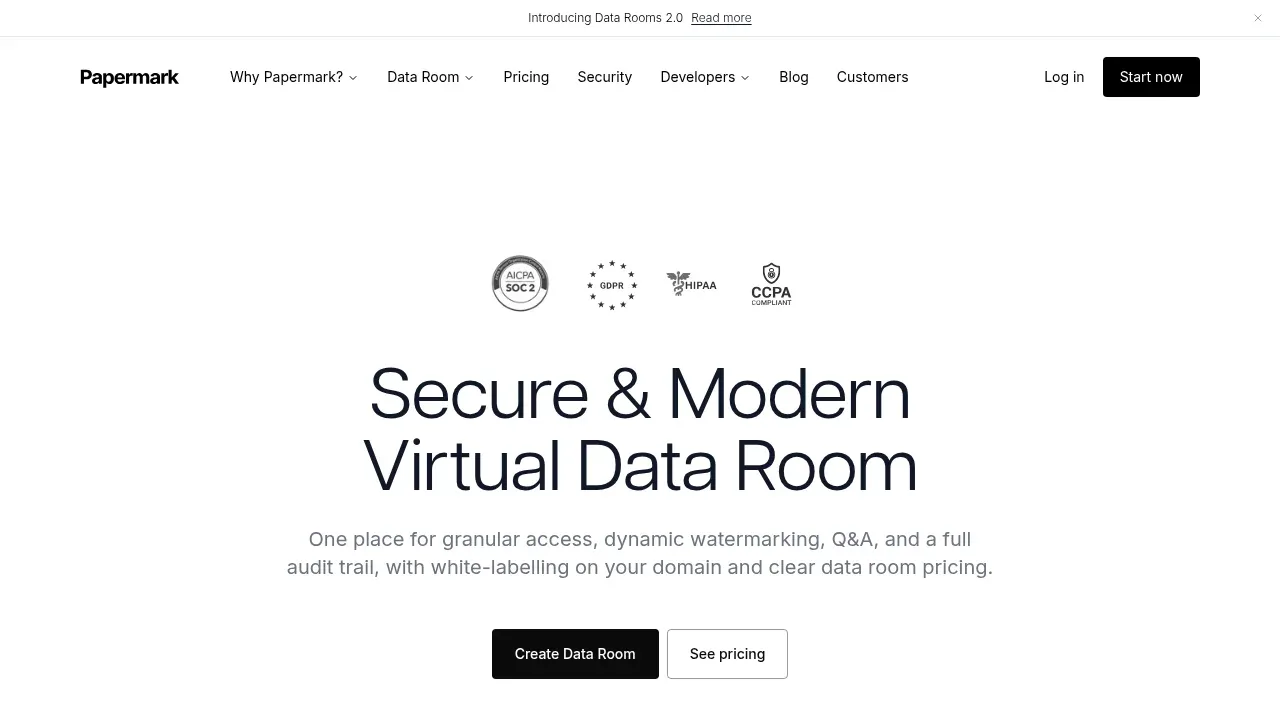
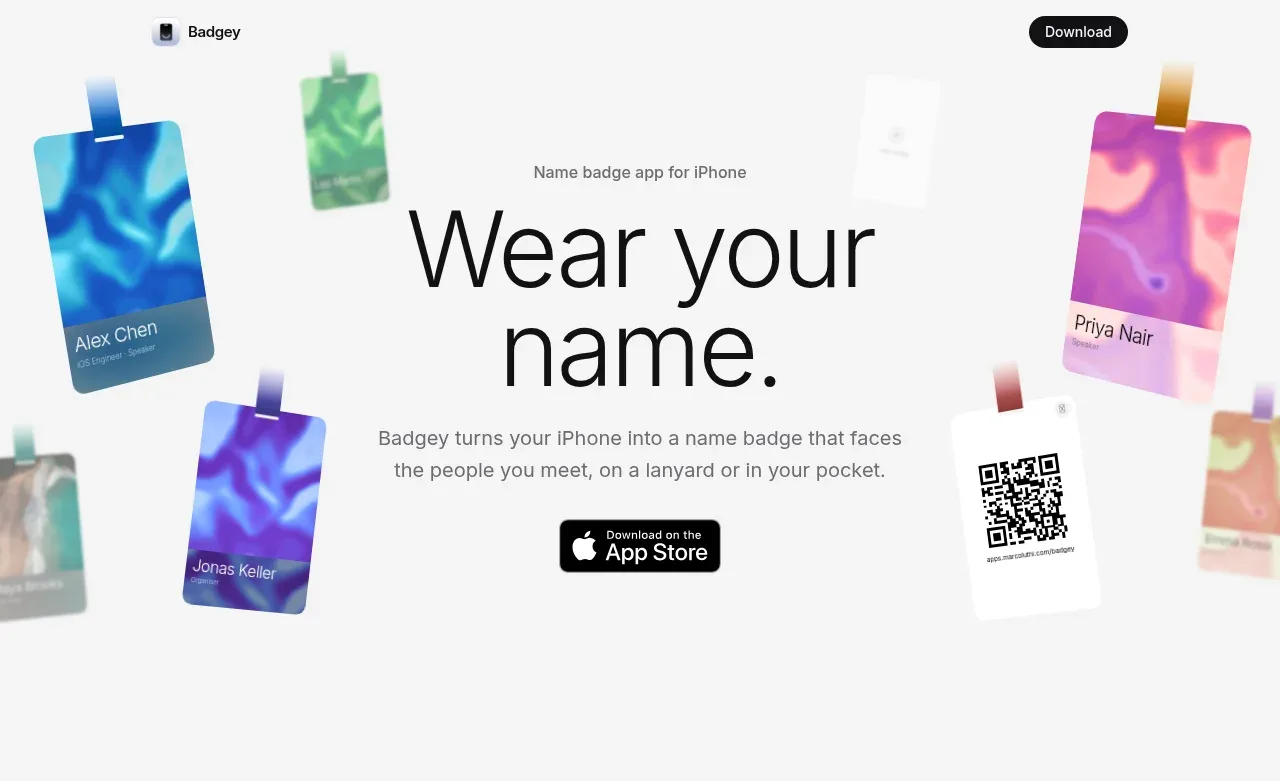
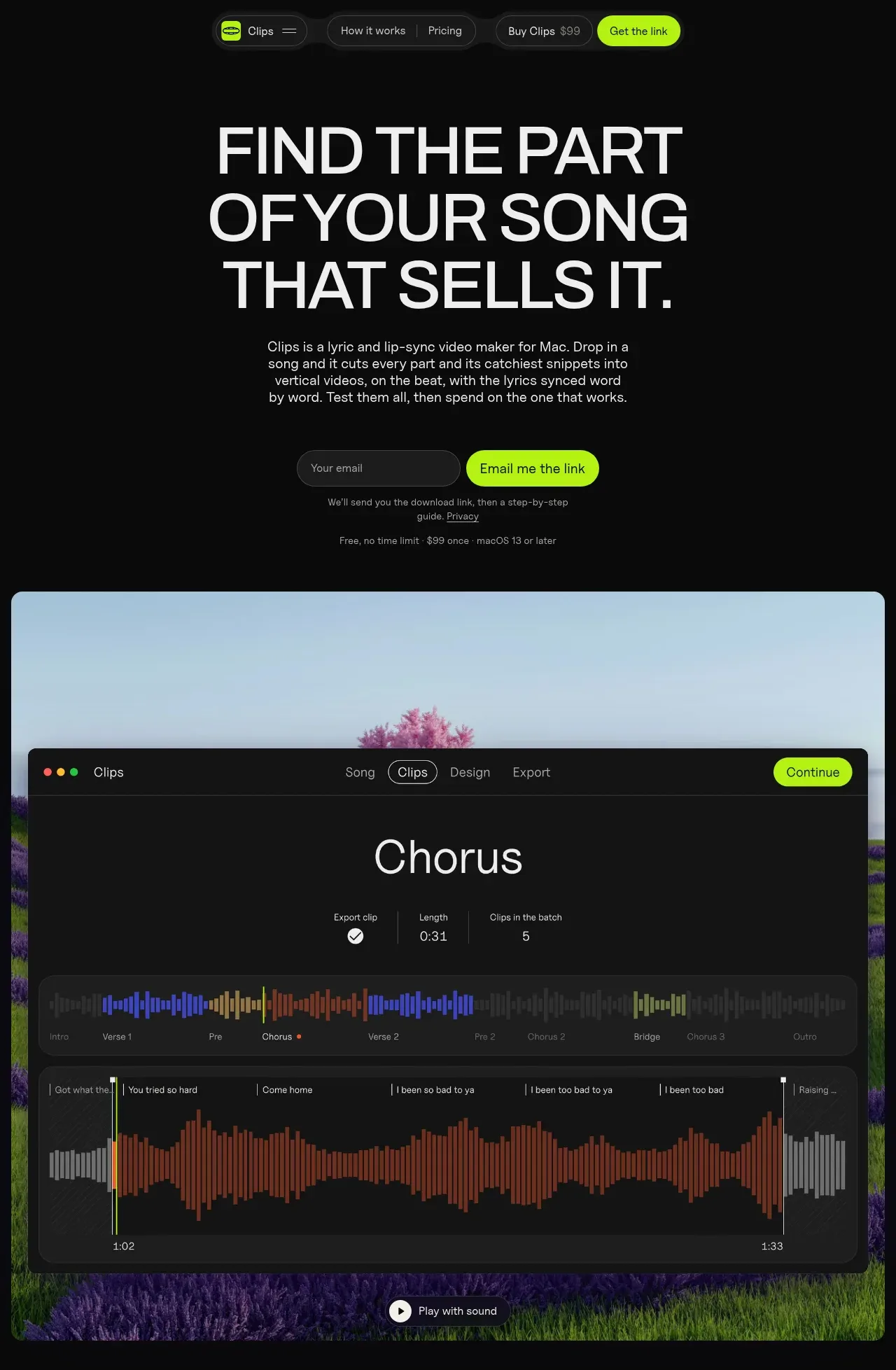
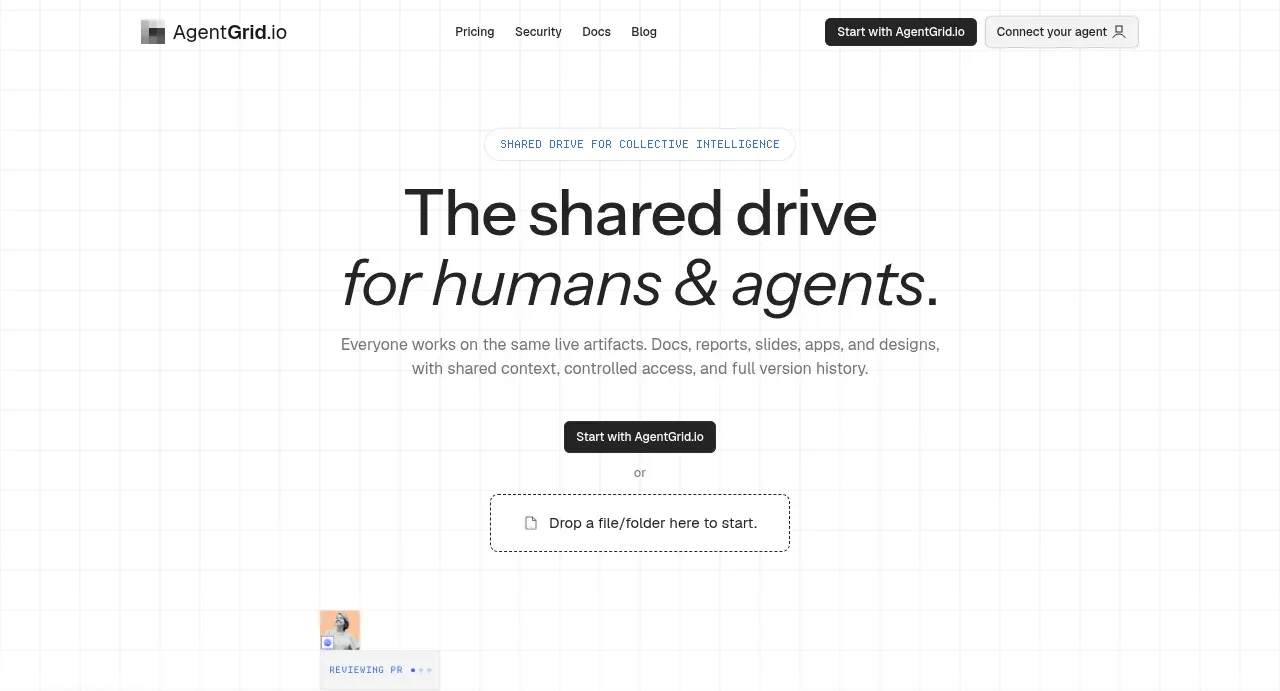
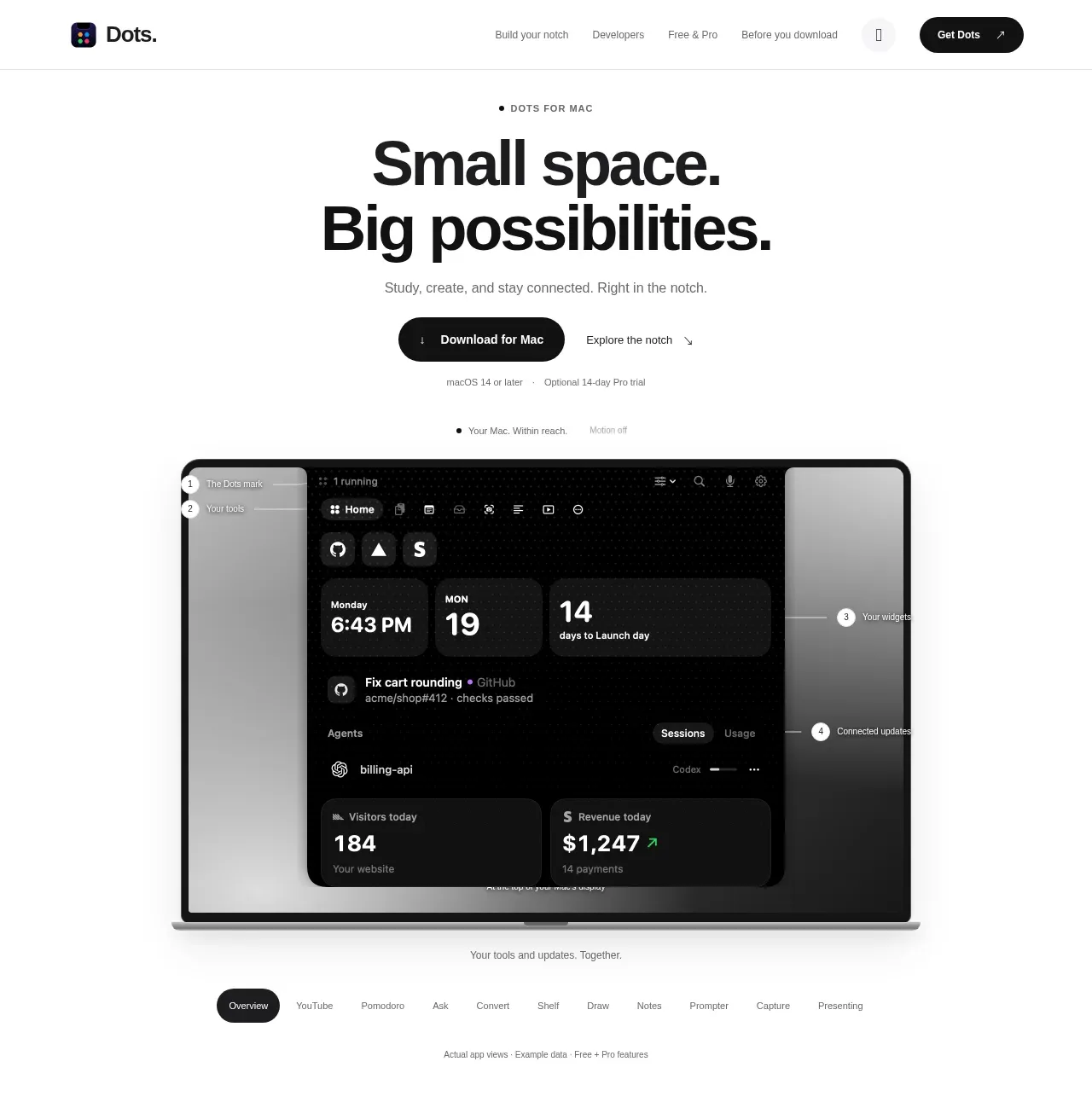
A centered headline, short supporting line, paired actions, and a large product preview establish the value proposition quickly. The generous white space and dark preview create a strong visual hierarchy without decoration.
Prompt preview
## Reference images

Study these alongside the description below: hierarchy, rhythm, spacing, colour. Build for the product you are asked about, using this design language.

- Component: https://kage-design-assets.t3.tigrisfiles.io/components/dots/b0dd4f13-dbbe-4e80-ab36-79d3ad587c26-1792821811-1.webp
- Full page it was cut from: https://kage-design-assets.t3.tigrisfiles.io/screenshots/dots/b0dd4f13-dbbe-4e80-ab36-79d3ad587c26-1792821726796-full.webp
- Component on Kage: https://kage.design/component/dots-hero

## Before you start
Ask what the user's product does, what the primary conversion is, and what brand personality should guide the page. Apply these principles to that product instead of copying the reference.

Create a centered hero section that begins directly below navigation and ends after a large product or workflow preview. Use a narrow eyebrow in uppercase with letter spacing, a very large two-line headline, one concise supporting sentence, a dark primary download or signup button beside a quiet secondary text link, and a small muted qualification line below. Give the copy substantial top and bottom breathing room. Use a white background, near-black type (`#111111`), gray supporting copy (`#707070`), and a black primary button (`#101010`) with white text. Use a responsive max-width of roughly 780px for the copy and a wide visual preview below it, with rounded corners around 16–24px and a soft shadow. Desktop typography should use a 52–64px headline with tight line-height, 14–16px body text, and 12px metadata. On mobile, stack actions and let the preview overflow horizontally or scale down cleanly.

Never: use the reference's logo, product name, copy, illustrations, imagery, or exact interface screenshot.