 kage
kage
peras.vertias.eu
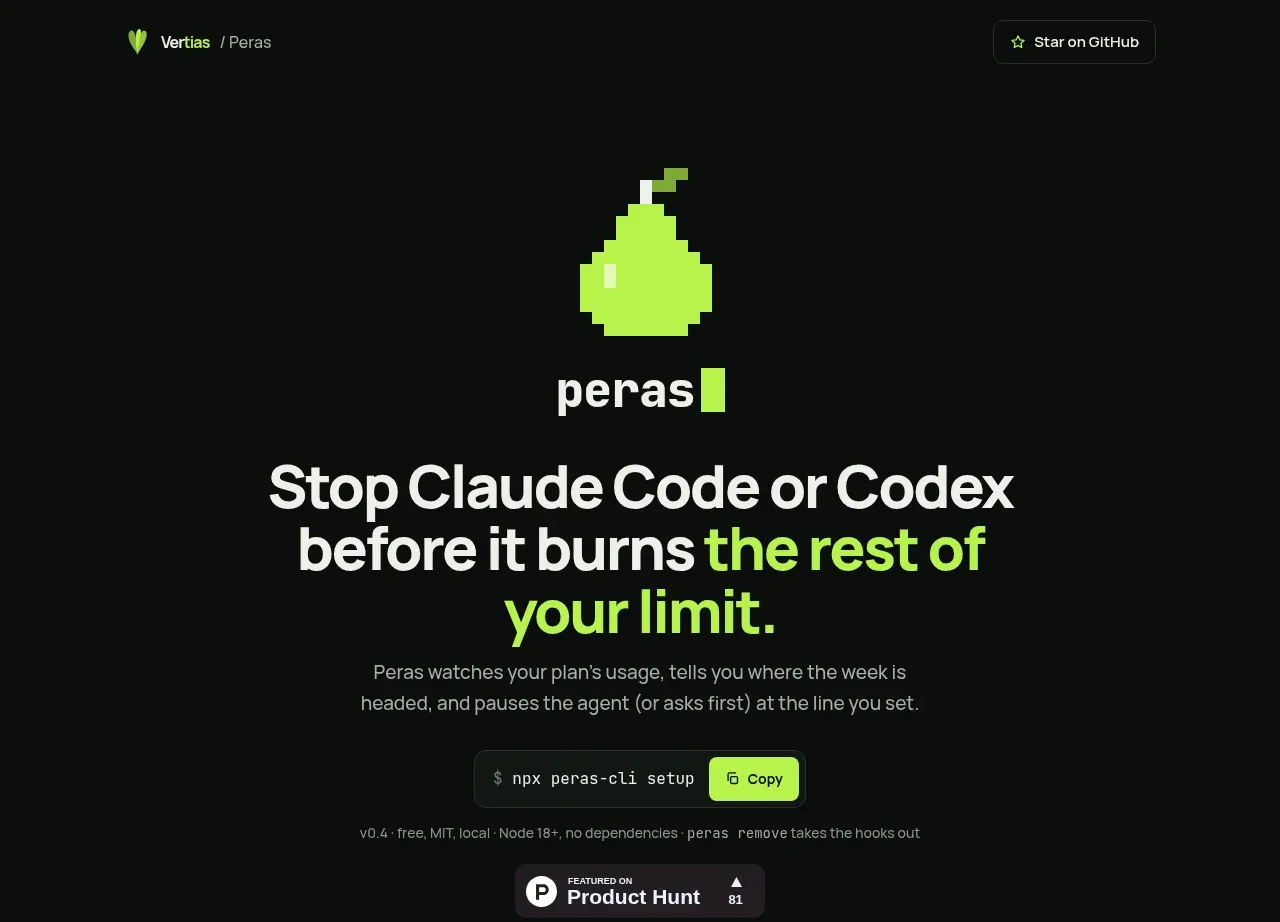
Design analysis
The hero combines a distinctive product symbol, oversized problem-focused headline, concise explanation, install command, and a supporting product badge before transitioning into the terminal proof.
Prompt preview
## Reference images

Study these alongside the description below: hierarchy, rhythm, spacing, colour. Build for the product you are asked about, using this design language.

- Component: https://kage-design-assets.t3.tigrisfiles.io/components/peras/2c988a48-c598-4fdf-86c9-23be8072f64d-1792821845-1.webp
- Full page it was cut from: https://kage-design-assets.t3.tigrisfiles.io/screenshots/peras/2c988a48-c598-4fdf-86c9-23be8072f64d-1792821751917-full.webp
- Component on Kage: https://kage.design/component/peras-hero

## Before you start
Ask what the user's product does, who it is for, and what brand personality and accent colour it should use. Then apply these principles to create an original hero.

Create a centered, tall hero on a near-black background. Use a small abstract brand visual above a large two-to-three-line headline with strong contrast and one highlighted phrase in the brand accent. Follow it with a short explanatory paragraph, a compact install/setup command field with a prominent copy button, and quiet metadata beneath. Include one small social-proof or launch badge near the bottom, followed by enough breathing room for the next proof section. Use a constrained width around 720px, a display heading around 42–52px with tight line-height, body text around 16px, and a clear vertical rhythm. Approximate colours: background #080b0a, primary text #f2f4ef, muted text #9aa19b, lime #b7ff3c, panel #101512, borders #202722. Use 10–12px radii and subtle inset borders. Make the copy button interactive with a pressed/success state.

Never: copy logos, product names, copy, illustrations, or imagery from the reference.
More components
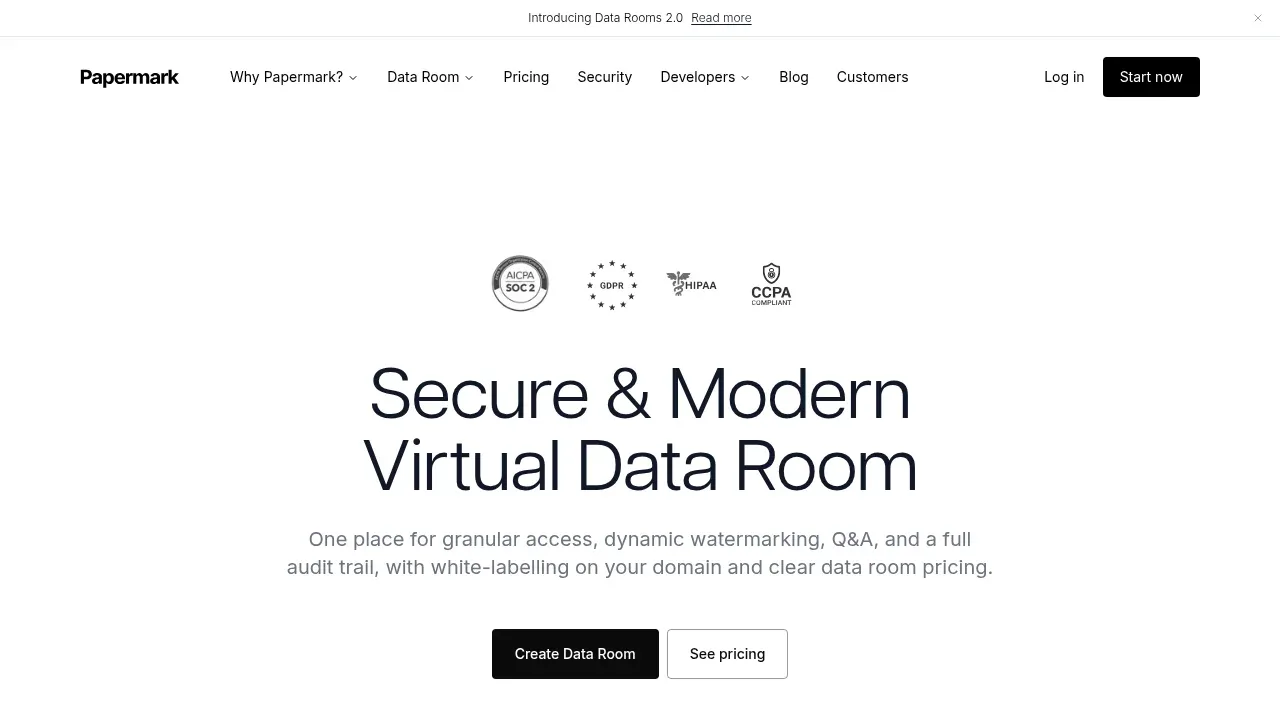
 Secure virtual data room hero
Papermark Data Rooms · Hero
Secure virtual data room hero
Papermark Data Rooms · Hero
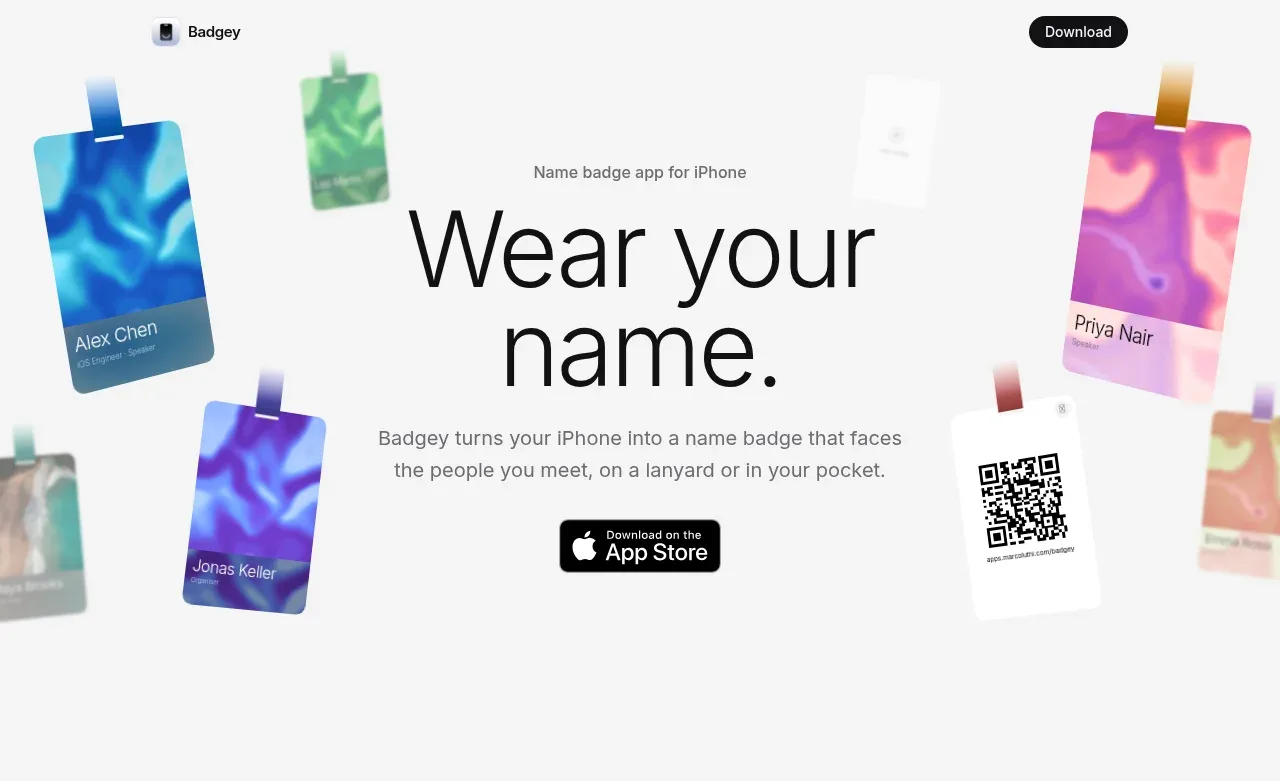
 Floating badge product hero
Badgey · Hero
Floating badge product hero
Badgey · Hero
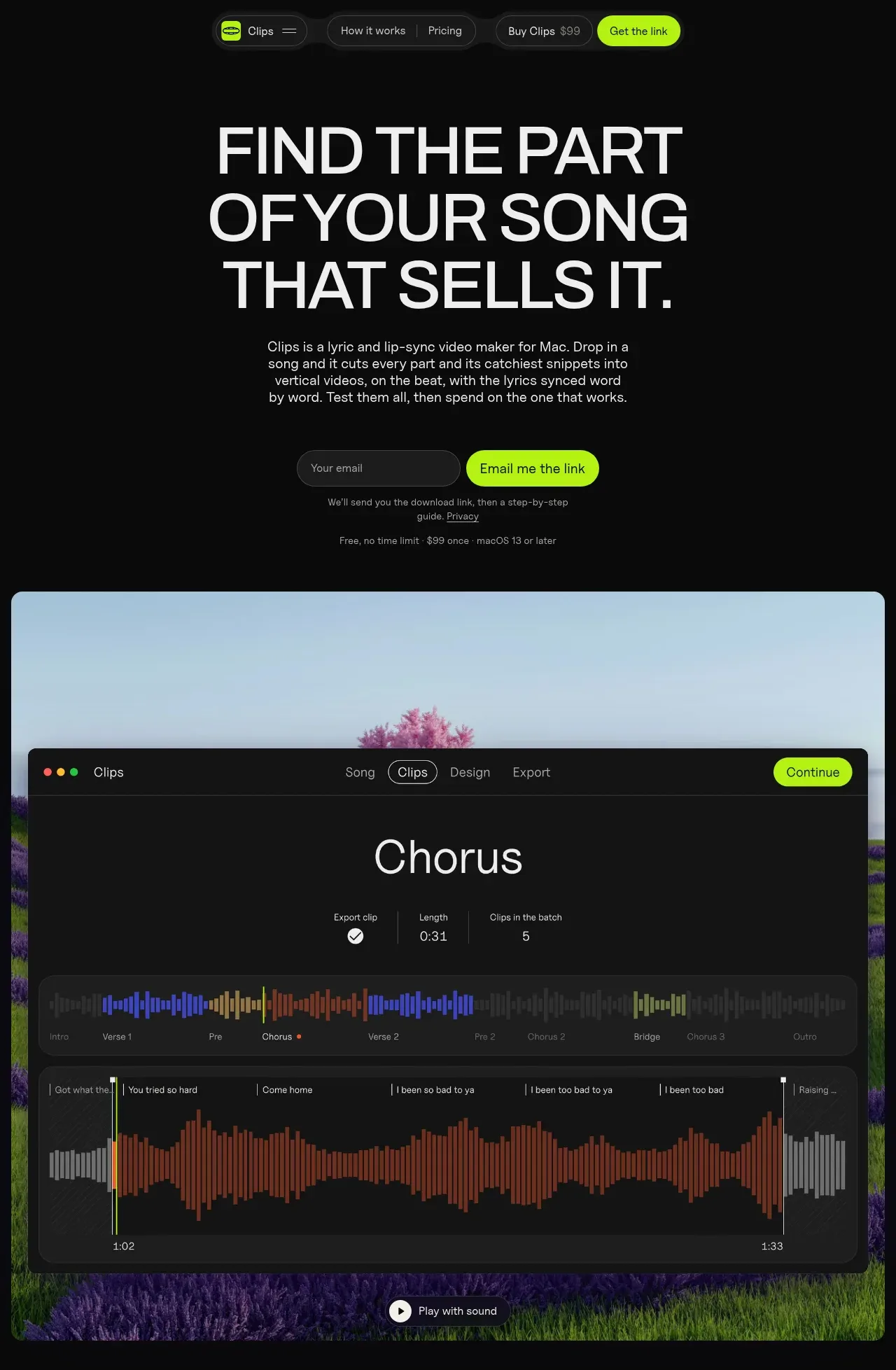
 Hero with download capture and product preview
Clips by Plastic · Hero
Hero with download capture and product preview
Clips by Plastic · Hero
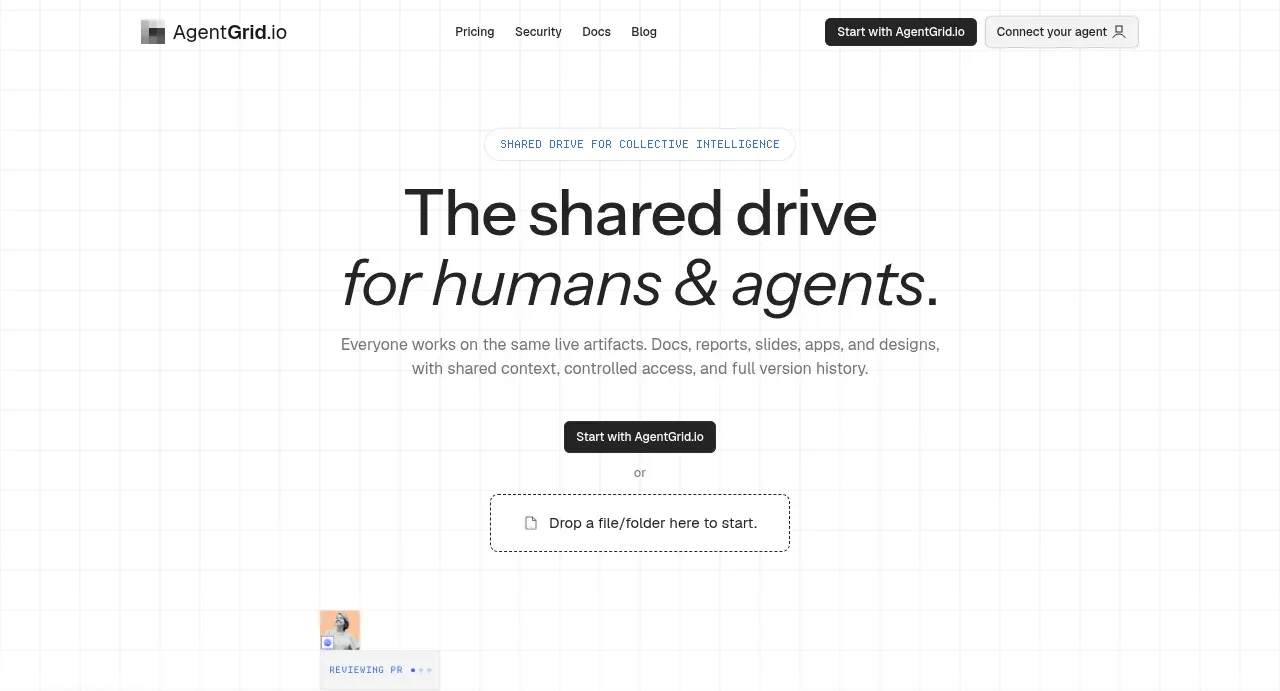
 Shared workspace hero
AgentGrid.io · Hero
Shared workspace hero
AgentGrid.io · Hero
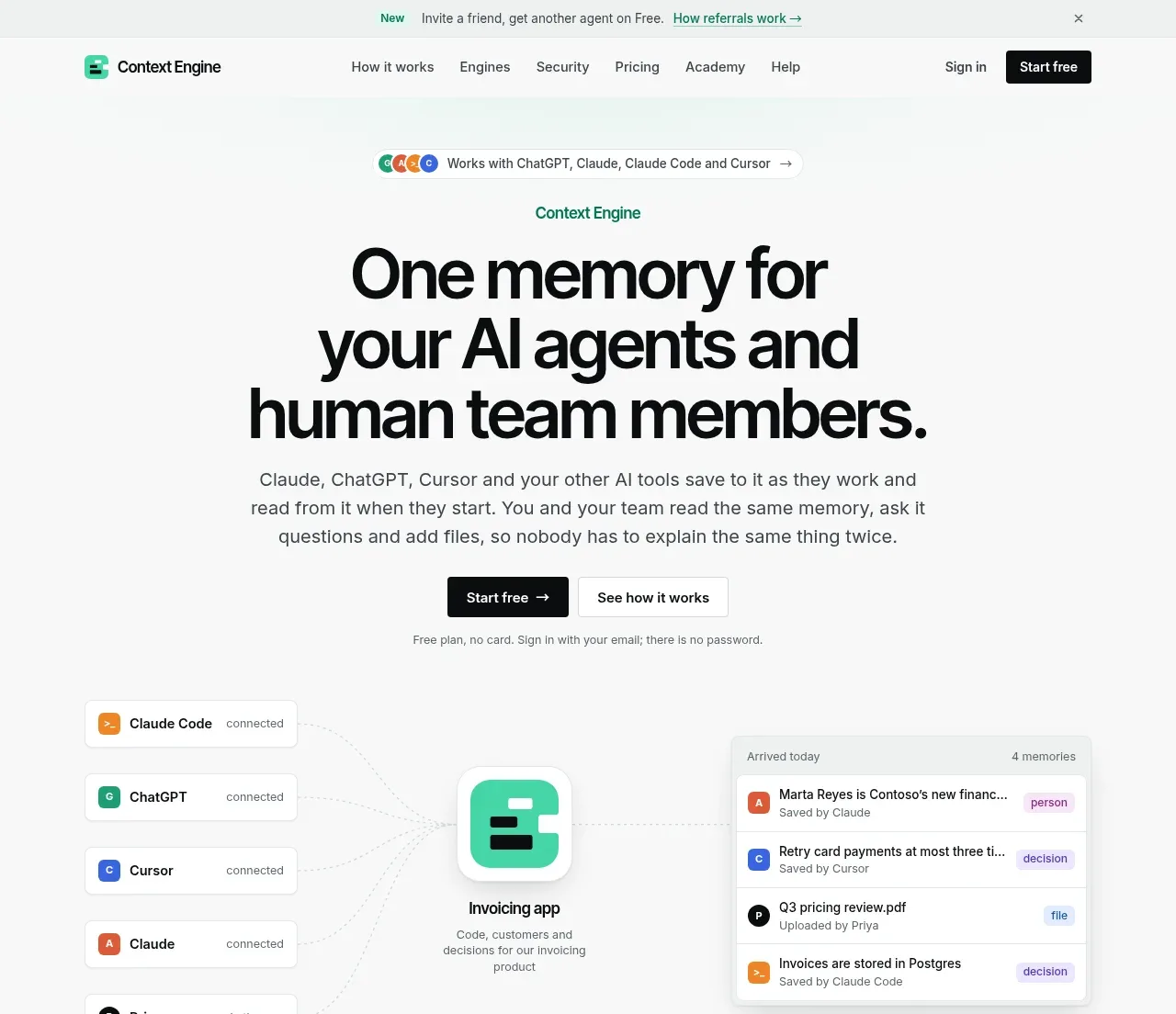
 Memory platform hero
Context Engine · Hero
Memory platform hero
Context Engine · Hero
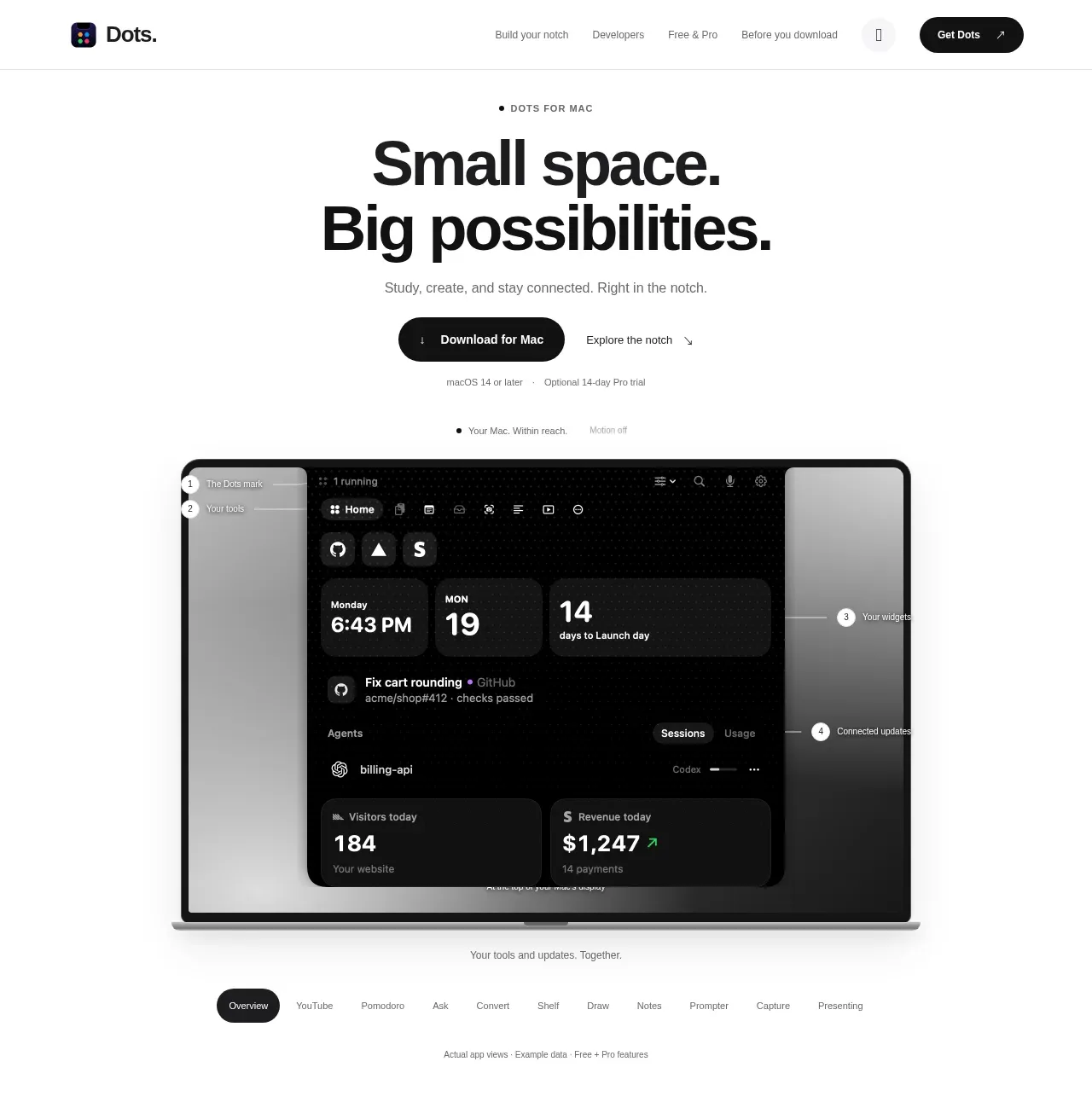
 Product promise with desktop preview
Dots · Hero
Product promise with desktop preview
Dots · Hero