kage
kage
plastic.audio
Design analysis
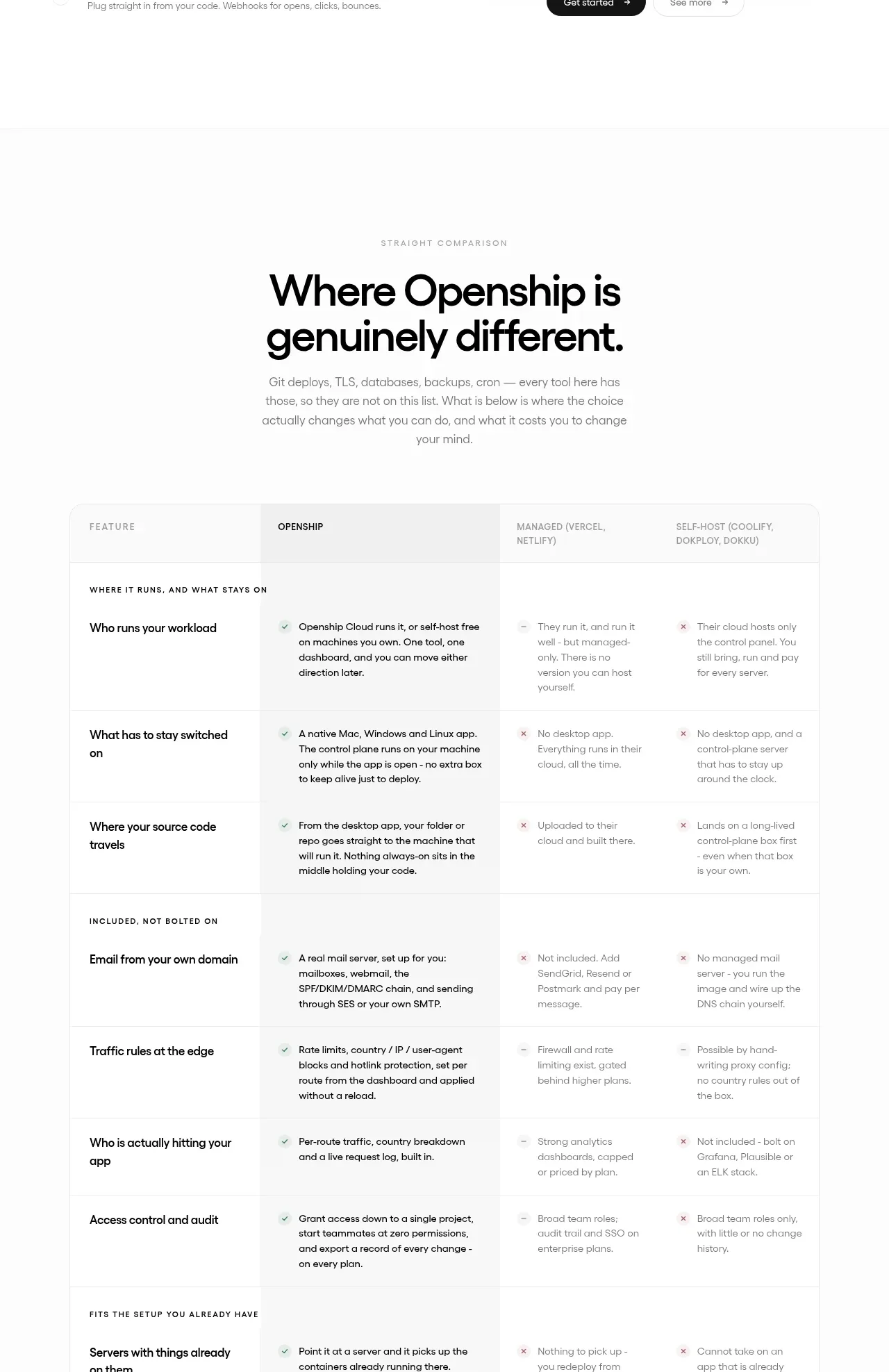
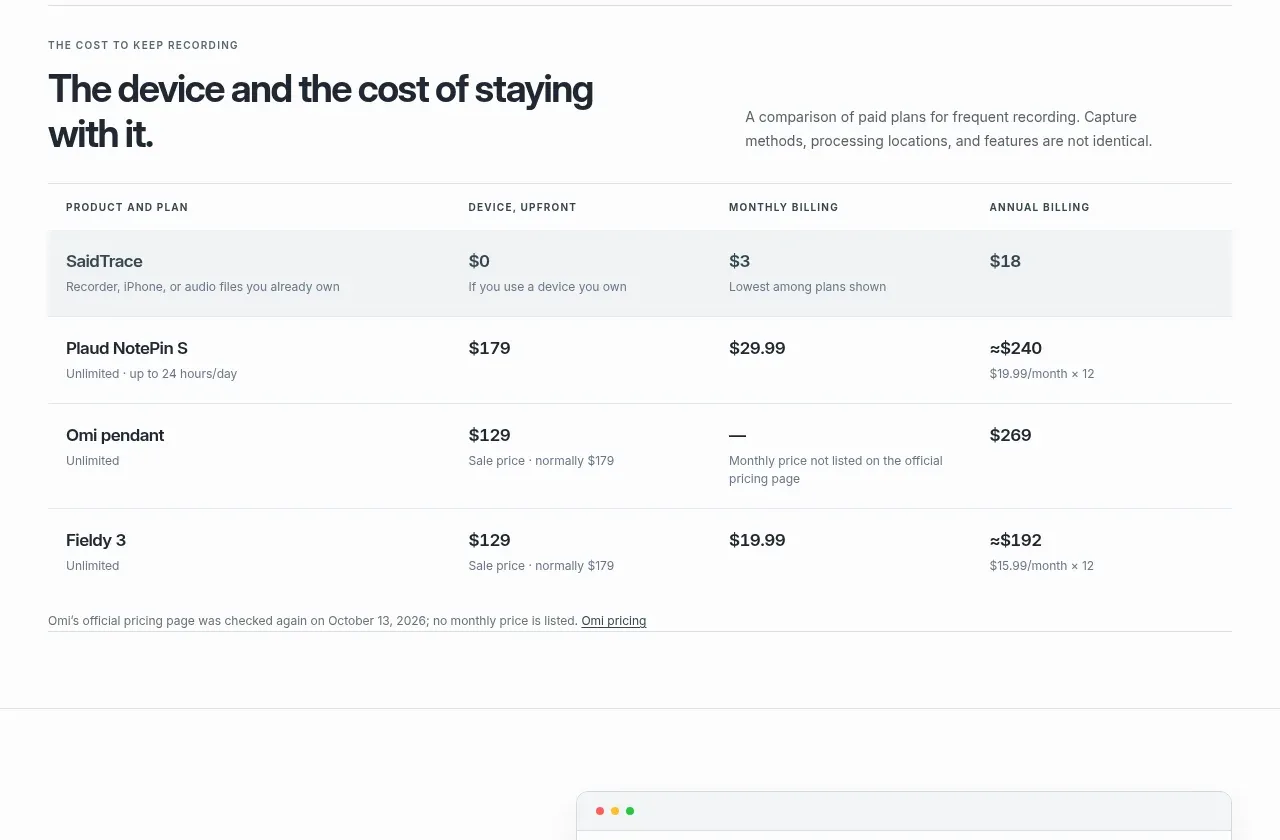
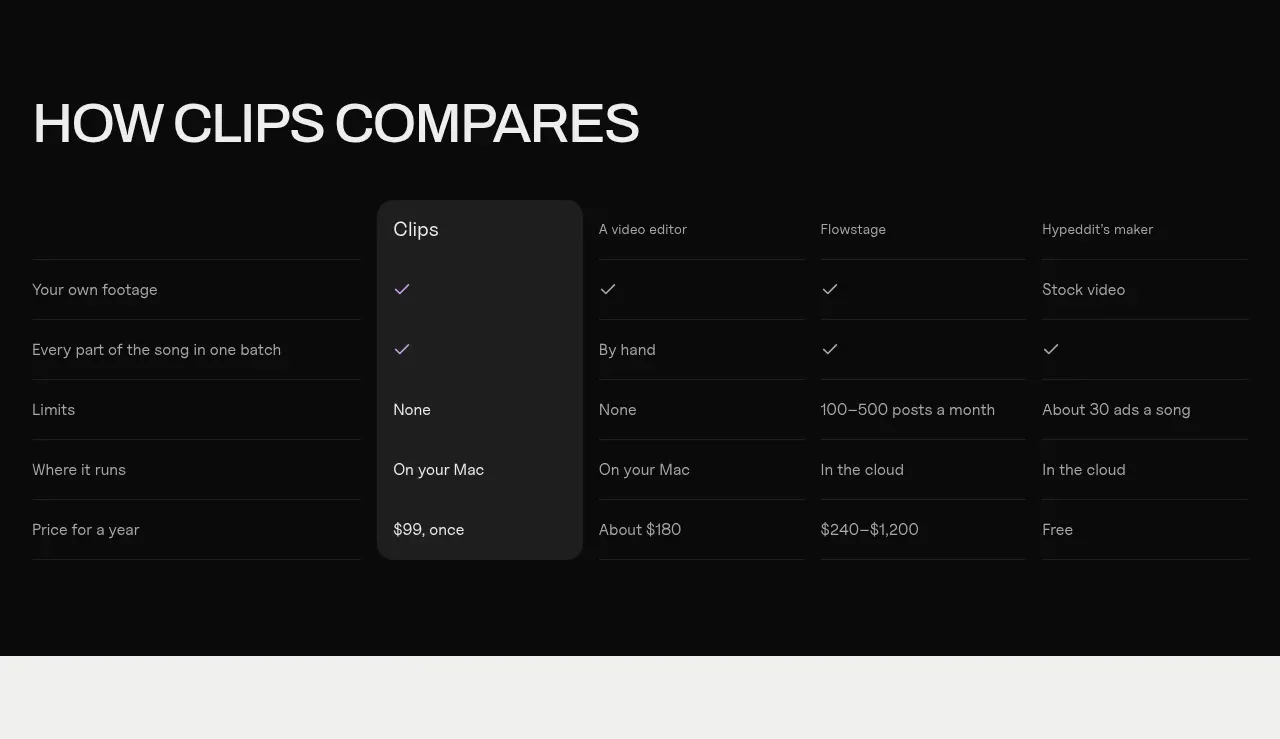
A dark comparison matrix contrasts the product with alternatives, using a subtly highlighted first product column and compact row labels.
Prompt preview
## Reference images

Study these alongside the description below: hierarchy, rhythm, spacing, colour. Build for the product you are asked about, using this design language.

- Component: https://kage-design-assets.t3.tigrisfiles.io/components/clips-by-plastic/ad43fef6-0048-4f88-83ea-4278fc30c273-1792994537-9.webp
- Full page it was cut from: https://kage-design-assets.t3.tigrisfiles.io/screenshots/clips-by-plastic/ad43fef6-0048-4f88-83ea-4278fc30c273-1792994476004-full.webp
- Component on Kage: https://kage.design/component/clips-by-plastic-table

## Before you start
Ask what alternatives users compare against, which criteria are decision-critical, and which plan or product should be emphasized, then apply these principles.

Build a responsive comparison table with a prominent heading above. Use the first column for criteria and subsequent columns for alternatives. Keep rows separated by hairline borders, use compact 14px labels, and give the featured column a slightly lighter charcoal background and rounded top/bottom treatment without breaking alignment. Represent boolean values with accessible text or icons, not color alone. Use #080808 background, #1f1f1f highlighted column, #dcdcdc text, #858585 secondary text, and lime for the featured marker. On mobile, allow horizontal scrolling with the criterion column sticky.

Never: use logos, product names, copy, illustrations, or imagery from the reference.