kage
kage
openship.io
Design analysis
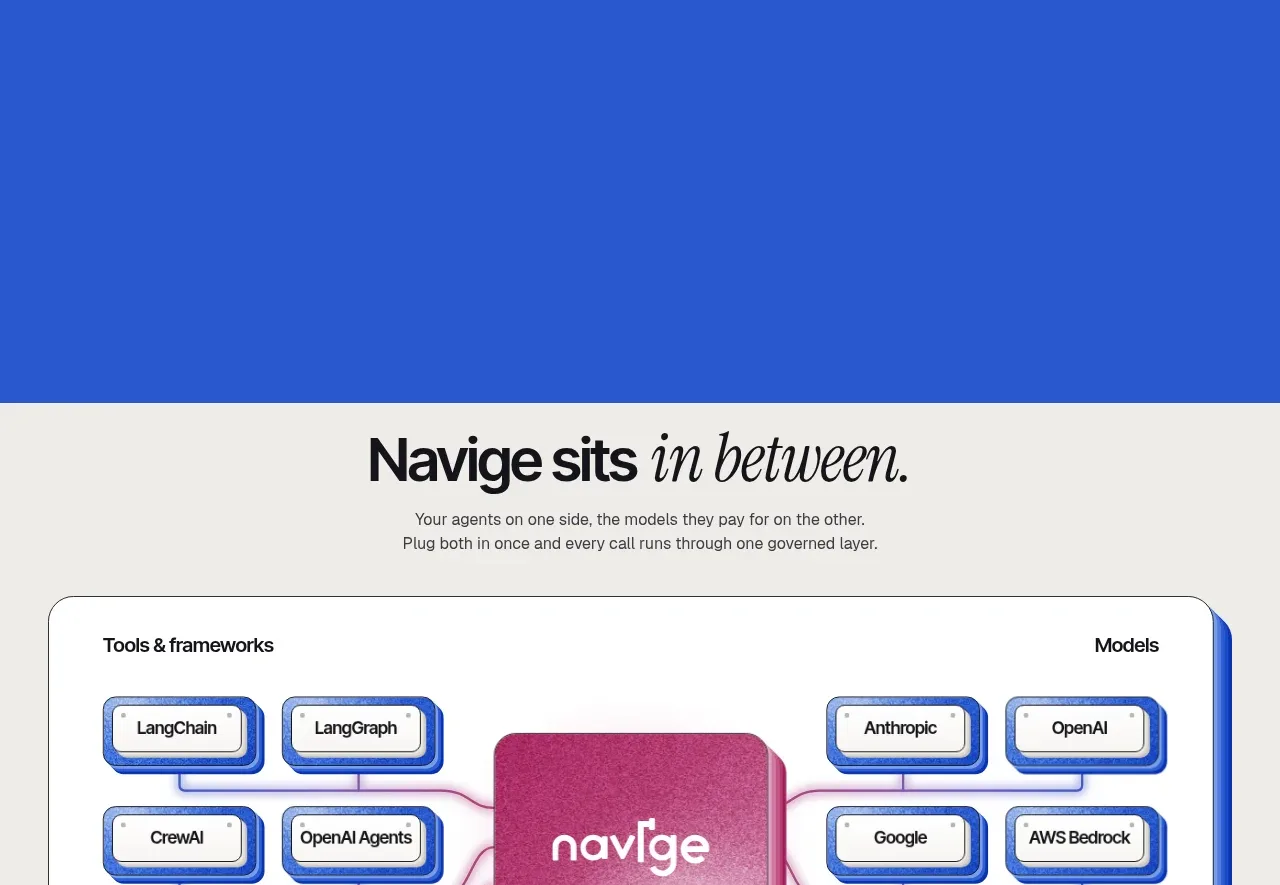
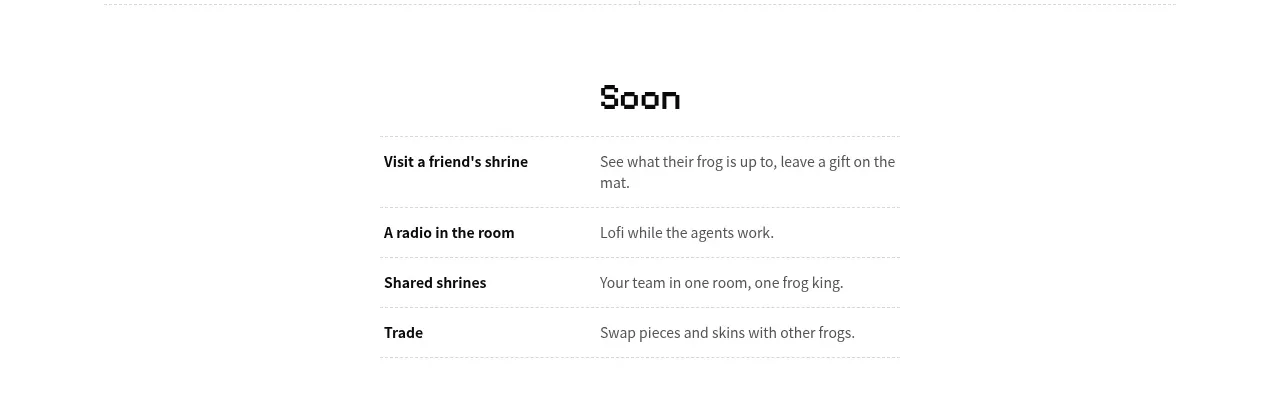
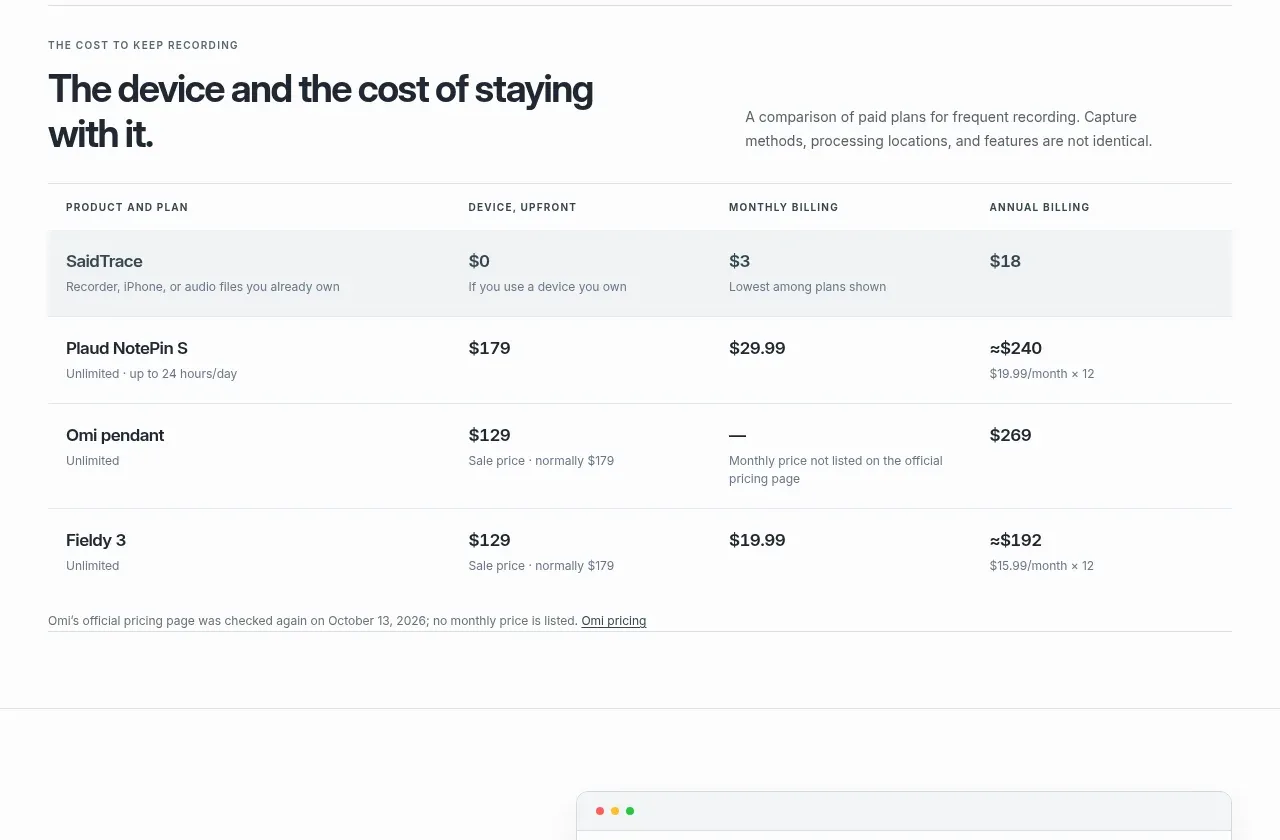
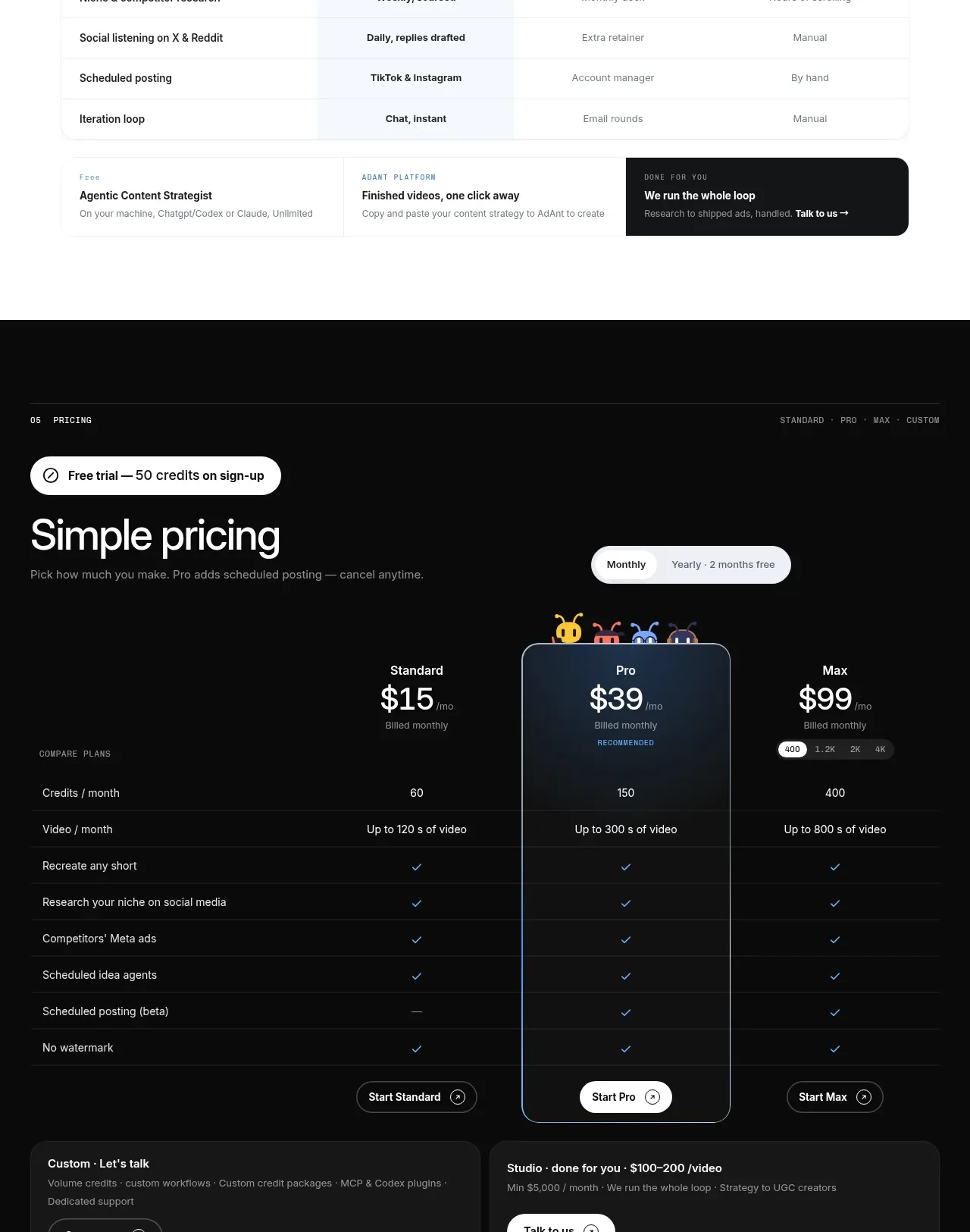
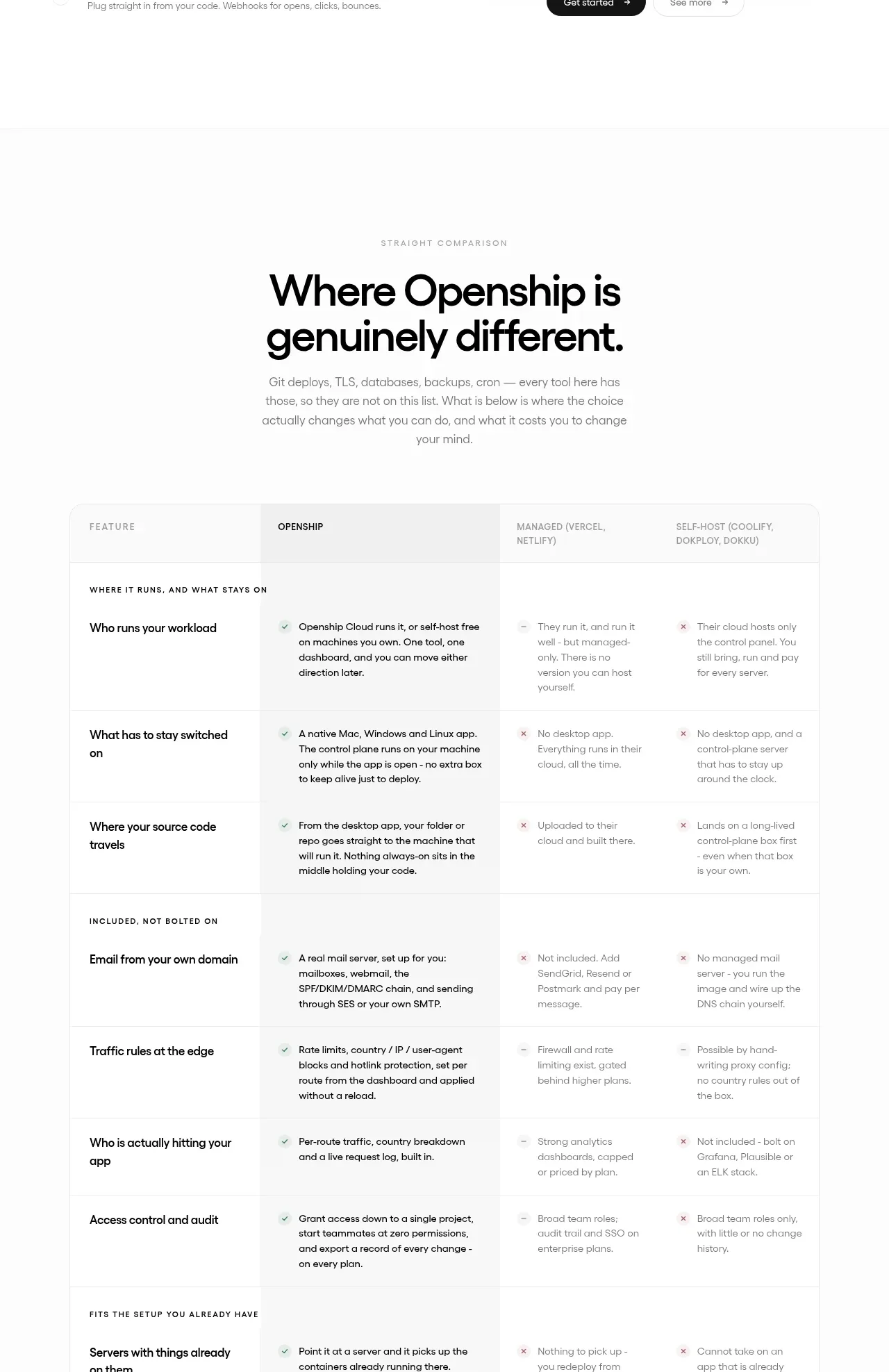
A dense comparison matrix uses grouped row labels and several provider columns to make operational differences scannable.
Prompt preview
## Reference images

Study these alongside the description below: hierarchy, rhythm, spacing, colour. Build for the product you are asked about, using this design language.

- Component: https://kage-design-assets.t3.tigrisfiles.io/components/openship-cloud/9519eed9-0239-434c-a94e-7bf81cfc26ba-1792562631-10.webp
- Full page it was cut from: https://kage-design-assets.t3.tigrisfiles.io/screenshots/openship-cloud/9519eed9-0239-434c-a94e-7bf81cfc26ba-1792562575709-full.webp
- Component on Kage: https://kage.design/component/openship-cloud-table

## Before you start
Ask what the user's product and brand are, then apply the principles below to that product rather than copying the reference.

Build a comparison table section with a centered eyebrow, strong two-line heading, and concise explanatory paragraph above the table. Use a wide table with a sticky or visually distinct header row, one highlighted product column, and grouped row sections with uppercase group labels. Each row should have a feature name followed by short positive or negative descriptions in each provider column; use subtle check, cross, or dash indicators and restrained tinting rather than loud colors. Apply #ffffff surfaces, #f2f2f2 borders, 12px cell padding, 13–14px body text, and a slightly shaded highlighted column. Make the table horizontally scrollable on mobile and keep row heights consistent.

Never: use logos, product names, copy, illustrations, or imagery from the reference.