kage
kage
ilha.app
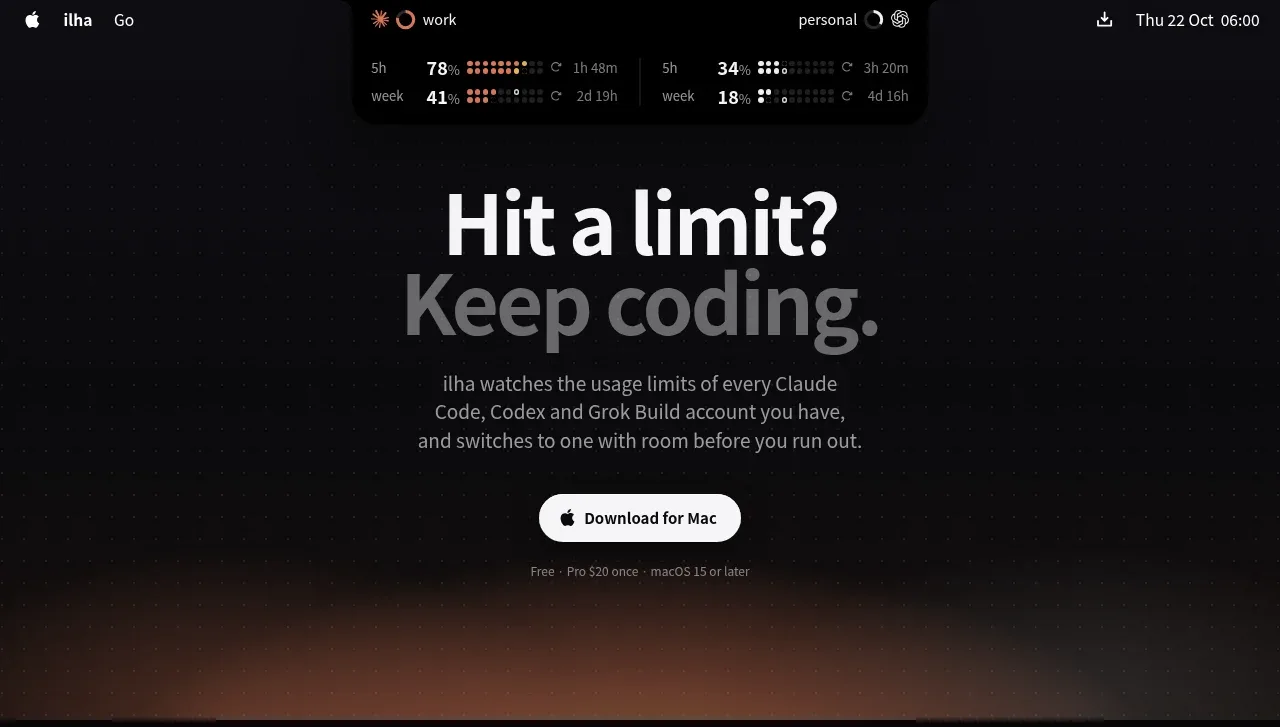
Design analysis
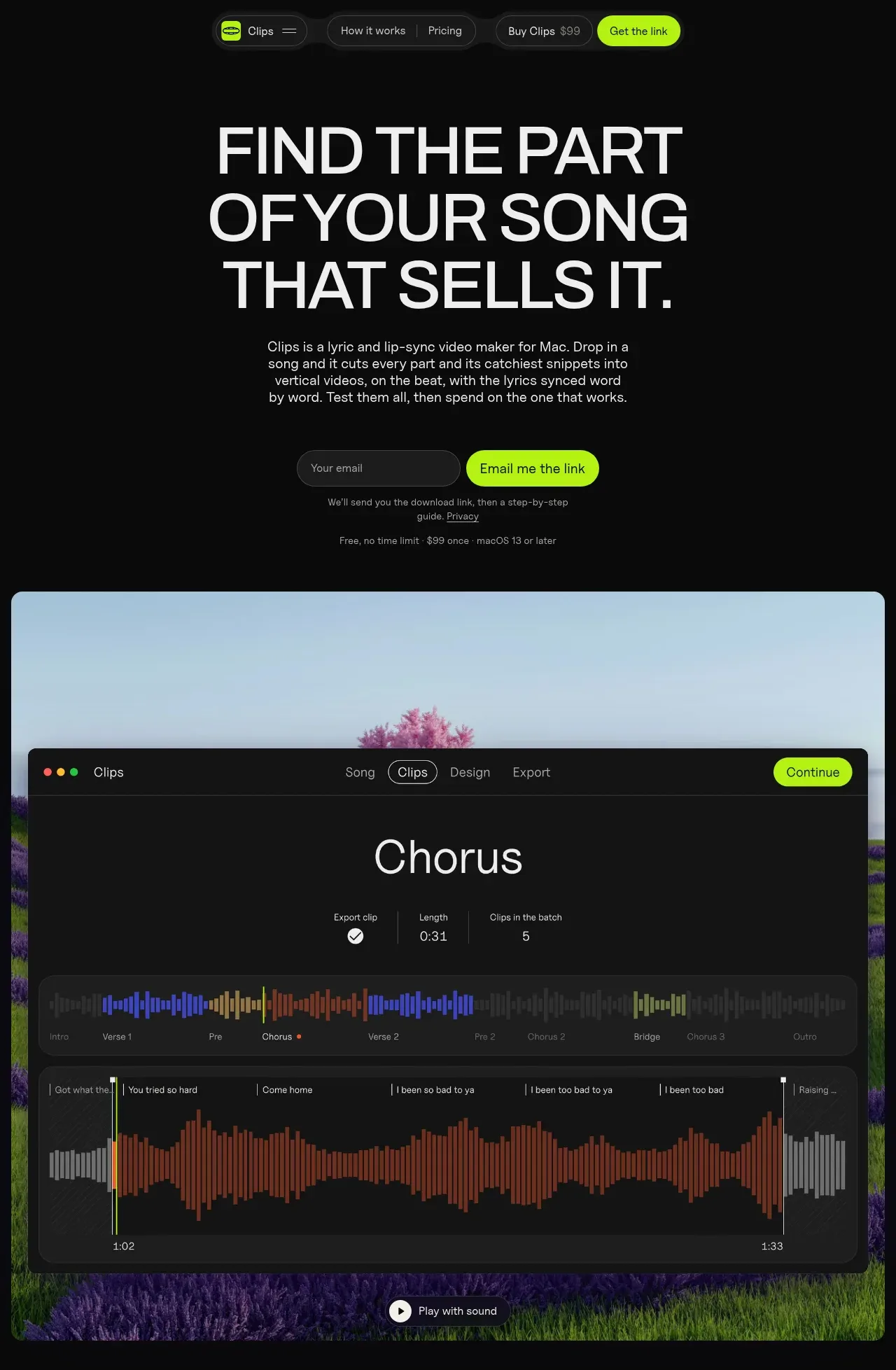
The hero combines a large two-line headline, concise explanatory copy, a prominent download button, and a dim atmospheric visual transition below.
Prompt preview
## Reference images

Study these alongside the description below: hierarchy, rhythm, spacing, colour. Build for the product you are asked about, using this design language.

- Component: https://kage-design-assets.t3.tigrisfiles.io/components/ilha/abf8b55c-66d5-414b-9583-571f1b47ea7e-1792648866-1.webp
- Full page it was cut from: https://kage-design-assets.t3.tigrisfiles.io/screenshots/ilha/abf8b55c-66d5-414b-9583-571f1b47ea7e-1792648836592-full.webp
- Component on Kage: https://kage.design/component/ilha-hero

## Before you start
Ask what the user's product and brand are, then apply the principles below to that context rather than reproducing this reference.

Create a centered hero directly below the navigation for a Mac productivity or developer utility. Use a near-black canvas (#08090a) with a soft, low-contrast warm ambient glow near the lower edge (muted rust, mauve, and charcoal; no hard image dependency). Set a bold, large sans-serif headline around 58–68px with tight line-height and two short lines; make the first line bright off-white (#f3f3f1) and the second line visibly muted (#55565a) to create an editorial continuation effect. Add a 15–17px gray supporting paragraph constrained to roughly 350px, then a white rounded download CTA with dark text and a small platform icon. Include a tiny low-contrast compatibility note below. Center the content, use approximately 72–96px top spacing and 56–72px bottom spacing, and ensure the hero ends after the CTA and its visual/atmospheric payoff. Add subtle entrance or hover motion only if useful.

### Never
- Never use logos, product names, copy, illustrations, or imagery from the reference.
- Never copy the reference headline or claims.
- Never let the background effect reduce text contrast.