 kage
kage
lleverage.ai
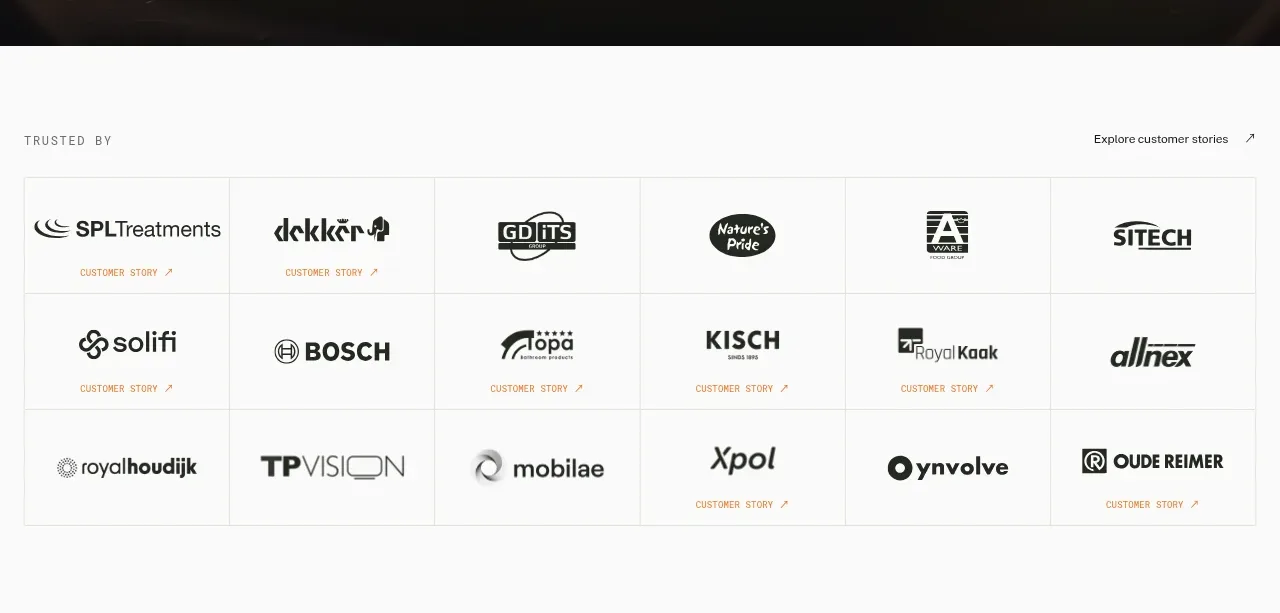
Design analysis
A quiet trust section uses a small eyebrow, a customer-stories link, and an evenly ruled multi-column logo matrix.
Prompt preview
## Reference images

Study these alongside the description below: hierarchy, rhythm, spacing, colour. Build for the product you are asked about, using this design language.

- Component: https://kage-design-assets.t3.tigrisfiles.io/components/lleverage/862048bd-3dd3-4c2e-9d3c-aadeb65c3eec-1792130577-2.webp
- Full page it was cut from: https://kage-design-assets.t3.tigrisfiles.io/screenshots/lleverage/862048bd-3dd3-4c2e-9d3c-aadeb65c3eec-1792130486253-full.webp
- Component on Kage: https://kage.design/component/lleverage-logo-cloud

## Before you start
Ask for the user's product category, the kinds of customers they can credibly name, and their brand palette. Use that information to create an original trust section.

Build a light-background customer logo cloud with a small uppercase eyebrow on the left and an unobtrusive link on the right. Below, arrange monochrome customer marks in a six-column grid with three rows, equal-height cells, very thin #E3E3DF rules, and generous internal padding. Keep logos visually balanced rather than forcing every mark to the same width. Use dark charcoal #17191A for marks, warm white #FAFAF7 for the background, and a tiny muted gold/orange accent for supporting labels. On hover, allow a restrained opacity or background change; make each logo optionally link to a case study. Collapse to two columns on mobile.

Never: use the reference's logos, product names, copy, illustrations, imagery, or exact customer names.
More components
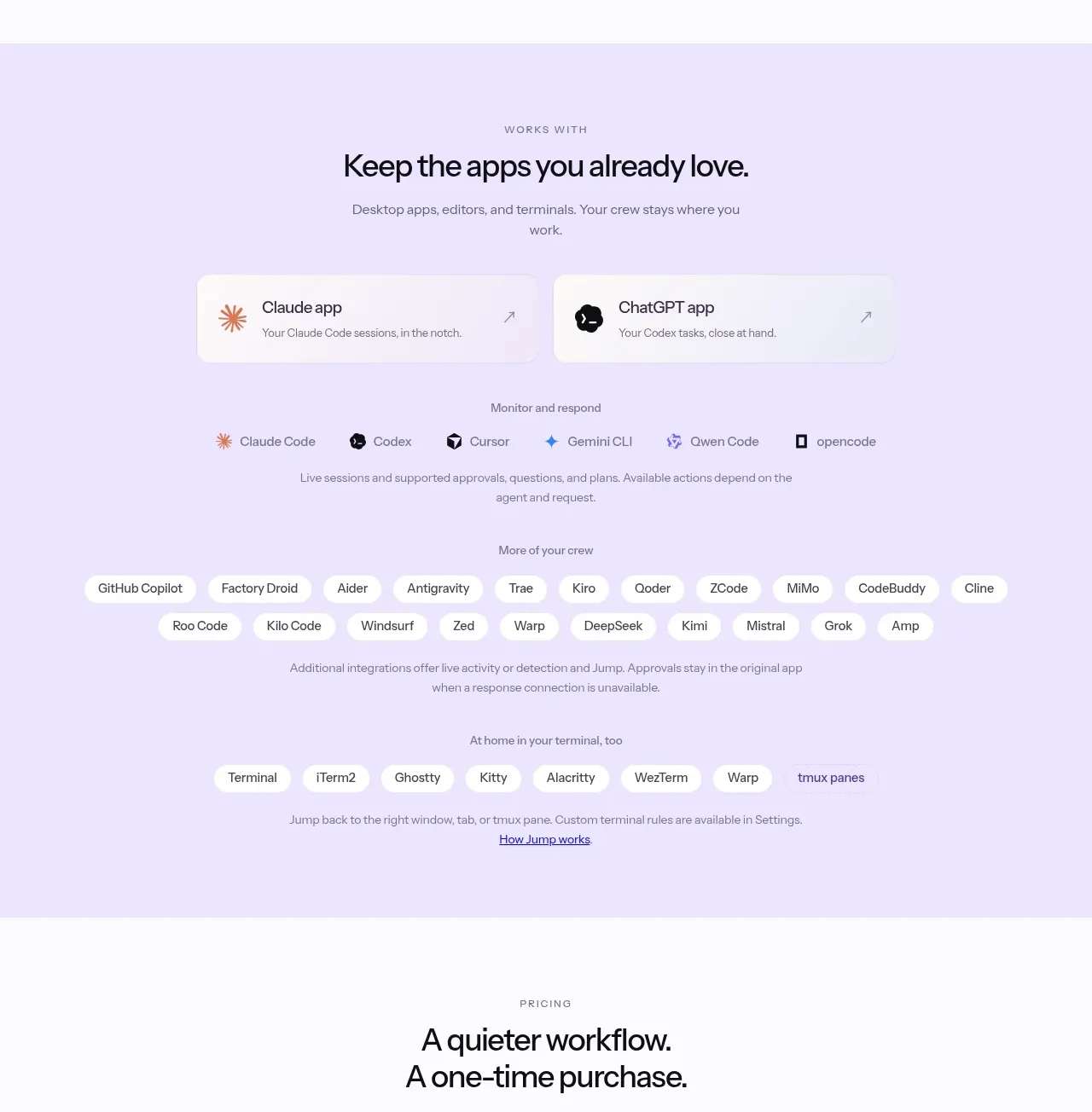
 Supported apps and integrations
CrewTower Mod for Claude Code · Logo cloud
Supported apps and integrations
CrewTower Mod for Claude Code · Logo cloud
 Teams and open-source adoption grid
Ultracite v8 · Logo cloud
Teams and open-source adoption grid
Ultracite v8 · Logo cloud

 Platform compatibility grid
Scalebrowser · Logo cloud
Platform compatibility grid
Scalebrowser · Logo cloud
 Compatible tools grid
Parallax · Logo cloud
Compatible tools grid
Parallax · Logo cloud

 Trusted by teams strip
AI Sandboxes by Buddy · Logo cloud
Trusted by teams strip
AI Sandboxes by Buddy · Logo cloud

 Platform compatibility statement
Navige · Logo cloud
Platform compatibility statement
Navige · Logo cloud