kage
kage
meetpaw.app
Design analysis
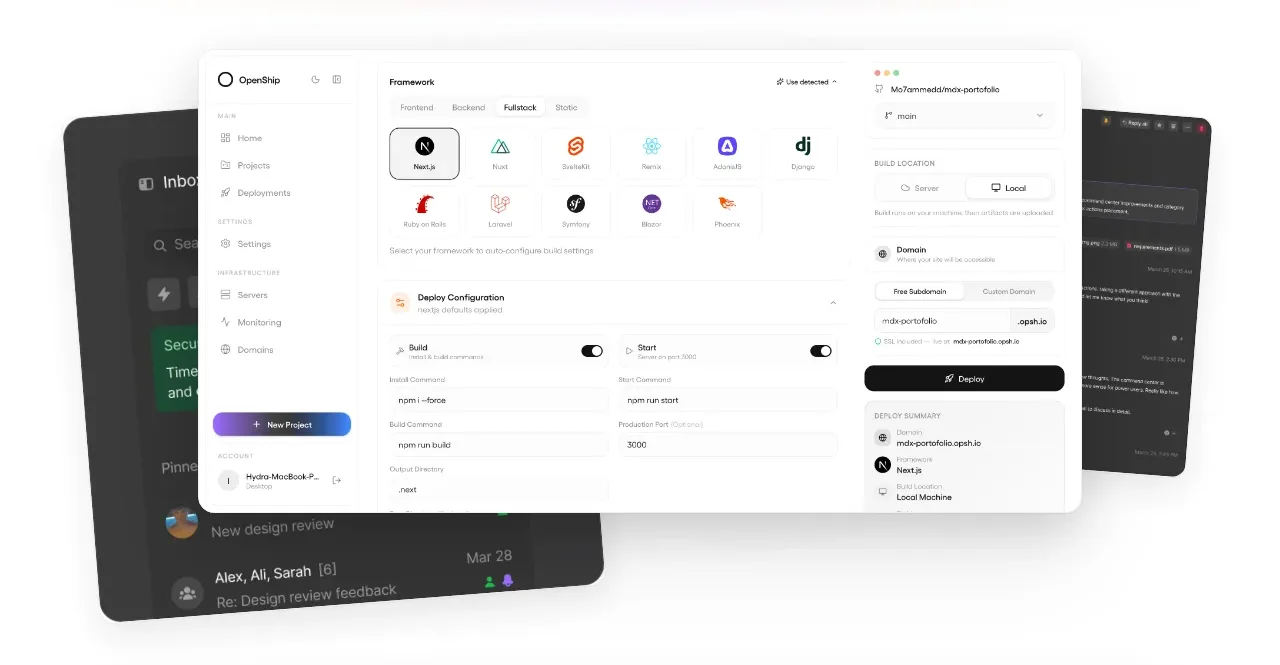
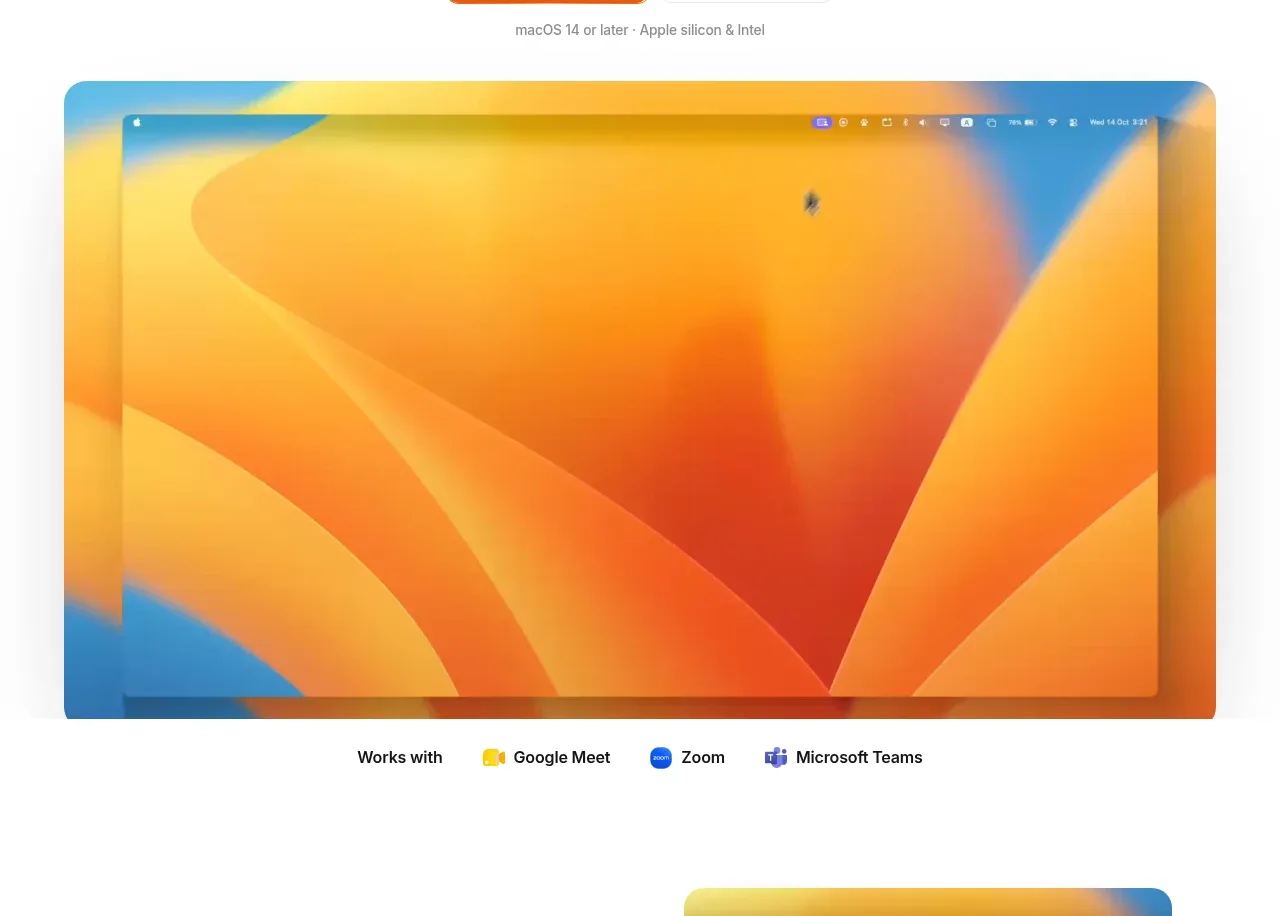
A large rounded application preview dominates the first visual band, followed by a compact “works with” compatibility row that validates the product at a glance.
Prompt preview
## Reference images

Study these alongside the description below: hierarchy, rhythm, spacing, colour. Build for the product you are asked about, using this design language.

- Component: https://kage-design-assets.t3.tigrisfiles.io/components/meetpaw/a0a465d2-81ef-4df0-b440-a946faf696c8-1792389687-2.webp
- Full page it was cut from: https://kage-design-assets.t3.tigrisfiles.io/screenshots/meetpaw/a0a465d2-81ef-4df0-b440-a946faf696c8-1792389630481-full.webp
- Component on Kage: https://kage.design/component/meetpaw-gallery

## Before you start
Ask what product interface or physical experience should be previewed, which integrations or capabilities matter most, and whether the user has screenshots or needs a neutral placeholder. Then build an original preview section using these rules.

Create a full-width visual showcase below the hero. Center one large product preview inside a max-width container of roughly 80–90% of the viewport, using a 16:9 or similarly wide aspect ratio, 16px corner radius, and a very soft shadow. The preview should feel like a polished application window, with restrained framing rather than a generic card. If real imagery is unavailable, use a neutral abstract UI mockup built from CSS blocks rather than borrowed imagery.

Under the preview, add a centered compatibility row: a bold short lead-in followed by three or four compact capability/integration labels. Keep this row smaller than the hero, with 12–14px type, muted gray text, and small colored circular or square markers. Use a white background, #f7f7f5 framing where useful, and an accent palette such as #f36b18, #2f80ed, and #6d5bd0. Preserve 32–48px spacing above and below the gallery.

### Never
- Never use logos, product names, copy, illustrations, or imagery from the reference.
- Never reuse the exact application screenshot or integration names.
- Never make the preview more visually dominant than the product's core message.