kage
kage
monish.cc
Design analysis
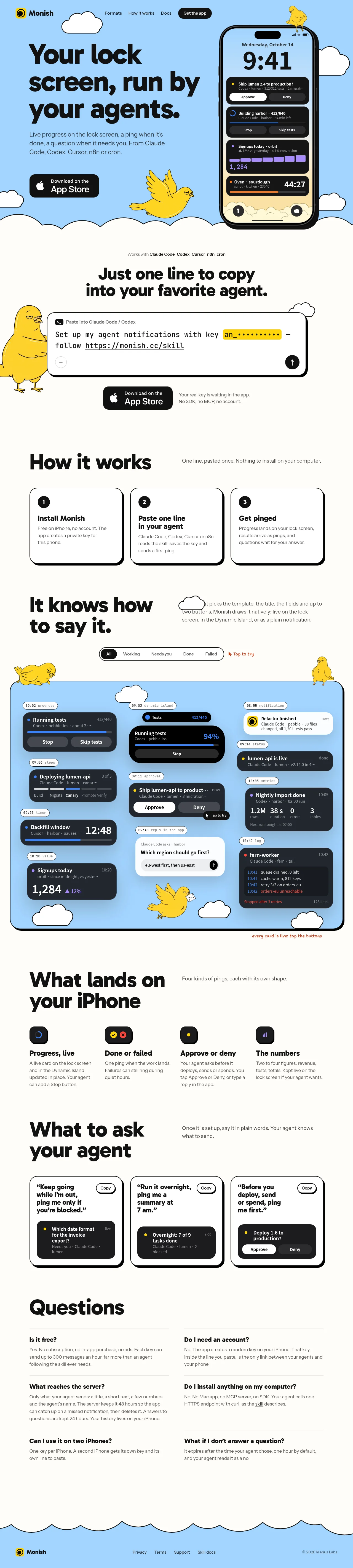
A long-form product landing page uses a pale sky-blue hero and cream content field, with black oversized rounded typography, hand-drawn clouds and yellow bird illustrations, and a large iPhone mockup to establish the concept immediately. Below the hero, the rhythm alternates between sparse instructional sections, outlined three-column cards, dense notification showcases on blue panels, feature columns, copyable prompt cards, and a two-column FAQ before resolving into a scalloped blue footer; thick black outlines, offset shadows, and restrained accent colours keep every section visually related.
Prompt preview
## Reference images

Study these alongside the description below: hierarchy, rhythm, spacing, colour. Build for the product you are asked about, using this design language.

- Full page: https://kage-design-assets.t3.tigrisfiles.io/screenshots/monish/5f3b5863-2239-4773-833d-591642a3d58f-1792821722168-full.webp
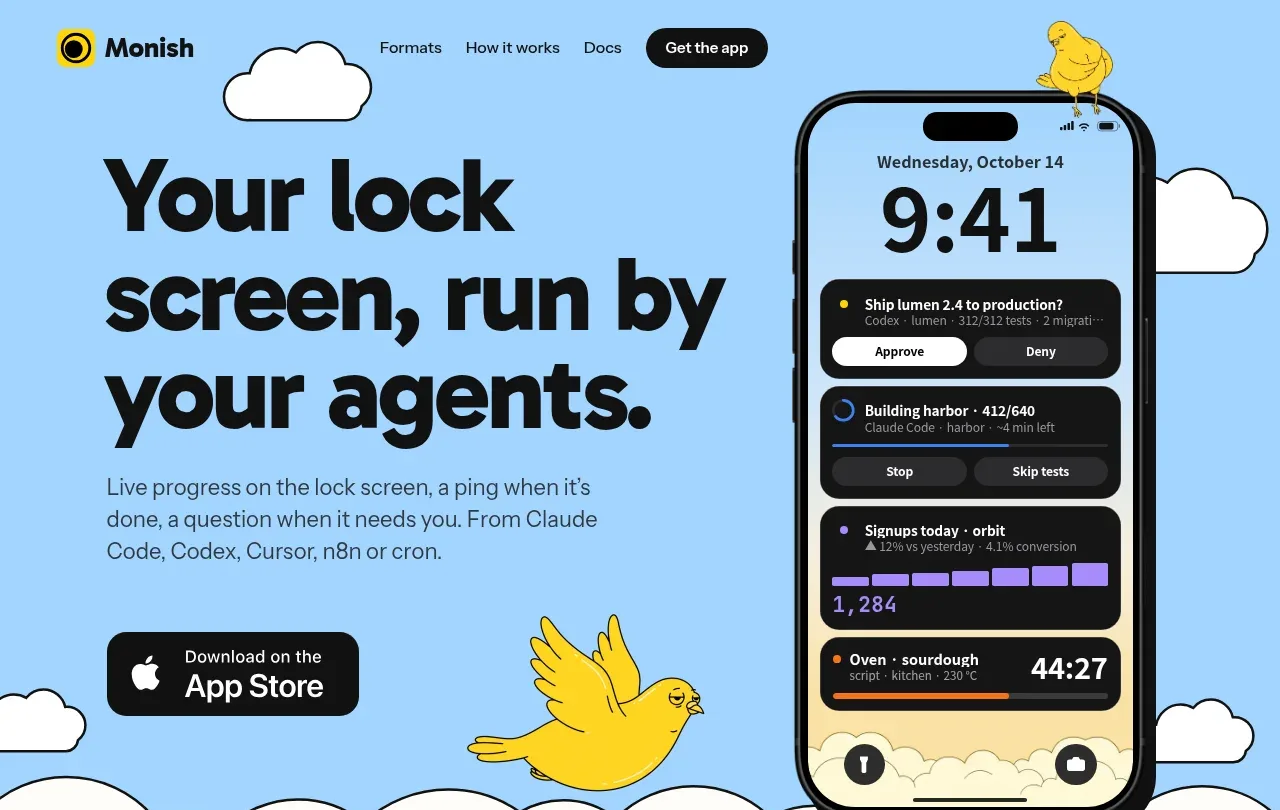
- Above the fold: https://kage-design-assets.t3.tigrisfiles.io/screenshots/monish/5f3b5863-2239-4773-833d-591642a3d58f-1792821720547.webp
- Design on Kage: https://kage.design/designs/monish-landing-page

## Before you start
Ask the user what they are building, who it is for, and what brand assets they already have (name, colours, typefaces, logo, illustrations, and product imagery). Wait for their answers before proceeding. Apply the reference’s design language to their product, not to the reference product.

## Page structure
1. **Top navigation and hero:** Use a pale sky-blue full-width hero with a compact navigation bar, small brand mark at left, a few text links, and a dark pill CTA at right. Arrange oversized left-aligned headline and supporting paragraph beside a large product/device visual on the right; add a primary download or action badge below the copy. Use clouds and one or two friendly illustrated characters as framing elements rather than a conventional abstract background.
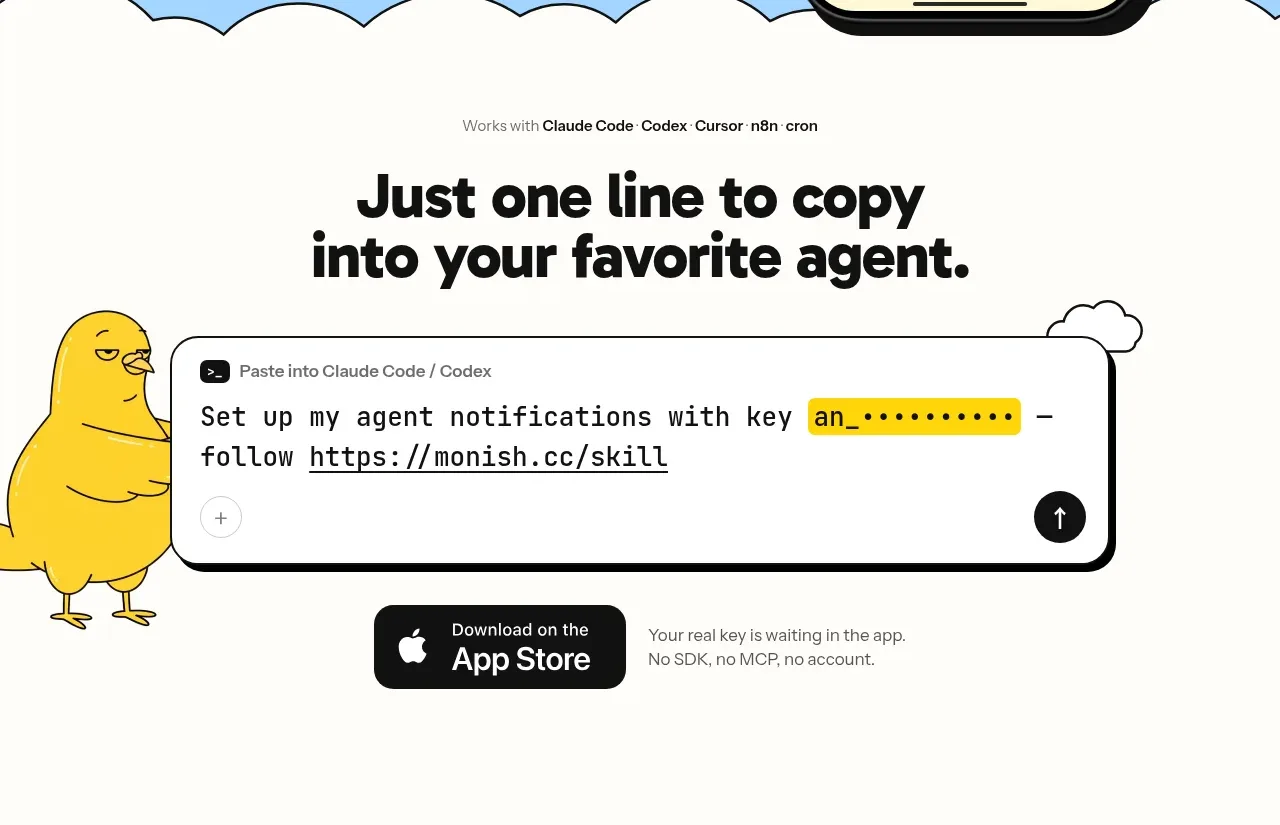
2. **Integration proof / quick-start section:** Transition into a warm cream/off-white field with a scalloped cloud boundary from the hero. Center a small compatibility line, then a large centered headline explaining the simplest setup. Show a wide rounded code or command-entry panel with a highlighted token, a character illustration peeking from the side, and a secondary app CTA plus a short reassurance line beneath.
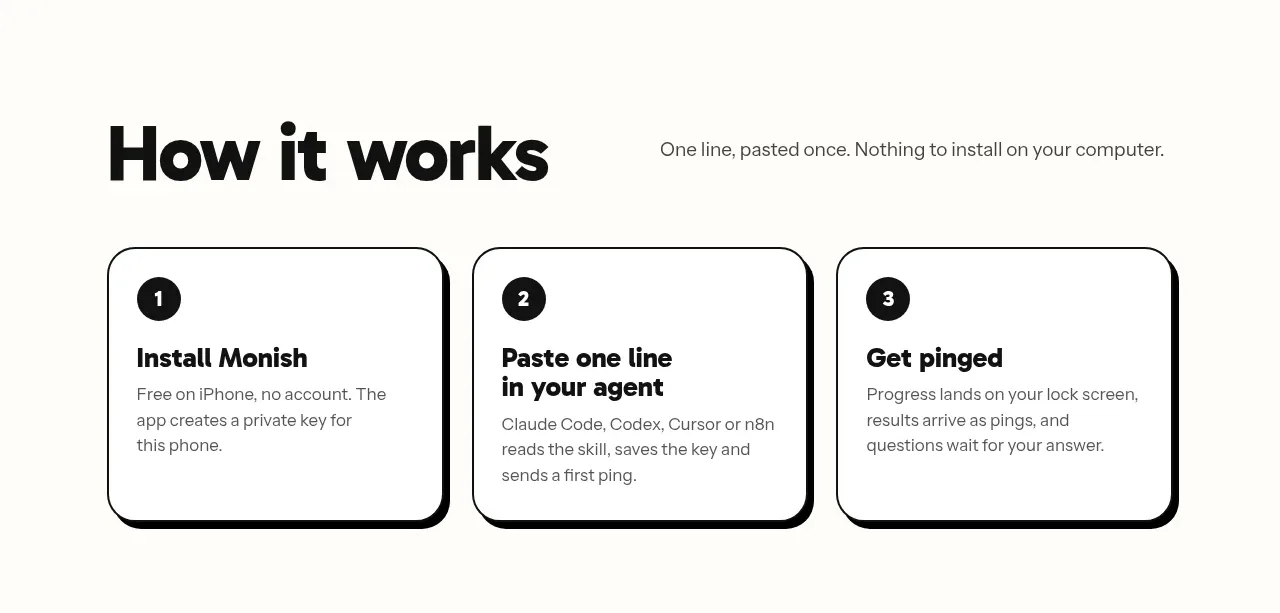
3. **How-it-works section:** Present a left-aligned large heading with a concise explanatory sentence aligned to its right. Underneath, use three equal-width white cards in a row, each with a black numbered circle, bold step title, short body copy, thick black outline, and a slightly offset black bottom/right shadow.
4. **Communication-format showcase:** Create a two-column heading row with a large statement on the left and explanatory copy on the right, lightly interrupted by a small cloud illustration. Add a compact segmented filter/control above a large blue demonstration panel. Fill the panel with many varied notification cards arranged in a lively but organized collage: progress, approval, metrics, status, timers, replies, logs, and failures. Include small timestamp/type labels, miniature birds or clouds, and a caption indicating the cards are interactive.
5. **Feature types section:** Use another two-column heading row, then a four-column feature grid. Each item has a small dark rounded icon tile with a simple colored symbol, a bold title, and compact explanatory copy. Keep generous whitespace and avoid enclosing every item in a card.
6. **Example prompt cards:** Introduce a large two-line heading with a short supporting sentence. Below, place three equal outlined cards, each with a bold quoted prompt, a small outlined Copy pill, and a dark embedded notification preview with a colored status dot and, where relevant, approval controls.
7. **Questions / FAQ:** Use a large section heading followed by a two-column FAQ grid. Separate entries with thin light-gray horizontal rules; each contains a bold question and a smaller muted answer. Keep the grid airy and text-led rather than using accordion chrome.
8. **Footer:** End with a broad pale sky-blue footer whose upper edge is a series of hand-drawn scallops/cloud waves. Place the brand mark at left, small utility links centered, and a muted copyright line at right.

## Design language
- Build hierarchy through a very large, heavy, rounded sans-serif display face for headings, medium-weight sans-serif body text, and occasional monospace text for commands, timestamps, or technical metadata.
- Use an approximate palette of sky blue `#9DD2F7`, warm cream `#F8F6F0`, near-black `#111111`, white `#FFFFFF`, bright yellow `#FFD21F`, and small functional accents such as blue `#4D83FF`, purple `#8B73E8`, orange `#F47B20`, and red `#E34E4E`.
- Keep the page mostly flat and tactile: near-black 2–3px outlines, large rounded corners around 20–28px, and hard offset shadows around 4–7px with no soft blur. Use thin gray rules only for low-emphasis FAQ separators.
- Let rhythm change down the page: begin with an energetic illustrated hero, slow down into a centered setup instruction, become structured in the three-step cards, peak in density with the notification collage, then return to airy feature, example, FAQ, and footer sections.
- Pair oversized headings with short readable paragraphs and generous vertical whitespace. Use a constrained content width, strong left alignment for explanatory sections, and centered alignment only when presenting a single setup action or headline.
- Treat colour as semantic and sparse: blue defines large backgrounds, yellow marks the brand and attention states, black anchors text and controls, and purple/orange/red/blue distinguish notification categories. Do not introduce gradients unless the user’s brand requires them.
- Use hand-drawn clouds, birds, scalloped boundaries, and slightly whimsical framing shapes to soften an otherwise rigorous grid. Keep illustrations simple, outlined in black, and subordinate to the product content.
- Make product demonstrations feel like interface specimens: dark notification surfaces, compact labels, rounded controls, progress bars, status dots, bold numerals, and clear approve/deny or stop actions. Vary card sizes and content while preserving consistent internal padding.
- Use interactions that are legible and tactile: dark pill CTAs, outlined Copy controls, segmented filters, visible hover/pressed states, and small explanatory captions. If the showcase is interactive, allow cards or filters to change state without changing the overall layout.
- Keep responsive behavior intentional: stack two-column sections and three/four-column grids on small screens, preserve the large heading scale with a controlled reduction, and let the hero product visual move below the text rather than becoming an inaccessible background.

## Never
- Do not copy any logos, wordmarks, product names, copy, illustrations, birds, clouds, device artwork, notification content, or icon sets from the reference.
- Do not present the result as Monish or imply an affiliation with it.
- Create original brand assets, original example content, and product-specific visuals for the user’s product while retaining only the reusable layout and design principles.
Components from this page
All components
 Top navigation
Monish · Navigation
Top navigation
Monish · Navigation
 Sky-blue product hero
Monish · Hero
Sky-blue product hero
Monish · Hero
 One-line setup call to action
Monish · Call to action
One-line setup call to action
Monish · Call to action
 Three-step how it works
Monish · Feature grid
Three-step how it works
Monish · Feature grid
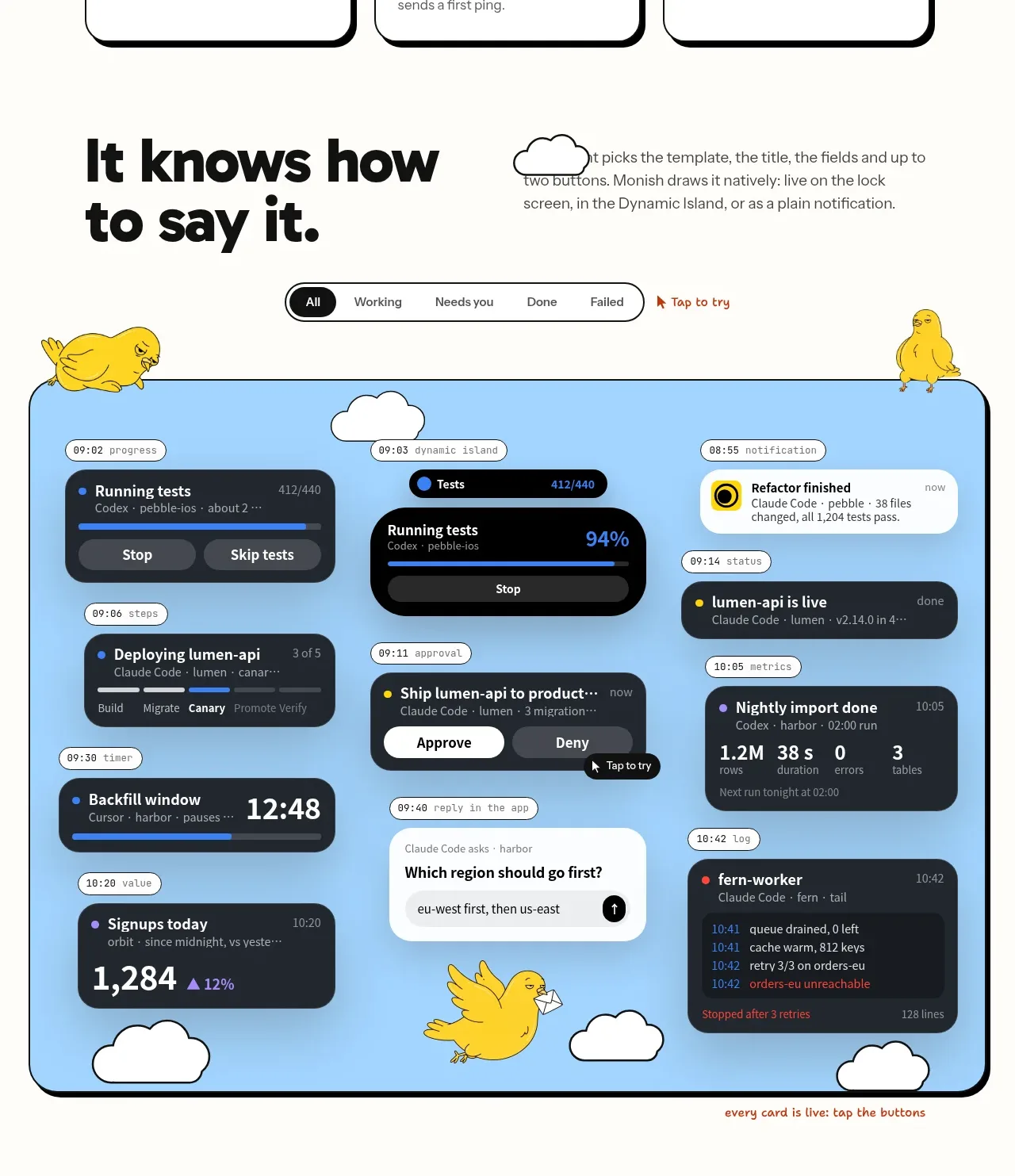 Live status showcase
Monish · Gallery
Live status showcase
Monish · Gallery
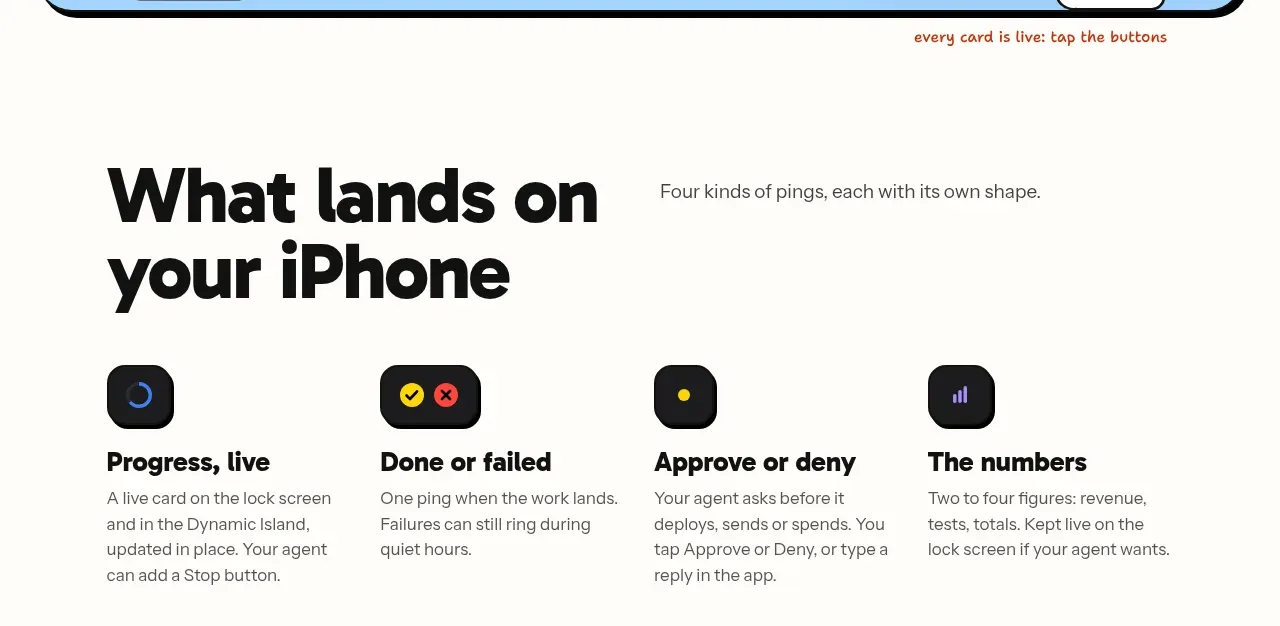 Notification types
Monish · Feature grid
Notification types
Monish · Feature grid
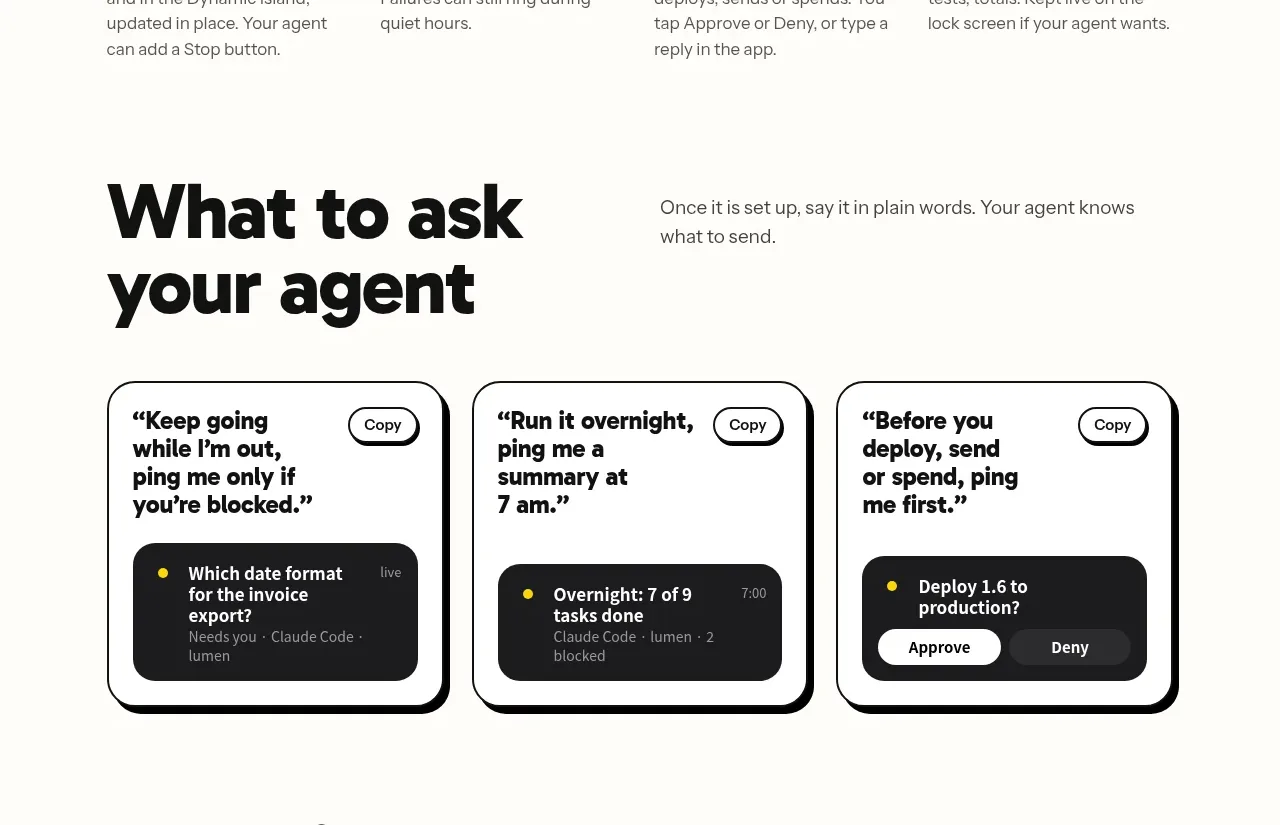 Prompt examples
Monish · Card
Prompt examples
Monish · Card
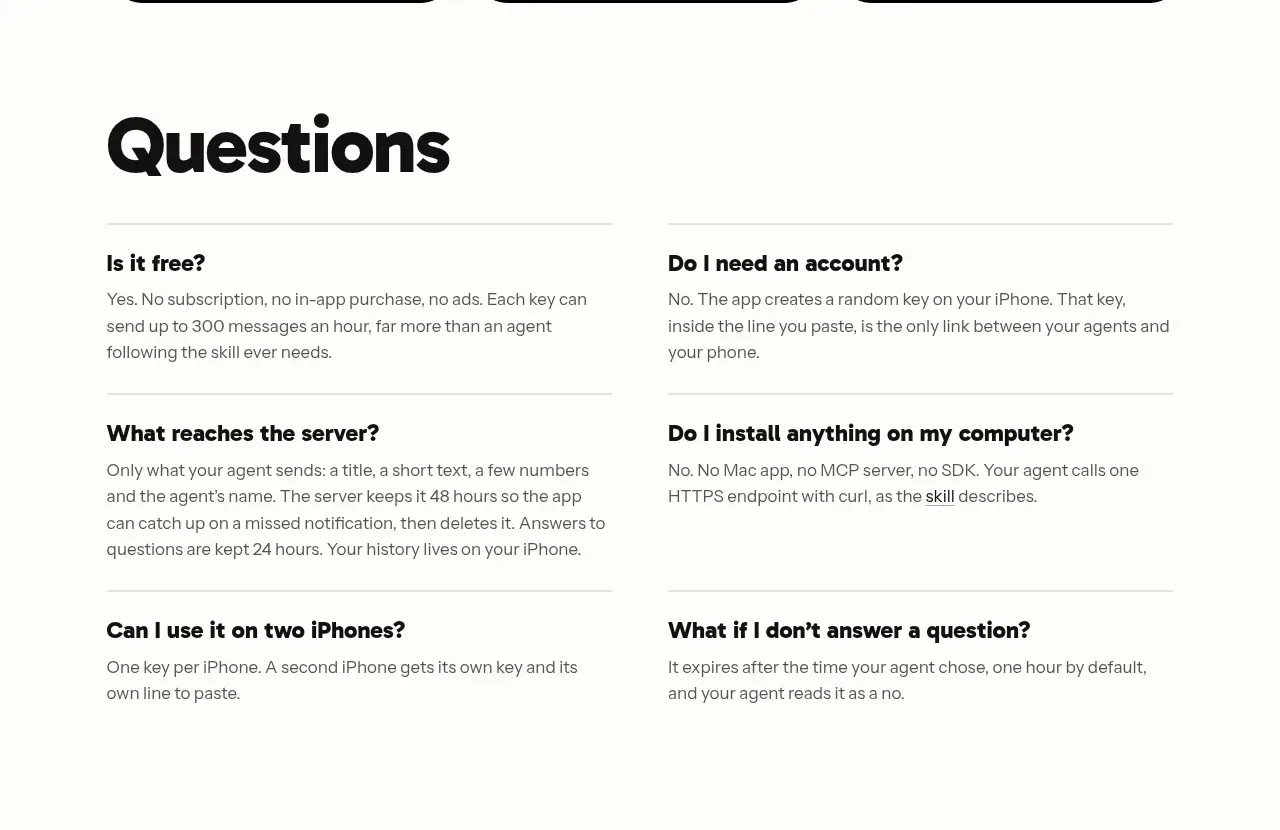 Questions and answers
Monish · FAQ
Questions and answers
Monish · FAQ
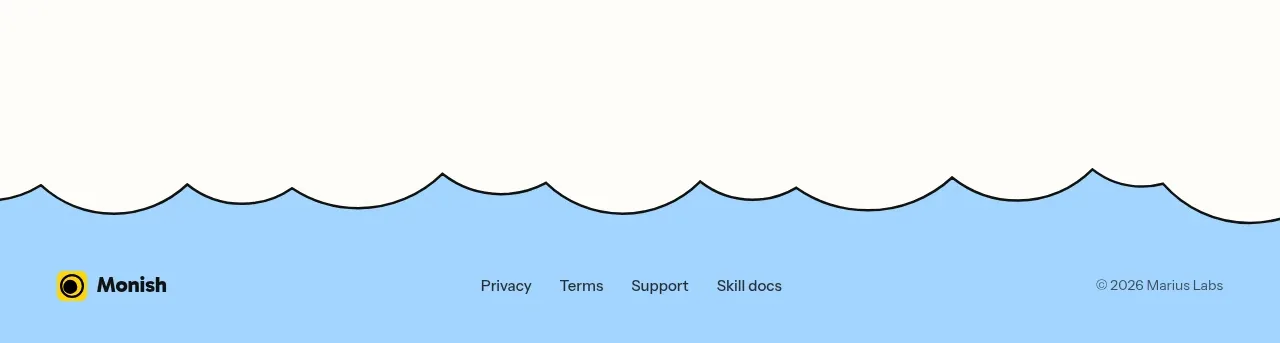 Cloud-edge footer
Monish · Footer
Cloud-edge footer
Monish · Footer