 kage
kage
movoai.pro
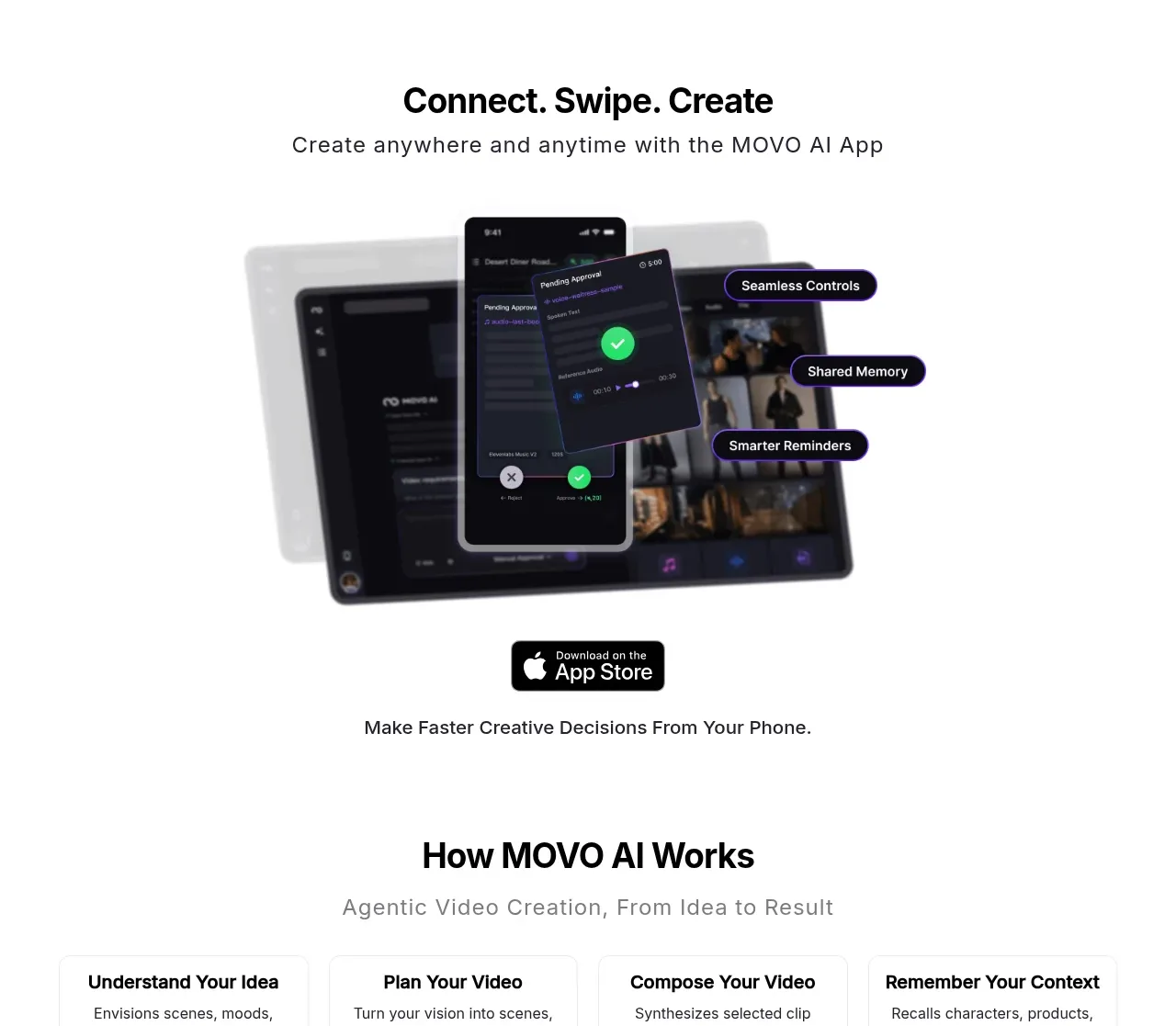
Design analysis
A centered mobile-first promotion uses a short headline, supporting line, device mockup, feature callouts, app-store badge, and a practical reassurance line.
Prompt preview
## Reference images

Study these alongside the description below: hierarchy, rhythm, spacing, colour. Build for the product you are asked about, using this design language.

- Component: https://kage-design-assets.t3.tigrisfiles.io/components/movo-ai/8c1aa91f-026c-4018-9b05-6044a1e6f3fb-1792821691-6.webp
- Full page it was cut from: https://kage-design-assets.t3.tigrisfiles.io/screenshots/movo-ai/8c1aa91f-026c-4018-9b05-6044a1e6f3fb-1792821641495-full.webp
- Component on Kage: https://kage.design/component/movo-cta

## Before you start
Ask whether the user's product has a mobile app or mobile workflow, what its key mobile advantage is, and what brand style to use. If no app exists, adapt this to the strongest secondary platform.

Build a centered promotional section with a bold headline, short subtitle, layered device mockup or responsive product preview, and three small pill callouts connected visually to the preview. Place the download or primary action below the visual, followed by a short reassurance statement.

Use a 32–38px heading, 16px subtitle, and 13–14px pill labels. Give the device composition enough breathing room, use a soft neutral background, and keep callout pills dark with white type and a subtle purple outline or glow. Approximate colors: #FFFFFF, #171717, #7B3FE4, #D9D0FF, and success green #4BDD82. Use 20–28px radii and soft shadows.

Make the device stack responsive and accessible; on mobile, move callouts below the preview instead of allowing overlap. Add hover states to the primary action and ensure the app badge is an actual accessible link if used.

Never: use the reference's app screens, product name, exact callout labels, app-store asset, logos, or copy.
More components

 Conversion banner
Papermark Data Rooms · Call to action
Conversion banner
Papermark Data Rooms · Call to action
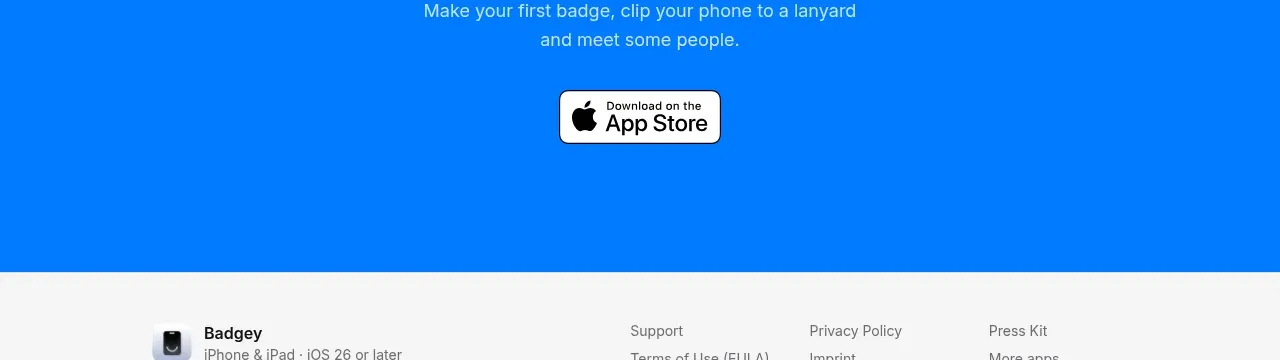
 Final download call to action
Badgey · Call to action
Final download call to action
Badgey · Call to action
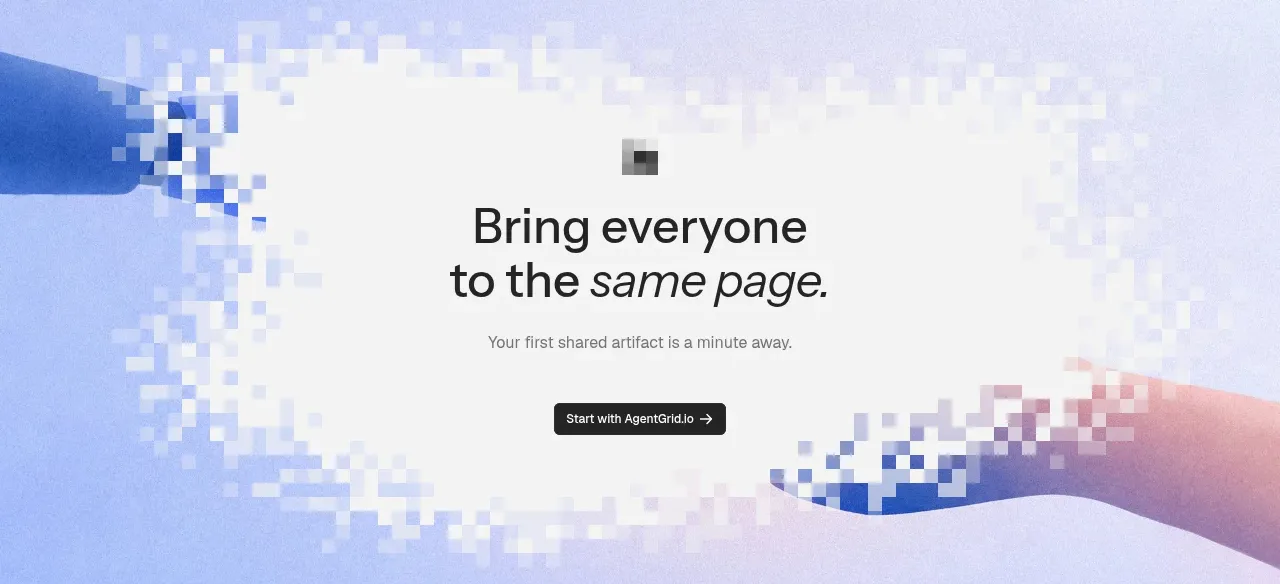
 Final signup call to action
AgentGrid.io · Call to action
Final signup call to action
AgentGrid.io · Call to action
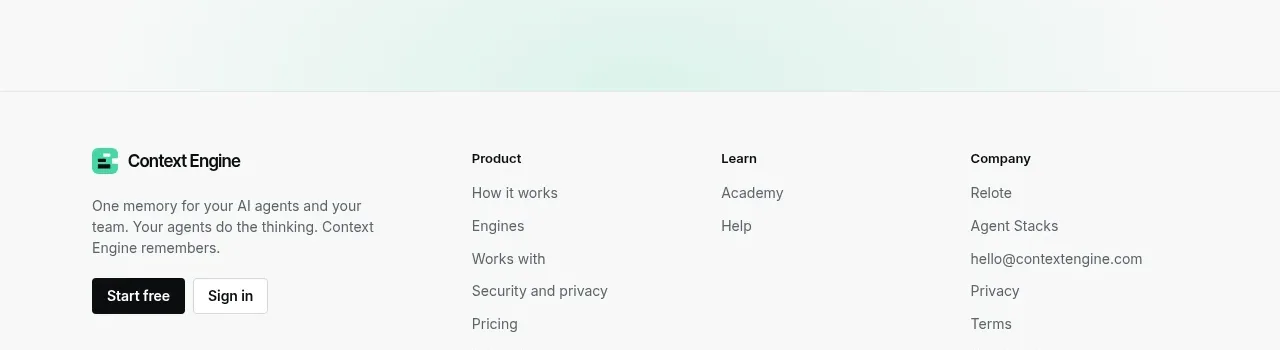
 Final conversion call to action
Context Engine · Call to action
Final conversion call to action
Context Engine · Call to action
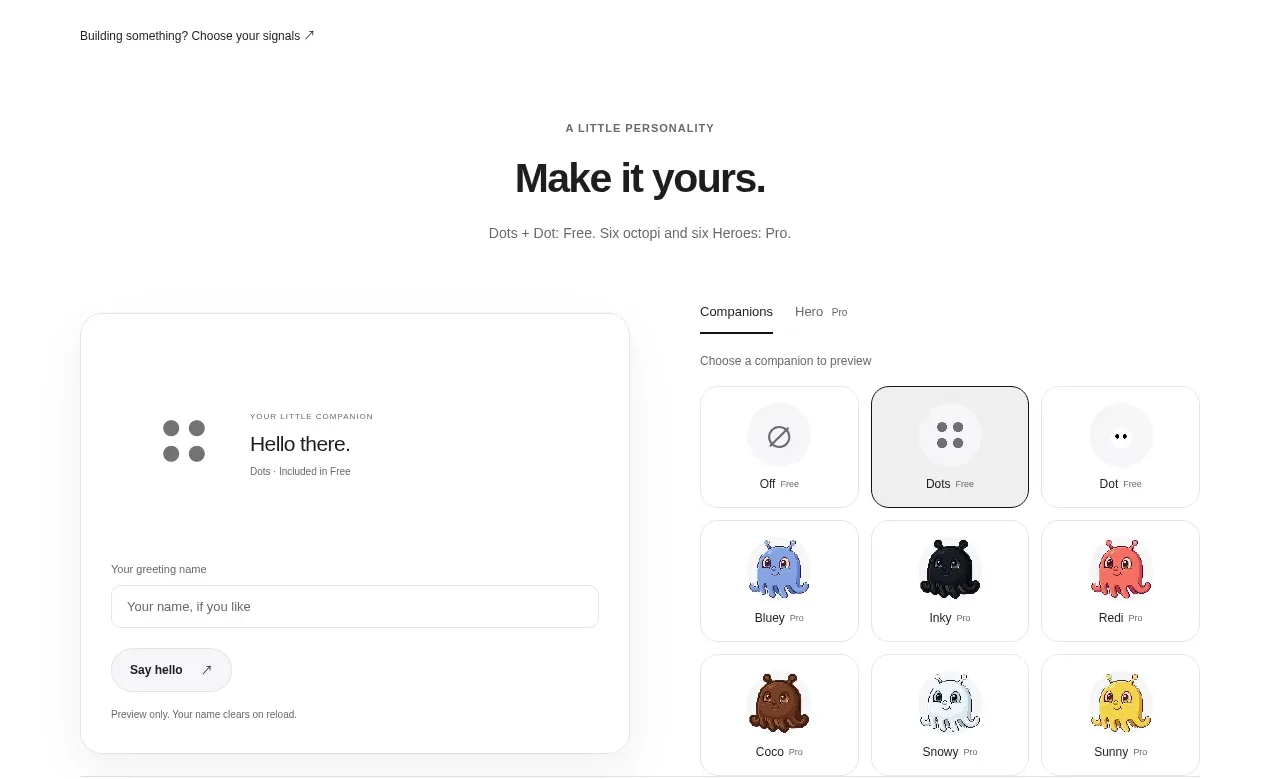
 Developer workflow callout
Dots · Call to action
Developer workflow callout
Dots · Call to action
 Final download CTA
Dots · Call to action
Final download CTA
Dots · Call to action