kage
kage
runnova.ai
Design analysis
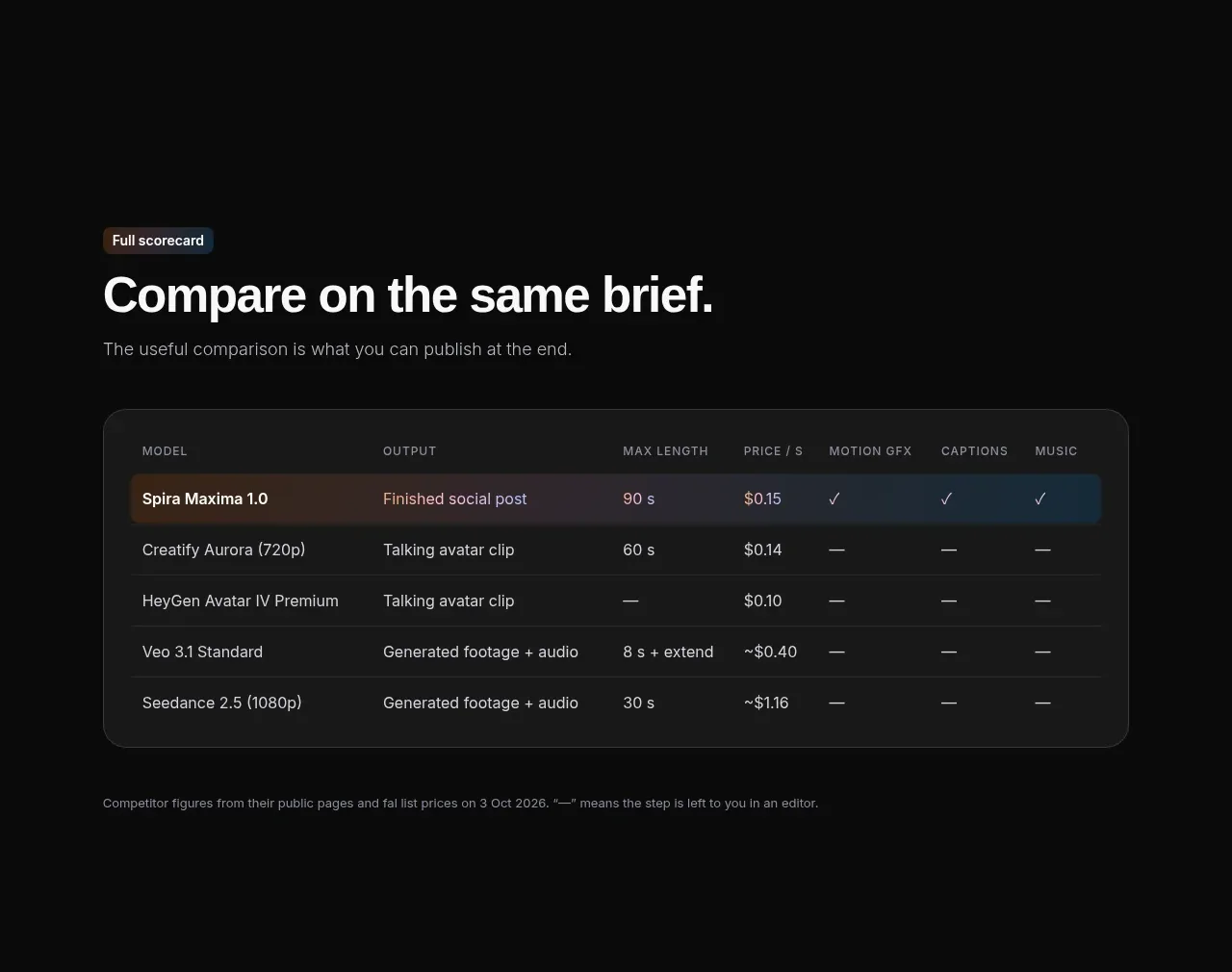
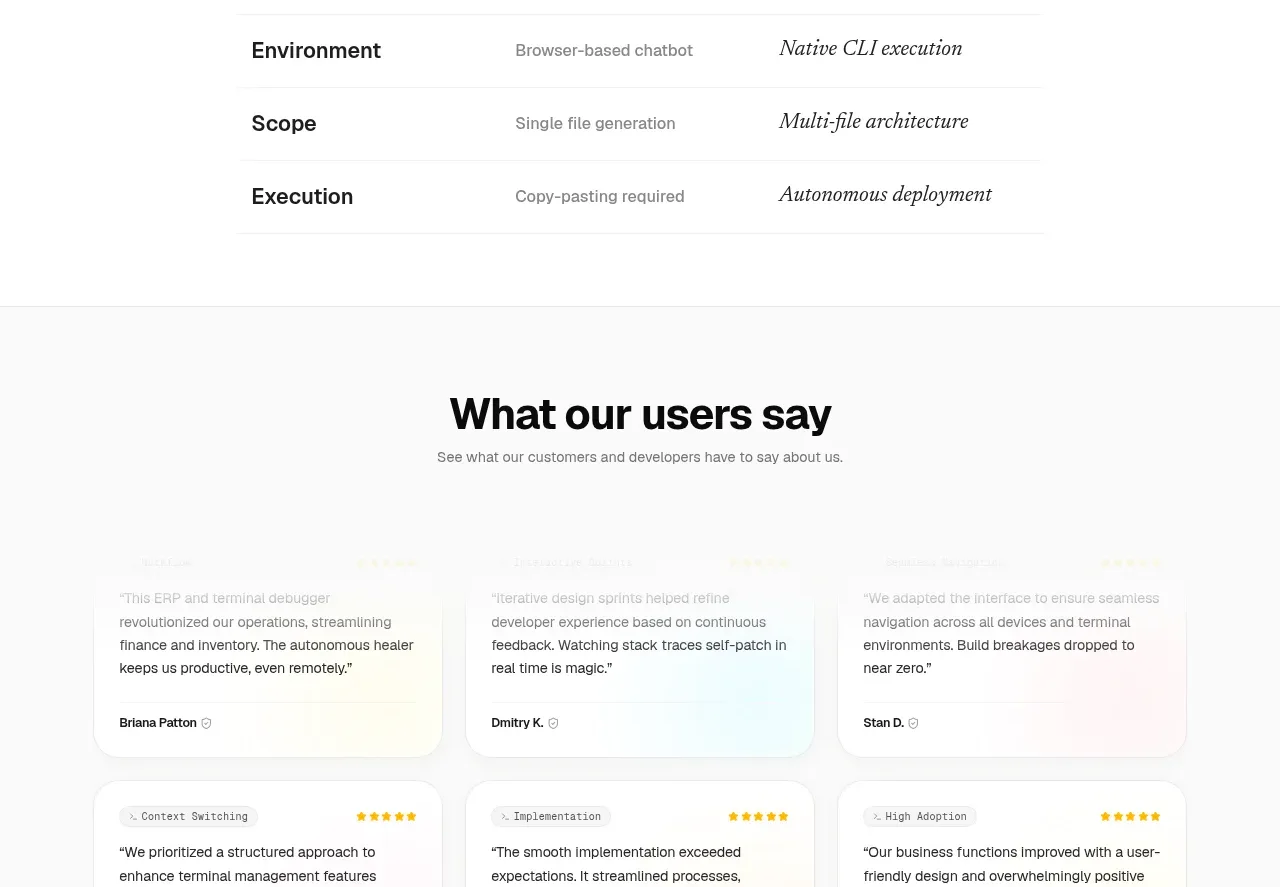
A centered comparison table clarifies how the product differs from generic AI tools across memory, workflow, environment, scope, and execution.
Prompt preview
## Reference images

Study these alongside the description below: hierarchy, rhythm, spacing, colour. Build for the product you are asked about, using this design language.

- Component: https://kage-design-assets.t3.tigrisfiles.io/components/nova-cli-v1-0/f9d737a9-3081-4768-944e-79473fdb1d08-1791525758-5.webp
- Full page it was cut from: https://kage-design-assets.t3.tigrisfiles.io/screenshots/nova-cli-v1-0/f9d737a9-3081-4768-944e-79473fdb1d08-1791525679651-full.webp
- Component on Kage: https://kage.design/component/nova-cli-v1-0-table

## Before you start
Ask what alternatives users compare against, which capabilities distinguish the user's product, and what terminology the brand uses. Then build this component with original content.

Create a light comparison section with a centered heading and an italic accent line. Below, use a three-column responsive table: capability, conventional approach, and the product's approach. Constrain it to 560–640px on desktop, align headers in small uppercase letter-spaced text, and separate rows with 1px #ececec rules. Use bold dark labels #17191b for the first column, muted gray #8a8d8f for the middle, and an editorial italic or accent treatment for the final column. Keep row height generous at 52–68px and allow horizontal scrolling or stacked rows on small screens.

Never use logos, product names, copy, illustrations, or imagery from the reference.